
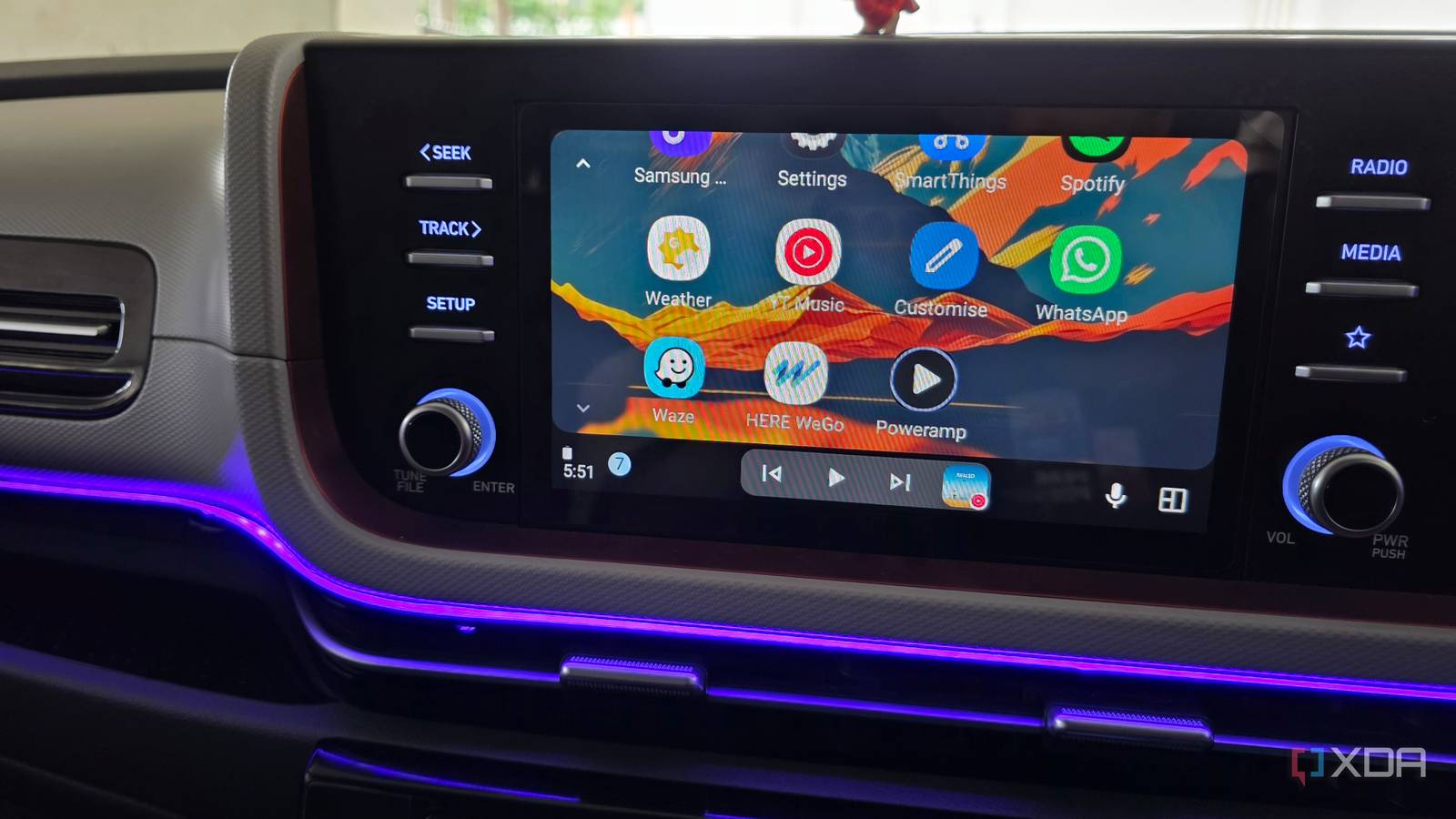
Published Aug 18, 2026, 8:30 AM EDT Parth, a seasoned tech writer, wields the keyboard (or pen) with finesse to unravel the intricacies of both Windows and Mac operating systems. He has covered evergreen content on mobile devices and computers for multiple publications over the last six years. You can find his work on AndroidPolice, GuidingTech and TechWiser. Whether it’s demystifying system updates, deciphering error codes, or exploring hidden features, Parth’s prose guides readers through the binary maze. When not immersed in tech jargon, you’ll find him sipping chai, pondering the next software review, and occasionally indulging in a friendly debate about mechanical keyboards. YouTube Music has been my default choice on Android Auto for as long as I can remember. It is convenient, works well with voice commands, and gives me access to practically anything I want to play. But the more time I spent using it in the car, the more I noticed little annoyances. That eventually pushed me to try the fan-favorite Poweramp instead. I expected it to feel like a niche local music player with a dated approach, but after a few drives, I wondered why I hadn’t tried it sooner. YouTube Music was convenient, but too basic There are some limitations here YouTube Music was never a bad option for Android Auto. In fact, convenience was the main reason I kept using it. I could jump into the car, ask Gemini to play an artist, album, or playlist, and get going without touching the screen. My recommendations were already there, my playlists synced across devices, and I had access to practically any song I could think of. The problem was that once the music actually started playing, the experience felt basic. I had very little control over how my music sounded, and the app was clearly designed around streaming and discovery rather than giving me deeper control over my own library. Most of the time, that was fine. But after using the same setup every day, I started noticing those limitations more and more. I wanted better control over the sound coming through my car speakers, easier access to the music I already stored, and an experience that felt more like a dedicated music player. The gold standard for a local music player Poweamp felt different almost as soon as I started using it. Instead of putting recommendations, mixes, and streaming suggestions front and center, it focused on the music I already had on my phone. My albums, artists, folders, and playlists were easy to get to, and the whole experience felt much more deliberate. The bigger difference was the amount of control Poweramp gave me. I could tweak the equalizer, adjust bass and treble, experiment with audio presets (more on that in a minute), and more. Once I had Poweamp configured the way I liked, I could connect to Android Auto and simply enjoy the result. That combination of deeper control on the phone and a straightforward interface in the car is what won me over. My car speakers finally got their own sound The equalizer alone justified the experiment Poweramp supports all my local high-quality audio tracks, which means I can take full advantage of lossless and high-bitrate files rather than being limited by streaming quality. On top of that, it changed what I could do with sound inside my car. With Poweramp, I could finally tune the music specifically to the environment I was listening in. Unlike Android Auto’s default music player, Poweramp gives me far more room to play around with the sound, including a detailed EQ, bass and treble controls, preamp adjustment, and presets for different outputs. I didn’t need to understand every frequency or turn my commute into an audio-engineering project, either. A few small adjustments were enough to make a noticeable difference through my car speakers. I could bring the bass forward without making everything sound muddy, tame frequencies that felt a little harsh at higher volumes, and make vocals stand out more clearly. Once I found a setup I liked, I could leave it alone and enjoy the result every time I connected to Android Auto. It didn’t suddenly turn my factory speakers into a premium audio system, and that’s not really the point. Poweramp simply helped me get more out of the hardware I already had. Going local removed one Android Auto annoyance Folders made more sense than algorithms in the car One annoyance I didn’t expect Poweramp to solve was how much I thought about connectivity with YouTube Music. Most of the time, streaming worked well, but a weak cellular connection could still turn a normal drive into a buffering experience. YouTube Music lets me download music for offline playback, so Poweramp isn’t doing anything unique here. The difference is that I no longer have to think about whether a specific album or playlist has been downloaded. My music files are already sitting on my phone, and Poweramp simply plays them. That made the experience feel much more predictable in Android Auto. Poweramp also changed the way I browsed the library. It supports formats including FLAC, WAV, and more, and offers features such as gapless playback, crossfade, smart playlists, album art downloading, and more. They are small touches individually, but together they make Poweramp feel far more like a player built around listening to my music. Poweramp showed me what was missing Make no mistake, YouTube Music still wins when I want discovery, recommendations, or practically any song on demand. Poweramp doesn’t try to compete with that. Instead, it gives me much deeper control over the music I already have. After spending some time with it, going back to a streaming-first player in the car now feels like giving up more than I expected. Poweramp Poweramp is a third-party music player for Android.
I replaced Android Auto's default music player with a third-party app, and the missing features suddenly made sense
Full Article
Original Source
Read the full article at Xda-developers →KhanList aggregates and links to publicly available news content. We do not host full articles from third-party sources. Always verify important information with original sources.