
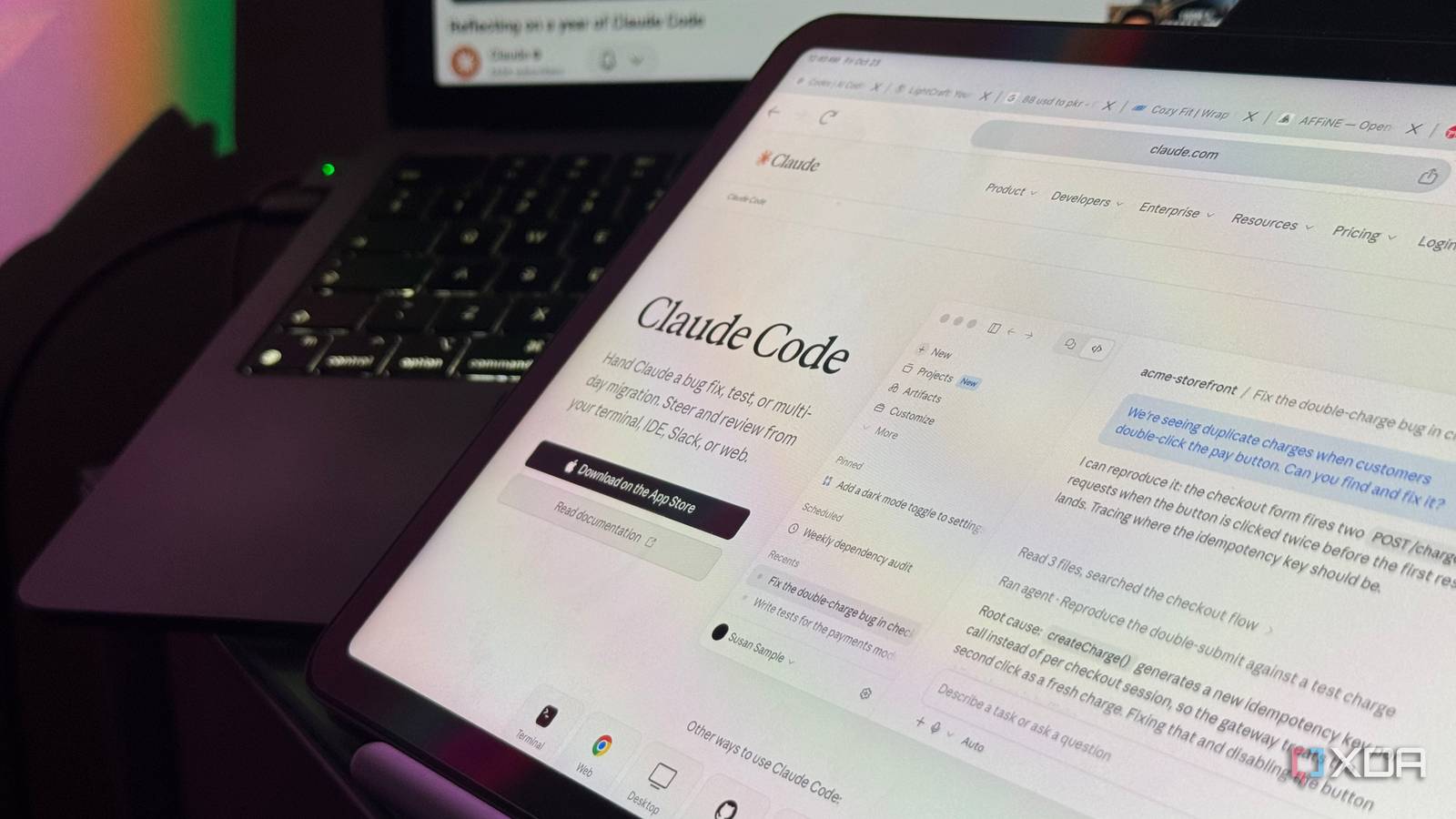
You might not want to admit this, but you've likely caught yourself giving someone prompting advice at least once. Though there's nothing wrong with sharing what works for you, think about what happens when practically everyone is doing the same thing. One person swears by a particular prompting technique, another insists on doing the exact opposite, and before you know it, you're surrounded by a sea of conflicting advice. With so many different opinions floating around, it can get surprisingly difficult to figure out which tips are actually worth implementing and which ones you should probably take with a grain of salt. This is why I think some of the strongest advice comes from the people actually building these tools. Fortunately, Claude Code's creator, Boris Cherny, just shared some more tips on how to get the most out of the coding agent. Some of his current advice definitely goes against the very practices he previously recommended, so I had to put his latest tips to the test and see whether rethinking my own Claude Code workflow would actually make a difference. Cherny now recommends skipping the planning step So much for planning ahead Cherny shared these tips during a conversation with Cat Wu, Anthropic's Head of Product for Claude Code, in a video published to celebrate the coding agent's first anniversary. While it's been a bit since the video was posted on YouTube, the advice only recently caught my attention when Claude shared some of the highlights in an Instagram carousel. Now, if you've been following the AI coding space recently, you might've noticed that Claude Code's Plan Mode has been getting quite a bit of criticism. Personally, it's always been one of my favorite features. Instead of jumping straight into building something, Plan Mode gives you and Claude a chance to get on the same page about what you're trying to accomplish. You can see exactly what the model has in mind, clear up any assumptions, make changes to its proposed approach, and only approve the plan once you're happy with it. Beyond the fact that the feature adds structure that I really appreciate, another reason I've always been such a big fan of Plan Mode is that Cherny himself recommended using it in one of his earlier posts about his Claude Code setup. I've grown so accustomed to it that when I was experimenting with Pi, a minimalist coding agent, one of the first things I did was implement my own version of Plan Mode. That's why I was particularly surprised to hear that Cherny no longer uses Plan Mode for his synchronous CLI workflow. According to him, newer models have become capable enough that they don't necessarily need a separate planning phase to produce good results. He also highlighted another problem with the traditional approach: permission fatigue. When you're constantly being asked to approve actions, it's easy to reach a point where you start accepting prompts without even reading them. Instead, Cherny now favors Auto Mode, which uses a separate security classifier to evaluate tool actions without requiring you to manually approve every single one. The idea is to let Claude work more independently while reducing the constant interruptions that can slow down your workflow. Don't let Claude make the same mistake twice Once is a mistake, twice is a problem When you're coding with AI, I think we've all gotten into the habit of watching an LLM make a mistake, getting frustrated with it, telling it what went wrong, and then moving on once it fixes the issue. The problem is that while the model might have learned from its mistake within that particular conversation, there's nothing stopping it from making the exact same mistake in a future session. That's precisely what Cherny recommends changing. Instead of simply correcting Claude in the chat and calling it a day, he suggests asking it to document the mistake and what it learned from it in your CLAUDE.md file or a dedicated skill. That way, the next time Claude encounters a similar situation, it has a record of what went wrong and how to avoid repeating it. Cherny wants Claude to test what it builds, not just write the code If Claude builds it, Claude should test it Boris Cherny and the Claude Code team have always been big advocates of giving Claude a way to verify its own work. In fact, it's one of the tips Cherny has repeatedly emphasized when sharing his personal Claude Code setup. But in his latest conversation with Cat Wu, he took this advice a step further. When we think of verification, we typically think of running unit tests, checking for errors, or making sure the code compiles successfully. Cherny argues that there's a lot more to it than that. For instance, if you're building a website or a GUI-based application, why stop at asking Claude to write the code and run a few tests? Why not give it the tools it needs to actually launch the application, interact with the interface, and check whether everything works as intended? That's exactly what the team has been experimenting with. Wu explained how she uses a desktop development skill that lets Claude launch an application and interact with it using computer use. It can click through the interface, test new features, identify bugs, fix them, and then test everything again. You can even take this a step further with goal-based loops. Anthropic's /goal command, for example, lets you define a specific outcome and have Claude continue iterating until it meets your criteria or hits a limit you've set. Rather than repeatedly telling Claude to fix something, you can give it a measurable goal and let it work toward that. Over time, these small corrections can add up. Rather than repeatedly explaining the same things to Claude, you're essentially building a collection of lessons that the coding agent can refer back to as it works. The more mistakes it learns to avoid, the less time you potentially have to spend stepping in and correcting its work. He thinks we've been giving Claude too much context Maybe I've been oversharing For months, something I've admittedly advocated for is giving AI tools and LLMs as much context as you possibly can. I've constantly praised tools like Wispr Flow and voice mode for this very reason, since they make it ridiculously easy to ramble on about what you're trying to accomplish without having to type out an entire essay. The only time I'd really advise against giving an LLM too much context was when you wanted to test its creativity and see just how far it could push itself without being told exactly what to do. That said, new models seem to launch practically every other week now, and they're constantly improving upon what came before them. We've officially reached a point where these models don't necessarily need as much handholding anymore. Cherny explainted that prompt engineering was key for models like Sonnet 3,5 and Opus 4, but newer models perform best with context minalism! His latest advice reflects exactly that. Instead of stuffing Claude Code with every bit of information you can think of, Cherny now recommends keeping your system prompts and available tools to a minimum. The idea is that giving Claude too many instructions, tools, and pieces of context can actually get in the way of letting it figure things out on its own. With newer models becoming increasingly capable of making decisions independently, sometimes giving Claude less to work with can be more effective than overwhelming it with information. Keep in mind that this doesn't mean you should stop giving Claude detailed instructions about what you're trying to build. Cherny's advice is more about cutting down on unnecessary system instructions and tools that take up valuable context, rather than withholding information Claude actually needs to complete a task. He thinks it's time to let loops do the prompting Even prompting can be automated We've already reached a point where writing code manually is no longer the only way to build software. Instead, you can simply describe what you want to an AI coding agent like Claude Code and let it do the heavy lifting. Acording to Cherny, there's another step beyond that, and it involves getting AI agents to do the prompting for you. Rather than manually opening Claude Code every time you need something done, Cherny suggests creating loops and routines that automatically trigger agents whenever certain conditions are met. For example, imagine you're working on a project hosted on GitHub. Instead of constantly checking for new issues, reviewing pull requests, or fixing failing builds yourself, you could set up a routine that monitors these things and automatically gets Claude to work on them. Using tools like Anthropic's Agent SDK, you can essentially build workflows where one system keeps an eye on what's happening, figures out when something needs attention, and delegates the task to an AI agent. That agent can then investigate the issue, make the necessary changes, run tests, and potentially submit a pull request for you to review. Cherny says it's important to be open to being wrong Today's best practice might be tomorrow's bad habit One thing that's common between you, me, and even Boris Cherny is that we don't always get things right. We develop habits, figure out what works for us, and eventually start treating those practices as the right way to do things. Once you've spent months following a particular workflow, it can be surprisingly difficult to convince yourself that there might actually be a better way. That's especially true when you're working with AI coding agents. Models are improving at a ridiculous pace, and something that was considered a best practice just a few months ago might not necessarily be the best approach anymore. That's essentially what Cherny's final piece of advice boils down to: be willing to question what you think you know. Just look at his own approach to Plan Mode. It's something he previously recommended, but as the models have gotten better, he's started moving away from it for certain workflows. I think that's a pretty important takeaway from this entire conversation. Rather than getting too attached to a particular way of working with Claude Code, it's worth occasionally revisiting your setup, experimenting with different approaches, and accepting that something you once swore by might no longer be necessary!
I rebuilt my Claude Code workflow around its creator's advice, and the difference surprised me
Full Article
Original Source
Read the full article at Xda-developers →KhanList aggregates and links to publicly available news content. We do not host full articles from third-party sources. Always verify important information with original sources.