
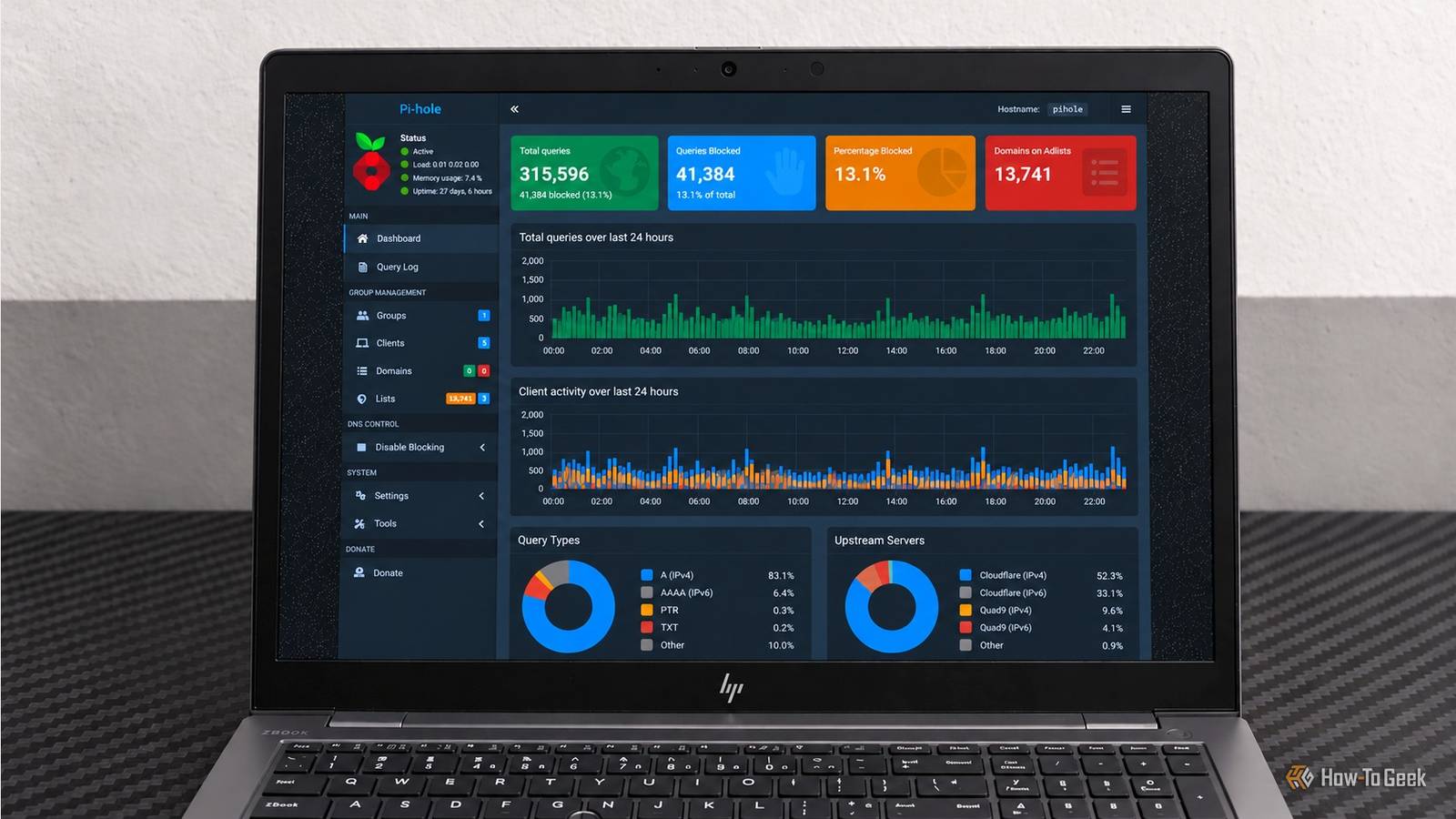
Published Nov 21, 2026, 5:01 PM EST Nimrah has spent the last five-plus years writing about technology, with Linux being one of her favorite subjects to explore. Her work covers everything from Linux and open-source software to databases, cybersecurity, and everyday software. She has contributed to Baeldung, Make Tech Easier, and LinuxHint. She particularly enjoys turning a concept that initially seems complicated into something anyone can understand. Away from tech, she loves to read, cook new recipes, and try new restaurants and cuisines. I used to think of a home server as one of those projects that sounds more exciting to set up than it is to maintain. You spend an afternoon installing Docker, configuring containers, and admiring dashboards, only to forget about half the services a week later. I wanted to see whether I could make mine genuinely useful instead. I spent a month running Portainer, Pi-hole, Home Assistant, and Nextcloud. Each had a different job, from managing containers and filtering network traffic to automating household tasks and keeping files accessible. What surprised me wasn't how many features they offered. It was how little attention they needed once I had everything configured. Portainer made running Docker containers easier I could manage everything without constantly opening the terminal Docker makes it relatively easy to run applications in isolated containers, but keeping track of several services can become tedious. You need to know which containers are running, whether something has stopped responding, and where to look when an application misbehaves. Portainer gave me a convenient place to handle much of that. Instead of remembering commands every time I wanted to check a container, I could open Portainer's web interface and see what was running. Its dashboard made it easier to inspect container status, check logs, restart services, and manage the different parts of my setup. I particularly liked having the logs available without having to jump into the terminal. When something wasn't behaving as expected, I could check its output before deciding what to do next. Portainer wasn't doing the actual work of the other applications, but it made managing them considerably less cumbersome. It was the control panel I wanted Docker to have from the beginning. Pi-hole quietly cleaned up my home network Browser extensions are useful, but they don't cover every device connected to your home network. Pi-hole takes a different approach by acting as a DNS sinkhole. Instead of blocking unwanted content inside an individual browser, it filters requests at the network level. Once devices use Pi-hole as their DNS server, requests to domains on its blocklists can be stopped before they reach their destination. That means you don't have to configure a separate browser extension on every computer, phone, or other compatible device. Its dashboard also gives you a query log and statistics showing which domains devices are requesting and how many requests are being blocked. I found this particularly interesting because it makes background network activity much more visible. There is a limitation, though. Pi-hole isn't a universal ad blocker. It can't reliably remove every advertisement, particularly when ads and regular content come from the same domain. Still, filtering unwanted DNS requests across a network is a useful job to automate. Home Assistant took repetitive tasks off my hands Automations took a few chores off my plate Home Assistant is where self-hosting starts to feel less like managing a server and more like making your surroundings work for you. It pulls your compatible smart devices and services into one interface and then lets you build automations on top of them. You can build routines based on time, device states, sensor readings, or other triggers. For example, a morning automation could switch on selected lights, while another could turn off connected devices when nobody is home. What makes this interesting is that you don't need to keep opening the dashboard to make those routines work. Once an automation is configured, Home Assistant handles its trigger and action in the background. The initial configuration can take some patience, especially when you're connecting devices and figuring out which integrations you need. But that's also the point: a little work upfront can save you from repeating the same small tasks every day. Nextcloud gave me control over my files I finally had my own alternative to cloud storage Nextcloud was the service that made the most sense for my everyday computing needs. It gave me a self-hosted place to store and manage files instead of relying entirely on an external cloud storage provider. Its web interface feels familiar if you've used a cloud storage service before. I could browse folders, upload files, organize documents, and access stored content through a browser. It also has an app ecosystem that extends beyond file storage, with options for calendars, contacts, collaboration, and other productivity tools. I liked that I could build around the features I actually needed rather than signing up for another collection of online services. Nextcloud also gave me more control over where my files were stored and how I accessed them. Of course, hosting your own cloud isn't automatically more convenient. You still need to think about backups, updates, storage, and secure remote access if you want to reach your files away from home. But running the service on infrastructure I control made the trade-off worthwhile. The best services are the ones I don't have to think about The biggest lesson from this experiment was that self-hosting doesn't necessarily mean giving yourself four more applications to maintain. Once the services were configured, much of their work happened in the background. Portainer made management easier, Pi-hole handled DNS filtering, Home Assistant took care of automations, and Nextcloud gave me a place for my files. That doesn't mean I could forget about my server completely. Updates, backups, security, and occasional troubleshooting are still part of the deal. But I would rather spend some time maintaining a setup that does useful work than keep performing the same little tasks manually. I didn't need a dozen containers to make my home server worthwhile. These four were already doing plenty.
I ran Portainer, Pi-hole, Home Assistant, and Nextcloud for a month, and they did most of the work
Full Article
Original Source
Read the full article at Howtogeek →KhanList aggregates and links to publicly available news content. We do not host full articles from third-party sources. Always verify important information with original sources.