
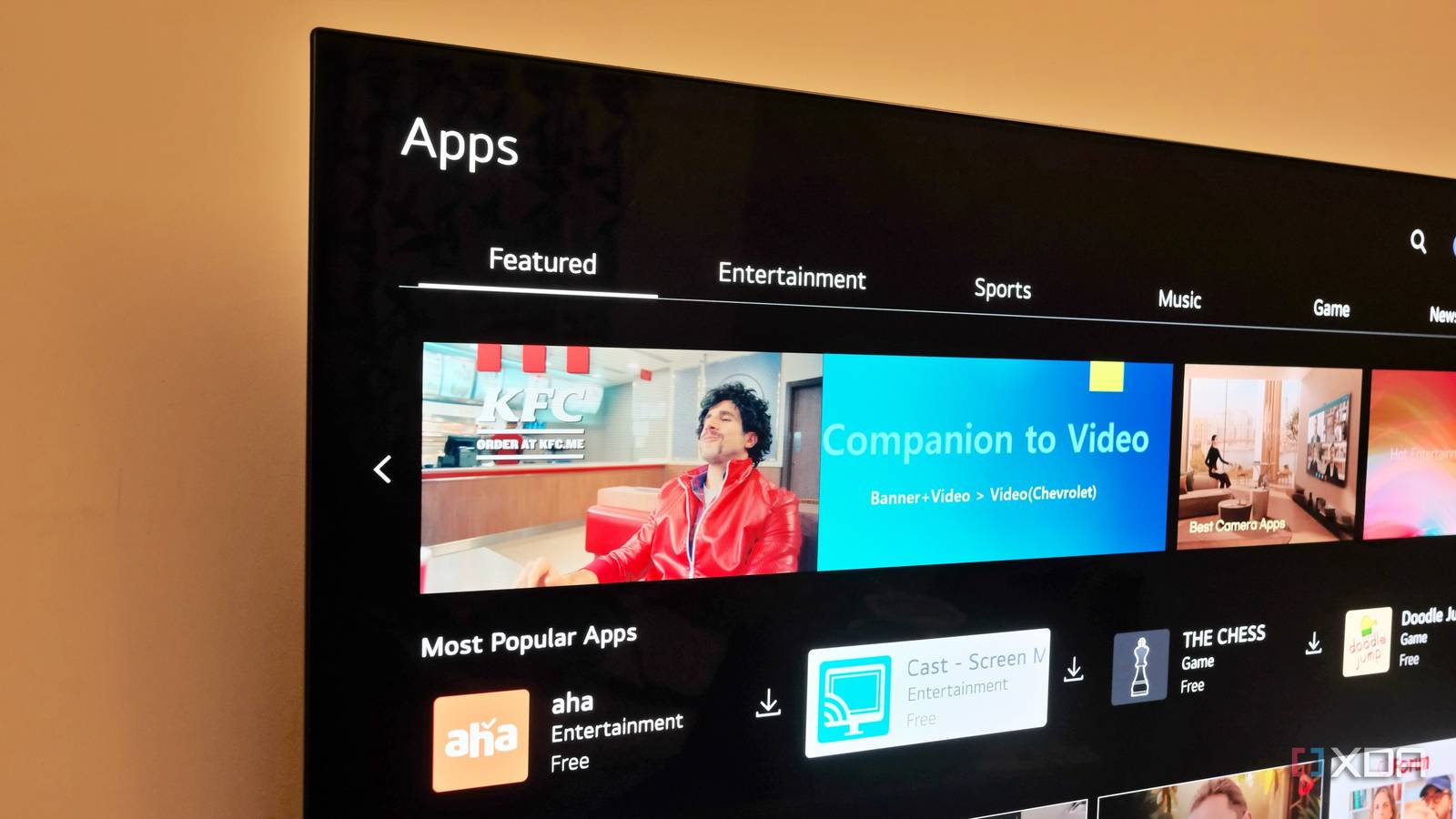
Published Aug 9, 2026, 6:00 PM EDT Samir Makwana is a technology journalist and editor from India since past 18 years and his work appears on MakeUseOf, HowToGeek, GSMArena, BGR, GuidingTech, The Inquisitr, TechInAsia, TechWiser, and others. He has written news, features, and gadget reviews for national technology media publications. His passion is to help people with their technology problems and gadget purchases. For that, he has worked for some of the biggest international technology publications, covering news, explainers, how-to guides, listicles, and product-buying guides. He has worked as an editor and managed teams since 2015. His expertise broadly covers computers, smartphones, game consoles, headphones, smart home products, browsers, and apps. I was getting tired of the ads and promotional content plastered across my smart TV’s interface. I’d already set up a Pi-hole on a Raspberry Pi 4 to block the trackers that feed those ad profiles. So plugging my LG C2 into the network and pointing it at the Pi-hole for DNS felt like the obvious next step. A week later, Pi-hole’s dashboard showed an unusual spike in query volume. Digging into the log, I found that my C2 had been quietly phoning home through several domains, and it didn’t stop even when the screen was off. After scrolling through the logs to see how often it happened, I stopped trusting the TV’s off button. My smart TV kept talking even when the screen was off The idle chatter was the first thing that stood out Initially, I didn’t pay attention to the Pi-hole dashboard showing the number of queries and the percentage of domains blocked. I wasn’t using lengthy domain lists to aggressively block domains. When I checked the query logs by narrowing it down to my smart TV’s IP address, there was steady activity coming from the C2. There were a few requests every few minutes and not a flood of queries. At first, I assumed it was normal background noise from the TV being a networked device and ignored it. I thought my TV sent those requests only when it was being used. That wasn’t the case. Whether the smart TV was in use or turned off for the night, Pi-hole kept logging queries from the TV’s IP address. After closely reviewing those queries logged over a week, I realized they were consistently coming in and had nothing to do with when or how I used my smart TV. That confirmed my suspicion that the TV continued to talk and track things even when it wasn't being used. The domain names revealed what the TV wanted to know Apart from ads, there were tracking check-ins Digging through the query log in Pi-hole is tedious. I filtered them by the smart TV’s IP address, and that highlighted the sheer number of queries frequently going to LG’s servers. A lot of traffic was directed to LG-owned domains, including nextlgsdp.com, app.lgwebostv.com, lgsmartad.com, and lgtvcommon.com. I found that only one domain was clearly responsible for loading the banner ads in the webOS interface. The other domains appear to be a part of LG’s Automatic Content Recognition (ACR) system. It is built to identify what’s playing on the TV screen, such as an HDMI source, live TV, or content from the built-in streaming apps. That information was shared with LG and its ad partners to build my content-viewing profile. Instead of running at the browser level, the ACR function runs at the smart TV's operating system level. This isn’t unique to LG’s smart TV models. Every major TV brand runs some version of ACR on their smart TVs. But viewing the domain names lined up in a log and tied to a TV a few feet from my desk has made the abstraction feel much more concrete. Turning off privacy toggles in the smart TV’s settings didn’t help Opting out of on-screen options didn’t have any network impact Based on the logs, I dug through the webOS settings and turned off all the options that seemed to monitor my usage. From ad personalization to data collection, I toggled off every such option. After that, I expected the query log to go quiet in a few minutes. Unfortunately, it didn’t. Several of LG’s subdomains still appeared in the query log inside Pi-hole hours later and roughly at the same frequency as before. Although some ad-specific domains stopped appearing, telemetry traffic domains continued to be logged. It was unsettling that, despite turning off tracking options, the behavior of the tracking and telemetry domains persisted. While the TV wasn’t lying and the ad personalization was turned off, the tracking domains didn’t cease at all. That made it clear that the OS settings in the smart TV only turned off options on the surface. But ACR and telemetry continued in the background to send some data. Blocking requests made the smart TV feel faster Quieter network turned home screen snappier When the toggles in the TV's settings weren’t helping, I grabbed a blocklist compiled specifically for smart TVs. I added that blocklist on top of Pi-hole’s existing ones to filter the C2’s traffic outright. The difference showed up faster than I expected. Earlier, the smart TV’s home screen used to hang for half a second while loading promotional content for titles. That lag was gone, and the home screen opened up almost instantly. Pi-hole actively blocked the domains that the TV keeps querying every few minutes. While request traffic was blocked, the streaming apps did experience some issues. For instance, the thumbnails sometimes took an unusually long to load. To fix that, I tracked down the CDN domain for those thumbnails and added it to the allowlist. That took me less than five minutes, and after that there were nearly no hiccups with the interface. Taming the unusually chatty smart TVs Reserving a static IP for the TV also made the DHCP-based blocking rules more reliable. Beyond that, there’s no need to remove your smart TV from the network. It can still do everything it’s meant to, just without sending data about your viewing habits to a server every few minutes. Smart TV makers do build in an ACR mechanism, but a true opt-out, the one that actually stops telemetry, doesn’t really exist in the settings menu. If you are already running Pi-hole, put your TV on its own VLAN, or at least check the query logs regularly to catch whatever's quietly phoning home. The smart TV doesn’t need to know more about your evening than it already does. And they shouldn’t have to phone home to figure that out. Streaming apps will still send some usage data to learn what you watch and recommend more of it. That part is unavoidable unless you build your own media server at home. Pi-hole OS Linux Price model Free Pi-hole is a network-wide ad blocker that acts as a DNS sinkhole, preventing unwanted ads, trackers, and malicious domains from loading on any device connected to your network. It runs on lightweight hardware, such as a Raspberry Pi or in a virtual machine. By intercepting DNS queries, Pi-hole blocks ads before they ever reach your browser or apps, improving speed and privacy. It also provides an easy-to-use web interface for monitoring and managing network traffic.
I ran a Pi-hole for a week and was genuinely disturbed by how much my TV phones home
Full Article
Original Source
Read the full article at Xda-developers →KhanList aggregates and links to publicly available news content. We do not host full articles from third-party sources. Always verify important information with original sources.