
Published Aug 20, 2026, 1:30 PM EDT His love of PCs and their components was born out of trying to squeeze every ounce of performance out of the family computer. Tinkering with his own build at age 10 turned into building PCs for friends and family, fostering a passion that would ultimately take shape as a career path. Besides being the first call for tech support for those close to him, Ty is a computer science student, with his focus being cloud computing and networking. He also competed in semi-pro Counter-Strike for 8 years, making him intimately familiar with everything to do with peripherals. Portable operating systems can be quite handy, but they've fallen out of fashion in the last few years, with many opting for dual-boot setups. Despite that, you can still cram a full install of virtually any operating system onto a USB stick. For example, it's one of the best ways to experience a Linux distro before committing to it for real, but it has another very real practical benefit as well: that same portable install can be turned into a plug-and-play gaming library that can be used on any computer, and with the recent strides that Linux gaming has taken, it's a match made in heaven. Linux is the only reason why any of this works Portable Windows is no more Windows used to have a portable installation feature called Windows To Go, but it was deprecated during Windows 10's lifespan, so the only true portable operating system installs you'll see these days are Linux-based. A portable Windows install for gaming would be nice for its widespread game support, but Linux gaming support has become strong enough that you probably won't miss it on a setup like this. Linux lends itself well to portable installs because it resolves hardware at boot rather than at install—something that caused problems with Windows To Go. For AMD and Intel-based GPUs, the driver stack is shipped as part of the kernel rather than something you have to fudge, and when you use something like CachyOS, there's another layer of hardware detection with chwd. It doesn't just hold your games, it's your entire setup Everything can be modified and saved Installing Steam on someone else's machine doesn't mean you get your games, Proton versions and tweaks, per-game launch options, controller binds, or your desktop-related changes. When you create a portable install, all of that can live on your drive, so when you sit down at a machine and plug in, everything is exactly where you want it. It also means that nothing is written to the host drive, which is good for the person whose computer you're using. Even if you do own the computer in question, maybe you don't want to dedicate a large slice of storage to a Linux install, and would rather have something you can literally chuck to the side. This way, there are no partitions being touched or additional accounts created. The distro you use for a portable install matters They all have their strengths and weaknesses, both at install and afterwards The distro you choose for this will become your foundation, and there are a few key considerations to make. A conventional Arch base like CachyOS that I chose earns its keep for Nvidia-based systems, as it packages drivers for them within its repos. If you don't expect to have to use an Nvidia-based system, you have a bit less to worry about. A mutable distro is great for the flexibility that you'll likely need beforehand, but an immutable distro can be the better choice if you want to maintain plug-and-playability above all else. This means that in the event of an accidental unplug or bad update, your drive always has an atomic image you can rollback to, and everything you want to customize lives on the writable layer that is safe to trust on a flash drive. The drive is the bottleneck And there's no getting around it One of the biggest issues you'll find with this approach is the storage size, as it's not like flash drives above 64 GB are extraordinarily common. Users usually have smaller ones kicking around, and while you can find larger drives for decent prices, keep in mind that many modern distros require around 50 GB of free space, with more than double that recommended. This is before you install a single game, so the space goes quite quickly. The second big issue is speed. Your conventional, commodity flash drive also has no DRAM cache and a controller that was built for cost, not performance. Its sustained random writes are pretty poor, which is what a root filesystem generates during use. Many of them also fall back to the older Bulk-Only Transport protocol rather than UASP, which changes the way commands are queued. The latter is much faster, and not having it is a huge performance hit. In practice, something like shader compilation will take a long time to complete on first boot, and anything relying on asset streaming from the drive will be painfully slow. This isn't the kind of setup where you'll be playing AAA titles with high-resolution texture packs, but rather, older titles that don't require much storage space or general performance. It's also the perfect use case for emulation, as most consoles pre-seventh generation should be able to run off of a flash drive without much of an issue. A neat way to keep your games with you on the go As long as you have BIOS access and don't care about Secure Boot, you can easily carry your smaller titles with you and play them on anything that your distro supports. It won't be a slot-in replacement for a gaming laptop or gaming handheld, but it's a great way to game on a machine that you can't dual-boot on.
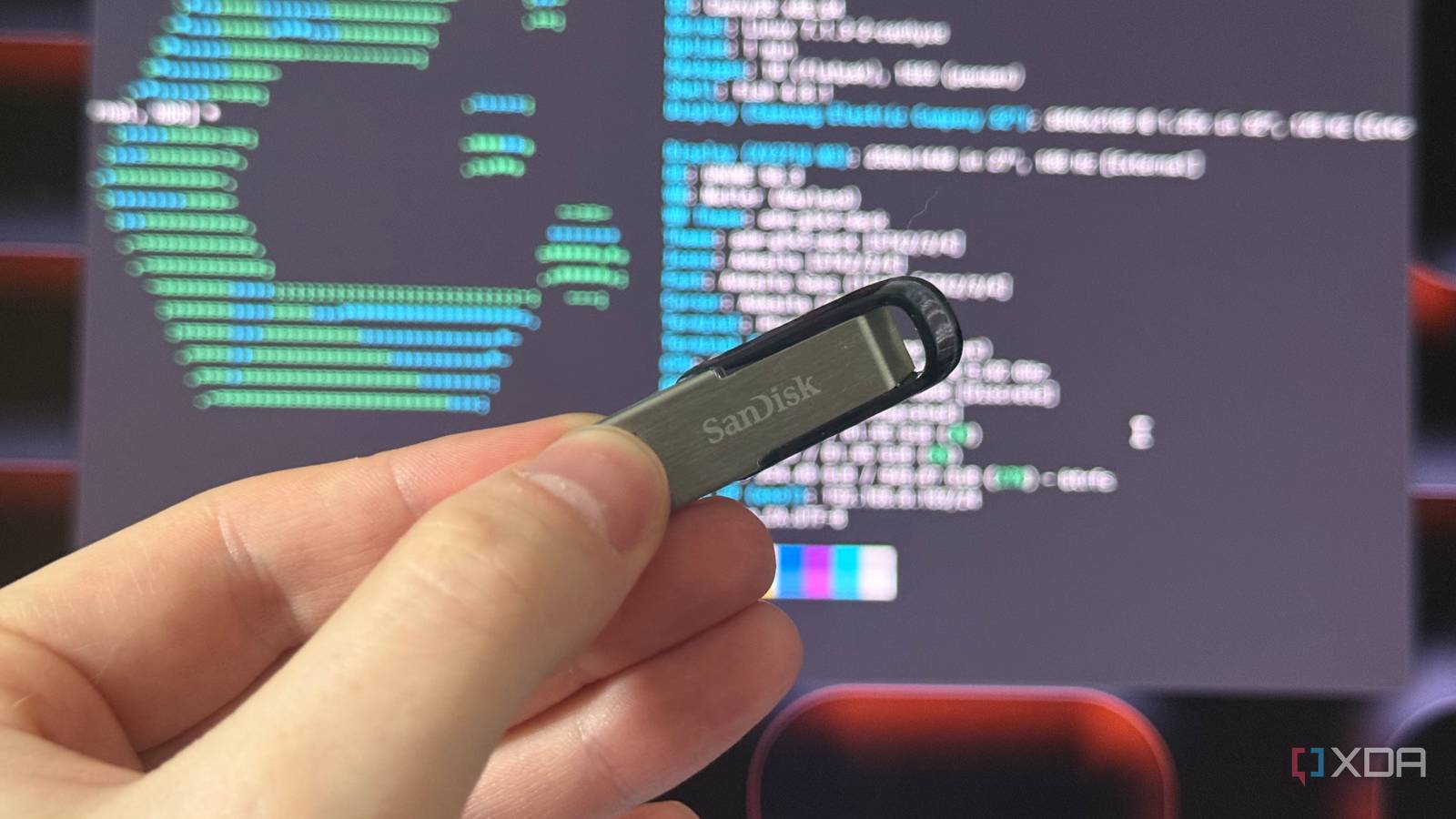
I put Linux and my Steam library on the same USB stick, and now any PC is my gaming PC
Full Article
Original Source
Read the full article at Xda-developers →KhanList aggregates and links to publicly available news content. We do not host full articles from third-party sources. Always verify important information with original sources.