
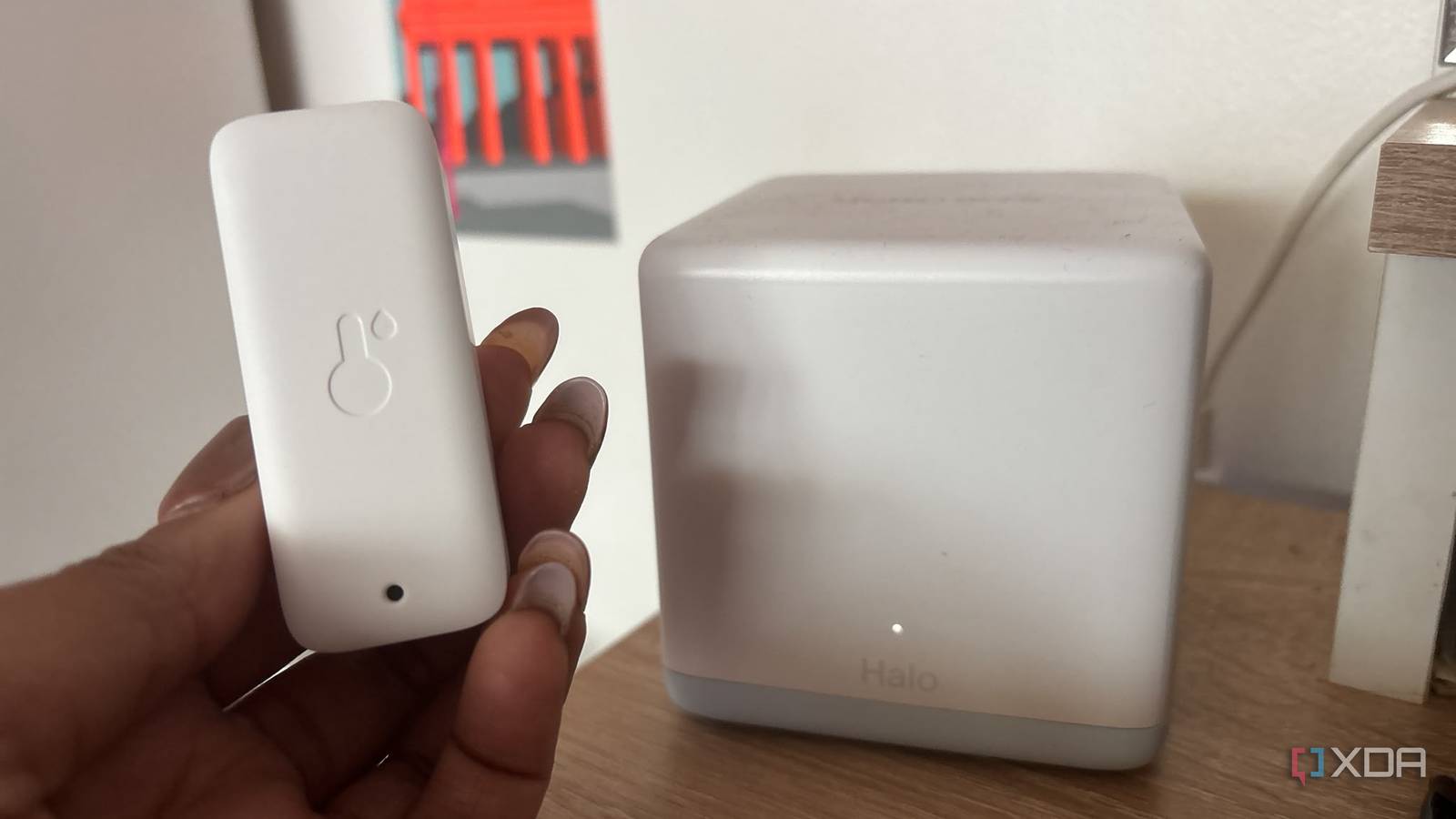
Published Nov 8, 2026, 8:01 AM EST Jasmine is Software and PC Hardware Author at XDA with years of tech reporting experience ranging from AI chatbots right down to gaming hardware, she's covered just about everything. Whether it's breaking news about the latest AMD NPUs or creating video tutorials on social media platforms, Jasmine has contributed to the world of AI and tech in a variety of ways including interviewing the CEO of Razer, AMD's Director of Product Marketing and the VP of Lenovo. Passionate about gaming and PC technology, she has built countless computers, keyboards and other peripherals - knowing them inside and out. Many modern consumer IoT devices, from smart bulbs and wireless plugs to IP cameras and robotic vacuums, require continuous internet access for vendor cloud connectivity. Unfortunately, they can routinely generate unsolicited telemetry, unrequested DNS lookups, and even unencrypted telemetry data streams. When you have a flat network, you're vulnerable. Standard consumer network setups place personal workstations, sensitive NAS shares, guest devices, and budget IoT nodes on a single flat local subnet, which can expose internal assets if any single appliance becomes compromised. By implementing a VLAN alongside strict inter-VLAN firewall rules, block policies, and DNS sinkholes, you can isolate untrusted hardware in a restricted sandbox where you can monitor and audit outbound traffic in real time. Audit your devices and identify the culprits Not all IoT devices are overly chatty Tapo D210 Video Doorbell Camera is the best investment I've made thanks to the lack of monthly fees. To audit the noise and identify persistent phoning-home behavior, you can use DNS query logging and sinkhole integration. Routing IoT DNS requests through a local caching resolver or sinkhole, such as Pi-hole or AdGuard Home, can give you real-time visibility into external domain queries initiated by individual devices. This will give you more information about which devices are making consistent requests. Keep in mind that they can miss devices that hardcode DNS servers like 8.8.8.8 or use DNS over HTTPS. Some smart devices ignore the NTP servers advertised through DHCP and contact external time servers directly. This isn't necessarily harmful, since accurate timekeeping is essential for many connected devices, but it illustrates how manufacturers can hardcode network dependencies that aren't immediately obvious to users. You also get constant keep-alive heartbeats and telemetry dumps from a lot of these devices too (whether that's smart plugs, automated switches, or any cloud-bound environmental sensors) in order to maintain persistent TCP connections or execute periodic HTTPS POST requests to global cloud infrastructure providers (such as Amazon Web Services, Microsoft Azure, and regional vendor telemetry ingestion buckets). They can be found to stream device state, uptime metrics, and local environment diagnostics, which, again, creates a lot of unnecessary connection attempts. Network segmentation might be the resolution to your problem Firewall architecture shouldn't be overlooked Network segmentation relies on managed switches and routers configured with 802.1Q VLAN trunking to logically separate physical switch ports and SSIDs into distinct subnets. For example, you could set up VLAN 10 for trusted clients, VLAN 20 for IoT devices, and then VLAN 30 for guest access. Each VLAN operates on its own isolated IP subnet with dedicated DHCP scopes, ensuring that any broadcast traffic (from ARP requests to SSDP discovery packets) can't leak across subnet boundaries. However, a VLAN is not a security boundary on its own. Alongside network segmentation, you can also enforce inter-VLAN firewall rules. Default firewall rules between VLANs should be explicitly denied, and traffic originating from the IoT subnet should be blocked from initiating TCP or UDP sessions with the trusted management network, primary LAN, and any router administrative interfaces. You can have explicit rules to allow this traffic solely for established or related stateful packets, permitting specific local control paths (for example, your Home Assistant server on the trusted VLAN reaching out to an IoT bulb's local API port). You might want to handle broadcast and multicast. For example, casting from your phone, which is on VLAN 10 for your trusted devices, to your Chromecast, which is on VLAN 20 for IoT, might prove difficult, and many consumer smart devices rely on these multicast protocols for local pairing and control, which doesn't cross subnet boundaries natively. IoT protocols often rely on multicast DNS and SSDP for local discovery. By running tools like Avahi or an mDNS repeater on your gateway, you can allow authorized casting devices and controllers to discover local appliances. SSDP will then need its own separate relay as well, and casting might need unicast traffic permitted between VLANs, so your firewall rules have to allow it. Another issue is that when you block all WAN access, you're also blocking firmware checks, which can stop security updates. You'll need to manually check for firmware updates for your IoT devices and install them as required. This encouraged me to make the switch to local Monitoring my IoT devices was insightful I was able to mitigate much of the rogue traffic created by my IoT devices by leveraging firewall state tables and DNS query logs. I identified that some specific devices were making a lot of unnecessary connection attempts, and I was then able to identify specific telemetry collection servers. I then created explicit block rules that drop outbound packets destined for those known tracking or analytics endpoints. I also enforced local-only operational modes for all compatible devices — some devices break without internet because they need time to sync or pair, or have cloud-dependent features. I integrated all of my applicable IoT devices into local automation platforms. Options include Matter-over-Thread or Zigbee/Z-wave. I was then able to revoke internet access entirely by blocking all outbound WAN traffic from those specific IP addresses while retaining local subnet communication. Lastly, I reviewed firewall rule match counters and packet drop logs after making these changes to continuously verify network isolation. I ensured that unauthorized port-scanning attempts, external firmware-check queries, and unrequested telemetry payloads were intercepted and neutralized at the gateway layer. Your IoT devices might be creating security vulnerabilities Segmentation can make your network more secure Standard consumer networking practices can leave you in the dark about background telemetry, persistent cloud handshakes, and unrequested DNS traffic generated by everyday smart home devices. By isolating IoT hardware onto dedicated VLANs, auditing DNS query resolution paths, and enforcing strict firewall boundaries to verify device behavior, you can protect your primary local network.
I put every smart device on its own VLAN, and found out which ones were phoning home constantly
Full Article
Original Source
Read the full article at Xda-developers →KhanList aggregates and links to publicly available news content. We do not host full articles from third-party sources. Always verify important information with original sources.