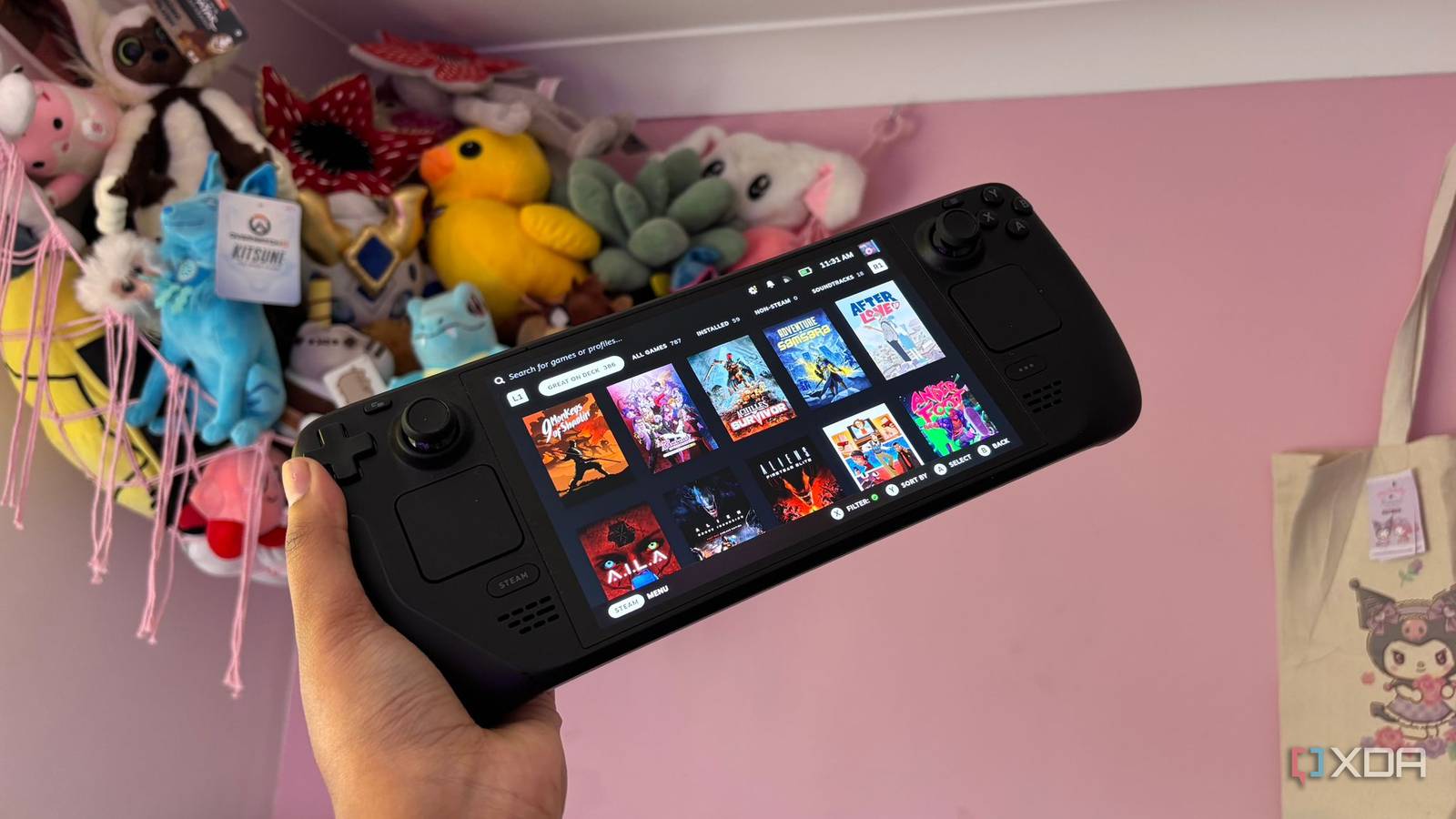
Published Jul 30, 2026, 4:30 PM EDT Jasmine is Software and PC Hardware Author at XDA with years of tech reporting experience ranging from AI chatbots right down to gaming hardware, she's covered just about everything. Whether it's breaking news about the latest AMD NPUs or creating video tutorials on social media platforms, Jasmine has contributed to the world of AI and tech in a variety of ways including interviewing the CEO of Razer, AMD's Director of Product Marketing and the VP of Lenovo. Passionate about gaming and PC technology, she has built countless computers, keyboards and other peripherals - knowing them inside and out. Revisiting games from PC gaming's golden era with titles like Mass Effect, Fallout 3, Dead Space, Bioshock, and Stalker can sometimes feel a little bit disappointing when firing them up on your modern gaming PC. Fond memories are replaced with the painful reality of launching those same games on a 2000 Windows 11 desktop rig. From the range of different initial setup frustrations you face, like missing 32-bit.dll dependencies, broken Direct3D 9 wrappers, and unscalable 4K user interfaces, right down to the game just not looking anywhere near as good as it used to in your previous rose-tinted glasses. For me, the major plot twist was booting those same 15-year-old executables on Valve's Steam Deck. It wasn't just easier. It actually yielded a strictly superior gameplay experience to how those games ran on desktop PCs, even back in 2008. The Steam Deck erases late 2000s PC jank, delivering the exact idealized experience your nostalgia remembered, rather than the buggy reality you actually live through when trying to play these games on a modern desktop. The Steam Deck is the perfect retro game engine The software and hardware alike The Steam Deck isn't just a portable modern gaming machine. It's the ultimate retro PC preservation engine too. It's got a 32-bit API translation layer with system-level frame pacing, plus trackpad-driven Steam Input and a high-density 800p display. When gaming on your Steam Deck, you get access to a range of software magic, and Proton fixes what modern Windows has broken. Valve's Proton and DXVK translate legacy DirectX 9 or 10 API calls directly into modern Vulkan pipelines. This eliminates the severe micro stuttering and driver-level memory leaks that plague 2000s-era games when forced to run on modern Windows 11 graphics. Proton essentially acts as a sandboxed time capsule, giving you the ability to play said games without facing any friction. Games that crash on modern Windows due to missing legacy .dll files or defunct DRM checks like GFWL execute seamlessly under Proton because the translation layer mimics the exact architectural environment that the game was built for. On top of the software fixes, playing on a Steam Deck gives you a much better physical experience too, thanks to its 15W thermal efficiency. With a 2008 desktop, it likely sounded like a jet engine due to its insane power draw and noisy GPU fans. However, this is far different from the Steam Deck's lower power footprint. Running a 2008 AAA game at a locked 60fps or sometimes even 90fps, if you're using the OLED model, sips a modest 7W to 10W of total system power. This gives you 4+ hours out of your battery life as well as whisper-quiet gaming. Controller layouts make a large difference too No more compatibility issues Playing on a Steam Deck also bridges that no-controller-support-era gap. Back in 2008, native input controller support on PC was notoriously inconsistent. Sometimes you could make it work, but it wasn't always the case. For so many titles, it required you to sit at your desk with a wired keyboard and mouse, even if you felt like you were primarily a gamepad player. However, Steam Input completely solves the lack of native gamepad support. By assigning trackpads to act as high-precision mouse inputs and pairing them with gyro aiming, the Steam Deck delivers mouse-level accuracy for vintage first-person shooters without needing a desk at all. You also get the benefit of community layouts and radial menus too. The power of user-created controller profiles is phenomenal, giving you access to a range of control mappings that are made exactly for the game that you're playing and feel comfortable and natural to use. Steam Input allows players to map complex keyboard shortcuts, quick save loops, and weapon hotkeys onto touchable radial menus as well as rear grip buttons. Resolution scaling can make games look better Smaller screen = better picture, that's just maths The resolution scaling that the Steam Deck provides makes playing these old games look phenomenal. When you force a 2008 game to run at 4K on your modern desktop monitors, you'll face issues like texture aliasing becoming glaringly obvious as well as HUD text/mini maps shrinking into unreadable microscopic icons. However, on the Steam Deck's 1280x800 display, this matches the exact resolution target that a lot of these games were originally designed around, while its 7.27-inch screen delivers a dense 215 ppi layout. The pixel density is balanced in a way that it looks phenomenal. The smaller screen also acts as a natural antialiasing filter, meaning that low-resolution textures, flat lighting models, and simple polygon meshes that look harsh on a 32-inch desktop monitor will actually look crisp, vibrant, and dense on the Steam Deck's handheld screen. Keep on your rose-tinted glasses Play through your back catalog It's easy to remember the early days of gaming through rose-tinted glasses, forgetting issues like blue screens, broken controller drivers, and overheating issues that plagued the era too. The Steam Deck strips away all of those technical headaches, allowing us to experience those games as we really remember them rather than how they actually were. You don't have to let your classic PC back catalog collect dust because it feels unplayable on your modern gaming PC. Instead, fire up SteamOS, map a custom trackpad layout, and embrace the magic of Proton. It allows you to rediscover arguably one of the greatest eras of PC gaming on a device that treats yesterday's classics with a whole load of engineering respect.
I played my old PC games on Steam Deck, and they felt better than they did in 2008
Full Article
Original Source
Read the full article at Xda-developers →KhanList aggregates and links to publicly available news content. We do not host full articles from third-party sources. Always verify important information with original sources.