
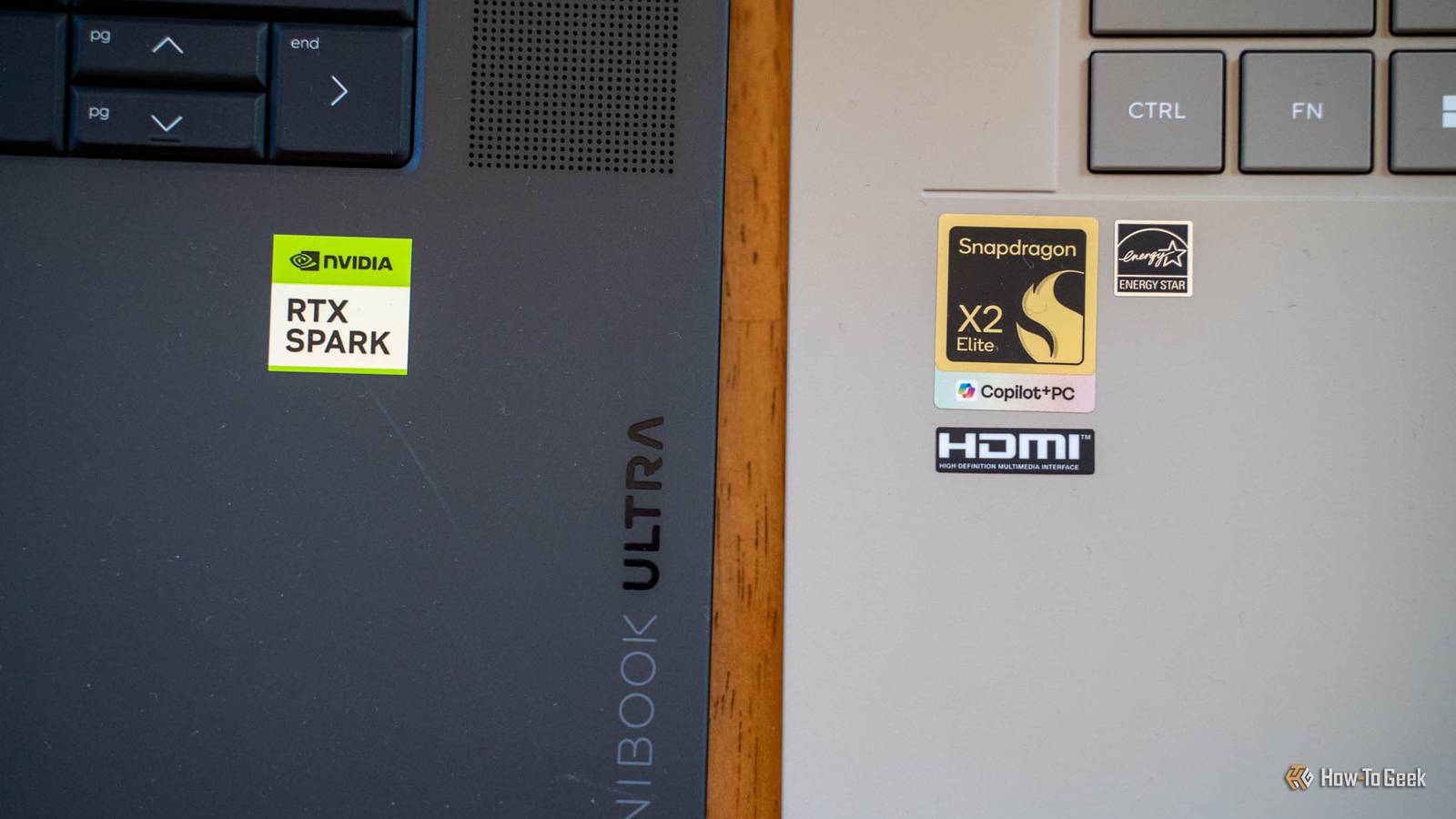
Published Oct 26, 2026, 2:30 PM EDT Patrick Campanale has been in the tech space for well over a decade, specializing in PC/gaming news and reviews, as well as maker-focused products to build small businesses. With a start in technology back in 2010 surrounding the Palm/webOS ecosystem, Patrick spent his formative years developing mobile applications as well as blogging for various publications, eventually leading to starting his own website in 2014. After running a technology blog for a few years, he stepped out of that role and into the world of high-end custom PC manufacturing and building, with a focus on YouTube video production and overclocking. Then, in 2017, Patrick joined the 9to5Toys team as an editor/writer/reviewer with over 14,000 articles being published during his time there, ranging from deals and roundups to in-depth reviews on the latest technology, video games, 3D printers, and more. In his free time, Patrick loves to create projects from wood using various robots and methods, including leveraging the technologies of CNCs and lasers. If Patrick isn't working on a computer or playing video games, he's likely in his 2-car garage workshop creating something unique. In addition to all this, Patrick is also the media director at his local church where he feels God has called him to serve, and he loves every minute of it. NVIDIA wants the RTX Spark to be the laptop chip for running AI agents on your own machine, so I expected my $3,200 HP OmniBook Ultra 16 to run circles around a Snapdragon laptop. Instead, Hermes took one look at the 32GB RTX Spark and said every model I wanted was too big. The Zenbook A16, with 48GB of memory and Qualcomm’s Snapdragon X2 Elite Extreme, loaded three of them in one click. It was slow, but for local AI agents, the cheaper laptop ended up actually getting the job done. The age of local AI is here As long as you pick the right computer When my RTX Spark first arrived, I was quite excited to try out local AI models on it. While I use Claude primarily, and thanks to some new changes, even get $500 per month in API credits through Anthropic, there are times when I just want to run models locally. Recently, Anthropic made a change that reportedly restricted the Reverse Engineer Anything tool when using Claude models. When you let a third-party company have control over the AI you use, then you're at their mercy for what you can do with it. The RTX Spark is supposed to be NVIDIA's poster child for local AI models. I've been testing the 32GB RTX Spark lately and decided to put it up against a system that wasn't purpose-built for local AI—the Snapdragon X2 Elite Extreme. My testing actually found something very interesting though. The $2,200 Asus Zenbook A16 actually is more capable than the $3,200 HP OmniBook Ultra 16 when it comes to local AI, and here's how I proved it. Hermes took one look at the Zenbook and handed me the good models The RTX Spark got told every one of them was too big The first thing I tried to do was load up the Hermes app on both the RTX Spark and the Zenbook. Hermes is touted as one of the primary functions of the RTX Spark, so it only made sense to start there. The RTX Spark, even when set to 16GB of dedicated VRAM (the max I could set it to), showed that there was not a single model in the Hermes app it was compatible with. Not one. I was able to get Hermes working with a local model run through LM Studio with Qwen 3.6 35B-A3B at IQ4XS (a heavily compressed 4-bit version of the model), but it was _very finicky. I had to do a ton of tweaking, and I was constantly getting crashes from context size because it couldn't get big enough for Hermes to work properly. On the Zenbook, however, Hermes immediately said that I could install Qwen 3.8 27B, Nemotron 3.5 Bolt, and Qwen 3.6 35-A3B right out of the box. It was a one-click setup and I didn't have to do any tweaking of settings to try and get it to work. Qwen 3.6 35B-A3B actually ran, it just took its time Slow is still better than never loading at all I ran the exact same prompts through Hermes on both the OmniBook Ultra and the Zenbook using basically the same files for it to process. I also used the same model (though at different compression levels) to try and keep things somewhat fair. As I mentioned above, I had to do a lot of tweaking to get the OmniBook Ultra to run Qwen 3.6 35B-A3B at all for Hermes. It did work, but it failed more than it succeeded. Could I have run a smaller model? Sure, but I really don't feel that smaller models are even worth running at this point. When the OmniBook Ultra did succeed though, it was quite quick. It wasn't quite as fast as using a cloud model, but it was honestly close in most regards. On the other side of the fence is the Zenbook A16, which wasn't built for AI, though it's well capable of it. In Hermes, it didn't crash on a single prompt that I sent it. However, it took its sweet time often. Simple prompts would take a few minutes to answer—but they would answer. Now, the Zenbook was running the model on the CPU, not the Adreno GPU. This is because there were some weird Adreno GPU driver errors that I was getting. While it might have run faster if it was on the GPU, the fact that it could run on the CPU at all made the Zenbook more capable than the RTX Spark in the HP OmniBook Ultra 16. Coding was where the Zenbook finally ran out of road An hour on one prompt, and it still didn't finish One of the prompts I ran on the Zenbook (and the OmniBook Ultra) was to write a simple Python script. The OmniBook Ultra just refused to run the prompt with Hermes and the model crashing, while the Zenbook did run the prompt and it worked on creating the script. The prompt had it build the script, run pytest on it, and then work on fixing it until it passed. I left the Zenbook running for about an hour and it still hadn't finished, so I called it quits on that test. Though it didn't complete, it's mostly because I needed to move onto another test, not because the system was incapable of running it. The trick to running local models is knowing their limits. Not every computer can replace ChatGPT or Claude. The RTX Spark is still the faster chip when a model fits CUDA is a real advantage, it just needs room to work At the end of the day, the RTX Spark is a faster system to run prompts on. It was actually pretty stellar when it wanted to work. The limitation of my RTX Spark was purely memory headroom. Had it been the 64GB or 128GB model, it would have run circles around the Zenbook. But, that's the point. I'm not comparing a $2,200 Zenbook to a $5,000 plus dollar RTX Spark system. I'm comparing a $2,200 Zenbook to a $3,200 RTX Spark. The RTX Spark should be better for local AI than the Zenbook, and it just isn't. HP OmniBook Ultra 16 Operating System Windows 11 Home CPU NVIDIA RTX Spark N1X, 20-core NVIDIA Grace Arm CPU (10 performance + 10 efficiency cores) GPU NVIDIA Blackwell RTX GPU, 6,144 CUDA cores (RTX Spark N1X) RAM 32GB LPDDR5X-9400 unified memory (onboard) Storage 1TB PCIe 5.0 NVMe SSD Battery 6-cell, HP rates up to 17 hours HP's first RTX Spark-powered laptop is the OmniBook Ultra 16. With a 16-inch 2880x1800 120Hz OLED display and three memory configurations from 32GB to 128GB, this laptop is built to handle anything you throw at it. Asus Zenbook A16 (2026) Operating System Windows 11 Home CPU Qualcomm Snapdragon X2 Elite Extreme GPU Qualcomm Adreno RAM 48GB Storage 1TB (1000GB) Display (Size, Resolution) 16in, 2880 x 1800 (3K) The ASUS Zenbook A16 (2026) has a lot going on under the hood, like the Snapdragon X2 Elite Extreme CPU, powerful integrated AI features, and a stunning 3K OLED display. Despite some incredibly powerful specs, it's ultraportable, weighing just 2.65lbs. For local AI agents, the cheaper laptop is the one I'd buy If you want to run local AI and your options are the 32GB RTX Spark in the HP OmniBook Ultra 16 or the 48GB Snapdragon X2 Elite Extreme in the Asus Zenbook A16, I would pick the A16. It was actually able to load the models in and run them, albeit slowly, which is more than I can say for the 32GB OmniBook Ultra.
I pitted the 32GB RTX Spark against a Snapdragon X2 laptop for local AI, and only one could actually run the model
Full Article
Original Source
Read the full article at Howtogeek →KhanList aggregates and links to publicly available news content. We do not host full articles from third-party sources. Always verify important information with original sources.