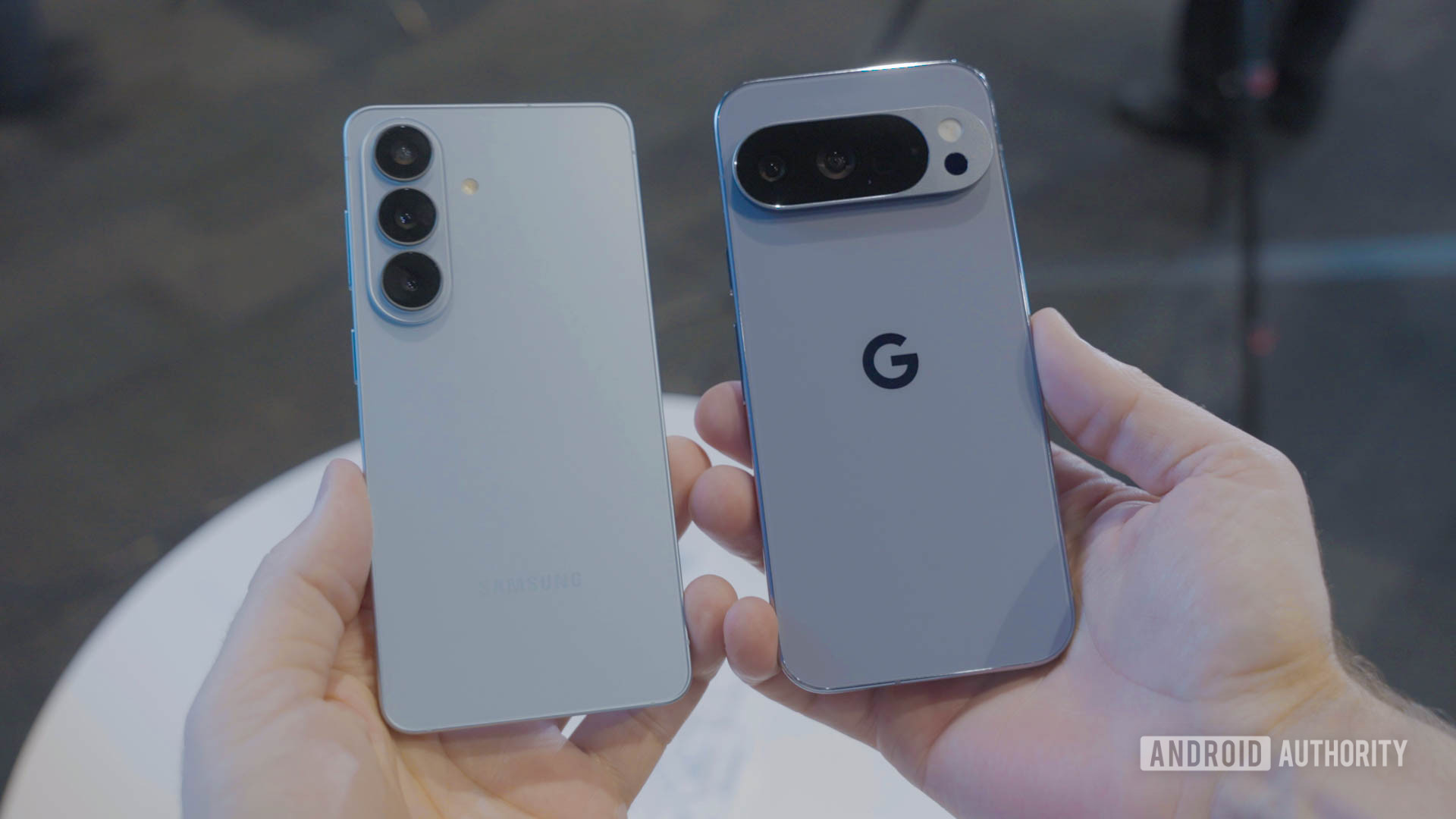
C. Scott Brown / Android AuthorityYour smartphone probably knows more about you than most people in your life do. So when choosing between a Galaxy and a Pixel, privacy isn’t a bad place to start.Obviously, both Samsung and Google will tell you they take privacy seriously. But that doesn’t mean you should trust them blindly. I dug into their defaults, the fine prints, and the AI features to figure out which company actually backs it up.Spoiler: neither is perfect.Which phone do you trust more with your data?0 votesSecure Folder vs. Private Space: Which hides your data better?Mishaal Rahman / Android AuthorityBoth Galaxy and Pixel give you a dedicated space to stash apps and files you don’t want others to see — but they go about it very differently.Samsung’s Secure Folder is a fully isolated environment where you can clone apps, and each one gets its own data and settings. Your photos, files, and anything you want to keep private can go in there, too. It’s encrypted, completely walled off from your main profile, and locked behind its own PIN, pattern, password, or biometric. I also like how One UI lets you rename the Secure Folder app, swap out its icon, or hide it from the app drawer altogether.Google’s Private Space works slightly differently. It shows up as a collapsible section at the bottom of your app drawer. It’s the same idea as Secure Folder, but the big difference is that you can’t clone apps directly from your main profile. You need to connect a secondary Google account and download apps separately, which also means you won’t be able to add any apps from third-party app stores.If keeping things private is a priority, Secure Folder wins without much of a contest.That’s already a point in Samsung’s favor, but Private Space has another problem. Even when you hide it from the app drawer, it still shows up when anyone searches “Private.” That’s not exactly discreet. Secure Folder is much better at this. Once you hide it, the only way to bring it back is through the Settings app or the Secure Folder icon in the Quick Settings panel, which you can also tuck away.Samsung also offers an easy way to hide apps from the app drawer, which means you don’t have to rely exclusively on Secure Folder. If keeping things private is a priority, Secure Folder wins without much of a contest.Galaxy AI vs. Pixel AI: Which processes more on your device?Mishaal Rahman / Android AuthorityIt’s 2026, so AI is unavoidably baked into both the Galaxy and Pixel devices. That’s not a bad thing, but it means your data may be leaving your phone and being sent to a remote server for processing. That part, of course, is not exactly ideal from a privacy standpoint.The good news is that both Samsung and Google offer a few AI features that run locally on your device. Google’s list for Pixel phones includes all the calling features, like Call Screen, Live Call Translate, Hold for Me, Direct My Call, and Scam Detection. The same goes for Now Playing, and Recorder summaries. These are all powered by an on-device Gemini Nano model, so you don’t have to worry about privacy when using these.Samsung’s on-device roster includes Call Screening, Live Translate, Writing Assist, and a few AI-powered image editing tools. That’s also a reasonable list, but there’s a big catch. On-device processing for Galaxy AI isn’t enabled by default — you have to turn it on manually. And until you do, your Galaxy phone uses cloud processing.That means your text gets sent to external servers every time you use Writing Assist or Note Assist. The same goes for your voice transcripts when you use Transcript Assist and your images when you use Photo Assist. Pixel, on the other hand, doesn’t make you opt into privacy — that’s just how it works from the start.Data collection: Which phone asks for more?Robert Triggs / Android AuthorityEven if you don’t care for Secure Folder or any of the AI features, there’s one thing that applies to every user: how much data the phone manufacturer is collecting. On Pixel, Google is upfront about what it collects and why. During the setup, you’ll usually see clear prompts about location history, usage diagnostics, and personalized ads. More importantly, each one comes with its own toggle so you can decline them individually.Samsung’s setup process adds another layer on top of this. Beyond Google’s usual asks, you’re also agreeing to Samsung’s own privacy policy, ad personalization, and data sharing with Samsung’s partners.With a Galaxy phone, you’re essentially handing your data to two tech giants instead of one.The biggest question mark here, though, is Samsung’s Customization Service. It’s a single toggle that does questionable things like logging your music habits, analyzing call logs, reviewing text message history, and tracking your location, which is honestly a lot. You can disable the Customization Service, but the setting is buried deep in the menus, and the name “Customization Service” doesn’t exactly raise any red flags. Finally, even if you manage to turn it off, deleting the data that’s already been collected isn’t straightforward either.For all these reasons, I’d argue Pixel has an edge here. With a Galaxy phone, you’re essentially handing your data to two tech giants instead of one.Exclusive privacy features that tip the scalesAdamya Sharma / Android AuthorityBoth Samsung and Google phones also have privacy tricks that deserve attention. Samsung’s standout here is the Privacy Display, which narrows viewing angles so no one around you can peek at your screen. It’s handy if you use your phone in public places a lot and don’t want to slap a privacy screen protector. The problem is that it’s exclusive to the Galaxy S26 Ultra, so only a few Galaxy users benefit from it.Pixel phones include a free VPN, which is useful for anyone who often connects to public Wi-Fi networks. Sure, it’s not the most advanced VPN service out there, but it’s easy to use and doesn’t cost anything. Both these features solve a different problem, so the better pick here depends entirely on what matters to you.Neither Google nor Samsung is a saint here — both are large companies with business models that run on data. At the end of the day, the best privacy phone is the one whose trade-offs you can live with.Which one do you feel handles it better? Tell us in the comments below.Thank you for being part of our community. Read our Comment Policy before posting.
I pitted Samsung against Pixel for privacy features — and the winner isn’t clear
Full Article
📰 Original Source
Read full article at Androidauthority →KhanList aggregates and links to publicly available news content. We do not host full articles from third-party sources. Always verify important information with original sources.