
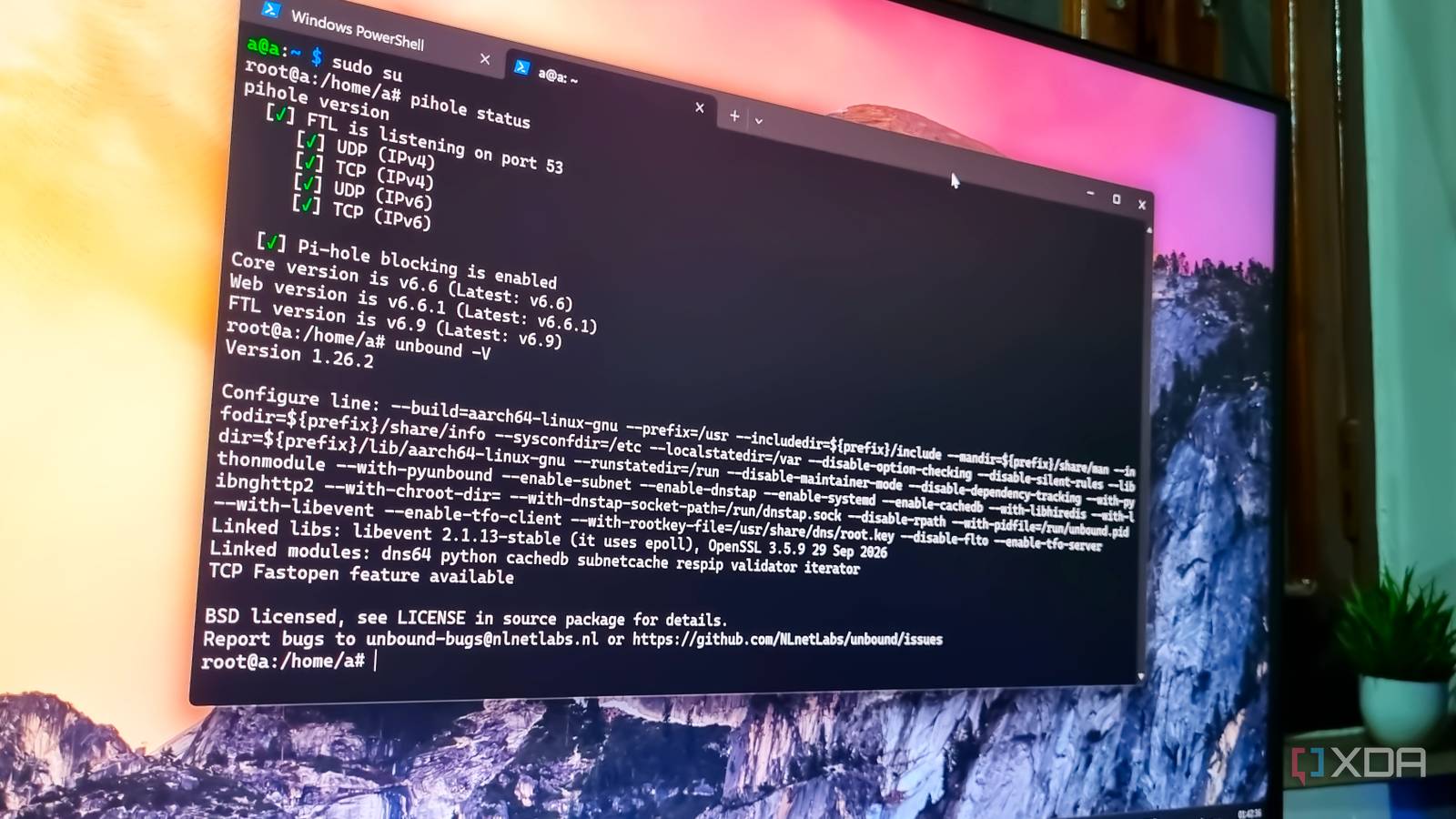
Published Nov 21, 2026, 10:00 AM EST Abhishek is an author at XDA who covers computing. He has loved computers since he got the Lenovo G570 in 2012. Abhishek holds a master's degree in computer applications and began his writing career in 2018. He loves writing how-to articles, listicles, and informational posts on popular operating systems and web services. He closely follows the Windows Insider program and tests new Insider builds to discover upcoming experimental features and upgrades. His past work includes long-term collaborations with reputed publications like Tom's Hardware, and Windows Latest. When not writing anything, he is busy watching new episodes of One Piece or searching for something binge-worthy. Pi-hole is one of the most popular DIY projects ever for a reason. It solves one of the most annoying things about the internet and is completely free to use. It's not a beginner-level project, but it surely draws more attention than anything else. You can run it on a mini PC, an old thin client, a Raspberry Pi, or any other SBC. I've used it on a Raspberry Pi Zero 2 W for a while, and for a few devices, it's surprisingly good. You have to tweak a few router settings to get the project working correctly, but the effort is worth it. However, very few users look beyond the Pi-hole setup to consider elements like an upstream DNS provider. You are just glad that ads and tracking are reduced to a minimum, but there are a few more issues to address. Using a public DNS provider is still less privacy-focused than you think, which is why I added Unbound to the setup. Pi-hole is a great DNS sinkhole But it still uses a public DNS provider Pi-hole seems like a simple ad blocker, but it also handles incoming DNS requests and then filters them using the available blocklist. It checks the incoming requests but cannot provide complete DNS resolution. To do that, it needs an upstream DNS resolver, such as Google DNS or Cloudflare. For example, if you search for a popular gaming website on your computer, a series of actions happens before the web page loads. The computer sends the DNS query containing the website's domain name to your Wi-Fi router. The router then uses a DNS server to process the request and direct you to the correct website. Without a tool like Pi-hole, the website will usually load with trackers and ads that flood every section of the page. But when you tell your router to use the Pi-hole as a DNS server, it sends the request to your personal server instead. Here, Pi-hole checks and compares the requested domain name against its custom blocklists. The list contains domain names associated with ads and trackers. It blocks most of this useless stuff and then forwards the allowed DNS query to the public DNS resolver. Now, Google's or Cloudflare's server compares the DNS query to its DNS records and sends the correct IP address back to your Pi-hole server, and then the page loads on your PC. Switching to a private, recursive DNS server Unbound is a great option When you switch to Pi-hole, you've stepped up your DNS game. Earlier, all your DNS requests went through your router's preconfigured DNS server, which is usually the one your ISP added. Your router sends domain requests to your ISP's DNS server so it can monitor and log the domains you frequently visit. It's the weakest form of privacy, which is why users suggest switching to Cloudflare or Google DNS. It's still a public DNS resolver but faster than your ISP's. However, these servers can also log and track your usage patterns. In my experience, when you directly build a Pi-hole server and switch to it, you get a false sense of security. While you may have skipped the ISP’s snooping to some level, the public DNS provider cannot guarantee you that same level of privacy. If you don't want to share your DNS requests with a public DNS resolver at all, a recursive DNS server can help. You can host Unbound alongside Pi-hole, and the tool handles your DNS queries locally (well, at least part of them). It queries the root servers, top-level domain servers, and authoritative name servers to find and send the correct IP address. So, both DNS sinkholing and DNS resolution happen on your server and not a public one. Initially, this Pi-hole and Unbound combo can feel a little slow. But as the cache builds up, the overall website search experience becomes better. Even with Unbound, your DNS requests still go through the same DNS hierarchy that Cloudflare or any public DNS provider references. That part remains the same. The only difference is that your personal server handles the requests locally. Does that mean you are now completely secure? Well, no. There are several factors at play You might need a VPN too I was oblivious to the fact that simply deploying Unbound on my Raspberry Pi Zero 2 W would make it more secure. Unbound generally sends plaintext DNS queries to servers with no encryption. Your ISP or any other observer can monitor these queries. The whole point of running a Pi-hole and Unbound combo is to keep things more private, and this is a glaring issue. So, the next task is to implement an encrypted tunnel that masks your traffic, and an open-source tool like WireGuard VPN can help. You can open an encrypted VPN tunnel from your PC to the Pi-hole server, which then uses Unbound. This is only half-secure because you haven’t configured the exposed connection between Unbound and the DNS hierarchy. You can route Unbound's outgoing DNS traffic through WireGuard to secure both ends. It’s a little complex to implement and clearly meant for users who prioritize privacy above all else. Privacy demands efforts Pi-hole is one of those projects that can run on even the most basic hardware, but you need to be mindful of its setup. Using Pi-hole with Unbound frees you from the shackles of both an ISP-managed and a public DNS provider. Unbound takes over that job, which means you can control DNS query processing, but it's not completely encrypted. You can get more private DNS request processing by adding a VPN into the mix. It can encrypt your traffic inside a tunnel, not just your DNS queries, and that makes a lot of difference. Unbound OS Windows, Linux, macOS Price model Free Unbound is an open-source caching, recursive DNS resolver.
I paired Pi-hole with Unbound on a Raspberry Pi, and my home network resolves its own DNS without Google or Cloudflare
Full Article
Original Source
Read the full article at Xda-developers →KhanList aggregates and links to publicly available news content. We do not host full articles from third-party sources. Always verify important information with original sources.