
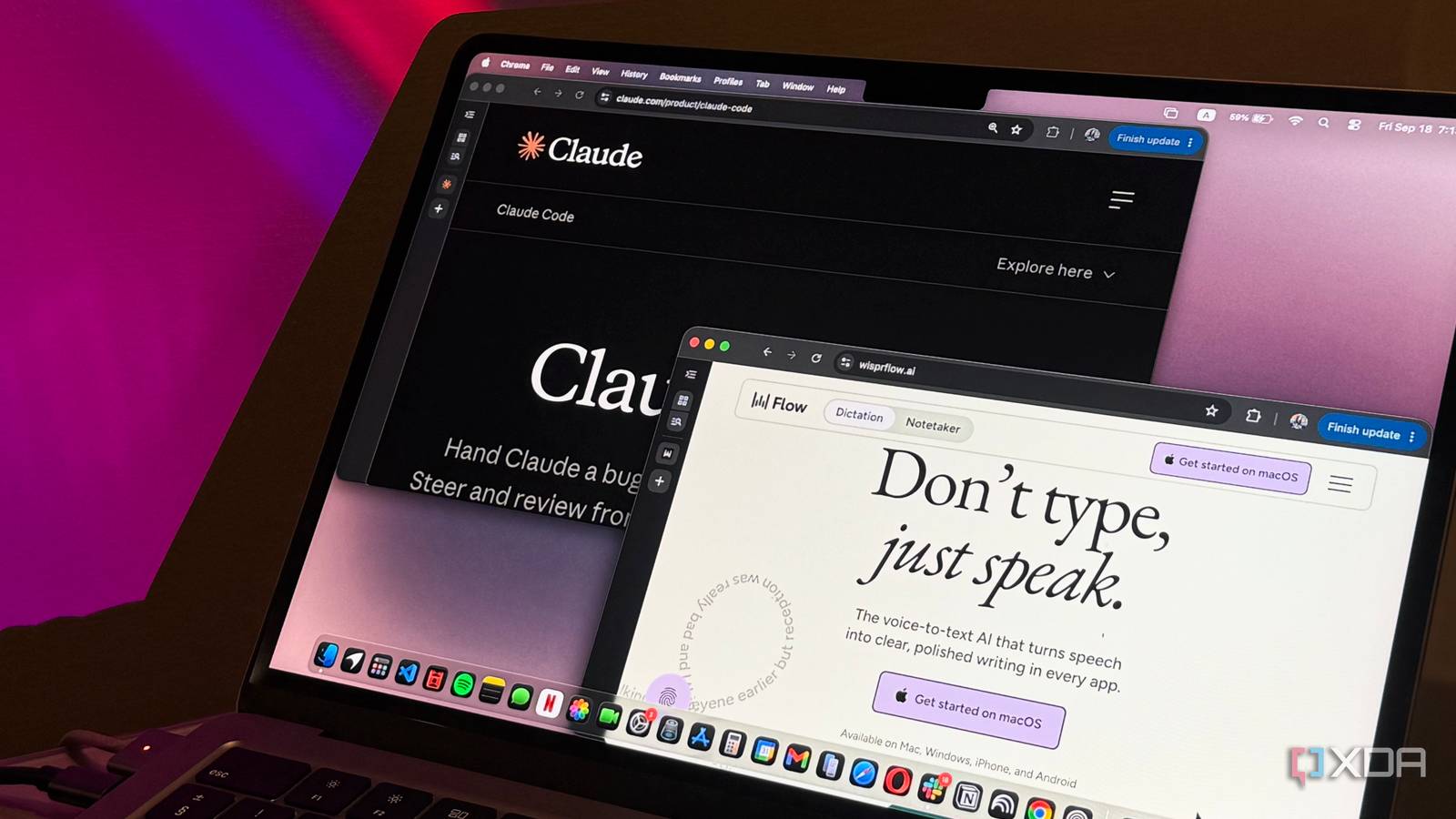
Published Sep 20, 2026, 4:00 PM EDT Mahnoor Faisal is a tech journalist covering AI and productivity tools with bylines at XDA, SlashGear, MakeUseOf, Laptop Mag, and Android Police. She's been writing professionally since she was sixteen, and has since penned hundreds of articles. This includes in-depth coverage of AI tools like NotebookLM to breaking news across the AI space. Her passion for technology started when she received her first iPod Touch (4th generation) on her 8th birthday, and she's been deep in the tech world ever since. Currently pursuing a degree in computer science, Mahnoor brings both a journalist's eye and a technical foundation to her coverage of how AI is reshaping the way we work and learn. Every time I'm on TikTok or Instagram, I almost always come across a video of someone recommending, promoting, or simply raving about Wispr Flow. At this point, I've probably heard some variation of "I barely type anymore" more times than I can count. Now, as a writer, those four words hurt. They really, really, really hurt. Beyond words for my articles, though, I type a ridiculous amount every day. Between Slack messages, emails, notes, and increasingly long prompts for AI tools, my keyboard (and fingers) get very little rest. Given that a lot of my articles require testing AI tools, I spend a particularly ridiculous amount of time typing prompts into Claude Code. And since I'm rarely asking it to do something simple, those prompts can get painfully long. So, I started wondering if I could take the whole "I barely type anymore" thing and apply it to Claude Code. Instead of spending five minutes carefully typing out a detailed prompt, what if I could just say everything I wanted out loud and let Wispr Flow do the tedious part for me? What exactly is Wispr Flow? And how is it different from regular dictation? The reason why I never got around to giving Wispr Flow a proper go was because I never really saw the point. My Mac has dictation built in, and practically every AI chatbot I use already lets me talk instead of type. Why would I need yet another app doing essentially the same thing? As it turns out, that's not really what Wispr Flow is trying to do. Regular dictation is mostly concerned with turning whatever you say into text as accurately as possible. Wispr Flow takes that a step further and tries to turn what you meant to say into something you'd actually want to send. That means I don't need to speak in perfectly formed sentences or carefully think through everything before I start talking. I can ramble, pause halfway through a thought, throw in a few filler words, correct myself, and keep going. Flow cleans most of that up before the text ever lands in whatever app I'm using. It also handles things like punctuation and formatting automatically, and if I change my mind halfway through a sentence, I can simply correct myself instead of starting over. That makes it feel a lot less like traditional dictation and a lot more like having someone clean up my thoughts as I'm getting them out. Flow works essentially everywhere I can type, too. Instead of being locked inside one chatbot or app, I can put my cursor in Slack, a browser, a document, or even Claude Code, hold down a key, start talking, and have the finished text appear right where I need it. Voice prompting made my Claude Code prompts better The real benefit isn’t speed, it’s context A few months ago, I wrote about Claude Code's built-in voice mode and how quickly it became one of my favorite ways to use the tool. The appeal wasn't really the fact that I could talk to Claude Code instead of type. It was how much easier it became to give Claude all the context floating around in my head when I didn't have to stop and carefully turn every thought into a perfectly written prompt first. That same idea is ultimately what made Wispr Flow click for me. Coding prompts, especially the ones I tend to give Claude Code, aren't usually a sentence or two. I'm explaining what I'm trying to build, what I've already tried, which parts of the project it shouldn't touch, what went wrong the last time, and sometimes a dozen other little details that feel important. Typing all of that out properly takes time. Speaking, on the other hand, doesn't. Claude Code's own voice mode already showed me how useful that could be. Wispr Flow just takes the concept a step further. Instead of dumping a fairly raw transcript into Claude Code, Flow cleans up the rambling, removes filler words, handles punctuation and formatting, and lets me correct myself mid-thought before the finished prompt ever reaches Claude. There's another advantage to talking prompts out that I didn't fully appreciate until I started doing it regularly: I tend to give Claude a lot more context. When I'm typing, there's always a point where I start cutting corners. I'll leave out a detail because explaining it properly would take another paragraph, assume Claude will figure something out on its own, or shorten an instruction simply because I can't be bothered to type the whole thing. When I'm speaking, that friction basically disappears. I can just keep going and get everything out of my head while I'm thinking about it. If I suddenly remember that Claude shouldn't touch a particular file, I can say it. If there was some weird edge case I ran into ten minutes ago, I can throw that in too. I don't have to stop, organize every thought, and decide how much effort each detail is worth before adding it to the prompt. For coding tasks, that extra context can matter a lot. Claude Code is often working across an entire project rather than answering a single isolated question, so the more clearly I can explain what I'm trying to achieve, what I've already tried, and what constraints it needs to work around, the less back-and-forth I usually need afterward. Speaking makes it much easier to front-load all of that. Wispr Flow has some coding-specific tricks, too Flow understands more than just plain English What makes Flow especially well suited to coding is that it isn't completely oblivious to what's on my screen, either. In supported editors, it can use the code I have open as context to recognize things like variable, function, class, and file names. So, instead of butchering a weirdly named variable or turning camelCase into a string of normal words, it has a much better shot at figuring out what I'm actually referring to. Not all of those coding-specific features extend to Claude Code, unfortunately. Some, like automatically tagging files, are limited to tools like Cursor and Windsurf. But Flow does specifically account for Claude Code's terminal interface, including automatically breaking particularly long prompts into chunks when necessary. That's pretty handy when the entire reason I'm using it is to ramble out prompts that would otherwise take me several minutes to type. It also does a surprisingly good job of formatting prompts inside Claude Code itself. If I'm rattling off several requirements, constraints, or steps in one go, Flow can break them into bullet points instead of dumping everything into one giant paragraph. The same goes for punctuation and spacing, which means the prompt usually looks like something I would've taken the time to structure manually. So, if you're looking for a way to improve your prompts without really putting in more effort, speaking them out might be the easiest way to do it. You naturally end up giving Claude more context, while Flow handles most of the cleanup and formatting for you!
I paired Claude Code with Wispr Flow, and my 5-minute prompts now take 60 seconds
Full Article
Original Source
Read the full article at Xda-developers →KhanList aggregates and links to publicly available news content. We do not host full articles from third-party sources. Always verify important information with original sources.