
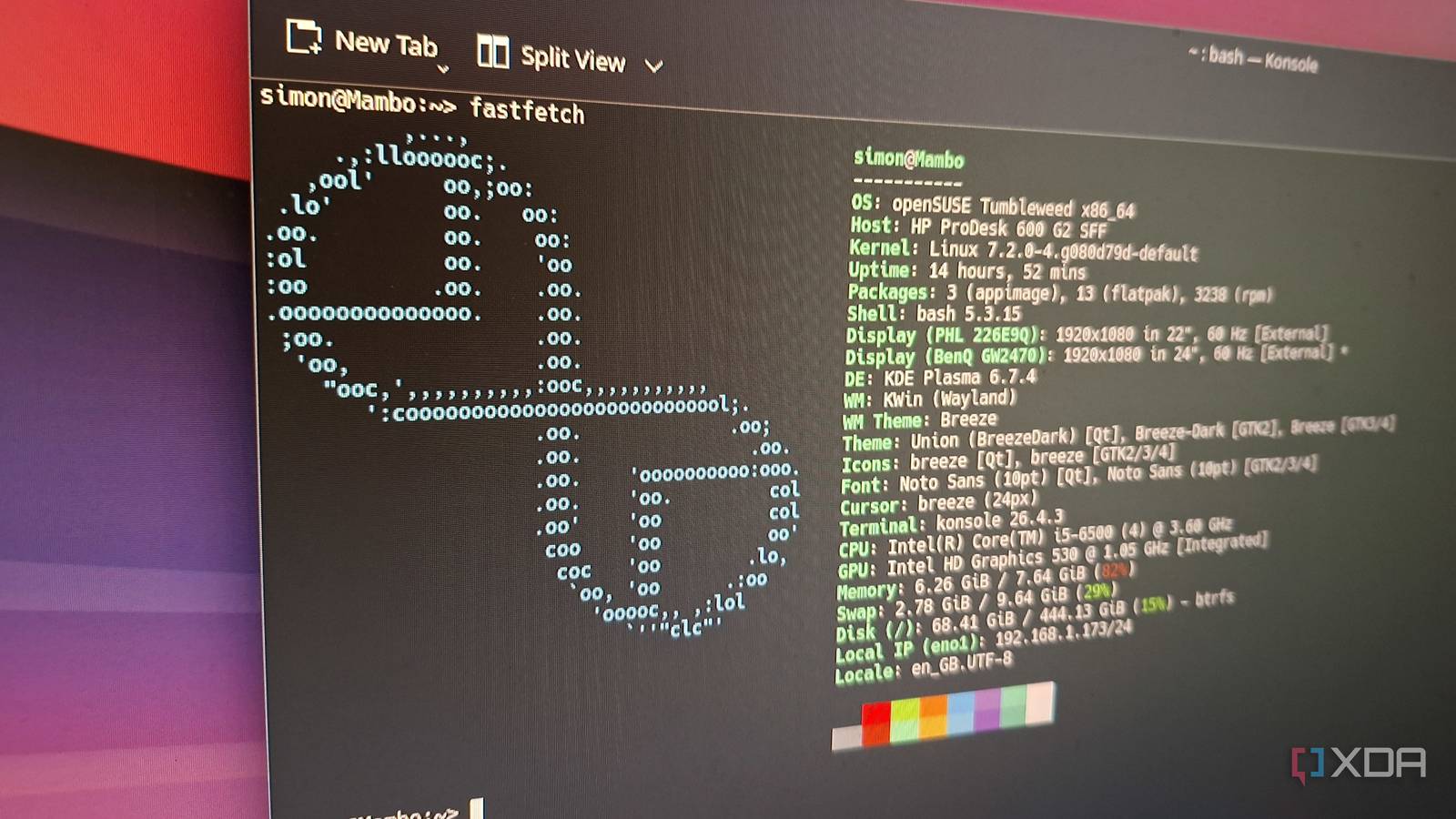
Published Sep 26, 2026, 1:30 PM EDT Simon is a Computer Science BSc graduate who has been writing about technology since 2014, and using Windows machines since 3.1. After working for an indie game studio and acting as the family's go-to technician for all computer issues, he found his passion for writing and decided to use his skill set to write about all things tech. Since beginning his writing career, he has written for many different publications such as WorldStart, Listverse, and MakeTechEasier. However, after finding his home at MakeUseOf in February 2019, he would eventually move on to its sister site, XDA, to bring the latest and greatest in Windows, Linux, and DIY electronics. Whenever someone asks me why I use openSUSE, I don't say anything, because nobody ever asks me why I use openSUSE. However, when someone asks me which distro I use, I say openSUSE, and then immediately follow it up by saying, "Well, it has Snapper set up from boot, and it automatically takes a snapshot every time you do something in the terminal, and the distro's mascot is a cute chameleon." I don't think anyone cares, but I feel good saying it, and that's all that matters. The other day, I had a thought. Sure, my loyalty to openSUSE is partly due to Snapper; not because it's the only distro that can run it (it's not), but because it comes fully set up, with nothing for me to tinker with, which I appreciate in a backup system. But I've never actually used it. So I did what any sane person would do: I ran 'sudo rm -rf' on my OS to see if Snapper could recover from it. Setting up the destruction of my own OS was pretty easy If not a little bit of a let-down Before I got started, I used my favorite backup tool, Rescuezilla, to make a recovery snapshot of my OS. As much as I have faith that Snapper would save me from my own bad decisions, there was always the chance that I would mess things up somehow and require saving. So, I saved a backup image to my external drive. Once that was done, I booted into openSUSE, made a Snapper snapshot, and then entered "sudo rm -rf --no-preserve-root /" into my terminal. Honestly, I expected the screen to bug out, or a scary kernel panic screen to appear, but all that happened was that my system slowly stopped being a system. Icons slowly vanished. Apps began not booting. Files went away. Eventually I was in a weird limbo where I could see my desktop but not click anything on it. My cursor still moved, and I could still mess with the taskbar, but everything else was gone. A little saddened that nothing cool or dramatic, I force-rebooted my PC. During boot, my PC told me it couldn't find anything to boot from. And now, the test began. Snapper's snapshots are stored in their own little nuclear bunker They were easy to find, too Now, you may be wondering: if Snapper saves its snapshots on the root partition by default, then surely wiping everything on that drive would also scrub the snapshots off, too? Well, as I had researched before this test, the snapshots are set to read-only. Nothing can get in and mess with them. That included my system wiping command; when I hit Enter, I saw thousands of errors fly by telling me that it had tried to erase the snapshots but couldn't due to them being strictly read-only subvolumes. The end result was like a nuclear bomb dropping on a city, and the only thing that survived was a bunker at the bottom of the crater. And, sure enough, that same bunker contained all my snapshots. In fact, the hard part wasn't finding them; it was getting everything back into working order. After all, the system wipe took out everything, including the boot files. To do this, I booted into an openSUSE live ISO via a USB, then navigated through my SSD to find the nuclear bunker my snapshots were stored in. They're read-only, so I had to grab one, then create a read-write copy so I could actually use it. I then had the system point at the snapshot for booting, then rebuilt the boot partition by mapping my computer's physical hardware onto my cloned system, chrooting inside, and using zypper to reinstall the core kernel and rebuild all the parts needed to boot into my OS. Snapper is excellent, but not a replacement for a good backup system for your personal files You still need both When I restarted my PC, I could boot back into my nuked system. The bare essentials were there; it still remembered my username and password, for example. However, everything else, from my customizations to my personal apps and files, was totally gone. It turns out, Snapper was set up to save nothing more than the most critical system files, so anything outside of those system-vital directories wasn't being saved. It just goes to show: while Snapper is fantastic at keeping the core OS safe from harm, it doesn't replace a proper backup for your personal files. For protecting my OS, however, I now trust Snapper more than ever. Snapper has proven its place on my PC Beforehand, I used openSUSE because the concept of Snapper was good enough for me. Now that I've nuked my system and rebuilt it from just a Snapper image, with no boot partition to go off, I now know how good it is.
I nuked my openSUSE OS to test Snapper, and it survived what should have been fatal
Full Article
Original Source
Read the full article at Xda-developers →KhanList aggregates and links to publicly available news content. We do not host full articles from third-party sources. Always verify important information with original sources.