
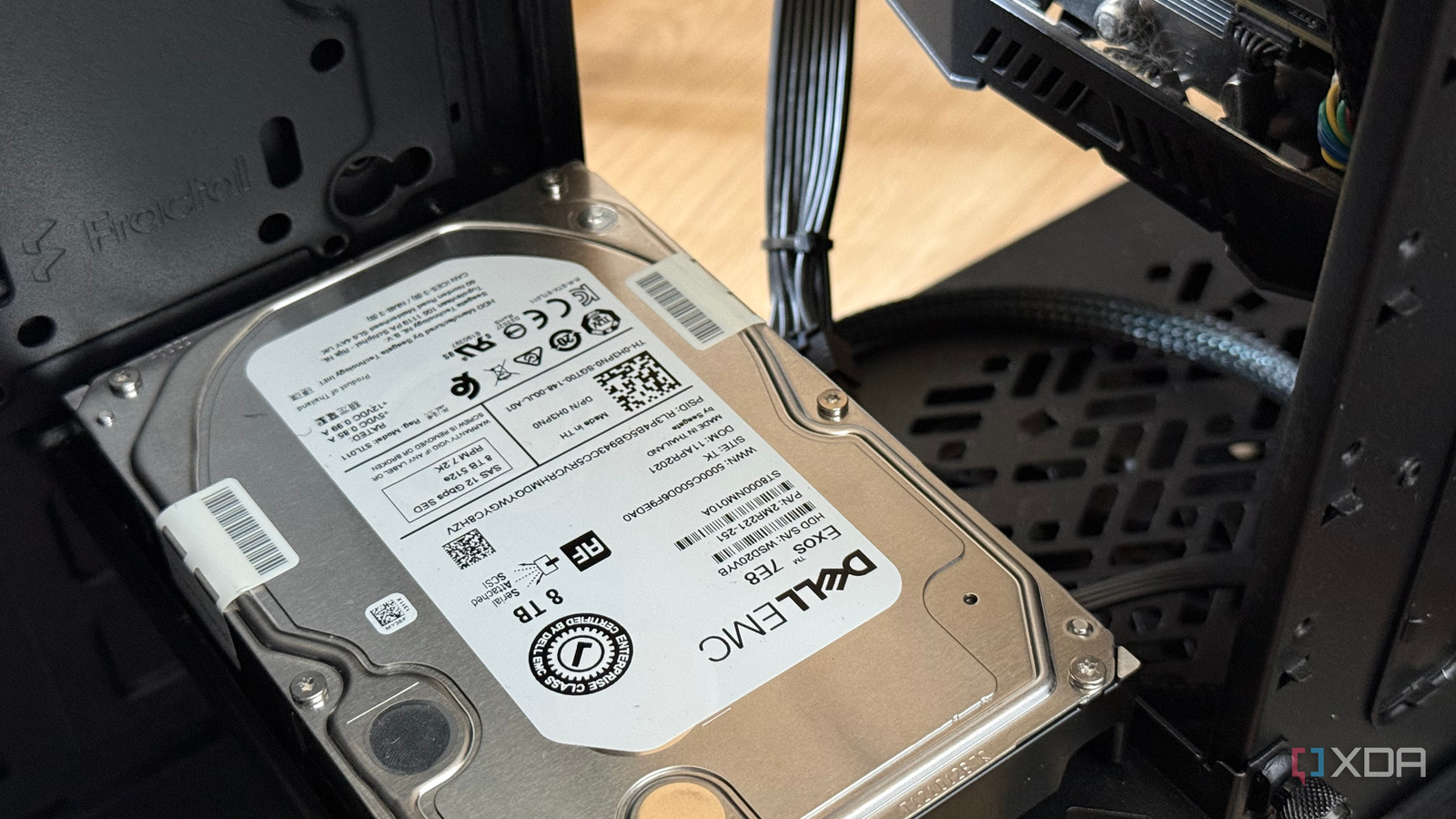
Published Sep 8, 2026, 4:30 PM EDT His love of PCs and their components was born out of trying to squeeze every ounce of performance out of the family computer. Tinkering with his own build at age 10 turned into building PCs for friends and family, fostering a passion that would ultimately take shape as a career path. Besides being the first call for tech support for those close to him, Ty is a computer science student, with his focus being cloud computing and networking. He also competed in semi-pro Counter-Strike for 8 years, making him intimately familiar with everything to do with peripherals. Like everyone else who games on PC, every year that goes by means my Steam library gets a little larger. That's great, but the unfortunate part is that my NVMe drives do not. I set up an 8TB ZFS mirror on my home lab a little awhile ago, and while it's mostly for backups, photos, and media, I figured that if I wasn't trying to put it to use as a secondary game library, I would be doing myself a disservice. The obvious way to do so didn't work, but after a little bit of configuring, I managed to offload most of my game library onto the NAS, and the increase in load times isn't as bad as you think. The obvious approach didn't work SMB shares don't play well with Steam My Proxmox host already serves an SMB share from a container running Samba, which is off of a ZFS mirror of two enterprise 8TB SAS drives. Windows can mount this natively, and I have no problems using it there. Steam can see the drive and add it as a library, and it can even download games to it, but when trying to launch them, I ran into an error regarding permissions. I went down that rabbithole for a moment first, but didn't get very far. When UAC is enabled, Windows creates two linked logon sessions at login, one elevated and one running with least privilege. Drive mappings are stored as symbolic link objects that belong to a single session rather than being shared between them, which is why an elevated application often can't see a drive you mapped normally. There's a registry value that can force those links to be written into both sessions, but it made no difference for me. I couldn't find any more information about the error code, so I cracked on with plan B. Removing the middleman iSCI is the true fix SMB is a file protocol, and fundamentally, it's built for a client to ask a server to open, read, and write files, and the server controls the filesystem. iSCSI, by contrast, is a block protocol. The client is handed raw sectors and puts its own filesystem on top. This is the key to getting it to play nicely with Windows. With iSCSI, Windows initializes the target as a GPT disk, formats it NTFS, and assigns it a drive letter. Steam just sees the volume as an ordinary drive, and it has no idea it's a network drive. Setup on the Proxmox side is a sparse zvol exported through targetcli, and the sparse part matters, because thin provisioning is what lets Windows issue UNMAP commands and hand space back to the pool when you uninstall or patch a game. Set the logical block size to 512, which is what Windows expects, put the initiator's IQN in the target's ACL, and you're done. On the Windows side, set the Microsoft iSCSI Initiator Service to start automatically before anything else, because if it's on manual, the target won't reconnect after a reboot and your library will read as missing. Discover the portal, connect, and tick the box that adds the target to your favorites so the session re-establishes at boot. Then it's just initializing the disk as if it were a freshly installed drive: Disk Management, initialize GPT, quick format as NTFS with a 64K allocation unit, and confirm that fsutil reports delete notification is enabled so TRIM actually reaches the pool. One thing to watch for afterward: if Steam launches before the iSCSI session comes up, it can show that the library is gone and mark games uninstalled. Disabling Steam's autostart or replacing it with a delayed scheduled task avoids that. It loads exactly like what it is An HDD mirror A single Exos 7E8 sustains somewhere in the region of 215 to 249 MB/s depending on model and sector format, and a ZFS mirror like mine serves reads from both members. On my 2.5GbE connection, I'm hitting just about what the pool can handle, which is all I can ask of it. Older Source engine titles are indistinguishable from local storage, and during my testing with Portal 2, loading between test chambers in felt exactly like it does on my SSD. If you put both setups in front of me, I don't think I'd be able to tell. Those games have small working sets, and a level load that's pulling tens of megabytes clears a 280 MB/s link easily. Cyberpunk 2077 falls on the other end of the spectrum. The initial load took a bit under a minute, which is long enough to notice and long enough to be annoyed by, but in an open-world game like that, once the loading is done, it's done. Open world streaming pulls assets incrementally as you move, and that's a trickle compared to what a cold load demands. The link has enormous headroom for it. It's not a conventional network drive, but it'll do for me iSCSI blocks aren't something that can be shared across multiple machines, so this network library strictly acts like another drive for my main workstation, not for every computer in the house. I don't put my fast, competitive games on it, but for anything single player where load times don't bother me, a network library like this is the perfect home for them.
I moved my Steam library to a network drive, and the load times aren't nearly as bad as you'd think
Full Article
Original Source
Read the full article at Xda-developers →KhanList aggregates and links to publicly available news content. We do not host full articles from third-party sources. Always verify important information with original sources.