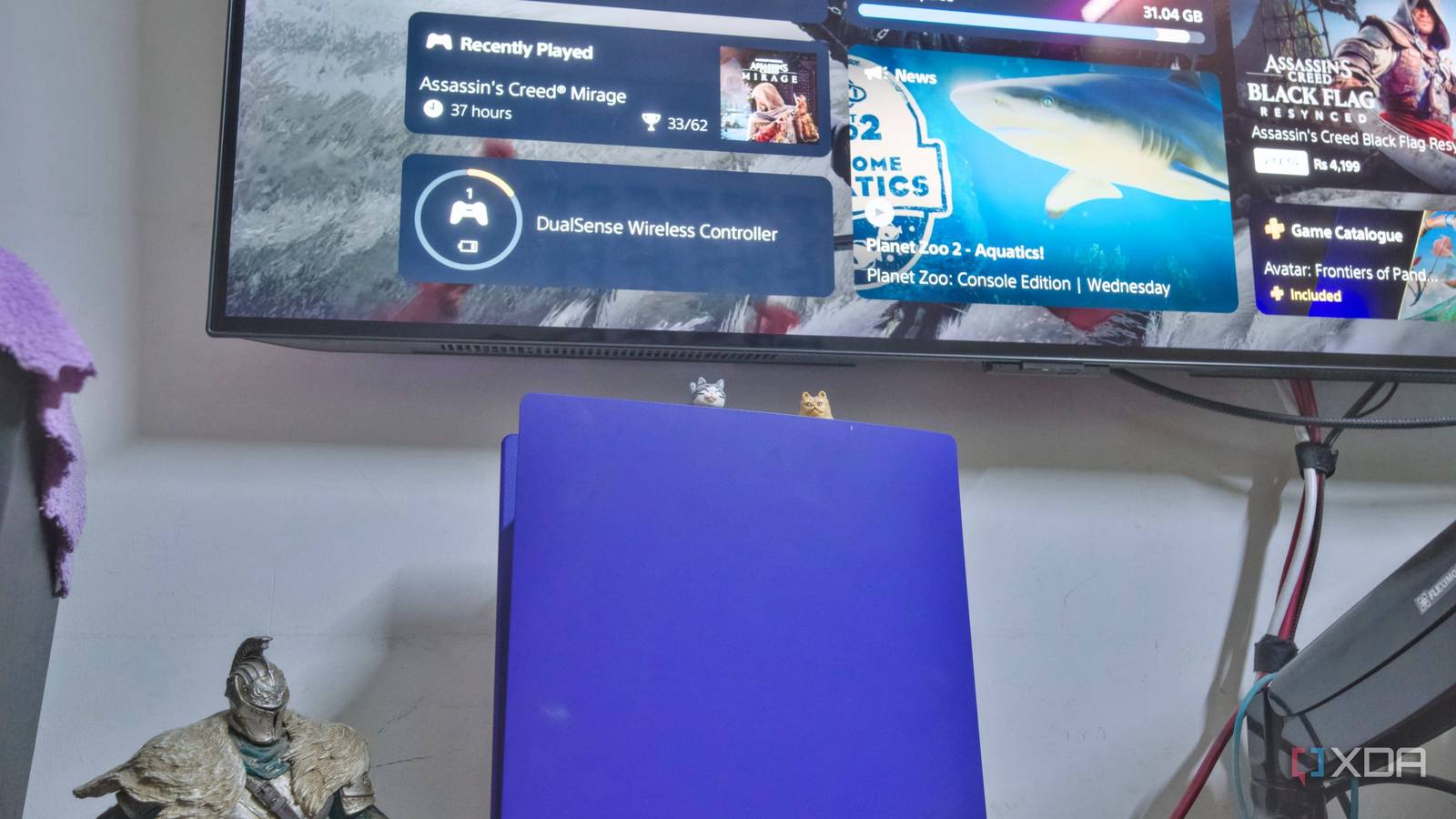
Published Jul 30, 2026, 8:00 AM EDT Samir Makwana is a technology journalist and editor from India since past 18 years and his work appears on MakeUseOf, HowToGeek, GSMArena, BGR, GuidingTech, The Inquisitr, TechInAsia, TechWiser, and others. He has written news, features, and gadget reviews for national technology media publications. His passion is to help people with their technology problems and gadget purchases. For that, he has worked for some of the biggest international technology publications, covering news, explainers, how-to guides, listicles, and product-buying guides. He has worked as an editor and managed teams since 2015. His expertise broadly covers computers, smartphones, game consoles, headphones, smart home products, browsers, and apps. One of the most common complaints on Discord and other gaming chat rooms is the party chat dropping mid-game. Someone always points to a commonly cited fix of putting a game console behind the DMZ. I’ve done it myself more than once before I knew better. That’s why it works as a fix, even for half a minute. Putting a game console in the router's DMZ means your PS5, Xbox, or other console is exposed directly to the internet. There’s no firewall in between, and anyone on the internet can scan your IP range to probe for exposed services. This isn’t a hypothetical risk. Automated scanners constantly sweep public IP ranges. So a device sitting wide open in a DMZ, with every port unfiltered, is exactly what they’re built to find. I moved my PS5 console out of the router's DMZ a while back, and placed it inside its own SSID instead. If the console gets compromised, it can no longer see my NAS or any other machine on my primary network. Here’s what’s happening under the hood and why putting the console behind the DMZ wasn’t the right call. DMZ hands over every port on the console, not just the one it needs Your firewall steps aside; it’s not a targeted fix From the router’s interface, using the DMZ mode looks like flicking a toggle. It’d look like you’re doing something surgical. The moment you point the DMZ to your game console’s IP, your router forwards all inbound traffic straight to it. All the 65,535 ports on the game console get an influx of traffic that doesn’t pass through any filters. Your router's firewall doesn’t get more permissive for that traffic; it’s removed entirely for that one device. You don’t have to look up which specific ports games like Call of Duty or Warzone need. DMZ doesn’t care what the traffic is for. That frees you from making any specific reservations or port forwarding on your router. But that convenience is the problem. The traffic passes through unchecked and unfiltered. Open NAT needs a short and known list of ports UPnP or manually forwarding gets you there instead PlayStation Network, Xbox Live, or Nintendo Switch Online services rely on a published set of TCP and UDP ports. Most routers open those ports automatically via UPnP, the very thing your console requests whenever it boots. UPnP’s bad reputation isn’t just about flaky routers. By default, it opens ports on your firewall the moment a device asks, with no authentication required. That’s why most security-focused routers ship with a firmware that has UPnP off by default. And if you’ve turned it off, you’ll need to manually forward the ports and get the same open NAT Type. With the game console on its own SSID, it’s on an isolated network, whether UPnP is on or off. Second SSID keeps the console’s NAT type unchanged and protects the LAN Client isolation is what DMZ skips The first time, I put my PS5 into a dedicated SSID or a guest network and tested it. Neither changed its NAT mapping, and it still got a public-facing port from my router. The PS5’s network settings showed that the NAT type is 2 (moderate). That’s the same NAT type it showed before I made the switch. So moving it to its own SSID didn’t cost me anything on the matchmaking in the game rooms. It just closed the door to the rest of my network. You can also get a new, affordable router to set up as a dedicated access point, then plug the console into its LAN port to ensure better, more consistent performance while isolating it from the rest of the network. With client isolation enabled, the console can talk to the internet but not to anything else on my LAN. I specifically set Intranet Access to be disabled for that. The PS5 doesn’t have a dedicated browser, but even if it gets compromised, the console can’t find my PC, NAS, and other machines on my network. In contrast, a DMZ removes that wall entirely, exposing my network. Setting up a second SSID takes less than ten minutes No third-party firmware or VLANs necessary Your router doesn’t need third-party custom firmware to set up a guest network or a dedicated SSID for a game console. Most consumer routers ship with firmware that offers a guest network toggle in the admin panel. And a growing number of routers have built-in gaming or IoT-specific SSID settings. Once you enable the dedicated SSID, connect your console to it, and check the NAT type in its network settings to confirm that nothing has changed. You can also check the NAT type in your console’s network settings to make sure it worked. The only caveat is that local discovery features across the isolated network. You won’t be able to cast to a smart TV or use Remote Play on a device still sitting on your main network. Isolation actually solves the problem instead of a symptom Putting the console behind a DMZ is a go-to fix, since it handles NAT without requiring you to figure out which ports matter. Doing so removes firewall protection for your console and exposes it to the internet. A dedicated SSID with client isolation gives you the same open NAT type while keeping it entirely off your primary network. DMZ sticks around as a fix mostly because it’s the first thing that shows up in the troubleshooting threads. Not because it’s a safer option. On the other hand, a guest network with client isolation and intranet access disabled doesn’t expose your console to the internet. Your console behind the router's DMZ may seem convenient, but it doesn’t help much. Spend 10 minutes setting up a guest network with client isolation to prevent your console from being exposed to the internet.
I moved my PS5 out of the router's DMZ, and a guest network fixed everything the old way couldn't
Full Article
Original Source
Read the full article at Xda-developers →KhanList aggregates and links to publicly available news content. We do not host full articles from third-party sources. Always verify important information with original sources.