
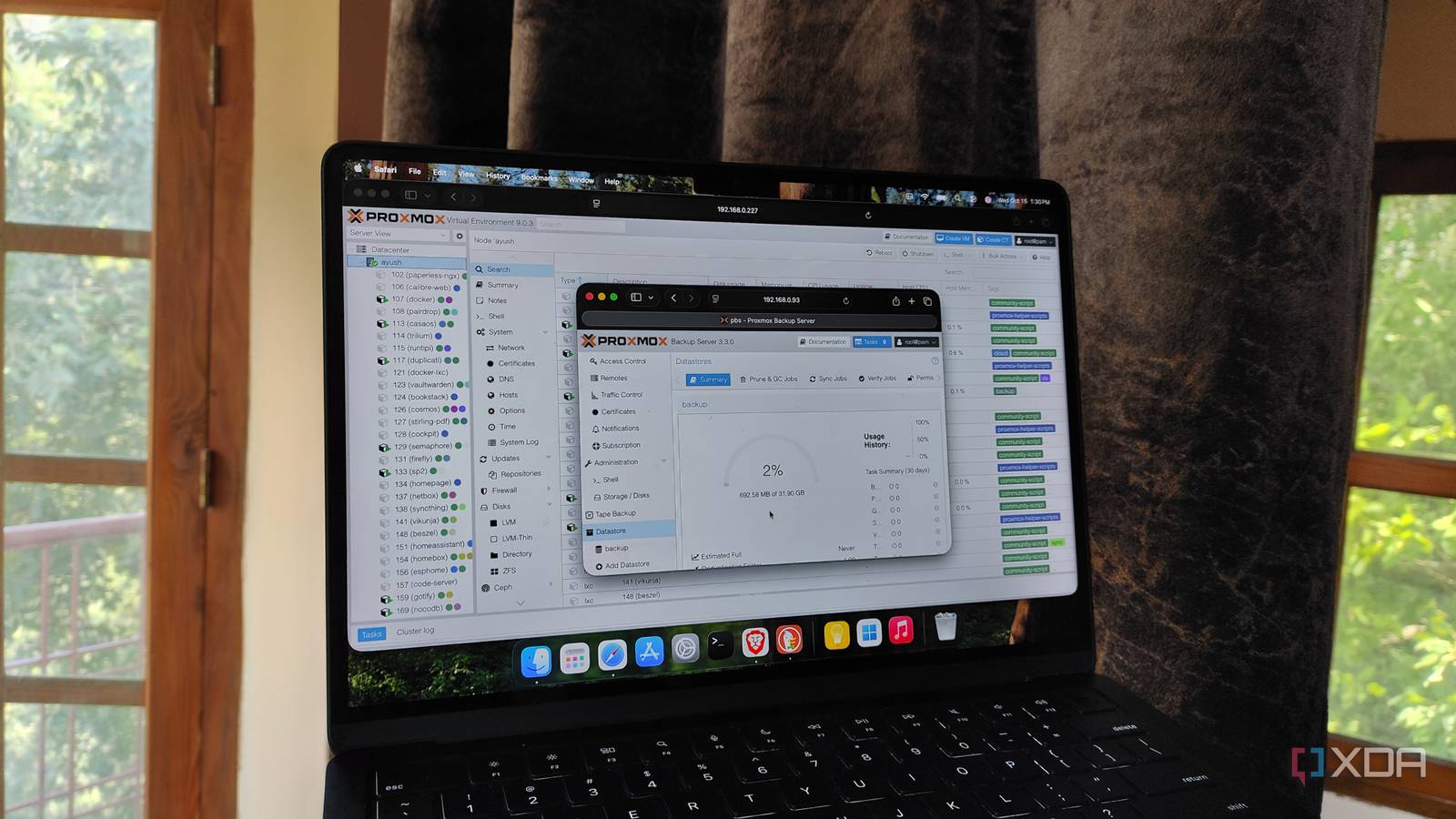
Published Sep 27, 2026, 9:00 AM EDT Ayush Pande is a PC hardware and gaming writer. When he's not working on a new article, you can find him with his head stuck inside a PC or tinkering with a server operating system. Besides computing, his interests include spending hours in long RPGs, yelling at his friends in co-op games, and practicing guitar. Just like many newcomers, I learned my lesson about the importance of backups early into my tinkering journey when I lost a bunch of containers to a failed networking experiment. Since then, I’ve fiddled with several backup solutions for my home lab projects, and my current setup uses a 3-2-1 backup pipeline involving recycled hardware to ensure I don’t lose any archived files, virtual guests, or home lab documentation. At the center of this setup lies Proxmox Backup Server, which is by far my favorite companion utility for my PVE nodes. But for the longest time, I relied on a bare-metal PBS instance for my Proxmox snapshots, which worked well until I began adding more nodes to my home lab. Luckily, I still had plenty of space on my TrueNAS rig, and virtualizing PBS within my storage server turned out to be the antidote I needed for my over-encumbered mini-PC. Proxmox Backup Server is essential for my home lab So much so that I was using a dedicated mini-PC just to host it If you’re wondering why I’m so adamant about using Proxmox Backup Server instead of relying on the vzdump utility built into PVE, it’s because PBS has quite a few quality-of-life features. Vzdump, for one, creates full size archives of my VM and LXC army for every backup task and stores everything on the underlying PVE node. If my Proxmox system goes down, I’d have to dig through the storage drive to find the vzdump backups, assuming they’re even in a recoverable state. So, I’d have to manually transfer them out of the PVE host every once in a while, which can get tedious after a few dozen times. Proxmox Backup Server, on the other hand, relies on high-speed incremental snapshots after creating a full archive of my virtual guests – and all these snapshots remain on a separate instance instead of my experimental Proxmox node. It also has solid deduplication provisions, which are great for reducing the amount of space hogged by the data chunks common to all virtual guests in my arsenal. Combine that with the selective restoration, live recovery, and (most importantly), the ability to download entire files from my LXC and VM snapshots, and you can see why I wanted to get rid of the storage issues plaguing my PBS-powered mini-PC. Running Proxmox Backup Server on a NAS has certain perks TrueNAS made the setup process a cakewalk When I first got into Proxmox Backup Server, my PVE home lab only had a handful of LXCs and VMs, and all of them were concentrated on a single server. As such, I didn’t really need a lot of storage real estate to house all the snapshots on my PBS-hosting mini-PC. However, the number of virtual guests and server nodes has gone up a lot since then, and although I only use most of my cluster nodes to practice DevOps projects, my home lab is responsible for hosting FOSS apps for the rest of my family. Unfortunately, my old mini-PC doesn’t have enough drive bays to house my ever-growing collection of snapshots. Since its form-factor doesn’t allow me to add more HDDs, I figured I could try moving the entire setup to a bunch of spare drives on a DIY TrueNAS workstation instead of wasting hundreds of bucks on a new PBS machine. Plus, arming my TrueNAS rig with PBS and a handful of TBs in snapshots also saves the few watts I’d otherwise have to spend on keeping my Proxmox Backup Server node operational. On the surface, virtualizing something as essential as Proxmox backups might sound like a recipe for disaster, as one failed NAS project could render my snapshots irretrievable. However, I keep my NAS far away from my wacky Proxmox experiments, as it also houses my archived movies, ripped ROMs, images, and ebook library. Plus, I’ve got a second NAS stationed at my family’s home, and since it receives all my NAS contents (including the PBS snapshots) over rsync tasks, I always have a failsafe in case things go catastrophically wrong with my home lab. Although tossing my Proxmox Backup Server into my TrueNAS rig freed my mini-PC and solved my storage problem, the extra RAM needed for PBS deduplication tasks is a hidden caveat that I only realized after I began using it with my home lab. TrueNAS is already memory-intensive due to its ZFS roots, and deduplication tasks tend to hog a lot of RAM. I’ve built this server long before the RAM apocalypse was a thing, so I was able to allocate 12GB memory to my PBS VM without running into performance issues. Proxmox Backup Server
I moved an essential Proxmox tool to TrueNAS, and it solved my biggest storage problem
Full Article
Original Source
Read the full article at Xda-developers →KhanList aggregates and links to publicly available news content. We do not host full articles from third-party sources. Always verify important information with original sources.