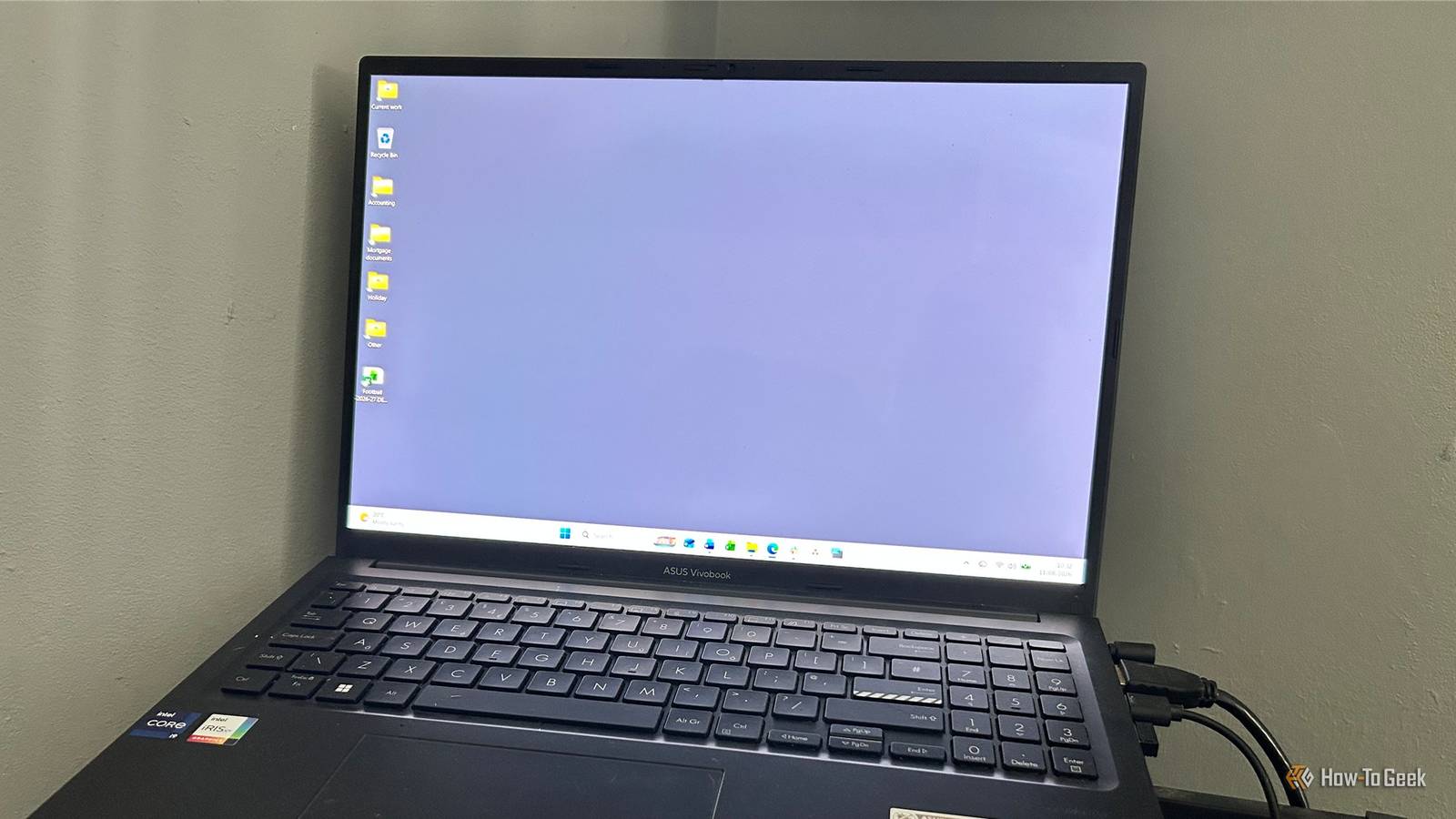
Published Aug 16, 2026, 7:30 AM EDT Tony Phillips is an experienced Microsoft Office user with a dual-honors degree in Linguistics and Hispanic Studies. Prior to starting with How-to Geek in January 2024, he worked as a document producer, data manager, and content creator for over ten years, and loves making spreadsheets and documents in his spare time. Tony is also an academic proofreader, experienced in reading, editing, and formatting over 3 million words of personal statements, resumes, reference letters, research proposals, and dissertations. Before joining How-To Geek, Tony formatted and wrote documents for legal firms, including contracts, Wills, and Powers of Attorney. Tony is obsessed with Microsoft Office! He will find any reason to create a spreadsheet, exploring ways to add complex formulas and discover new ways to make data tick. He also takes pride in producing Word documents that look the part. He has worked as a data manager in a secondary school in the UK and has years of experience in the classroom with Microsoft PowerPoint. He loves to encounter problems in Microsoft Office and use his expertise and legal-level training to find solutions. Outside of the Microsoft world, Tony is a keen dog owner and lover, football fan, astrophotographer, gardener, and golfer. When Windows XP arrived in the early 2000s, desktop wallpaper became a PC status symbol. Two decades later, however, I've gone the opposite way: my Windows desktop is a flat shade of gray. It might look boring, but I've got good reason to keep it that way. Busy wallpapers compete with what I actually need to see The novelty wears off pretty quickly I get the pull. You sit down at your desk in the morning, turn on your PC, and see a nice picture of Luna running around in the local park. For a few seconds, it's lovely. Then the novelty wears off, and you realize it's actually getting in the way. Even Microsoft recommends reducing background images and other visual effects as one way to make it easier to focus on tasks. I've found that advice to be particularly valuable when I'm working. A detailed photo or a colorful pattern is always sitting behind everything else I'm doing. Even though I have windows open on both my screens pretty much all day, it rears its head whenever I press Win+Tab to jump to a different window or briefly expose the desktop while rearranging them. The same applies to Windows Spotlight. I'll admit that I like it: Microsoft serves up some genuinely fantastic scenery and wildlife shots, and I can absolutely see why people enjoy having a new one appear each day. But it's not for me. I want my surroundings today to look exactly as they did yesterday. There's something surprisingly calming about seeing the same boring gray background every time I turn on my computer. It never surprises me, never demands my attention, and never gives me something new to look at. Wallpaper colors bleed into Windows 11's translucent interface That beautiful picture doesn't stay where you put it This is one of the things that really pushed me toward a plain desktop. In Windows 11, parts of the interface are semi-transparent, which means your wallpaper can have a surprisingly large say in what you're looking at. Microsoft's Fluent Design System uses transparency effects that mean the colorful photo you've chosen isn't necessarily confined to the empty space behind your windows. I notice this when working in Excel. If there's a bright or highly varied image on the desktop, I can see those colors coming through parts of the interface around the top of the app. The taskbar can have the same problem. Yes, I could turn off Windows' transparency effects. I just don't want to. I like their subtle depth and modern feel, and I don't want to change a Windows setting to accommodate a wallpaper I've chosen myself. I'd rather remove the source of the visual clutter and keep the interface the way I like it. A plain background makes desktop icons easier to read My filenames don't need a scenic backdrop Even though I keep desktop folders and files to a minimum, there are still some items on there I need to be able to read. This sounds incredibly mundane until you put a desktop icon on top of a photo and discover that the filename has landed directly over the brightest or busiest part of the image. Now you're squinting at it. A solid background eliminates this problem. My icons sit against the same predictable color every time, so I can glance at the desktop and immediately see what I'm looking for. It's hardly a revolutionary productivity hack, but it's just one less tiny annoyance in a place where I spend quite a bit of time. When the alternative is a gray rectangle, I'll happily take it. I need my screenshots to look clean My wallpaper shouldn't be part of my work I write about tech, which means I take a ridiculous number of screenshots. Sometimes the desktop is deliberately visible, and other times I'm capturing a window that doesn't quite fill the screen, and there's a strip of wallpaper peeking around the edge. Whatever wallpaper image I've chosen has suddenly become part of something I'm preparing for publication. A personal picture might look great on my desktop, but it can look untidy sitting behind a screenshot of a tiny dialog. The same thing applies when I share my screen in work calls. I don't particularly want a vacation photo or some elaborate abstract design sitting behind what I'm trying to show a coworker. And, frankly, my coworker probably doesn't want to look at it either. They're on the call to see what I'm demonstrating, not to admire my taste in desktop photography. A plain background, on the other hand, simply disappears, and that's exactly what I want. When I'm making something for others to look at, I want the software to be the interesting part. I don't want my desktop advertising my personality There's always a nosy Norris somewhere nearby Modern computer work isn't always done behind a desk with the door closed. I work on the go, and that means there's inevitably a nosy Norris sitting behind me on the train, glancing over to see what I'm doing. I don't particularly want my desktop telling that person anything about me. A vacation photo reveals where I've been. A sports logo reveals what I follow. A band, movie, political image, or family picture can tell my life story before I've even opened an app. A plain gray wallpaper doesn't reveal anything. It doesn't identify my interests, advertise my personality, or provide a nosy stranger with something else to look at. Maybe I'm being paranoid. Or maybe I'm just boring. I'm OK with either. In a world where we're increasingly working wherever there's a spare seat and a Wi-Fi connection, blandness can be a useful form of privacy. My wallpaper can stay mundane Maybe a gray desktop isn't very exciting. But that's exactly the point. I don't need my wallpaper to entertain me, express my personality, or give anyone else something to look at. I just need it to stay out of the way, and gray does that perfectly.
I made my Windows desktop boring on purpose, and I wish I'd done it sooner
Full Article
Original Source
Read the full article at Howtogeek →KhanList aggregates and links to publicly available news content. We do not host full articles from third-party sources. Always verify important information with original sources.