
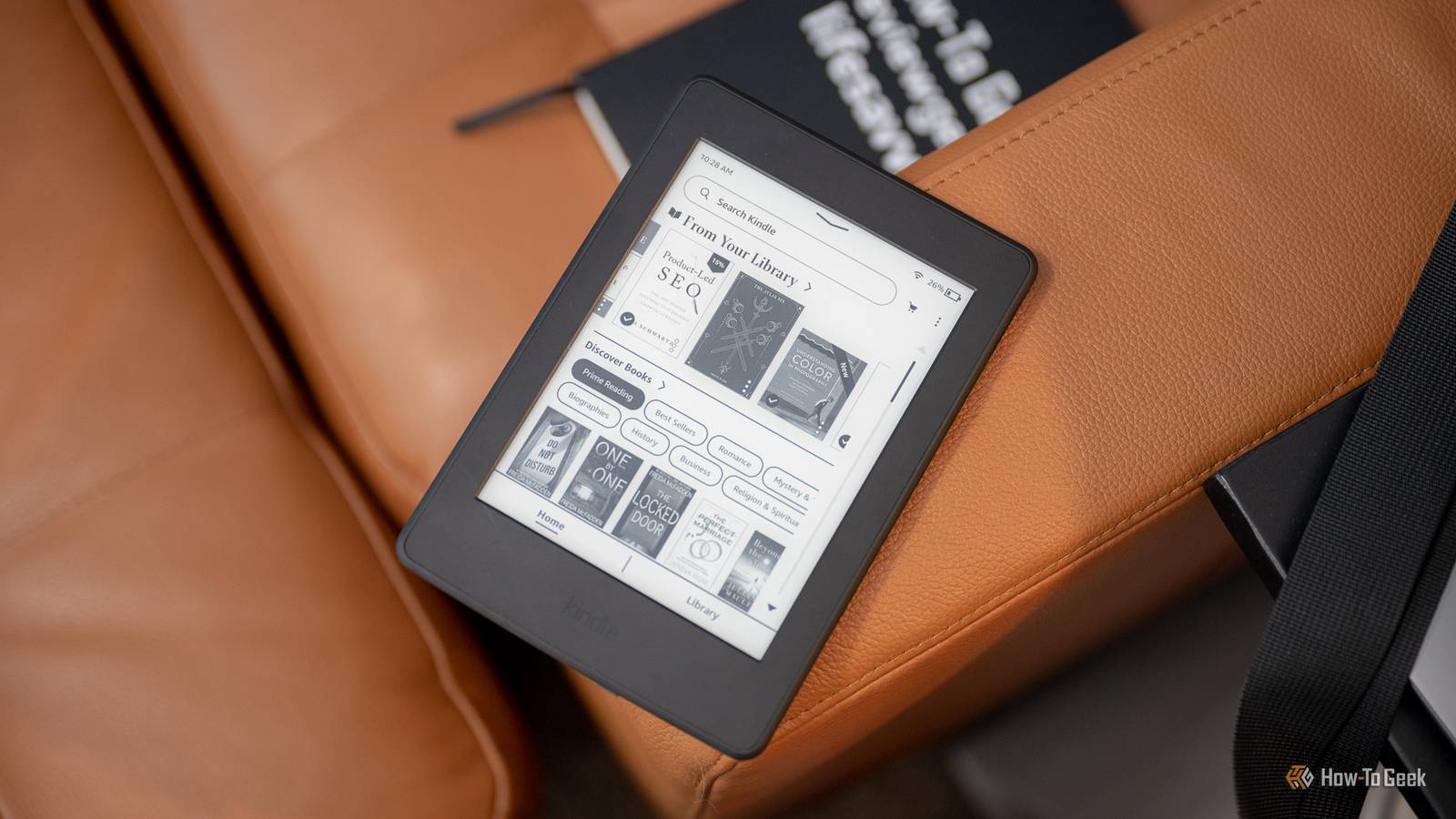
Published Aug 3, 2026, 9:03 AM EDT Joe Fedewa has been writing about technology for over a decade. Android and the rest of the Google ecosystem have been a focus for years, as well as reviewing devices, hosting podcasts, filming videos, and writing tutorials. Joe loves all things technology and is also an avid DIYer and food blogger. He has written thousands of articles, hundreds of tutorials, and dozens of reviews. Before joining How-To Geek, Joe worked at XDA-Developers as Managing Editor and covered news from the Google ecosystem. He got his start in the industry covering Windows Phone on a small blog, and later moved to Phandroid where he covered Android news, reviewed devices, wrote tutorials, created YouTube videos, and hosted a podcast. From smartphones to Bluetooth earbuds to Z-Wave switches, Joe is interested in all kinds of technology. After several years of jailbreaking and heavily modifying an iPod Touch, he moved on to his first smartphone, the HTC DROID Eris. He's been hooked ever since. I can't say I'm a big fan of Amazon, but it's hard to deny that Kindle eReaders are pretty great. Despite my feelings about the company, I have a Kindle Paperwhite. However, I don't buy any ebooks from Amazon—that's the line I draw. Thankfully, it's pretty easy to do. Before I caved in and bought a Kindle Paperwhite, I tried a Kobo for a while. My goal was to have a completely Amazon-free reading experience. It was mostly fine, but ultimately, I wasn't that happy with it. So, I decided I would get a Kindle but just not buy anything from Amazon. Four years later, it's been working fine. Having fun isn’t hard when you’ve got a library card The easiest way to read and learn for free Credit: PBS Thankfully, one of the best reasons to own a Kindle eReader has nothing to do with Amazon at all. Kindles have very good integration with Libby, the app for libraries. If you have a library card—physical or digital—you can very easily check out books from your local library through the Libby app on your iPhone, iPad, Android, or computer. The app allows you to connect your Kindle, so when you check out a book, it's automatically sent to your eReader. This is one of my most-used Kindle features. It's super easy to browse for books in the Libby app on my phone and nearly instantly send one to my Kindle. And if you tend to take a long time to finish a book, there are ways to skirt around the library's time limits. The internet is full of free eBooks Make acquaintance with the classics Your local library is going to have the best selection of new and popular ebooks, but there are plenty of other resources online for free books that you can put on your Kindle. Two worth checking out are Project Gutenberg and Open Culture. Project Gutenberg is a digital archive of more than 70,000 free epub and Kindle ebooks. The focus is on older works that have expired U.S. copyrights. Titles such as Pride and Prejudice, Romeo and Juliet, Moby Dick, Little Women, Alice's Adventures in Wonderland, and many more. Open Culture is a similar concept to Project Gutenberg, but it has a much more limited library—only 800 free ebooks. Authors you'll find on Open Culture include Isaac Asimov, Jane Austen, Philip K. Dick, F. Scott Fitzgerald, Neil Gaiman, Ernest Hemingway, and more. You can buy eBooks from other web stores And sync them to your Kindle with Calibre Maybe you don't care about spending money on ebooks; you just don't want to give that money to Amazon. In that case, you can simply buy from a different ebook store. For obvious reasons, Amazon doesn't make it clear that you can do this, but it's absolutely allowed. Of course, it's not as easy to do this as clicking a "Buy" button in the Kindle Store directly on your eReader, but it's possible. The key to this is a long-time computer application called "Calibre." First, Calibre can transfer ebook files that you downloaded from anywhere to a Kinde eReader. On top of that, it also has its own built-in shop that scours online stores for books. You can simply deselect Amazon and easily search and download ebooks directly in Calibe, then transfer it to your connected Kindle. Amazon offers free eBooks, too These are worth grabbing even though they're locked to Amazon's ecosystem You can technically still use the Kindle Store without giving money to Amazon for the books. Those same classic stories that have expired copyrights are available for free from Amazon, too. You can literally search "free Kindle books" to find them, and there's a Top 100 list that includes free titles. The second method is a bit more of a stretch. I don't particularly like Amazon, but I begrudgingly have a Prime subscription—it's hard to beat the convenience. Since I already have the subscription, I can take advantage of Prime Reading. It's a relatively small library of books to choose from, but they're easy to download on my Kindle, and I'm not giving money to Amazon for books to read them. Buy the Kindle, skip Amazon Does it feel contradictory to use a Kindle while trying to avoid Amazon? Especially as a Prime subscriber? Yes, it does. But we all have to draw our boundary lines somewhere. At the end of the day, my top priority is to actually read books. Kindle eReaders seem to make that the easiest for me, so this is what I do.
I love my Kindle, but I still don't buy eBooks from Amazon
Full Article
Original Source
Read the full article at Howtogeek →KhanList aggregates and links to publicly available news content. We do not host full articles from third-party sources. Always verify important information with original sources.