
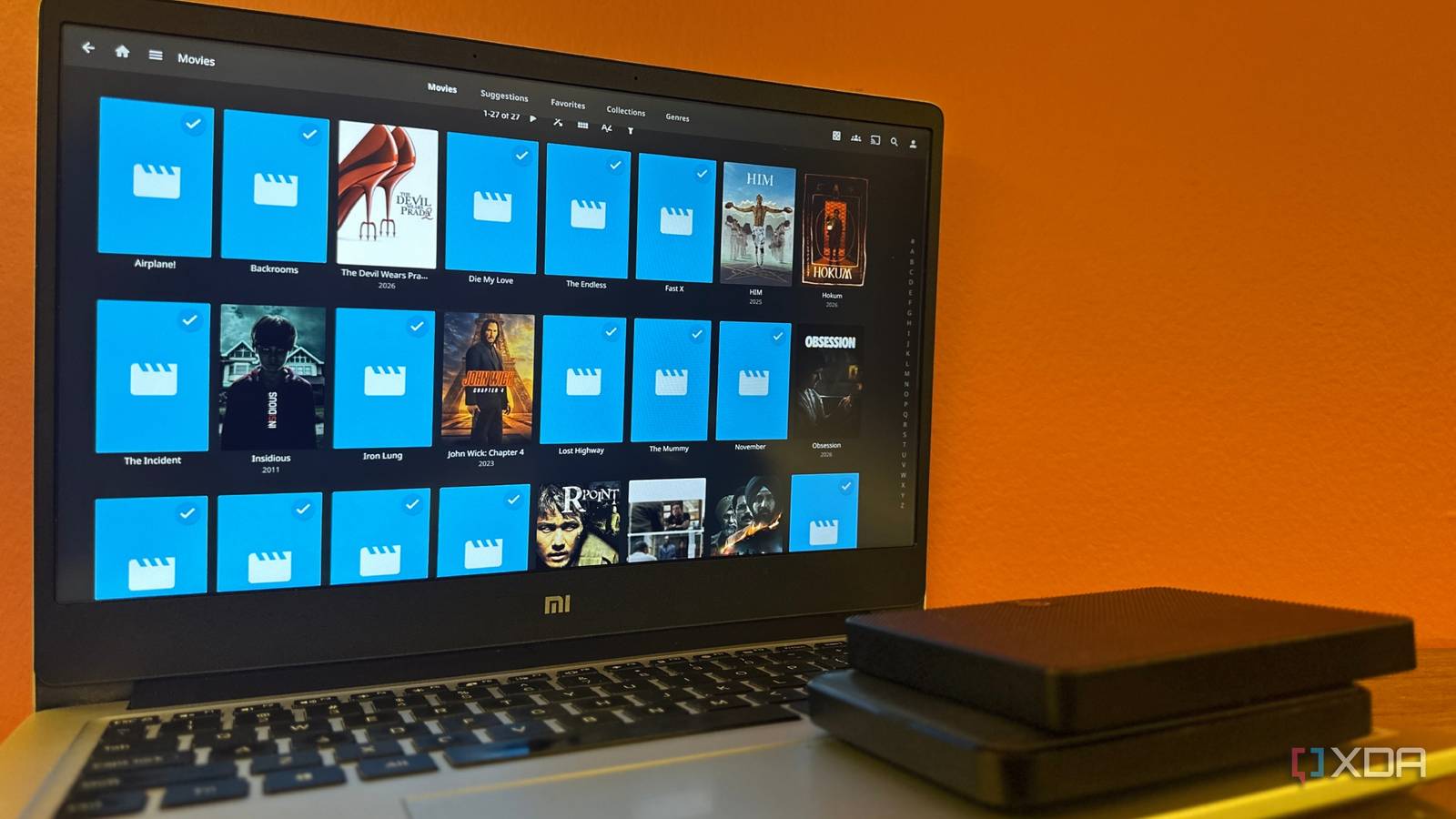
Published Sep 9, 2026, 12:00 PM EDT Gaming has been Samarveer’s greatest passion, and the Literature graduate in him takes immense joy in dissecting games for their themes, messages, and impact. Samarveer holds a deep appreciation of gaming, and considers the platform to be the most immersive and impactful across all media. He can be found engaging with gaming communities online, always ready to debate the finer points of ray tracing or itching to write an 8-page collegiate thesis on any game that impacts him emotionally. Ever since I offloaded my Jellyfin server from my desktop PC to an old laptop, I've thought of it as something I'd never have to bother with as it ran in the background forever. The files are there, Jellyfin works smoothly, and I even have a backup. Plus, the laptop itself serves as a UPS with its battery, meaning it will keep running in the event of a power outage, so nothing much could go wrong. Turns out, quite a lot can go wrong. Considering I had repurposed an old laptop and external HDD to function as my server, I wasn't completely surprised about the HDD dying, but when it did happen, I got a very quick lesson in the difference between having a backup and actually having a backup of your Jellyfin server. Losing access to my media was just the beginning, and it wasn't even the surprising part. I happened to discover just how much of my setup lived somewhere other than the media itself. My backup could bring my files back, sure, but it couldn't necessarily bring my Jellyfin back with them. Things got pretty interesting from there on. I never expected to lose my Jellyfin server out of the blue I gave a 10-year-old HDD one last job The hard drive that became my Jellyfin server wasn't exactly new. I'd pulled it from a drawer after roughly 10 years of use, and it also spent the previous couple of years doing nothing. It still worked, though, and pairing it with an old laptop seemed like a better fate than leaving both of those things to gather dust. I'd initially kept my server on my desktop PC, but decided to offload it to an old laptop connected to an even older external HDD. The laptop ran Jellyfin, and the resurrected external HDD held my movies and TV shows — pretty simple on the face of it. I wasn't building a NAS or some sort of enterprise server, either; this was just a spare laptop and an old drive doing something useful. Restoring my media files wasn't the same as restoring Jellyfin, and that was the distinction I'd overlooked. Then, the HDD stopped responding out of the blue, with no warning or countdown. One moment Jellyfin was serving my library, and the next, it couldn't find the files. Plugging the HDD into my PC showed me the problem — it was no longer recognized, and no amount of troubleshooting brought it back. One fine day, my oldest HDD died, and took all my movies, TV shows, and home videos with it. Thankfully, I wasn't fretting, since my backup strategy involved a second copy of all my media. The movies and shows weren't gone forever, but restoring those files wasn't the same as restoring Jellyfin — it was that distinction that turned out to be the part of my backup strategy I'd overlooked. My backup saved only the files, not my Jellyfin server I had backed up what Jellyfin watched, not what it remembered It was reassuring to see that my media wasn't gone entirely. I had a second copy of the movies and TV shows, so replacing the failed drive was merely a matter of copying everything back. For a moment, I genuinely believed I'd dodged a bullet. Then I remembered that Jellyfin isn't just a folder browser. The server keeps data that includes configuration, library definitions, users, watch history, resume positions, metadata, and the settings for all the plugins I regularly experiment with. Sadly, none of these settings live inside the movie file itself. Users can install Jellyfin on their PCs as a portable folder instead of a Windows service. My backup had preserved the content, but not the experience I'd built around it. As such, I quickly reinstalled Jellyfin and got a fresh new server up and running. Sadly, this new server didn't know which episodes I'd watched, where I'd stopped, or how I'd configured the server. This is the part I had clearly misunderstood. I was treating the media folder as though it were the server, when it was just the largest part of it. Jellyfin's data directory was carrying data I'd never thought to protect — plugins I'd spent hours configuring and playback history I always loved sifting through every month. So my backup wasn't useless, but it certainly was incomplete. It protected the files I could rebuild Jellyfin around, but they left the server's memory behind. That's more annoying than losing a movie folder. Rebuilding media is tedious. Rebuilding watch history and settings is personal. I've learned a new Jellyfin backup strategy Two copies, two things worth protecting After the Jellyfin server failure, I didn't replace my cobbled-together server with a NAS or build some elaborate 3-2-1 backup system. I've still changed something, though, and I've stopped treating my media folder as the entire server. The new rule is straightforward: keep a second copy of the media, and separately back up Jellyfin's data and configuration so the server itself can be rebuilt. The second backup now covers the stuff that I absolutely hated recreating — users, libraries, settings, watch history, resume positions, metadata, and the database. I don't have to preserve every temporary file that Jellyfin creates, though. Cache and transcoding data can be regenerated, so there's little point in wasting backup space on it. The goal is to preserve the server's state, not every byte it happens to produce. The exact folder depends on how Jellyfin is installed. On Windows as a service, the important directory is C: > ProgramData > Jellyfin > Server. Jellyfin packages on Jellyfin use /var/lib/jellyfin for data and /etc/jellyfin/ for configuration. If you've got a portable Windows installation, it normally uses %LOCALAPPDATA%\jellyfin. Thankfully, it doesn't require anything fancy. My second external HDD can hold both the media backup and Jellyfin's important server data, with regular updates instead of another decade-long retirement plan. For a manual backup, I stop Jellyfin, copy those data/config folders to my backup drive, and start the server again. That's it. Jellyfin iOS compatible Yes Android compatible Yes Desktop compatible Yes Jellyfin is one of the best Plex alternatives you can get, and that's thanks to its open-source nature and powerful set of features. There are apps for basically every platform and it's completely free to run your very own server. My cheap hardware taught me an expensive lesson My HDD spent years being useful, then years being forgotten before it finally found a second life as the heart of a home server, all before it decided it had done quite enough. I can't even be particularly annoyed at it. Ten years is a respectable innings for a drive, and I was the one who decided to trust it with something I cared about. The useful part of the failure is that it exposed a mistake while the consequences were still manageable. A Jellyfin server doesn't need a complicated backup strategy to be resilient; it needs one that reflects what actually makes the server valuable. Once you understand that distinction, the backup itself becomes pretty darn boring. When it's all said and done, boring is exactly what I want from my server now.
I lost my entire Jellyfin server to a dead drive, but my real mistake was the backup I thought I had
Full Article
Original Source
Read the full article at Xda-developers →KhanList aggregates and links to publicly available news content. We do not host full articles from third-party sources. Always verify important information with original sources.