
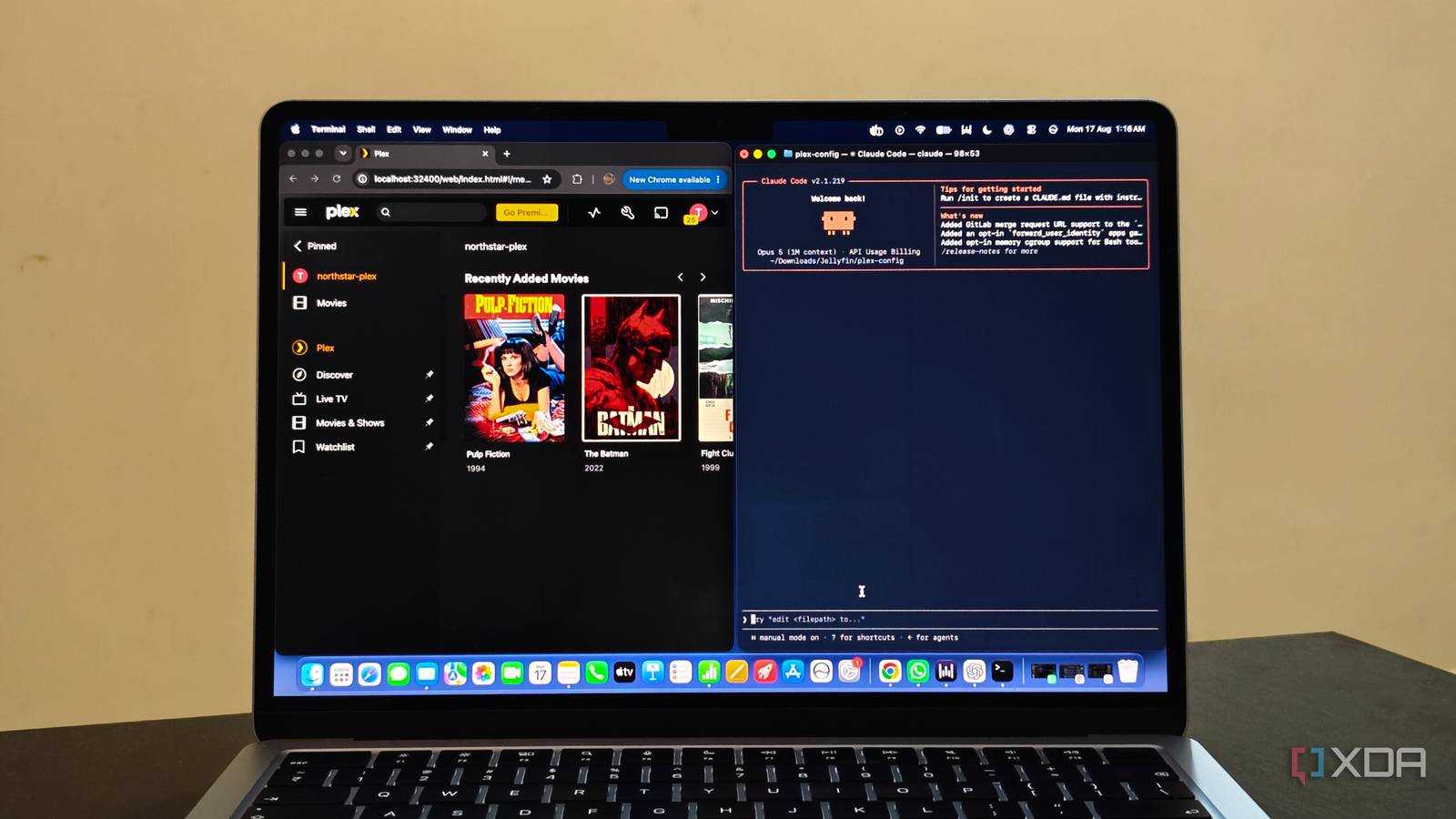
Published Aug 20, 2026, 7:00 PM EDT Anurag is an experienced journalist and author who’s been covering tech for the past 5 years, with a focus on Windows, Android, and Apple. He’s written for sites like Android Police, Neowin, Dexerto, and MakeTechEasier. Anurag’s always pumped about tech and loves getting his hands on the latest gadgets. When he's not procrastinating, you’ll probably find him catching the newest movies in theaters or scrolling through Twitter from his bed. Once you have set up your Plex library properly, adding content works like clockwork. You can automate when shows and movies are added to your library, but while adding content is easy, it also eats up your storage really quickly. I have already dealt with this once using Unmanic, an open-source tool that can automatically optimize media files and helped me reclaim TBs of storage. But a comment on that article gave me a different idea. Instead of using a tool built specifically for media optimization, why not give the entire job to an AI agent? So I pointed Claude Code at my Plex library and asked it to clean things up. Unlike a dedicated tool with a fixed set of rules, Claude could inspect what was actually in my library and free up over 8TB of storage. My Plex library keeps getting bigger And storage kept shrinking The problem with automating your Plex setup is that storage usage also becomes easy to ignore. You keep adding new movies and episodes, Plex picks them up, and everything looks fine from the front end. You only really notice the problem when you check your drives and realize how much space the library is taking up. A lot of that space is obviously going to the media itself, but not all of it is useful. I have ended up with multiple copies of the same movie after upgrading to a better release. Old torrent files that were never removed, sample videos, archives, and other junk also sit inside media folders. Some files are simply much larger than they need to be because of the codec or bitrate they use. I could open every movie and TV folder, check what is inside, and decide what should stay, but that defeats the point of having an automated media setup in the first place. I've seen some success with Unmanic, but I wanted to see what the Claude code can do to help me here. I asked Claude to look at the library as a whole and figure out where the wasted space was coming from. That included the media files themselves, but also everything that had accumulated around them over time. Everything happens locally The best part about this setup is that it doesn't have anything to do with Plex. Claude Code only needs access to read the folders where your movies and TV shows are stored. How you provide that access depends on where Claude Code is running. You can install it directly on the machine hosting Plex, connect to that machine over SSH, or mount the NAS share on another computer. As long as the media folders appear in the filesystem, Claude can work with them. You can open the media directory in a terminal and run Claude, or start it elsewhere and provide the path separately. Claude can then use normal command-line tools to inspect the library. It checks filenames, extensions, folder structures, and file sizes before using ffprobe to collect details such as codec, resolution, bitrate, duration, and audio tracks. It can also calculate hashes when two files appear to be identical, although hashing an entire media library takes time and creates a lot of disk activity. The commands run on your machine, and Claude works with the filenames, metadata, and command output they produce. Some of that information is still sent to the model as part of the conversation, which is worth keeping in mind if your filenames contain anything private. I kept the initial scan read-only and explicitly told Claude not to move, rename, transcode, or delete anything. Claude Code has permission controls and normally asks before taking actions that modify files, but I did not want the first pass to make any decisions for me. Claude plans the cleanup before touching anything You don't want to lose important media I did not simply tell Claude to clean my Plex library and hope it understood what I wanted. That leaves too much room for interpretation, especially when the agent has permission to move or delete files. I started by asking it to audit the library and explain every proposed action. Audit this Plex library for wasted storage. Look for exact duplicates, multiple releases of the same movie or episode, sample videos, torrent files, archives, incomplete downloads, and unusually large media files. Use hashes to confirm exact duplicates and ffprobe to inspect media files where required. Do not move, rename, delete, or transcode anything. Create a report showing every flagged file, why it was flagged, its size, and how much storage I could potentially recover. This separated obvious junk from files that needed an actual decision. Exact duplicates were relatively straightforward because two matching hashes meant the files contained the same data. Similar filenames were more complicated. Two copies of a movie could have different resolutions, codecs, audio tracks, subtitle options, or cuts. Claude could compare that information, but I still had to decide whether the second version was redundant. Once I had reviewed the report, I asked Claude to create a cleanup script with a dry-run mode. Instead of immediately deleting anything, the script moved approved files into a separate quarantine folder and recorded their original locations. I could then rescan the library in Plex, check that everything still appeared correctly, and delete the quarantined files later. I handle oversized media files separately. Claude Code can use ffmpeg to transcode files based on the rules you give it. I asked it to prepare a list of unusually large H.264 files first, then generate commands for converting suitable files to H.265. You can use any AI agent for this task Claude Code is only one way to run this workflow. The original commenter used Grok, while Codex, Gemini CLI, OpenCode, and other terminal agents can do something similar. They are all coordinating the same local tools as long as you are able to describe the cleanup you want without building the entire script yourself.
I let Claude Code optimize my Plex library and reclaimed 8TB of storage
Full Article
Original Source
Read the full article at Xda-developers →KhanList aggregates and links to publicly available news content. We do not host full articles from third-party sources. Always verify important information with original sources.