
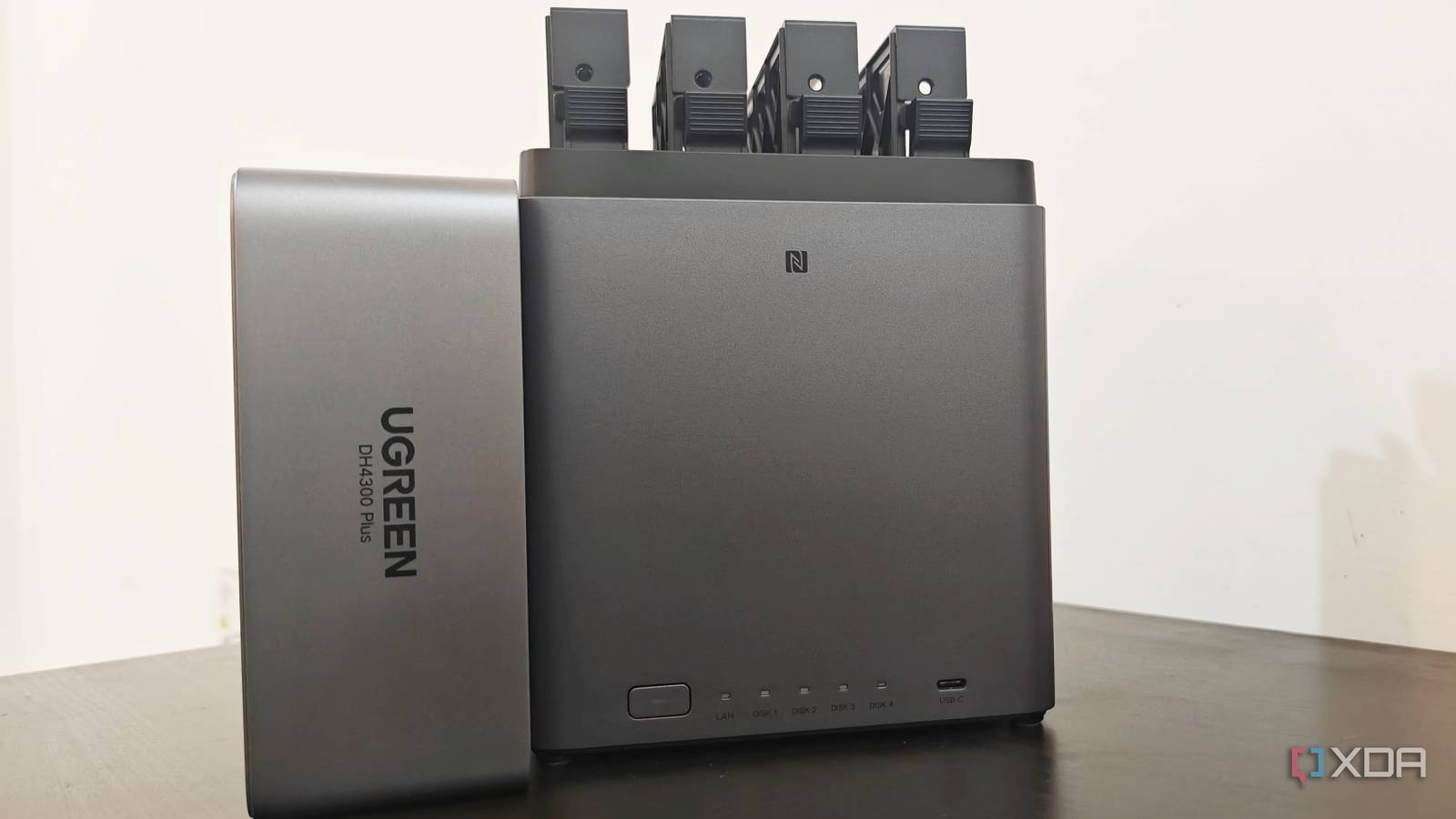
Published Oct 5, 2026, 7:30 AM EDT Anurag is an experienced journalist and author who’s been covering tech for the past 5 years, with a focus on Windows, Android, and Apple. He’s written for sites like Android Police, Neowin, Dexerto, and MakeTechEasier. Anurag’s always pumped about tech and loves getting his hands on the latest gadgets. When he's not procrastinating, you’ll probably find him catching the newest movies in theaters or scrolling through Twitter from his bed. I use a UGREEN DH4300 Plus NAS to store my files and keep backups, and since those backups run automatically, I don’t have to keep copying things over myself. You still need to check what you’re backing up, though, especially if you’ve moved files around or included folders that contain some of the same data. I recently had ChatGPT Codex audit my NAS, and it found 2TB of duplicate files that I was paying to back up twice. I ran Codex on my Mac and gave it access to the NAS through SSH. From there, it could run a duplicate scanner, inspect my backup setup, and produce a report showing which copies were redundant. Automated backups still need your attention You don't know what's inside those folders When you set up a backup job, you choose the folders you want to protect and let it run on a schedule. Months later, those folders can contain files you no longer need, old exports, or copies of data you’ve already stored somewhere else. The job continues backing up whatever falls within its scope, and checking that it completed successfully won’t tell you whether all of that data still needs to be included. You can also end up backing up the same files through different folders. For example, copying photos from a laptop backup into a separate photo library gives you two locations containing the same pictures. If both locations are included in your backups, you’re preserving both copies. Overlapping backup jobs create another problem — a job covering an entire folder can already include the subfolder you’ve configured a second job to protect. I wanted the audit to look at my files and backup setup together because the location of a duplicate is important. A working file and its backup are supposed to have identical contents. Two redundant copies in folders that both get backed up deserve a closer look. If you’re paying for backup storage, those extra copies also count toward what you store, although compression and deduplication affect how much additional space they actually consume. Giving Codex access to my NAS Enabling SSH I enabled SSH on my UGREEN DH4300 Plus, which lets you connect to the NAS from another computer and run commands on it. Your NAS manufacturer’s interface will differ if you use another brand, but you’re looking for the same setting. You’ll also need the NAS’s IP address and an account that can read the folders you want to inspect. I ran Codex on my Mac and gave it access through that connection. You can test SSH yourself in Terminal using ssh username@NAS_IP, replacing the placeholders with your NAS account and IP address. Enter your password when prompted. Once that connection works, the agent can use SSH to inspect folders and run a scanner on the NAS. I used GPT 6.1 Sol for this experiment, and it did the job well, and I also did not run out of the usage window. You can even use GPT‑5.6 for this and definitely avoid GPT‑6 Astra as it's going to cost you more usage for work that can be done by a lower‑end model as well. The key here is to give the agent instructions that specify which folders it should inspect and ask it to compare file contents and examine the available backup configuration. Also, ask it to report where the same data appears more than once. If your backup settings aren’t accessible through SSH, you can supply a configuration export or describe the source and destination of each job. That gives the agent the context to distinguish redundant copies from files you deliberately keep as backups. For the initial audit, you should explicitly ask for a report without deleting, moving, or modifying anything. Ask for full file paths, duplicate group sizes, and an explanation of why each group deserves review. Also, since scanning several terabytes involves substantial disk activity, tell the agent to limit concurrency and log files it cannot read or that change during the scan. The audit found 2 TB duplicated I have been backing up the same PSDs twice Codex identified 2TB of duplicate files that I was backing up twice. In my case, large Photoshop files and videos took up more storage than thousands of small documents, so those findings were especially useful. If you use Photoshop, you know Photoshop projects are an easy place to accumulate duplicates. You can have the same PSD in your working folder, a copy inside a completed project archive, and another in a folder you prepared for delivery, but if all three are included in your backups, you’re repeatedly storing the same file. I also found two video files with different names that were identical. You wouldn’t identify that duplication just by looking for repeated filenames. Renaming a video to make it easier to organize doesn’t change its contents, and keeping the original elsewhere leaves you with another full copy. With large videos, even a small number of duplicates can account for substantial storage. The folder locations also help explain how you end up backing up those copies twice. For example, you can archive a finished project on your NAS and leave the same files in a laptop folder that gets backed up separately. The archive and laptop backup then contain identical project files. That can be intentional, but it deserves review if you’ve kept both simply because you forgot about one. Keep the copies that protect you I use the audit results to review the largest duplicate groups first, choose which source copy to retain, and check that it still has backup coverage. Before removing anything, you should test that you can restore the retained files. You can then update overlapping backup jobs so they stop preserving unnecessary copies.
I let a coding agent audit my NAS for duplicate files, and it found 2TB I was paying to back up twice
Full Article
Original Source
Read the full article at Xda-developers →KhanList aggregates and links to publicly available news content. We do not host full articles from third-party sources. Always verify important information with original sources.