
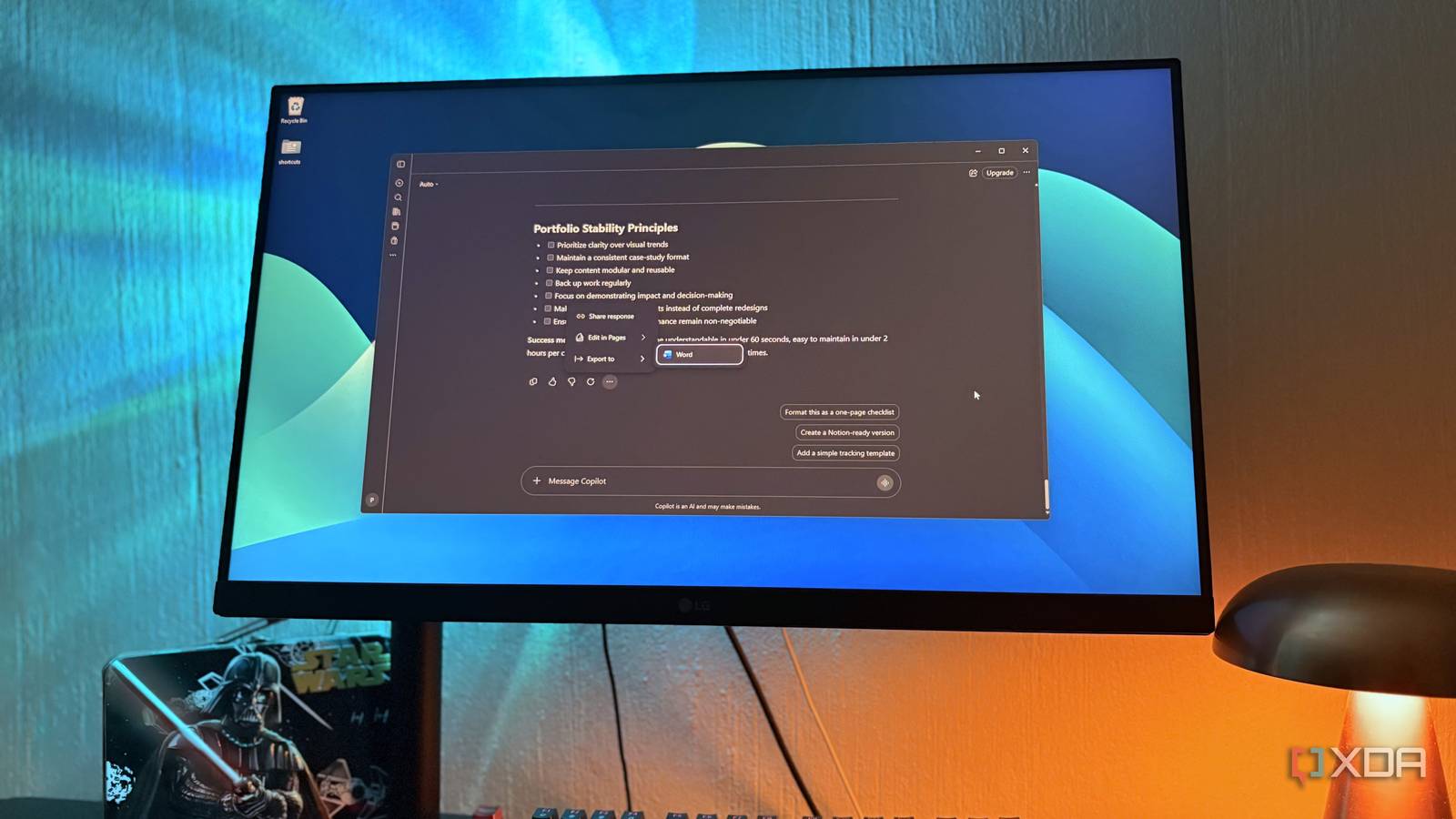
Published Nov 24, 2026, 12:30 PM EST Nolen began their writing career in 2019, with three years dedicated to editing the Creative section at MakeUseOf. Their expertise lies at the crossroads of technology and creativity, covering areas like photography, video editing, and graphic design. Outside of work, you'll often find Nolen diving into a good book, writing their own stories, or playing video games. Copilot has a reputation on Windows, and that's mostly about getting rid of it. Search for anything Copilot-related and half of what you find is how to minimize its intrusive integration. This was me as well, and I still keep it out of Windows. Meanwhile, plenty of people pay monthly for Claude or Gemini, and the standalone Copilot app tends to get written off along with the Windows features everyone's trying to avoid. But that felt a little unfair once I actually tried the Copilot desktop app. It can work as a chatbot without access to your files, but its Windows app also offers optional file-search features and help with Windows settings, alongside some unexpectedly handy workspace features. The Copilot app is separate from Copilot in Windows You can keep one off and still use the other Copilot in Windows and the Copilot app sound like the same thing, and they used to overlap a lot more. These days Copilot on Windows is an ordinary app, and the taskbar button and the Copilot key on newer keyboards are just shortcuts that open the app. Copilot used to be a built-in sidebar with its own off switch, but now you can unpin it like any other app, and the Copilot key can be remapped. The app actually changed quite a bit this year. Microsoft merged it with the Microsoft 365 Copilot app (the work-focused app that used to be called Office), and now the Windows version is basically the Copilot website running in a desktop wrapper. You do still need to sign in with an account because there is no guest mode anymore, but it doesn't have to be your Microsoft account - I just signed in with a Google account. Some features that reach into your computer or connected accounts are optional, including file search and connectors such as OneDrive and Gmail; availability and settings vary by feature and app version. Personally, I'm keeping these features off. Copilot Prompt Lab helps you find and reuse prompts Browse available prompts or save your own Copilot Prompt Lab is a library of ready-made prompts that are curated by Microsoft, and there are selections sorted under Analyze, Ask, Assist, and many more, and each one has bracketed blanks meant for you to fill in with your own details. For example, one asks Copilot to compare the pros and cons of [option A vs option B] for [project / topic], so you just swap in your own details. You can save your own prompts as well. After you've run your prompts, you'll see a little bookmark icon when hovering over one - this will add it to your saved prompts where you can also rename it. I think this is pretty neat and not something I've seen in any other mainstream chatbot app yet. The library doesn't adapt to you, though. Everything in it is tagged as suggested by Microsoft and it doesn't adapt to you or what you chat about. But the follow-up suggestions under the AI's answers are reflective of the conversation, so by saving them, you are in a way getting an adaptive prompt library. Copilot Notebooks keep a whole project in one place It only works from what you give it Notebooks are Copilot's take on Claude Projects and Gemini's notebooks. If you're familiar with either of those then you already know how this works: you make one for a topic or project, add references to it, and Copilot answers from those references. References can be uploaded files, links, files from OneDrive, or past Copilot chats, which is handy if you've already worked through something in a regular chat and don't want to repeat yourself. As expected, it's not local. Notebooks are stored in Microsoft's cloud in a container tied to your account, so anything you upload leaves your PC even with OneDrive disconnected. New references can also take up to 10 minutes before Copilot starts using them. I think Gemini's version has the edge here because notebooks sync with Gemini Notebook (or as 99% of us still call it, NotebookLM) and there are also extras like video overviews and infographics. But unlike Claude Projects, you get unlimited notebooks in Copilot. Copilot Library is like an artifacts tab Everything you make in Copilot ends up stashed here Library looks like Copilot's version of Claude's artifacts tab, and it kind of is. It's a single view of everything Copilot has made for you, including documents, presentations, workbooks, Pages, and images. The naming is a bit misleading on the free tier, though. Proper Word, Excel, and PowerPoint editing inside the app is a feature called Office in Copilot, which only became generally available in November but access depends on your account and license. When I asked for a document, I got a Copilot Page that opened in Microsoft Loop instead of a Word file because I'm on a free account. Pages are still useful, though. They open next to your chat, and you can keep prompting to change them or use the one-click options to add section headers, an introduction, or a conclusion. Microsoft says Pages can hold interactive charts and dashboards, and you can convert a page to a Word document when it's finished; the PowerPoint conversion option doesn't seem to be available at the time of writing. Compared to Claude's artifacts or Gemini's Canvas, I think Library is more for finding things again than for making them. My subscriptions have some explaining to do Microsoft Copilot has existed for years and this is my first time giving it a real shot. That's mainly because I shot it down every time it would annoy me in Windows, and I never heard the best reviews either. But it actually surprised me. The desktop app is now a proper AI chatbot with fully-fledged workspace tools where you can work through proper research, presentations, and documentation - and there are a couple more learning-focused features too that I haven't touched on yet. Gemini and Claude might have some competition after all. Microsoft Copilot
I keep Copilot off on Windows, but its desktop app has me rethinking my Gemini and Claude subscriptions
Full Article
Original Source
Read the full article at Xda-developers →KhanList aggregates and links to publicly available news content. We do not host full articles from third-party sources. Always verify important information with original sources.