
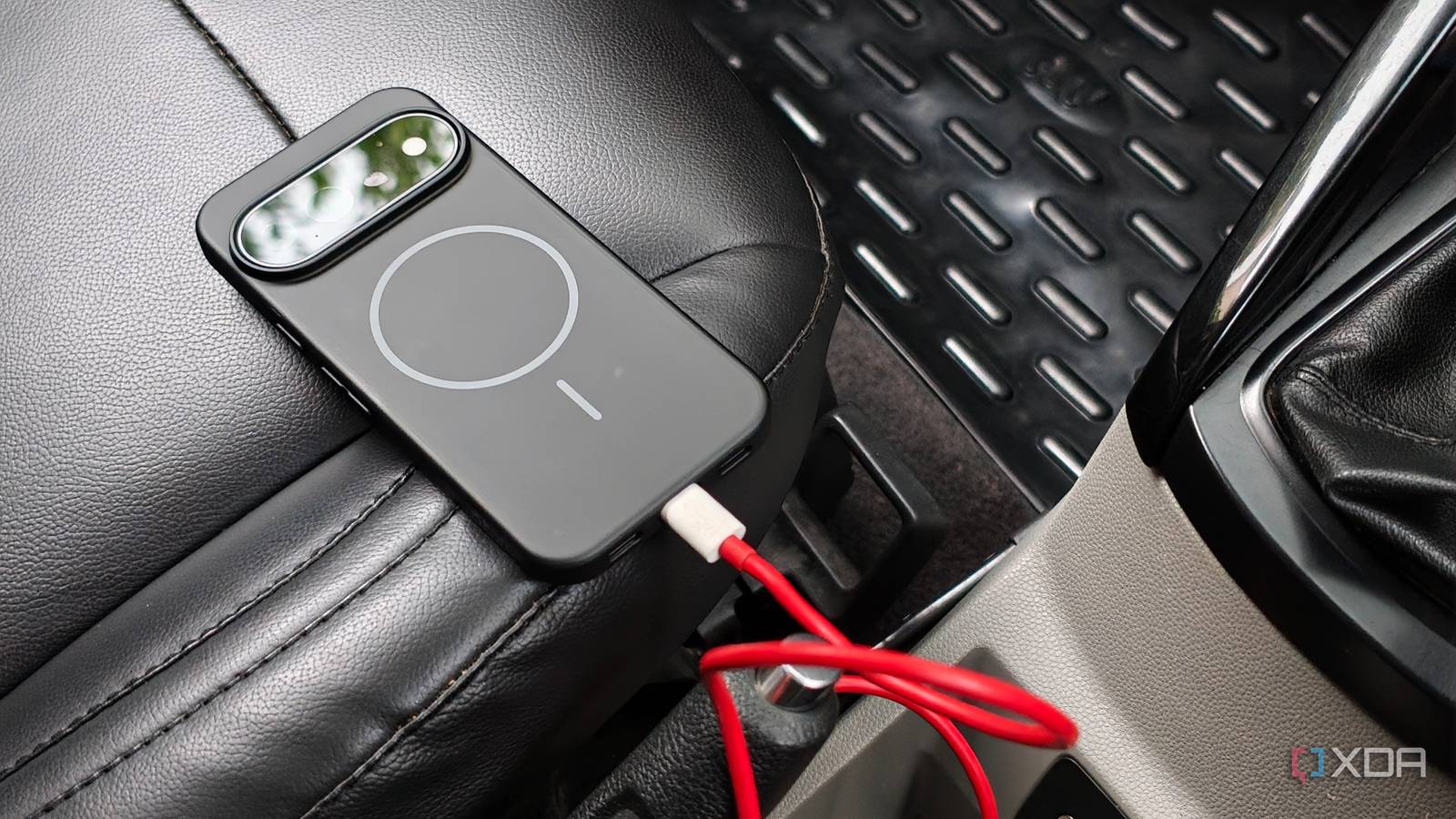
Published Sep 3, 2026, 3:00 PM EDT Dhruv Bhutani has been writing about consumer technology since 2008, offering deep insights into the personal technology landscape through features and opinion pieces. He writes for XDA-Developers, where he focuses on topics like productivity, networking, self-hosting, and more. Over the years, his work has also appeared in leading publications such as Android Police, Android Authority, CNET, PCMag, and more. Outside of his professional work, Dhruv is an avid fan of horror media spanning films and literature, enjoys fitness activities, collects vinyl records, and plays the guitar. I love Android Auto for how easy it makes my daily drive. But it's hard to ignore the fact that my phone gets noticeably hot whenever I set off on a long drive. With Android Auto running navigation, streaming music, handling notifications and calls, it isn't hard to imagine that it puts a fair amount of load on the phone's processor. Add to that a phone charging wirelessly, and it's a recipe for a toasty phone. I didn't want to put my primary phone through that. So, I switched over to an old Android phone I had lying around and set it up exclusively as an Android Auto device. It stays in the car, plugged in via a USB cable, and guess what: it's completely solved my phone's overheating issue in one single step. The result is a much simpler setup. The older phone handles only driving-specific workloads, while my phone sits on the side, either charging or doing nothing. My old phone is more than enough for navigation and Android Auto Google Maps starts automatically when I start driving The Android phone that I use as a dedicated Android Auto device is a couple of years old, but it more than handles the task at hand. Moreover, it's not designed to serve as a second smartphone, nor does it have a wide range of pre-installed apps. A music player app, Google Maps, a messaging app, and that's all that's needed for an in-car tool. In fact, keeping it light means that I don't need to worry about updating and maintaining other apps. Navigation is the biggest reason for using a dedicated tool. This specific phone remains plugged into the USB port in my car and triggers Android Auto every time the car starts. That also means that Google Maps pops up on the car's screen practically immediately, complete with turn-by-turn navigation and all the other Google Maps features you're used to. Where I live, traffic is a real problem, and having quick access to Google Maps to check traffic conditions comes in very handy, even when I know the route I'm taking. That's where using a second phone makes a lot of sense to me. The old phone just sits there running Maps for my entire journey. Could I use my main phone? Yes. But for one, I don't want to put my expensive new Pixel 11 Pro through the wringer just yet, but also, wireless charging or even keeping a phone plugged in all the time can put a dent in battery longevity. With a phone that was basically gathering dust in my drawer, I don't really care about the negative effects of heat and constantly being plugged in. Circling back to the actual experience, though, there's no real difference. While I have a SIM card installed in my phone, I tend to keep the Wi-Fi hotspot on my primary device enabled for the most part. The spare Android phone in my car automatically connects to it, and everything works as usual, including streaming music, podcasts, and more. I use WhatsApp's companion mode to keep messages on both phones A personal hotspot provides the connectivity Being able to safely respond to messages using Android Auto is a big reason why I use it in my car. But a secondary Android phone won't have access to my messages. Here's how I've solved that problem. Since almost all my communication happens over WhatsApp, I've set up the secondary phone as a companion device for WhatsApp. This means all incoming messages reach both of my devices, and when connected to Android Auto, I can easily reply to them on the second phone. This is also why I prefer to use a personal hotspot over the phone's SIM card. If I don't want to be disturbed, or if someone else is using my car, the spare Android phone can't display my messages via Android Auto because it won't have data access. When I get in my car and turn on my personal hotspot, the phone immediately connects to the data network and displays any future messages. It's an elegant solution to a fairly niche problem. Giving my primary phone a much-needed break The biggest change in this setup is the fact that my phone no longer has to handle everything that comes with Android Auto, including rendering the interface, handling navigation, streaming music, and more. I leave the old Android phone in the car, connect it to my hotspot, and let Android Auto handle the driving experience. Everything works exactly as it should without putting strain on my phone. In fact, most days, my phone stays in my pocket, which is exactly where I want it while driving. It goes without saying that this simple change has meant that all my overheating woes are no longer an issue. The setup has also helped me repurpose my old Android phone, which is another side benefit. If you have an extra Android phone lying around, you might also want to consider using it as a dedicated Android Auto device. There are almost no downsides, but plenty of upsides to the solution.
I keep an old phone in my car just for Android Auto, and my daily driver stopped overheating
Full Article
Original Source
Read the full article at Xda-developers →KhanList aggregates and links to publicly available news content. We do not host full articles from third-party sources. Always verify important information with original sources.