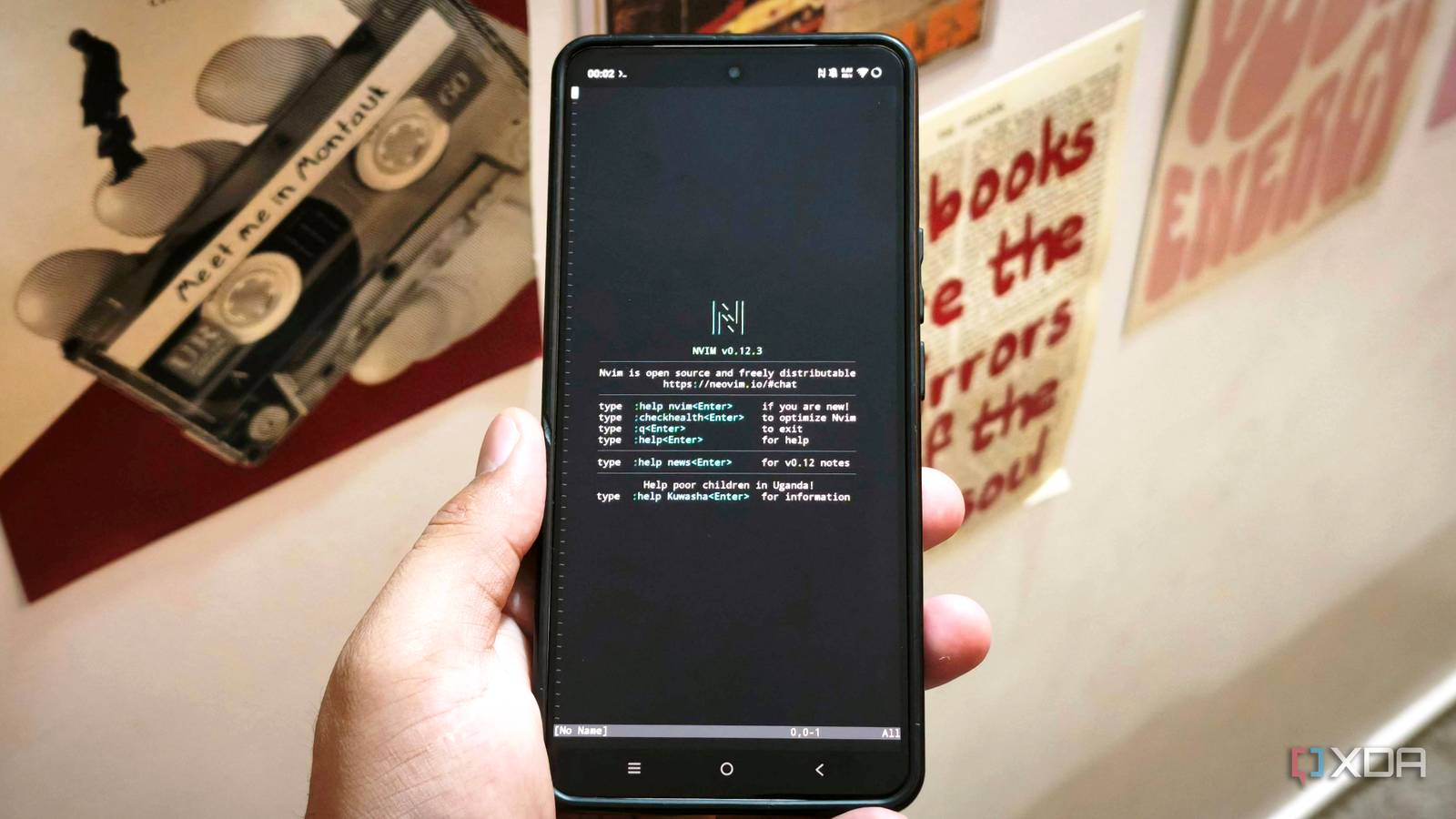
Published Jul 22, 2026, 11:00 AM EDT Anurag is an experienced journalist and author who’s been covering tech for the past 5 years, with a focus on Windows, Android, and Apple. He’s written for sites like Android Police, Neowin, Dexerto, and MakeTechEasier. Anurag’s always pumped about tech and loves getting his hands on the latest gadgets. When he's not procrastinating, you’ll probably find him catching the newest movies in theaters or scrolling through Twitter from his bed. Android phones have been powerful enough to handle everyday work for years, but that power has never brought them particularly close to replacing my laptop. The problem is Android itself, where most work remains trapped inside individual apps that cannot access the same tools, files, and processes as freely as software running on a desktop operating system. I wanted to see what would happen if I brought a proper Linux working environment to my phone. Using Termux and PRoot, I installed Debian without rooting the device, followed by tools such as tmux, Neovim, Git, Python, Node.js, and Claude Code. These were standard Debian ARM64 packages and terminal tools that I would otherwise use on a Linux computer, running directly from my Android phone. The experience remained rough around the edges, but the phone got far closer to replacing my laptop than any collection of conventional Android apps ever has. Building a Linux workstation inside Android Termux and PRoot are your best friends here Termux was the starting point for this setup. However, the packages available directly through Termux are compiled specifically for Android and its Bionic C library, which means some tools designed for regular desktop Linux will not work without modifications. To get around that, I used PRoot Distro to install Debian inside Termux. This gave me a conventional GNU/Linux userspace, the familiar Debian filesystem structure, and access to packages built for ARM64 Linux through apt. The setup did not require rooting the phone or replacing Android. PRoot does not run Debian inside a conventional virtual machine. Debian continues to use the phone’s Android kernel, while PRoot translates system calls and filesystem paths to make applications behave as though they are running inside a regular Linux installation. Once inside Debian, I installed the tools that would form the actual workstation, starting with Neovim, which gave me a proper editor. I also added tmux, Git, Python, and Node.js. I kept projects inside Termux’s private storage because Android’s shared storage does not support executable files and symbolic links properly. Files that needed to be opened by Android apps could still be copied to the phone’s Downloads or Documents folders afterward. I could build and run a real project locally It was easier than I thought The first proper test was development, since this is one of the main reasons I still need my laptop. I started with a relatively small Node.js web project rather than creating another basic “Hello World” application. The repository contained multiple components, dependencies, and a development server, which made it a better test of whether the phone could handle an actual project. Cloning the repository worked exactly as it would on a regular Linux computer. The dependency installation took longer than it would on my laptop, which was expected because PRoot has to translate system calls between Debian and Android. However, the packages installed correctly, and the development server started without requiring any Android-specific changes. PRoot shares the phone’s network rather than creating a separate network namespace, so I could open Chrome on Android, visit the local server address and view the project running directly from Debian. From there, the workflow became surprisingly normal. I opened the project in Neovim, moved between files, changed a few components, and watched the browser update after saving them. I could also run the project’s tests, inspect errors through the terminal, and use Git to review and commit the changes. tmux made the experience considerably more manageable because I could keep Neovim in one pane, the development server in another, and a regular shell in a third. Claude Code brought the whole setup together This is when I actually started getting work done Claude Code was the final tool I added to Debian, and it ended up making the strongest case for using Linux on my phone. The model still required an internet connection, but the agent operated inside the Debian environment, where it could inspect files, write code, execute commands, and use all the tools I had installed earlier. I used it to build media-processing automation. I gave it a folder containing images and videos and asked it to create a Python script that would rename the files, extract their metadata, compress oversized images, generate thumbnails from videos, and save an inventory of everything it processed as a CSV file. Claude Code could call Python, FFmpeg and ImageMagick directly, which meant it could build and test the complete workflow without requiring me to move between different Android apps. The first version did not handle every file correctly, but this was where the agent became particularly useful. It inspected the errors returned by FFmpeg and ImageMagick, modified the script, and ran it again on the same folder. I could watch the process through tmux, check the generated files from another terminal pane, and ask Claude Code to adjust the compression settings without manually editing every part of the script. A phone can never replace a laptop It goes without saying that you can never truly replace a laptop with a phone. You can always build necessary setups inside your phone so that when you don't have access to your laptop, you can get some work done. While the phone has decent hardware, it's simply not built for a use case that is meant for desktops.
I installed real Linux apps on my Android phone, and it got dangerously close to replacing my laptop
Full Article
Original Source
Read the full article at Xda-developers →KhanList aggregates and links to publicly available news content. We do not host full articles from third-party sources. Always verify important information with original sources.