
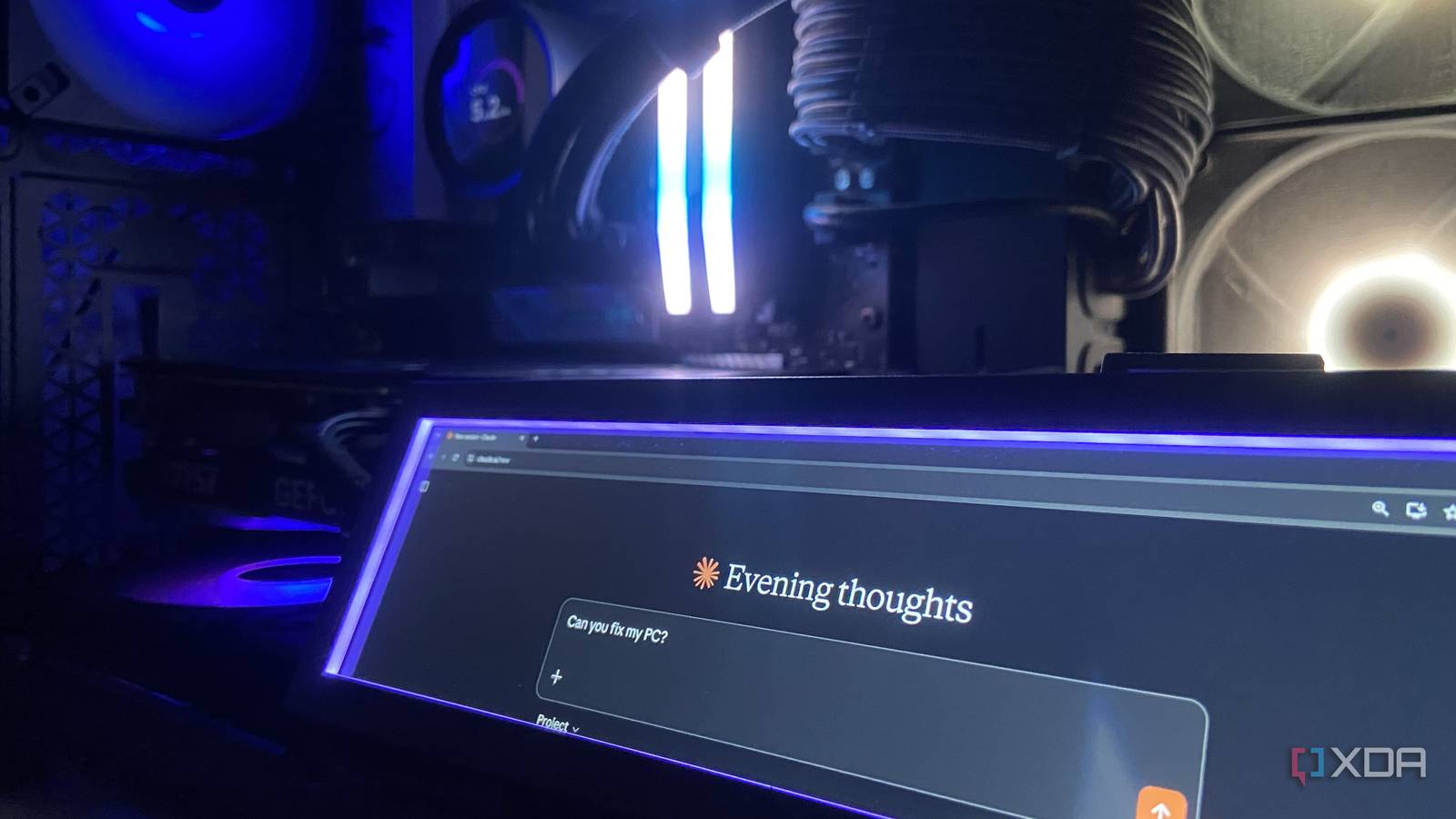
Published Oct 6, 2026, 12:30 PM EDT Abhinav pivoted from a career in banking to pursue his first love in writing. Even while working full-time, he continued contributing as an editor-at-large, a role he has held for more than 7 years. A lifelong tech enthusiast who has built three gaming and productivity powerhouse PCs since 2018, his passion for technology keeps him closely following the semiconductor industry, from NVIDIA and AMD to ARM. His MSc dissertation explored how artificial intelligence will reshape the future of work, reflecting his curiosity about the wider social impact of emerging technologies. The Windows Event Viewer logs aren't something happy users of Windows 11 open very often, and when they do, they often don't find all the information there digestible or immediately actionable. The problem is that most of it is generally noise, so if you're looking for a specific error after a crash, you can be left jumping from one timestamp to the next before you get close to the root cause. Even then, it doesn't offer a clean solution, so you delve further and further down the rabbit hole, chasing driver versions, service dependencies, and Microsoft Learn forum solutions that may or may not apply. So, I took the path of least resistance and exported the last 30 days of system logs to Claude with one instruction, which was to find and fix whatever was wrong with my PC. Most of my Event Viewer errors were Windows talking to itself Claude's first job was just telling me what to ignore When I first opened my Event Viewer log, it showed me about 750 Critical, Error, and Warning events over the course of 30 days, which made it seem like there was something seriously wrong with my PC. I exported the log as a CSV and delivered it to Claude Sonnet 5.5 with a straightforward prompt: "I've attached a CSV export of my Windows 11 System event log from Event Viewer, covering the last 30 days (Critical, Error, and Warning events only). Can you analyze it and tell me what's wrong with my PC?" With so much data, as you can expect, the first job Claude undertook was to separate the noise from the signal. The biggest pile by far was DCOM Event 10016, with 452 identical entries about a COM server missing a permission it didn't actually need. It was a fairly meaningless error that was repeated every few minutes, and it accounted for roughly 60% of my supposedly "broken" PC. Microsoft itself says that these events are "expected and by design," and don't adversely affect functionality. Among other benign errors, there were 14 Microsoft Store installation failures, all caused by Windows trying to update apps while they were still open. With the noise out of the equation, the rest of the events pointed at the other problems that I'd been living with without noticing. It found that my secondary screen had been crashing for a month The fix was a software update I would never have bothered with I have a Lian Li 8.8-inch universal screen mounted inside my PC case for keeping additional playback controls handy and checking system information that I installed a few months ago. It had been acting up for a while, but I mostly blamed the USB connector attached to the PC and thought nothing more of it until I had the logs reviewed by Claude. It turns out that the specific driver, called lianli_display_driver.dll had crashed seven times, including five times within 23 seconds on a particular day without my noticing it. The software service from Lian Li had terminated unexpectedly five times, while a Kernel-PnP warning about the USB device failed to load appeared 30 times, on nearly every boot. If I had looked at the logs myself, I wouldn't have been able to make much of it, since the device functions alright, at least when nothing's playing on it. What I had noticed, though, was the fact that the screen kept defaulting to 30Hz refresh rate on every boot, which I'd been bumping back to 60Hz manually without thinking much of it. The Kernel-PnP warning in the logs meant the device's driver entry routine never ran at startup, and Windows then fell back to a generic USB handler that didn't know the panel's native timing. The fix to this problem was stupidly simple. All I had to do was open the utility to check the version and there, I found an update prompt waiting on the dashboard that I'd never noticed, and likely wouldn't have for a long time. Event Viewer said my PC had crashed 13 times Claude found eight of them were Windows Fast Startup crying wolf every morning With the screen problem diagnosed and fixed, it left me with the biggest number in the log, which related to 13 Kernel-Power 41 events, each flagged as Critical, and each one communicating that my PC had restarted without shutting down properly. It made it seem like my PC had crashed almost every other day. The only problem was, I had noticed no such crashes to speak of at all. Claude was able to find a clue that made it all make sense, however. It reported that eight of those 13 "crashes" happened within seconds of a Kernel-Boot entry stating that Windows had failed Fast Startup. That completely demystified the log entries. Fast Startup is supposed to make booting quicker by saving a part of Windows' state when you shut your PC down, and when that saved state fails to load, Windows falls back to a normal boot and logs the previous session as an unclean shutdown. That meant eight of my 13 reported crashes were essentially Windows failing to use its own shortcut, then reporting the failure as a Critical error. You must now be wondering, "what problem does it solve?", and that would be a reasonable question, to be fair. The payoff for this was twofold; in that, I now knew that I was already getting a slow boot, and a Critical entry in the Event Viewer logs for the trouble. This meant that turning off Fast Startup was the best way forward, since the feature was failing every few days anyway. This also prevents further trouble down the road, since booting from a cached state can further complicate issues relating to drivers and other system-level changes that assume a clean start. A full shutdown avoids all of that, and the minuscule amount of time added to the subsequent boots is barely noticeable on my system. Do I recommend doing this? Everything I've described so far, including the issues that I knew existed but couldn't find a root cause to, and the issues that I didn't know were there in the first place, comes from a model that Anthropic lets you use for free. If you've got an account and a PC that occasionally hits a snag, there's no reason to let Claude have a go at your Event Viewer logs. Claude is an AI assistant and LLM developed by Anthropic.
I had Claude look into my Windows 11 PC, and it revealed problems I didn’t know I had
Full Article
Original Source
Read the full article at Xda-developers →KhanList aggregates and links to publicly available news content. We do not host full articles from third-party sources. Always verify important information with original sources.