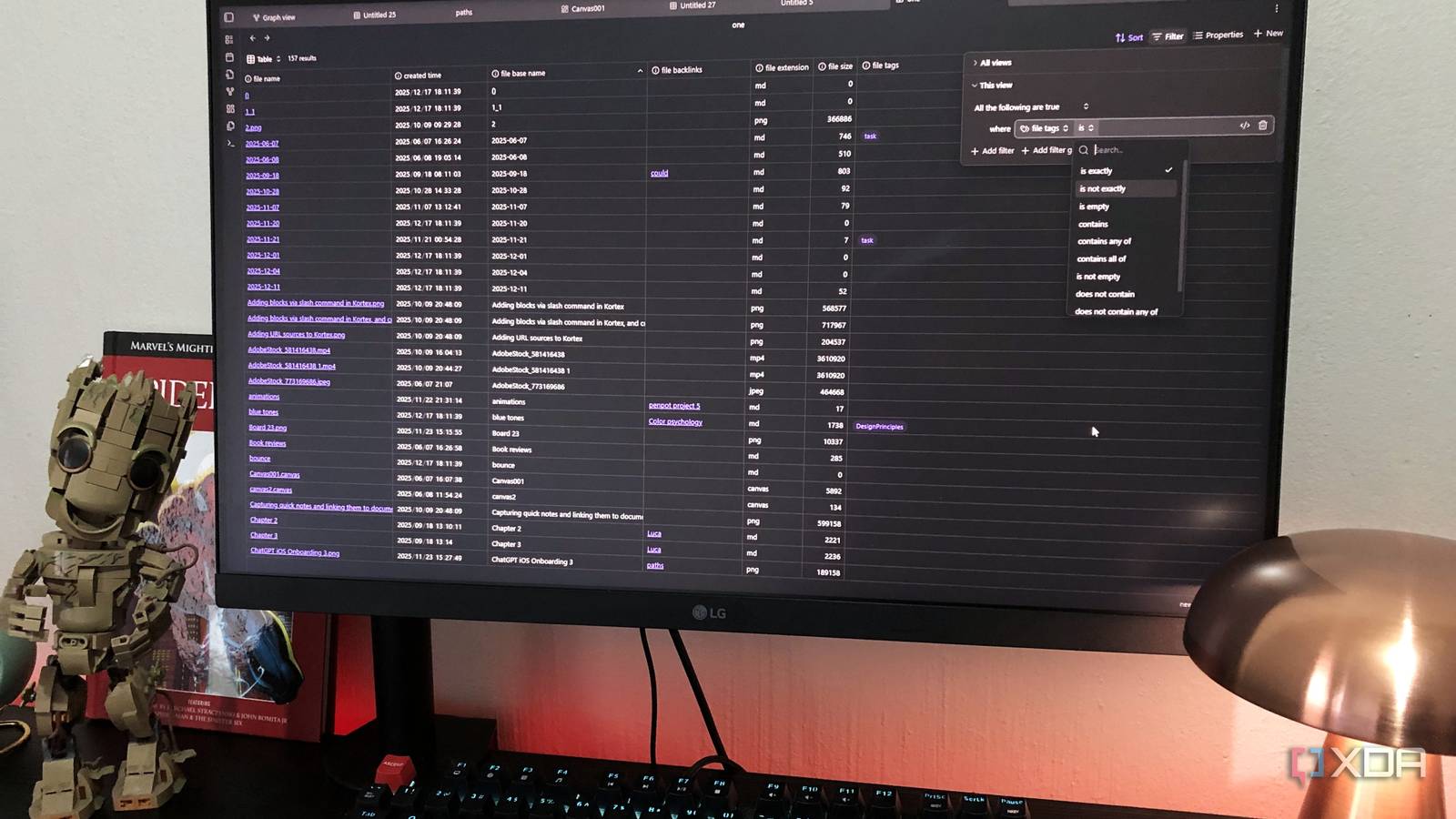
Published Aug 17, 2026, 5:30 PM EDT Nolen began their writing career in 2019, with three years dedicated to editing the Creative section at MakeUseOf. Their expertise lies at the crossroads of technology and creativity, covering areas like photography, video editing, and graphic design. Outside of work, you'll often find Nolen diving into a good book, writing their own stories, or playing video games. Not every app you try works the first time. I have hundreds installed and often find myself stumbling onto an old one that I'd written off too soon, only to realize it's actually fantastic. Sometimes all it takes is a different setup, or perhaps different life circumstances that now require a curated stack. Notes apps fall into this category too, especially Obsidian. I've had an on-and-off user experience with Obsidian for a couple of years now, and these days, it's pretty much my go-to because I've finally found a system that makes it stick. It's nothing elaborate, quite the opposite, and it fits perfectly into my routine. The times Obsidian didn't stick I was fighting the app instead of using it Obsidian was really cool to me at first. I loved the "own your notes" philosophy, and the UI was interesting, perhaps a little clunky, but nothing like I've seen in another notes app before. But, like many others, I quickly fell into the plugin trap. Obsidian is almost like a blank canvas when you get started, and you basically have to install a bunch of community plugins to get more advanced functions. Keep in mind, I started using Obsidian in the era when notes apps were trying to be everything at once - your planner, journal, time tracker, task manager, and the new addition of AI assistant. So of course Obsidian was going to feel a little barebones in comparison. So I went the plugin route. The overuse of plugins in Obsidian is a known issue. Having more features is nice, but not at the cost of constant maintenance. At that point, I might as well have stayed with Notion because it's just as bloated. The other reason Obsidian kept failing for me was completely different. I test a lot of note-taking and PKM tools as part of my work, so Obsidian just became one of many, and I'd genuinely lost track of which app my actual notes were in. What I noticed though, was that I was still writing markdown and utilizing my vault folder the whole time, just not through Obsidian… What finally made Obsidian make sense It's not so much of a setup as it is a mindset Obsidian's whole thing has always been that your notes are just markdown in a local folder. I think what happens with a lot of users, myself included, is you get so used to opening the app that the app becomes the mental picture of your notes, when really it's the folder underneath doing all the work. Once I got it in my head that the vault was the primary thing I cared about, Obsidian became one of several tools I could point at it, same idea as pointing several media players at one folder of videos. This takes the pressure off living inside Obsidian. If I don't open it for a month, it doesn't matter because my folder remains exactly as I'd left it, and still works with the rest of my tools. It also changed how I pick my stack. Instead of asking whether there's an Obsidian plugin for something, I now look for tools that can read plain text and markdown files - and there almost always is something. What my Obsidian workflow looks like now It's not just about the one app anymore My default markdown opener on Windows is actually Notepad, not Obsidian. Which sounds like it counters this entire idea, but it's genuinely the fastest way to note something down or make quick edits to something without waiting for a full PKM app to boot. Those files are still in my vault, anyway - in fact, I have three separate vaults, all handling different aspects of my life. The most important tool that's pointed at my vault is Claude Code (the desktop app, I don't really use the terminal), as well as Claude Chat with the filesystem connector enabled. I give it read and write permission to most of my vaults and it can pretty much do anything I ask on the files inside. For example, one use case is having it scan folders for specific keywords to help me find something, it also breaks down my messy dump folders into cleaner subfolders, reformats old notes with the right syntax, and pulls out summaries when I don't have time to read dense notes. You get the gist. The cool thing is, all of this will be reflected back in Obsidian. So when I open the app, my folders will be organized and my notes will be properly formatted. For project management I actually have a folder called "index" that Claude Code maintains. It's a small skill file plus a config file, and also a couple of auto-generated dashboards. And running one common regenerates them all by crawling the whole vault. It's a much quicker way to manage a project than Bases or Dataview. For retrieval chat over the whole vault, a really good tool for that is AnythingLLM. It has a dedicated Obsidian data connector that treats the vault as a knowledge source rather than just uploaded files, and you can run it with a local LLM. It's a bulk importer rather than live sync, so when I add a lot of new notes I have to re-import, but that's completely fine and still quicker than wrestling with a million plugins in Obsidian. Even though I haven't even gotten to the part where I use the actual app, I feel like I'm utilizing the vault exactly how Obsidian's creators intended for it to work. It's meant to be flexible, portable, tool-agnostic, and future-proof. And that's what finally got Obsidian to stick for me - by not using Obsidian as much. Basically, it's about not feeling confined or locked-in, which I think is a theme we can all relate to in this digital era of having a subscription for everything yet owning nothing. But I still use the Obsidian app Things I open the app for on purpose I have my list of pros and cons about the Obsidian app. It's a little weird, not going to lie - it's on the verge of being one of those old school, clunky, niche, open source apps. But I also can't help but love it, it grows on you. One of the reasons I love it so much is, and I'm about to contradict myself here, because of the Canvas plugin. Yes it's yet another plugin, but this is a core plugin that the app ships with and all you have to do is enable it, so there's no hunting for it or constantly configuring it. I just haven't really managed to find a good replacement for Canvas outside of the app - AFFiNE's Edgeless Canvas probably comes close, but it's just different. Dragging notes and images onto an infinite whiteboard and drawing connections between them is not only genuinely useful, it engages the brain differently to just scrolling through notes, making it an excellent tool for brainstorming or recall. The live markdown editing is also cleaner than any other editor I've tried. Headers actually look like headers, callouts render properly, images sit inline, and links actually work (with a full backlink view on top of that). Split view is another area where Obsidian pulls ahead for me, especially for studying and recall work. I can have my "index" dashboard open on one side and jump into source notes on the other side without losing my place. It was a mental swap more than anything I think what got Obsidian to stick was accepting that it doesn't need to be my notes app to be useful. The vault does the actual work of holding my knowledge together, other tools do most of the writing and reading and organization, and Obsidian shows up for specific workflows it's actually good at, like a studying session. I use it more now than I did in my previous attempts, by using it less. Obsidian OS Windows, macOS, Linux, iOS, iPadOS, Android Individual pricing Free normally; $4/month for Obsidian Sync
I gave up on Obsidian twice before I found the setup that finally stuck
Full Article
Original Source
Read the full article at Xda-developers →KhanList aggregates and links to publicly available news content. We do not host full articles from third-party sources. Always verify important information with original sources.