
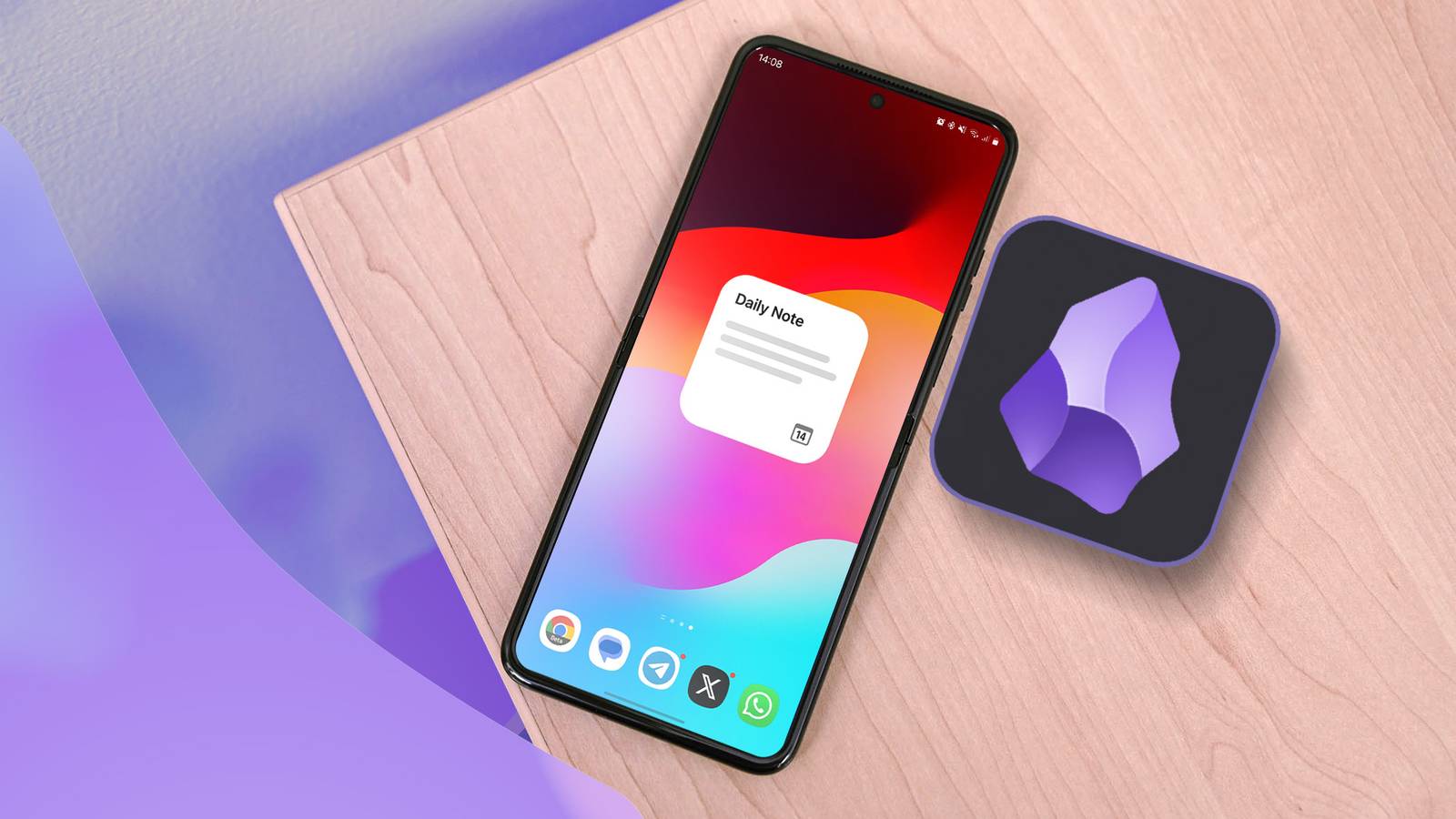
Published Aug 27, 2026, 12:15 PM EDT Marvin is a Features Author for Android Police. His media career began as an editorial assistant at a now-defunct print publication. He has since transitioned to digital media as an editor, attended technology events in over 10 countries, and earned his master's degree in journalism. He enjoys film photography, outdoor running, and alternative coffee brewing during his leisure time. I was a loyal Obsidian user for about a year. I made full use of its folders, tags, and other organization features for my notes. Unlike simple note-taking apps like Google Keep, Obsidian has a robust interface for organizing my thoughts and showing me the bigger picture of what I have to do each day. Until recently, however, I started getting overwhelmed by the graph view and all the folders I created. I soon defaulted to Google Keep for its simpler interface and syncing with my other Google apps. It didn't fulfill all my obsessive note-taking needs, but it got the job done. Instead of uninstalling Obsidian, I decided to start from scratch and turn it into a single-screen morning dashboard. It wasn't the same note-collecting app I once knew, but it became something I opened before every other app each morning. Obsidian no longer served its original purpose Which was to be my smart notepad My original concern with Obsidian was how every note required decisions about folders and tags. For comparison, Google Keep lets me write something and set it aside until I need it again. I also overwhelmed my Obsidian app with unnecessary plug-ins. With so many to choose from, it was easy to install and forget many of them. Maintaining a note-taking app defeated its original purpose, which was to simplify my workflow. I admit it was my fault for overloading the app, so I needed a reset. I started by rebuilding my new vault around a single home screen. I used the built-in core plug-in called Daily Notes to set up a dynamic home note. Setting up the Daily Notes plug-in takes only a few steps: Open the Obsidian Android app Enter settings Tap Core Plugins Turn on Daily Notes Enter the settings of Daily Notes Pick a Template File Location Pick a template that already includes your priorities, notes, and ongoing projects. Whenever you open a new Daily Note in the morning, it will start with this template. Use this code to display today's date at the top of your Daily Note: {{date:dddd, MMMM D}} I use the Daily Note widget on Android to display this note whenever I tap it on my home screen. I subsequently removed other plug-ins that would have obstructed my view of this default note. The goal here is to make all the information visible without going through the file explorer. In other words, this Daily Note is a launchpad that connects to the few things I'm actively doing every day. Three sections summarize my daily routine No need to overcomplicate things Now that Obsidian has turned into a starting point, I simply open the Daily Note widget to see my daily tasks at a glance. I open it first thing in the morning, write down my priorities, and add notes if needed. I have an Ongoing Projects section at the end that links to my most important notes. When I tap the Daily Notes widget, it creates an editable note for that day with the date highlighted at the top. It only keeps the links set by the template. Unlike Google Keep, Obsidian's Daily Notes widget can't provide a quick look at notes from your Android home screen. The best part is the Daily Notes plug-in comes pre-installed with Obsidian. New users can go straight to this setup without downloading additional community plug-ins. Since going back to Obsidian as my primary note-taking app, I haven't relied on any of its extensive features. I previously used the Homepage plug-in to organize my notes, but it wasn't as dynamic as the Daily Notes setup I have now. Ironically, doing less with Obsidian made me more productive. I spend less time babysitting the app and have more time to get on with my business. Obsidian became a task viewer instead of a smart vault I found a reason to keep Obsidian in my app drawer This setup delivers a quick morning briefing and gets out of the way. I don't necessarily have to revisit the Daily Note throughout the day. Obsidian's Daily Note doesn't replace my other apps, though. I still need my calendar and its day-by-day reminders to notify me of what is happening and when. Google Maps also has notes of my destinations for the day. Funnily enough, abandoning Obsidian made me realize what I really needed in a note-taking app. I didn't need a smart assistant; I needed a dependable front page for my most important notes and random thoughts. The only requirements are the Daily Notes core plug-in and its widget. They reduced my old convoluted routine to a couple of steps. I still check for community plug-ins to improve my workflow, but holding back may be more beneficial in the long run to keep the setup simple.
I gave up on Obsidian for notes and turned it into something I actually open every morning
Full Article
Original Source
Read the full article at Androidpolice →KhanList aggregates and links to publicly available news content. We do not host full articles from third-party sources. Always verify important information with original sources.