
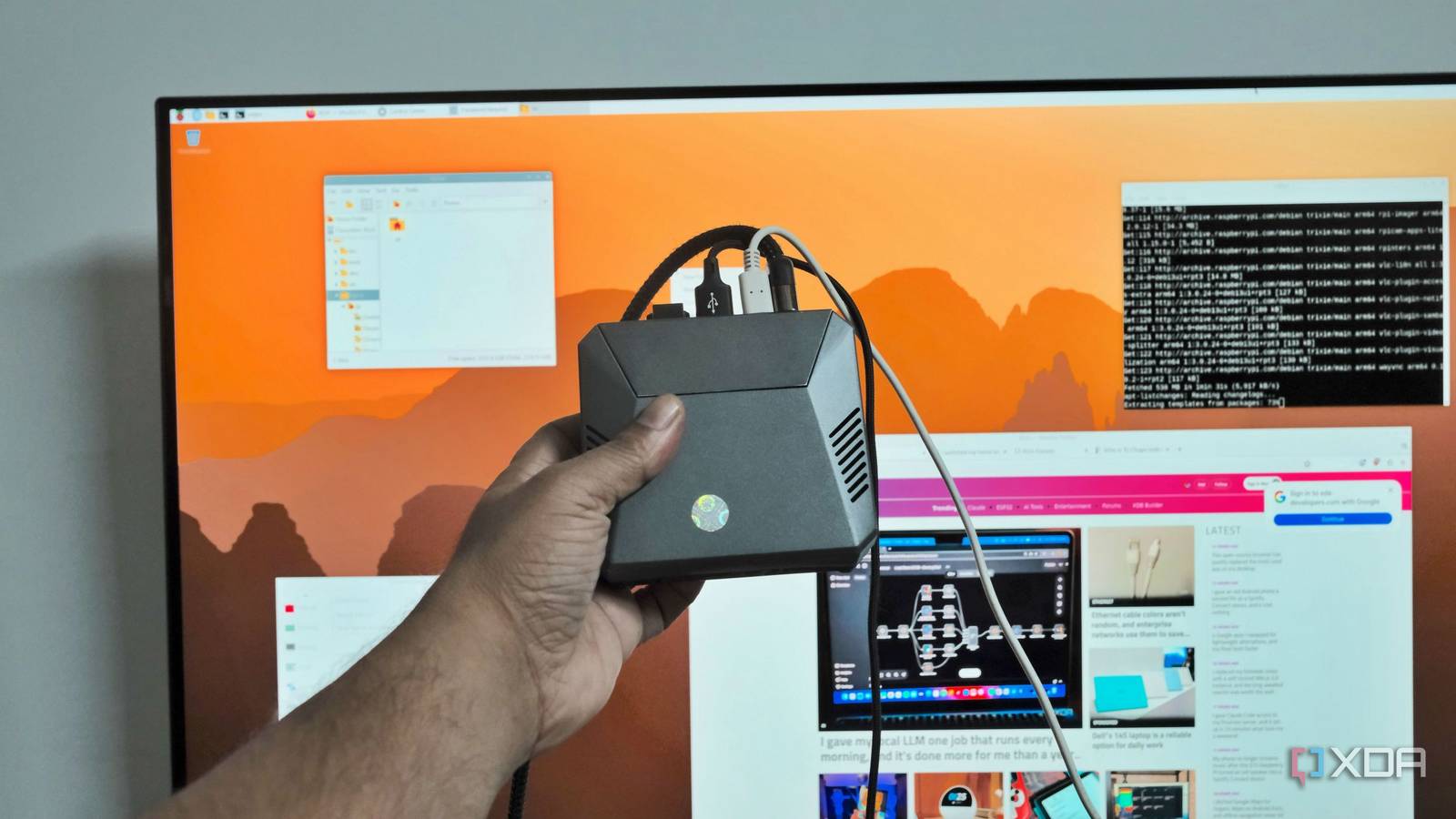
Published Nov 22, 2026, 3:31 PM EST Samir Makwana is a technology journalist and editor from India since past 18 years and his work appears on MakeUseOf, HowToGeek, GSMArena, BGR, GuidingTech, The Inquisitr, TechInAsia, TechWiser, and others. He has written news, features, and gadget reviews for national technology media publications. His passion is to help people with their technology problems and gadget purchases. For that, he has worked for some of the biggest international technology publications, covering news, explainers, how-to guides, listicles, and product-buying guides. He has worked as an editor and managed teams since 2015. His expertise broadly covers computers, smartphones, game consoles, headphones, smart home products, browsers, and apps. For as long as I have owned a Raspberry Pi, I have treated it like a stepping stone for my homelab. It ran Pi-hole, Jellyfin, and even hosted a dashboard. But the moment I tried to spin up a Docker container, the cracks started showing up. It was disheartening since I read about people running their Pis for years without needing a restart. I didn’t stop to think about what they were actually hosting on their Pis. So I always ended up blaming the underpowered processor and RAM (8GB on mine). I overlooked the real bottleneck on the board the whole time: the microSD card. Ever since I swapped it for an NVMe drive, my Pi has become an important part of my home lab, working like an actual computer instead of a project I had to manage. Multitasking no longer feels like a compromise Windows stay open Because of the hardware, I used to keep Pi desktop sessions short on purpose. I kept the file manager open along with a browser with a couple of tabs, and a terminal window. Before long, the experience would start to drag, and switching between windows meant letting the system catch its breath. Closing a browser tab gave the Pi enough breathing room to open another app. That became my way of using it, and I settled for the limitations. The day I swapped out the microSD card for an NVMe drive that fit in my Argon40 case, I felt the difference immediately. I can now have the browser open with several tabs, a terminal window running an installation, and a text editor open. Switching between those windows feels instant. Nothing hangs while the Pi swaps data in and out. Though it sounds like a small change on paper, its impact is enough to make the Pi feel like a computer that keeps up with me. Self-hosted services stopped slowing each other down The I/O bottleneck disappeared I used to keep the workload on my Pi very light since I knew the microSD card couldn’t handle a heavy workload. Running Pi-hole, Jellyfin, and Home Assistant at the same time meant all of them fighting for the same slow card for reading and writing. So I skipped updates and scheduling backups while tiptoeing around the hardware limits just to keep the Pi running. After switching to NVMe, I run a handful of services and even a few Docker containers at the same time. There are occasional freezes due to my overzealous attempts to run a lot of self-hosted services and containers together. But when something stops in the background, I rarely notice it. That’s not to say every task or feature got faster; it’s that the system stopped freezing, crashing, and corrupting data when I kept a few apps running at once. Even though I couldn’t point to a single service that suddenly got faster, I am content that Pi stopped buckling when I ran several of them together. Crashes and power cuts don’t bother me No more corrupt files or partitions Power cuts were the only thing that filled me with dread. More than a couple of times, a power outage left my Pi unable to boot, no matter how much I tinkered with the cables. So I would reflash the card with the Pi OS and set everything up again. It happened often enough that I stopped saving anything important on the Pi or relying on it for anything that mattered. Moving to NVMe helped me overcome that anxiety and rely on storage for backups. Even after a few hard shutdowns and power cuts since the switch, the Pi has booted cleanly every time, without any recovery steps. That doesn’t make the drive invincible, but it handles interruptions the way I’d expect it to, rather than falling apart like a stressed microSD card. The Pi is finally ready for bigger projects Storage stopped getting in the way Over the years, I ruled out several ideas because the Pi ran on a microSD card, and trying them out felt impractical. I didn’t trust the card to keep up with a growing database, a large library of files, or software with a heavier footprint, so I defaulted to other hardware. The Pi now makes the list whenever I want to try self-hosting a new application or service. It can handle heavier installs, save bigger logs, and give a project enough headroom to grow instead of staying limited forever. I have already queued up ideas I would have waved off. That’s let me actually pick Pi for my experiments instead of protecting the board from itself. The shift feels bigger than any transfer-speed number could capture for a board this size. Pi stopped feeling like a toy None of the changes reflect a single dramatic number. It’s not that the file transfer got a little quicker or that the stop looks better on a spec sheet. It’s that the board stopped behaving like something I had to constantly maintain and monitor. I can multitask on it easily, and it can survive a bad power cut. What I like is that I don’t have to second-guess the Pi or manage around its limits when I want to deploy something bigger. It’s the kind of change you only really notice once you stop bracing for the next failure. This trust is what separates a hobby board from a computer you can rely on. With the upgrade, my Raspberry Pi finally feels like the latter.
I gave my Raspberry Pi an NVMe drive, and it finally feels like a real computer
Full Article
Original Source
Read the full article at Xda-developers →KhanList aggregates and links to publicly available news content. We do not host full articles from third-party sources. Always verify important information with original sources.