
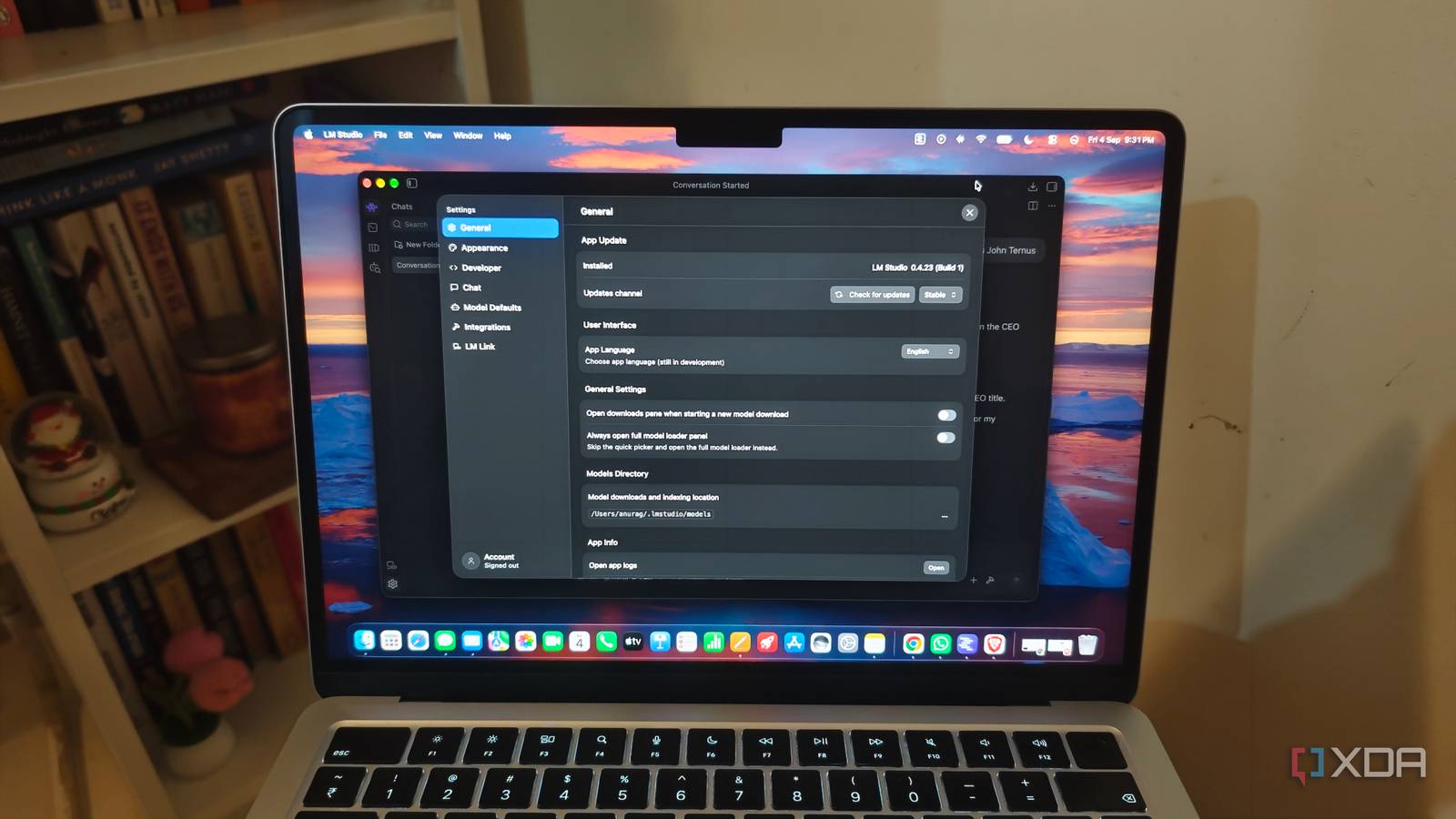
Published Oct 27, 2026, 9:01 AM EDT Anurag is an experienced journalist and author who’s been covering tech for the past 5 years, with a focus on Windows, Android, and Apple. He’s written for sites like Android Police, Neowin, Dexerto, and MakeTechEasier. Anurag’s always pumped about tech and loves getting his hands on the latest gadgets. When he's not procrastinating, you’ll probably find him catching the newest movies in theaters or scrolling through Twitter from his bed. Most of my work happens in the browser, from researching articles to drafting and tracking assignments. So I gave my local LLM two weeks of browsing history and asked it to organize the useful links into a bookmark system. It came back with 75 bookmarks, grouped into folders for daily tools, writing projects, technical references, and more. There were a few decisions I wanted to change, but it gave me an organized collection I could import straight into my browser, which was already more than I’d bothered to put together myself. I started with two weeks of browser history Getting the links out of Chrome Chrome stores your browsing history in a local database, which gives you the page titles, URLs, and visit records needed for this experiment. You can find it by opening chrome://version and looking for the Profile Path field. On my Mac, I opened that location in Finder, quit Chrome, and copied the History file into a separate folder so I could work with it without touching the original. The analysis covered two weeks of browsing, totaling 4,617 visits across 1,401 URLs. That includes repeated visits to the same pages. Between writing assignments, documents, research, and the tools I use for work, I already had plenty to organize without going further back. The useful information here goes beyond a website's address. Page titles can identify a particular document or assignment, while repeated visits help identify destinations worth keeping within reach. But the history doesn’t contain the full text of those pages, and opening a link several times doesn’t necessarily make it important. The model had enough information to suggest an organization, with some context still missing. I wanted an HTML bookmark file that I could import into my browser, along with a catalog explaining why each link had been included. That gave me something I could inspect before importing, including the selected URLs, their folders, and the reasons for keeping them. I used a local LLM to sort through the history My browsing history stays on my Mac I used LM Studio for this with Qwen3.5 9B. My browsing history includes work links, documents, searches, and plenty of personal activity. I’m not comfortable handing all of that to a big tech company for the convenience of getting a few folders organized. This is a useful job for a local LLM, especially when you already have one set up. With the history ready, I asked the model to pick out links worth bookmarking and organize them into folders. I wanted it to consider the pages I kept returning to, along with documentation and other resources worth keeping. I also asked for the result as an HTML file I could import into Chrome. The output included a CSV explaining why it selected each link. I could check the suggestions there before bringing them into the browser. One folder it called Daily launchpad brought together 11 destinations, including my analytics dashboard, Asana task lists, Slack channels, and shortcuts for creating an article or a Google Doc. These are different websites, but they’re all part of my publishing workflow, so having them together only makes sense. It also created a technical reference folder, which collected documentation, installation guides, GitHub repositories, and NAS backup resources that I can return to across different projects. The model rightly identified that those links should stay even after I’m done with the research that brought me to them. My browsing habits made better bookmarks Organizing around what I actually use Karakeep lets me edit a ton of properties related to its bookmarks. I’ve never been a particularly heavy bookmark user. When I set up a browser, I usually add the pages I expect to need: Gmail, Google Docs, resource hubs, task trackers, and spreadsheets. But my work evolves, and the bookmarks don’t necessarily change with it. For example, an organization might move from Asana to Monday or Trello, and I’ll still have Asana sitting in my bookmarks because I’ve forgotten to do anything about it. Instead, I start relying on the address bar. Chrome’s autocomplete is good enough that typing a few letters usually gets me where I want to go. There isn’t an obvious problem forcing me to fix the bookmarks, so I keep using the browser that way. Updating folders becomes another task, and whenever I try to anticipate which pages deserve a place in them, I inevitably miss something important. A few weeks of browsing history gave me a better starting point. The model could look at the pages I actually visited and identify recurring destinations I hadn’t thought to bookmark. For example, I visit r/selfhosted and r/opensource almost daily, but my routine is to open Reddit and search for them. I’m so used to doing that that I hadn’t considered giving them direct shortcuts. The analysis flagged them as my most-visited pages, and putting them in a bookmark folder made more sense than repeating that search. I might automate this exercise Since my browsing habits keep changing, I’m planning to turn this into a recurring exercise by setting up an n8n workflow that sends my browsing history to the local LLM every month and builds an updated bookmark collection. It’s a work in progress, but I’ll share an update very soon.
I gave my local LLM my browser history, and it built a better bookmark system than I ever had
Full Article
Original Source
Read the full article at Xda-developers →KhanList aggregates and links to publicly available news content. We do not host full articles from third-party sources. Always verify important information with original sources.