
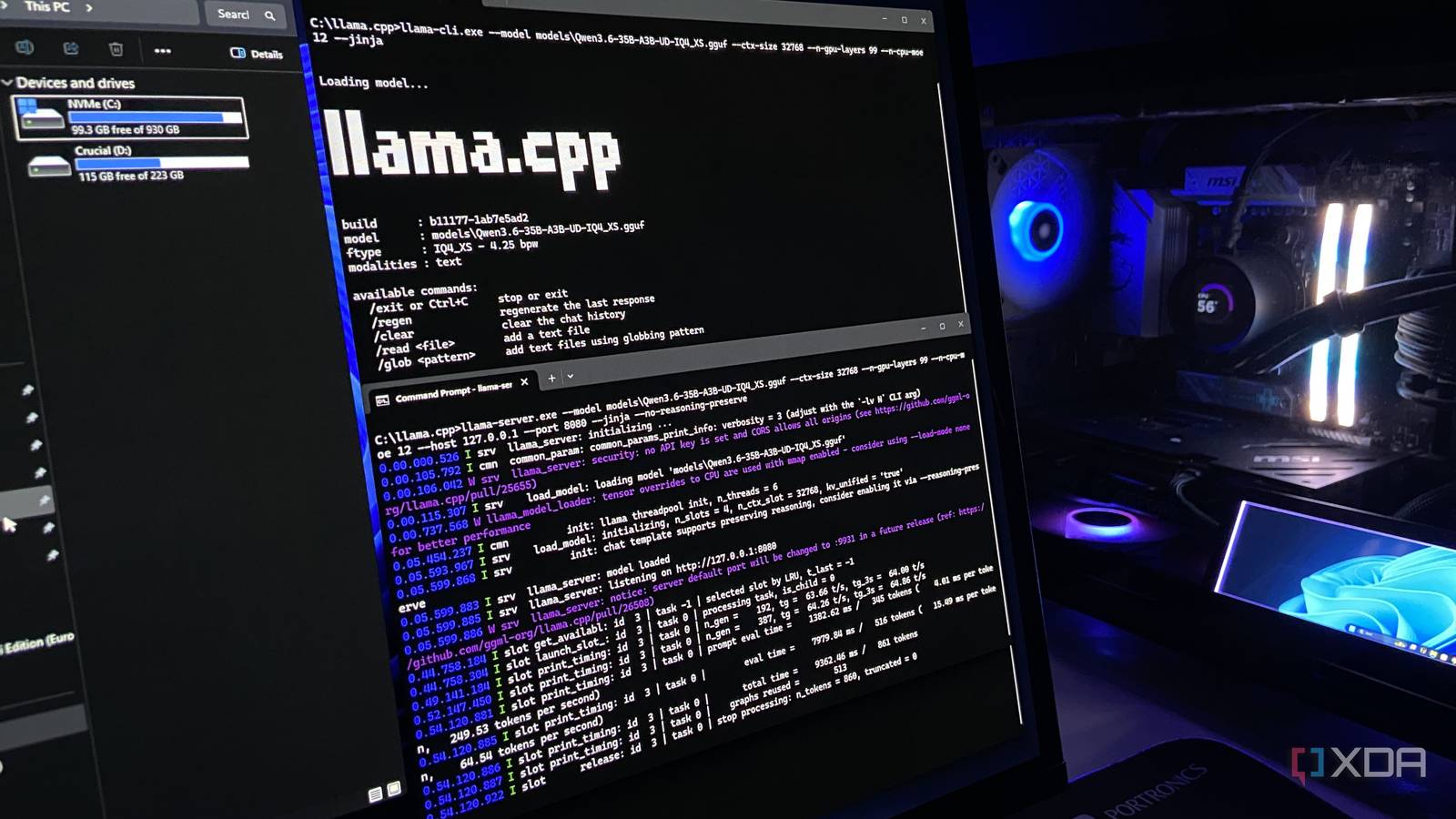
Published Sep 29, 2026, 7:00 PM EDT Abhinav pivoted from a career in banking to pursue his first love in writing. Even while working full-time, he continued contributing as an editor-at-large, a role he has held for more than 7 years. A lifelong tech enthusiast who has built three gaming and productivity powerhouse PCs since 2018, his passion for technology keeps him closely following the semiconductor industry, from NVIDIA and AMD to ARM. His MSc dissertation explored how artificial intelligence will reshape the future of work, reflecting his curiosity about the wider social impact of emerging technologies. Every couple of weeks, my 1TB SSD starts to fill to the brim for one reason or another. And every time, the fix is to open WizTree, go through the biggest files and folders one after another, and decide what can go. WizTree is excellent at showing me where the space went, but it won't tell me which of those files are safe to remove, and that's something that takes up a huge chunk of my time. I started to wonder whether an open-weights model could undertake that review for me, with nothing to go on but my WizTree export. So I gave Qwen3.6 a map of my drive and asked what I could safely delete. It didn't have a way to undertake any actions itself, but it could look around and report back with whatever I could lose on my drive. Here's how it went. The model could see every file, but touch none Read-only access, a single system prompt, with zero hand-holding The specific model I ran was Qwen3.6-35B-A3B at UD-IQ4_XS quant on llama.cpp, with a 32K token context. This is an open-weights, Mixture-of-Experts model with 35B total parameters and 3B active, released under the Apache 2.0 license, and it ran on my RTX 4070 Ti Super with 16GB of GDDR6X memory, with some of its expert layers offloaded to system RAM. I used the sampler settings from the model card. Setting Value Model Qwen3.6-35B-A3B (UD-IQ4_XS) Runtime llama.cpp Context 32,768 tokens Sampling Temperature 1.0, top-k 20, top-p 0.95 As stated before, the model never touched my drive directly. I exported a full scan from WizTree and loaded it into a small SQLite database. The model itself got four lookups, including the largest files, folder sizes, the files inside a folder, and totals by file type. To keep the conversation inside the context window, the model only saw its most recent lookups, and older results dropped out of the view as it went. I also decided to keep my Downloads folder and some personal app data out of the database for privacy. The model's only tools were those four read-only lookups, each capped at 60 rows per call. It had no web search, no code execution and no way to otherwise open files. A python script talked to llama.cpp directly, with no chat interface in between. The model's thinking mode was on, but reasoning from earlier turns wasn't sent back to it, and each reply was capped at 8,192 tokens, which none of its responses reached. The system prompt was short and as straightforward as it could get: "You are auditing a nearly-full Windows 11 system drive. You have read-only access, through the provided functions, to a database of every file and folder on it. You cannot delete anything. Find what can be safely deleted to free up space and report it. For each item, give its path, its size, and why it is safe to remove. Never propose user documents, photos, or personal files. If you are not sure something is safe to delete, say so rather than claiming it is." It's worth noting here that this wasn't my first or only attempt. Earlier runs hit bugs in the script, including conversations that overflowed the context window and final answers that came back empty, with some using an earlier version of the database before I removed personal, identifiable data. The published findings come from one run, the first on the final database and the finished script, and it's the only generation I'm reporting here. It found 17GB of data safe to delete But there's a "cache 22" situation The model's report promised to free about 17GB of storage, and almost all of that came from one file, which was a 16GB rolling cache Microsoft Flight Simulator keeps in AppData. This was reasonable given the constraints, but the problem was that, the moment I launched the sim again, the program would create a new rolling cache when it starts. The rest of the recommendations were more useful. It found about 500MB of Microsoft Edge caches and 150MB of files in the Temp folder, which isn't much, but both are absolutely safe to clear. Funnily enough, the next recommendation was to delete C:\Program Files\llamacpp, describing it as a local AI toolkit I could remove if I wasn't running local models. I was running the model through llama.cpp at that exact moment. To be fair, that folder was a second installation, so I can understand why that had been tripping the model up. For a duplicate file, the model does earn a point. It was, however, concerning to see that the model didn't say that it was uncertain about this. It also claimed that "installed games (Epic Games" was to blame for a big chunk of my storage, but my three biggest games on the drive are Red Dead Redemption 2, Star Wars Jedi: Survivor and Resident Evil Requiem, not one of which came from Epic. It snatched defeat from the jaws of victory Looking isn't the same as reporting, apparently The logs recorded every single lookup the model made, and that's where I caught the next problem. On its second turn, it opened the Recycle bin and listed everything inside, which was at that time holding 21GB of files I had already deleted. Emptying it was the safest path towards a cleanup, and yet, it was missing from the report. A couple of turns later, it found a 7.4GB crash report in Windows' LiveKernelReports folder. Windows tends to write these whenever a driver becomes unresponsive, and they're generally safe to remove when not needed for further troubleshooting. This too, was listed by the model, but was left out of the report. Turn 7 it checked Nvidia's DXCache folder and saw 6.5GB of shader cache. This is a folder that I've written about before, and removing it is safe considering Nvidia re-builds it as games require it. This was left out of the report as well. These items did not make it to the final report, but in retrospect, a part of the limitation is the setup it ran on. The model file itself is 16.5GB and my RTX 4070 Ti Super has 16GB of memory, and so some of it already runs from system RAM. One might argue that a bigger context window might catch those early finds, and that is a fair assumption. At 32K, the model could only see its most recent lookups, so the Recycle Bin, crash report, and shader cache could have been dropped out of the view before the response. A bigger window would push even more of the model off the GPU and slow everything down from the 65–70 tokens/second I was seeing, and that is a trade off most people running local models on a gaming card might run into. Item Size Seen by model In report Verdict MSFS rolling cache 16GB Turn 9 Yes Wrong Edge browser caches 496MB Turns 8-10 Yes Correct Temp installer leftovers ~150MB Turn 9 Yes Correct Llama.cpp folder 1.1GB Turn 10 Yes Wrong; no uncertainty flagged Recycle Bin 21GB Turn 2 No Missed Crash dump 7.4GB Turn 4 No Missed Nvidia DXCache 6.4GB Turn 7 No Missed Would I recommend doing this? Perhaps the most honest answer that I can muster is that one run don't really provide enough to write a decisive verdict. That being said, I'm not comfortable handing disk cleanup to a local model yet. The feat that's worth writing home about is the fact that Qwen3.6 never made a recommendation that would harm the system, and the most grievous error here is just lost opportunity. It's a good approach if you're looking at the logs to get a hint at possible places that may warrant a clean-up, but for any other actions, the model wasn't quite there for me yet.
I gave my local LLM a nearly-full SSD and told it to find everything I could safely delete
Full Article
Original Source
Read the full article at Xda-developers →KhanList aggregates and links to publicly available news content. We do not host full articles from third-party sources. Always verify important information with original sources.