
Published Nov 29, 2026, 12:30 PM EST Mahnoor Faisal is a tech journalist covering AI and productivity tools with bylines at XDA, SlashGear, MakeUseOf, Laptop Mag, and Android Police. She's been writing professionally since she was sixteen, and has since penned hundreds of articles. This includes in-depth coverage of AI tools like NotebookLM to breaking news across the AI space. Her passion for technology started when she received her first iPod Touch (4th generation) on her 8th birthday, and she's been deep in the tech world ever since. Currently pursuing a degree in computer science, Mahnoor brings both a journalist's eye and a technical foundation to her coverage of how AI is reshaping the way we work and learn. Back in May, Google announced the Fitbit Air. This was the company's first attempt at competing with the likes of Whoop in the screenless fitness tracker space, and it quickly became the talk of the town. Alongside the Fitbit Air, Google also announced the wider rollout of its Gemini-powered Google Health Coach, which I was arguably more excited to try than the wearable itself. As someone who covers AI extensively, I'm well aware of the negative connotation associated with giving AI access to your personal data. While a lot of those concerns are entirely warranted, I've always been intrigued by the potential of giving an AI model access to something as personal as my health data. Now that Google had actually put that idea into practice, I was curious to see what it could accomplish. Unfortunately, while I do have the subscription required to access the AI coach, the feature itself isn't available in my region yet. Given how much time I've spent experimenting with MCP servers and AI coding agents lately, though, I figured I could find a way to give Claude access to my Fitbit data and essentially build my own AI-powered health coach. So, that's exactly what I did. My Fitbit collects more data than I know what to do with Knowledge is power, if you know what to do with it The thing is, my Fitbit collects an overwhelming amount of data about me every single day. While I make it a point to check my sleep score, readiness score, and a couple of other metrics every morning, that's about as far as I go most days. I know what metrics like heart rate variability (HRV) and resting heart rate mean individually, but I wouldn't necessarily know what to make of a combination of changes in those metrics over the course of a week. Plus, I certainly don't have the time to sit down and sift through months' worth of health data to look for interesting patterns. I've also come across several Reddit threads where people have managed to do some incredibly interesting things with their wearable data. Some have picked up on potential signs of an illness before they even began experiencing symptoms, while others have analyzed years' worth of health data alongside their calendars to figure out how different aspects of their lives affect their sleep and recovery. What particularly intrigued me about the latter is that, unlike Google's health coach, an AI agent doesn't necessarily have to work with just the data my Fitbit collects. I could theoretically give it access to my calendar, my task manager, and practically any other source of data I thought was relevant. At that point, I was arguably more interested in seeing what I could build myself than I was in getting access to Google's health coach. I had Claude build its own MCP server for Google Health Who needs an official integration anyway? Given that Google has an API that lets developers access data collected by Fitbit devices, I figured it shouldn't be particularly difficult to get an AI agent to access that same data. While I found a few MCP servers other users had made, I decided to ask Claude to build one for me. All I did was tell Claude that I owned a Fitbit Air and wanted to give Claude and other AI chatbots access to the data it collects. Claude pulled Google's Health API documentation and built a read-only MCP server around it. The server it built could pull everything from daily summaries of my health metrics to individual sleep sessions and minute-by-minute readings, depending on the metric. It could also calculate trends across multiple months worth of data and export that data into CSV files for further analysis. Once Claude had built the MCP server, I turned to Claude Code to handle the actual setup on my Mac. The only part of the process that required much intervention on my end was creating a project in the Google Cloud console, enabling the Google Health API, and creating the OAuth credentials Claude needed to authenticate with my Google account. That was it for the setup! Claude managed to make sense of my health data without much context My Fitbit apparently knows more than I thought One of the first things I wanted to put to the test was whether Claude could pick up on potential signs of an illness before I actually began experiencing symptoms. I'd come across several Reddit threads where people had managed to do something similar with their wearable data, so I asked Claude to establish my personal baseline for several health metrics, including my resting heart rate, HRV, breathing rate, and skin temperature, and look for any unusual deviations from those values. Since I'd only had my Fitbit Air for around 20 days at that point, Claude didn't have a whole lot of historical data to work with. Regardless, what it managed to figure out with the little data it did have impressed me. While Claude didn't find a combination of physiological changes that strongly suggested I was getting sick, it picked up on something I hadn't explicitly told it about: I'd recently traveled across continents. Based on the shift in my sleep timings, Claude figured out that I'd been in a time zone that aligned with US Eastern Time. It even correctly identified the day I'd spent traveling back home based on how fragmented my sleep was. Claude then went on to break down how my resting heart rate, HRV, and skin temperature had changed around that period and how long each had taken to return to more typical values. It also acknowledged that the trip potentially skewed the personal baselines it'd just established. Claude can connect my health data to the rest of my life There's more to sleep than what happens in bed Given how much Claude managed to piece together from my Fitbit data alone, I was curious to see what it could accomplish if I gave it a little more context about what was actually going on in my life. So, the next thing I asked Claude to do was act as my personal sleep coach. My sleep has actually been considerably better lately than it used to be, but I wanted to see whether Claude could identify what differentiated my better nights of sleep from my worse ones and what I could realistically do to improve things further. This time around, I gave Claude permission to pull relevant information from my Google Calendar and Gmail. Apart from confirming its earlier suspicions about my trip by pulling up my flight itinerary, Claude cross-referenced my sleep and activity data with my college timetable, scheduled workouts, and even the time I'd blocked out for writing articles. It noticed that the morning exercise blocks I'd scheduled weren't reflected in my activity data and that I'd slept past the scheduled start of several of my classes. Another thing I appreciated about Claude's recommendations was that they weren't made in isolation. Rather than simply telling me to maintain a consistent sleep schedule, Claude suggested specific bedtime and wake-up windows that worked around myth classes. It even pointed out how some of my evening writing sessions coincided with later bedtimes. And where my calendar and Fitbit data didn't quite add up, it asked me for clarification rather than immediately assuming I'd skipped a class or a workout. That's arguably what makes having a general-purpose AI agent as my health coach so interesting. It doesn't just have access to what my body is doing, but also to some of the things going on in my life that could explain why. The possibilities with this setup are practically endless This is just the beginning While I've only been experimenting with this setup for a short while, there are so many other things I can see myself using it for. For instance, one of the things Google's Health Coach does is give you personalized morning and evening insights. Given that Claude Code supports scheduled tasks, I could essentially replicate that functionality by having Claude pull my latest health data every morning, compare it against my personal baselines, and generate a briefing highlighting anything particularly noteworthy. I could have it do something similar every night, taking into account how active I've been throughout the day and what my schedule looks like the following day. I could also have Claude periodically look for gradual changes in my health metrics that I might not necessarily notice by checking the Google Health app every morning. As I accumulate more data, I'd love to run little experiments of my own, like figuring out whether the time I have my last cup of coffee affects my sleep or whether my particularly hectic college days are consistently followed by a drop in HRV. The beauty of having built my own MCP server is that I'm not limited to a predefined set of insights or even a particular AI model. Given how many other tools I can give an AI agent access to through MCP servers, there are so many more connections I could potentially draw between my health data and other aspects of my life. The best part is that I don't need to pay a cent extra on top of what I'm already paying for my AI subscription to do any of this.
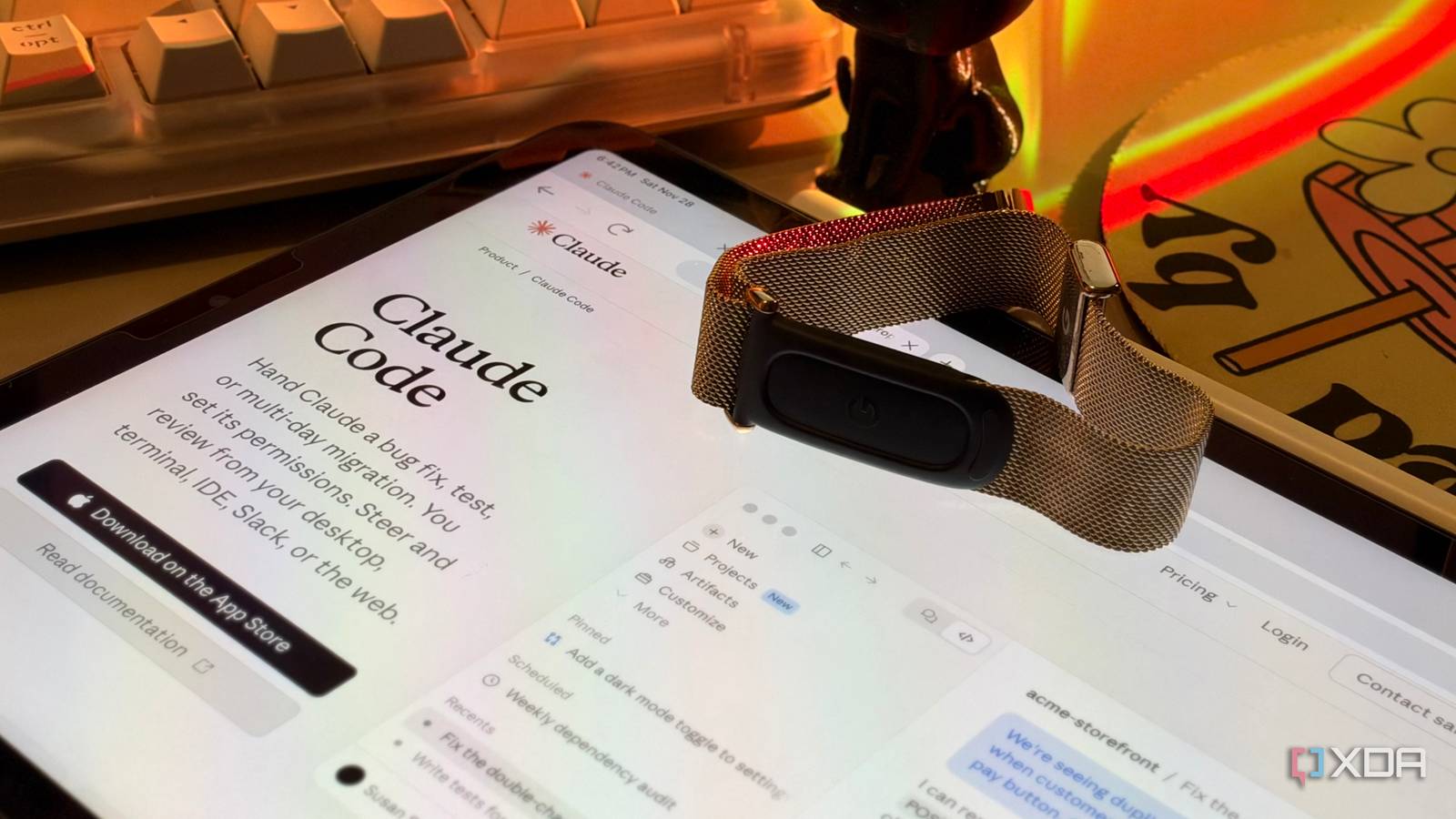
I gave Claude access to my Fitbit data, and it figured out something I never told it
Full Article
Original Source
Read the full article at Xda-developers →KhanList aggregates and links to publicly available news content. We do not host full articles from third-party sources. Always verify important information with original sources.