
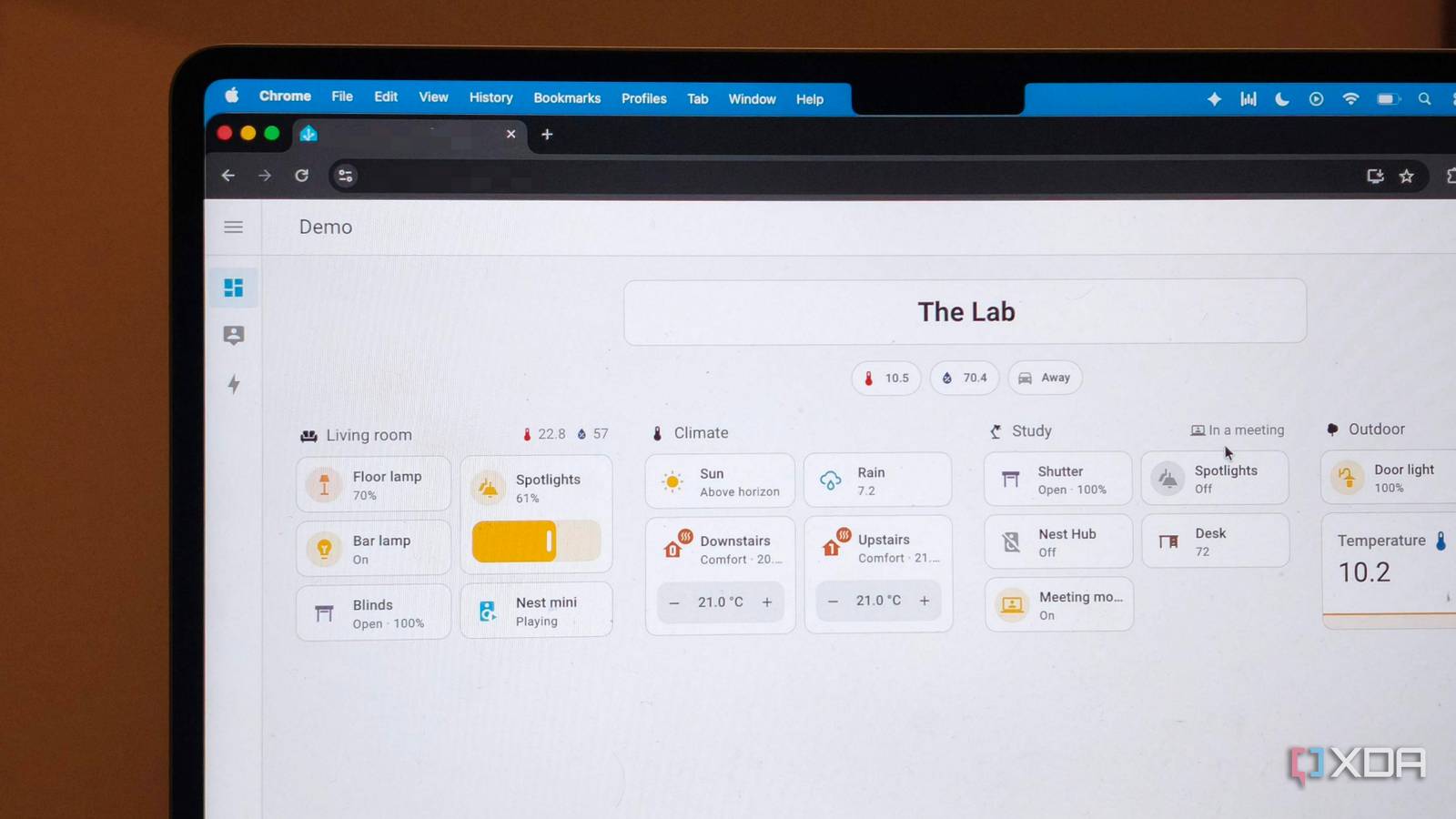
Published Aug 5, 2026, 5:00 PM EDT Anurag is an experienced journalist and author who’s been covering tech for the past 5 years, with a focus on Windows, Android, and Apple. He’s written for sites like Android Police, Neowin, Dexerto, and MakeTechEasier. Anurag’s always pumped about tech and loves getting his hands on the latest gadgets. When he's not procrastinating, you’ll probably find him catching the newest movies in theaters or scrolling through Twitter from his bed. I run several services across my homelab, including Docker containers, Home Assistant, network storage, and automated backups. I manage them using different dashboards or by connecting to individual machines whenever I need to check logs. I wanted to see whether a local LLM could provide a single interface for managing it all. I used Ollama to run the model and Open WebUI as the chat interface. I then connected the model to Home Assistant through its MCP server and used self-hosted n8n workflows to handle actions involving Docker, storage, and other machines. The model can only use the tools and workflows I have made available, such as checking system health, reading container logs, restarting approved services, checking storage, and verifying backups. Everything also runs locally without touching the cloud. I gave the model access through MCP Open WebUI acts as the main interface I use Open WebUI as the main interface for the setup. It connects to Ollama for local models and supports MCP servers that make external tools available within a conversation. The model receives a list of these tools, along with a description of what each one does and the parameters it accepts. When I ask it to check a service or perform an action, it decides which tool to call and uses the returned info to answer. Home Assistant already includes an MCP server. The server provides the model with the current state of the entities I have exposed and allows it to control those entities through Home Assistant’s Assist API. This covers devices, sensors, media players, and automations without giving the model access to everything inside Home Assistant. I can decide which entities are available and disable control entirely if I only want the model to read their current state. I used self-hosted n8n workflows for Docker, storage, backups, and the other machines on my network. Each workflow handles one defined task, such as listing unhealthy containers, retrieving recent logs, or confirming whether a backup has been completed. The model passes the required info to the workflow, and n8n executes the actual command. Qwen 3.5 4B handles most of the routine work It supports tool calling and is small enough to run alongside Ollama I evaluated a bunch of local LLMs here, but ended up using Qwen 3.5 4B. It supports tool calling and is small enough to run alongside Ollama and Open WebUI on a laptop with 8GB of RAM. It's most useful for the admin tasks that normally require opening a dashboard or connecting to a machine. You can ask it for things like "show me which services are unhealthy", "Check how much storage remains on the NAS", or "Confirm whether an automated backup has been completed." Qwen can also combine multiple actions in the same conversation. For example, if Jellyfin is unavailable, it can first check the container status and then retrieve its recent logs. If the container has stopped, it can call the restart workflow and check its status again. Each step uses a separate n8n workflow. Home Assistant adds another set of controls. Qwen can check the current state of exposed devices and sensors, trigger automations, and control supported devices from the same chat. This means a request can involve more than one part of the homelab. For example, it can check whether a media service is running and then control the device that uses it without requiring me to switch between Open WebUI, Home Assistant, and a container dashboard. The main limitation is that Qwen needs clear tool descriptions and a reasonably small selection of tools. If you give it several workflows with similar names, it is more likely to make a mistake. I try to keep each workflow focused on one task and use names that clearly describe the action. I make sure nothing leaves my local network I disabled Cloud features and self-hosted everything Running Qwen through Ollama keeps the model inference on the laptop, but that alone does not make the complete setup local. Open WebUI supports cloud models, external search providers, and online embedding services, so I removed those connections and configured it to use only the local Ollama endpoint. Home Assistant and n8n are also self-hosted, and Open WebUI accesses them through their local network addresses. After downloading Qwen 3.5 4B and the required container images, I disabled Ollama’s cloud features and blocked external network access for the services involved. The laptop can still communicate with Home Assistant, the NAS, and the other machines on my network, but it cannot send requests outside it. This prevents prompts, container logs, filenames, device states, and backup information from being passed to an external model or service. There's also no cloud fallback if Qwen fails to understand a request, nor can it search the web for additional information. Neither limitation matters much for this setup because the model is working with tool descriptions and live information returned by my own services. Its job is to choose the correct tool, pass the required parameters, and explain the result. And everything required for those tasks already exists on the local network. Local AI is a lot more capable than you think While it is definitely unfair to expect something hosted on your own hardware to offer the same level of performance as Fable 5 or any other cloud model, that doesn’t mean locally hosted AI is completely useless. You can definitely put it to good use for many local tasks, whether at home or for personal workloads that don’t involve a lot of compute. I’ve even tried using a local LLM for coding alongside a cloud supervisor, and it has worked perfectly fine for me.
I gave a local LLM control of my entire homelab, and nothing ever touched the cloud
Full Article
Original Source
Read the full article at Xda-developers →KhanList aggregates and links to publicly available news content. We do not host full articles from third-party sources. Always verify important information with original sources.