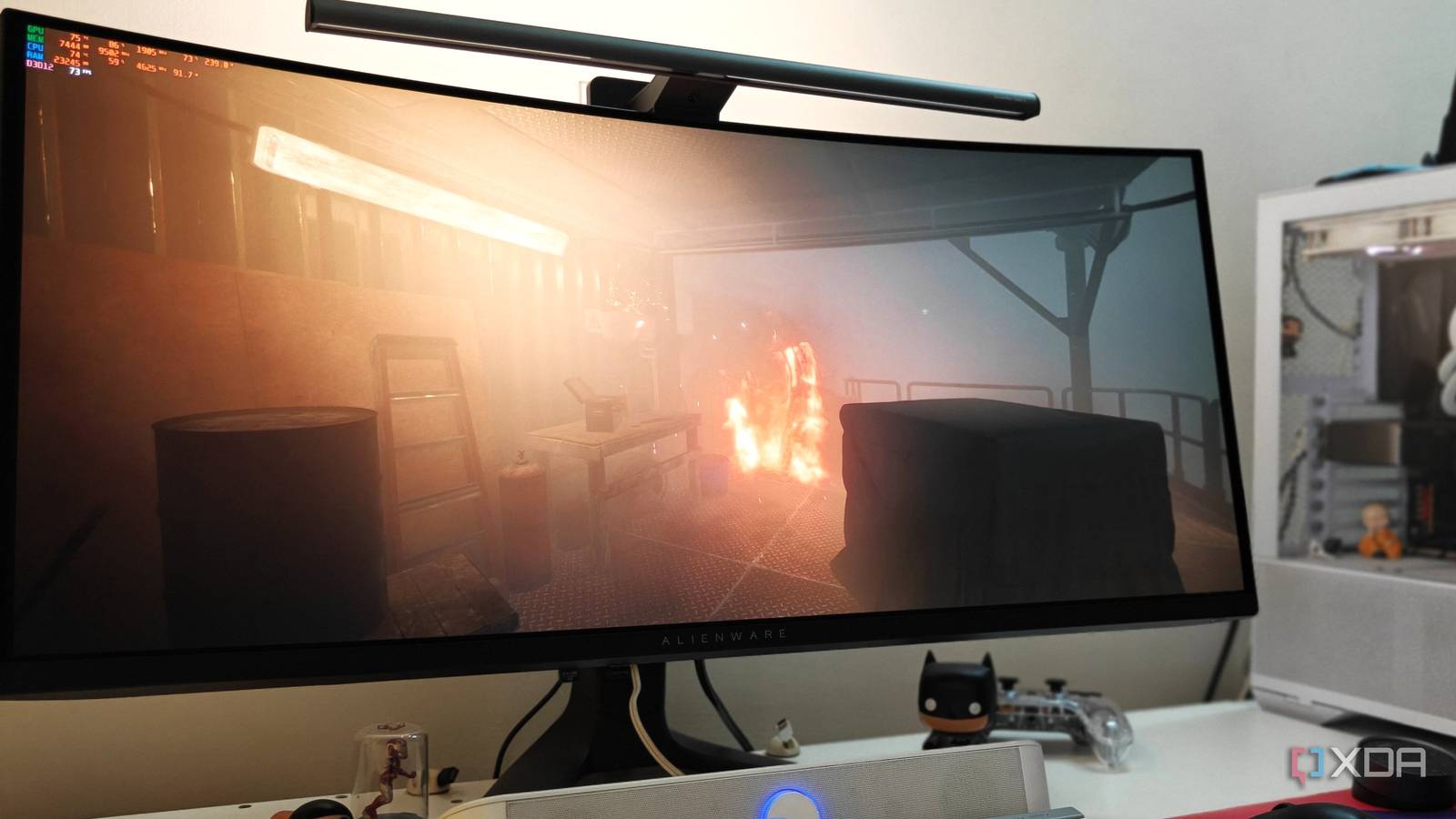
Published Aug 19, 2026, 7:00 AM EDT After a 7-year corporate stint, Tanveer found his love for writing and tech too much to resist. An MBA in Marketing and the owner of a PC building business, he writes on PC hardware, technology, and Windows. When not scouring the web for ideas, he can be found building PCs, watching anime, or playing Smash Karts on his RTX 3080 (sigh). As a PC gamer, I always want to get the most out of my graphics card. In this economy, I don't really want to upgrade from my RTX 3080 to any new GPU, at least not for the next two years. So, ensuring I squeeze every last ounce of performance from my Ampere card is always on my mind. I recently started addressing my gaming backlog, and decided to pick up Still Wakes the Deep. It's a fairly GPU-demanding game, yet it wasn't pushing my RTX 3080 to its typical boost clocks. There were no artificial limiters in place, so I decided to undervolt the GPU to get the boost clocks I wanted. The GPU boost clock isn't a guarantee Many factors need to fall in place Unlike what many gamers might assume, the boost clock of their graphics card isn't a fixed number that their GPU will always run at under load. Every GPU has its own boost clock — even across different AIB models of the same GPU — that it tries to reach under the right conditions. These conditions determine whether your GPU will boost as much as you expect. Both the thermal and power limits of the card come into play here. Your GPU's boosting algorithm dynamically adjusts the clock speed based on these variables. As long as your GPU has thermal and power headroom available, it will attempt to hit its maximum boost clock, limited, of course, by the firmware. Besides, the gaming load should be large enough to demand the maximum performance out of your GPU. And the CPU or any other component shouldn't be a bottleneck, otherwise your GPU will have spare performance that it simply fails to achieve. The advertised boost clock of your GPU is an average that the manufacturer claims it will achieve in most gaming scenarios. The real-world boost behavior is usually much different, with the GPU almost always exceeding the advertised boost clock. That said, the maximum clock speed of your card isn't something it will automatically run at, at least not for sustained periods. My RTX 3080 FE wasn't boosting as well as it should It was hovering near the throttling temperature Of late, I have started paying more attention to actual FPS numbers on my RTX 3080 FE. Since I couldn't upgrade to the RTX 5080 in time, I've turned my attention to extracting the maximum performance out of my existing card. I was casually tracking its performance in Still Wakes the Deep when I noticed the boost clock number looked "off." For starters, it was in the "1800s," much below the real-world numbers seen on the RTX 3080 FE. Although I was getting more than playable performance, I wanted to investigate why the card wasn't hitting the boost clock it is capable of. The GPU usage was fairly typical, around 97–99%, and there was no FPS cap in place, so something else was limiting the GPU from boosting higher. I looked at the operating temperature hovering around 81℃, quite close to the 83℃ throttling temperature, where the algorithm starts lowering performance to keep the card cool. The clock speed was around 1860 MHz, which was considerably lower than the 1900-1950 MHz seen on this model, even at stock settings. So, I had to lower the operating temperature without taking a performance hit. I dialed in a slight undervolt and got the boost clock I wanted A quick fix that also gave me lower temps Undervolting the GPU was the obvious answer, since it lowers the power draw without a major hit to performance. My gaming sessions have become rare over the years, so I mostly use the GPU at stock settings. To recover my boost clock, though, I decided to switch to my undervolt profile in MSI Afterburner. I locked my GPU to 900mV and 1920 MHz using the Curve Editor, as these are commonly used settings when undervolting the RTX 3080. Playing the same section in the game, I saw the temperature drop to around 74℃, which wasn't earth-shattering, but still significant. The GPU clock had jumped from 1860 to 1920 MHz, a fairly successful increase, considering I hadn't spent any time optimizing the undervolt. The average FPS stayed mostly the same (79 instead of 77 FPS), so the performance penalty was non-existent. I can extract slightly higher FPS by spending more time fine-tuning the undervolt, making the process even more rewarding. Undervolting was a quick and simple fix to achieve the boost clock I wanted. In your case, the bottleneck might be something else. You might have power-limited your card in the past for a quick fix, which may be holding your GPU back. Reverting to stock settings and undervolting instead will probably allow your card to achieve its typical boost clocks. Undervolting your GPU is a no-brainer Unless you're chasing overclocking records, undervolting your GPU should be your go-to method of improving performance. You not only reduce the power and thermal load on your card, but do so without reducing performance. Manufacturers configure GPUs conservatively, so there's a lot of extra voltage you can shave off without sacrificing performance, and get the boost clock your GPU is capable of.
I found out my GPU wasn't hitting its boost clock, and the fix was easier than I thought
Full Article
Original Source
Read the full article at Xda-developers →KhanList aggregates and links to publicly available news content. We do not host full articles from third-party sources. Always verify important information with original sources.