
Published Sep 5, 2026, 2:00 PM EDT Parth, a seasoned tech writer, wields the keyboard (or pen) with finesse to unravel the intricacies of both Windows and Mac operating systems. He has covered evergreen content on mobile devices and computers for multiple publications over the last six years. You can find his work on AndroidPolice, GuidingTech and TechWiser. Whether it’s demystifying system updates, deciphering error codes, or exploring hidden features, Parth’s prose guides readers through the binary maze. When not immersed in tech jargon, you’ll find him sipping chai, pondering the next software review, and occasionally indulging in a friendly debate about mechanical keyboards. Like many of us, I defaulted to Microsoft OneNote simply because it has been around forever and handles multi-level notebooks reasonably well. Yet over time, the clunky desktop sync, sluggish mobile clients, and total reliance on proprietary servers make it feel like a compromise. I spent weeks testing lightweight, privacy-focused replacements and came across one open-source app that changed my workflow: Notesnook. True end-to-end encryption by default A huge win over OneNote Microsoft lets you password-protect specific sections, but everything else, like your notebooks, attached screenshots, quick ideas, and work logs, sits on OneDrive servers in plain form. Microsoft holds the encryption keys, which means your notes are subject to cloud scanning unless you manually remember to lock individual sections. Notesnook flips this model by making zero-knowledge, client-side encryption the default baseline rather than an afterthought. Everything I create, including note content, titles, tags, and file attachments, is encrypted directly on my local device before it touches a sync server. Even if the backend servers were fully breached, an attacker would see nothing more than unreadable ciphertext. Now, I no longer have to create separate ‘safe’ spaces for sensitive drafts, credentials, or personal thoughts. Familiar hierarchy without the clutter Feels right at home The main reason I stuck with OneNote for so long was the way it organizes notes. Most newer apps force you to use complex databases (looking at you, Notion), objects, or linked mind maps that take too much effort to manage. Notesnook keeps things simple. It uses the exact same setup I was already used to: Notebooks, topics, and sub-topics. Moving my work over was seamless because I didn’t have to rethink my entire filing system. It also felt comfortable right away thanks to the toolbar at the top of the screen. A lot of modern tools hide basic formatting tools behind slash commands or markdown shortcuts, but Notesnook keeps them right where you expect them. With one click, you can add bold text, headings, bullet points, checklists, tables, or images. It gives you the convenience of OneNote’s classic editing buttons, but without the bulky Microsoft Office ribbon hogging your screen. The whole interface stays clean and fast, giving you deep organization without any of the old software bloat. Reminders support Unlike OneNote One of the biggest productivity headaches I had with OneNote was how disconnected it felt from actual deadlines. Microsoft already has an excellent task management app with To Do, and I can’t believe how the company still hasn’t integrated it with OneNote. Once a meeting note or project checklist gets buried inside a notebook section, it is out of sight unless I manually open a separate task manager to recreate it. Notesnook fixes this problem right out of the box with built-in reminders. I don’t have to juggle a second app or copy and paste text anywhere. I can attach a task directly to any note or add a standalone to-do from the sidebar. I can add a title and description, set the frequency, date, and time, and hit save. The notifications trigger reliably on my phone and desktop right when I need them. Keeping my notes and my to-do list in one place saves me from constantly jumping between apps. It turns my digital notebooks into an active daily planner where important tasks actually get done. Modern everyday power features Open-source and reliable offline-first sync Beyond the basics of writing and organizing, Notesnook won me over with its built-in everyday tools. In OneNote, saving web research or dealing with PDFs always felt clunky. Notesnook makes this seamless with a fast browser extension that clips full articles, clean reader-friendly text, or simple bookmarks without dragging along messy ads and broken website layouts. Working with documents is just as smooth. You can pin your favorite notes (something that’s not possible with OneNote), lock them with biometrics, set them as read-only, or even glance over the table of contents. With mainstream tools from big tech companies, you have to take their word on how your data is handled behind the scenes. Notesnook takes the opposite approach by making both its apps and its backend sync servers open source. Anyone can check the code to see how it works, confirm there is no sneaky tracking, or even host their own sync server if they want complete control over their setup. Powerful note-taking without Microsoft’s cloud Breaking away from a default tool like OneNote isn’t easy, especially when years of notes and muscle memory are tied to it. But with Notesnook, you gain complete data privacy, end-to-end encryption by default, and a snappy interface that treats your notes as your own property rather than data in a closed ecosystem. If you are tired of slow sync cycles, bloated menus, or simply want full control over where your thoughts live, give Notesnook a shot. Notesnook Notesnook is an open-source alternative to note-taking apps like OneNote and Evernote.
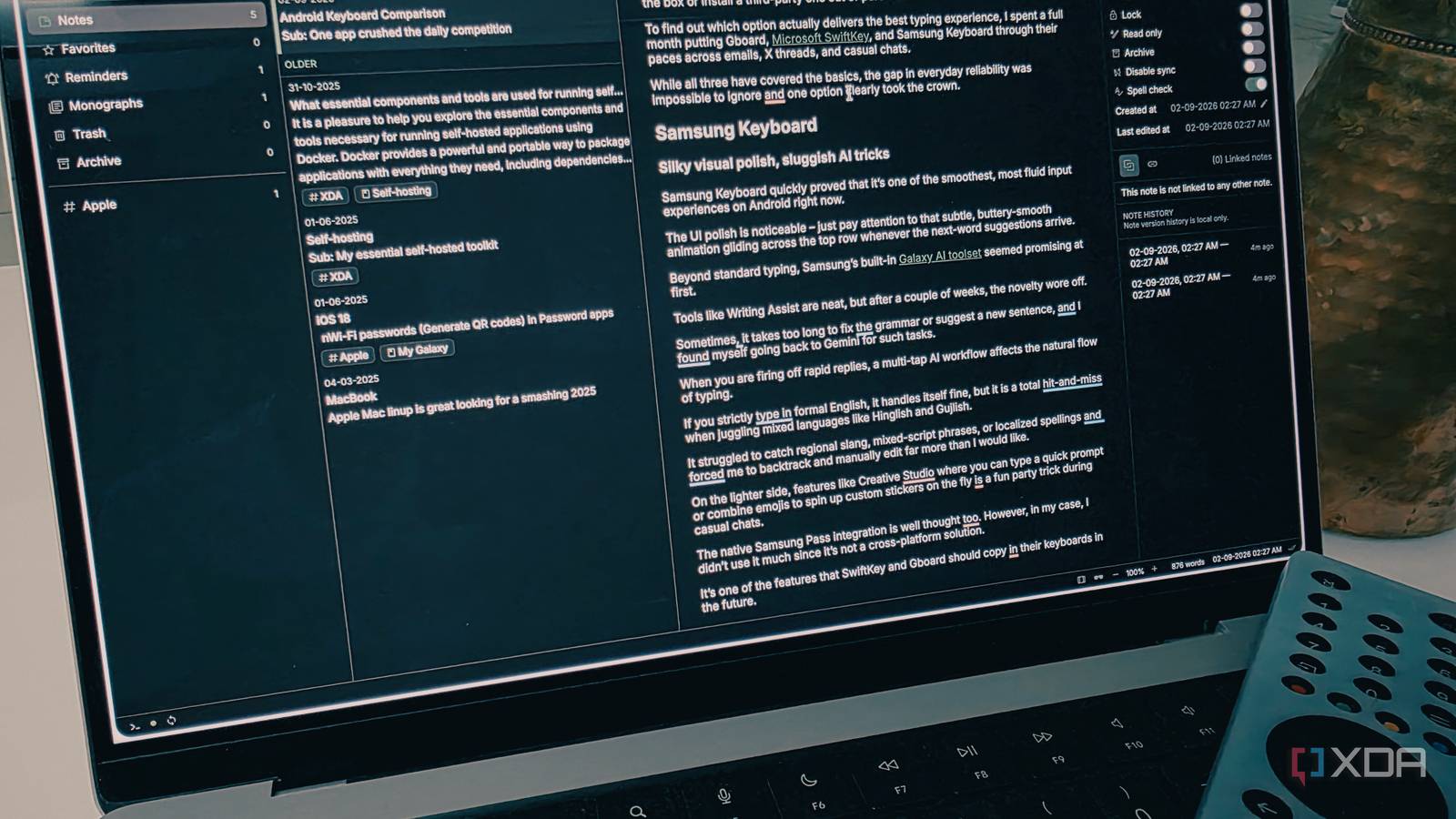
I found an open-source app like OneNote, except it’s better
Full Article
Original Source
Read the full article at Xda-developers →KhanList aggregates and links to publicly available news content. We do not host full articles from third-party sources. Always verify important information with original sources.