
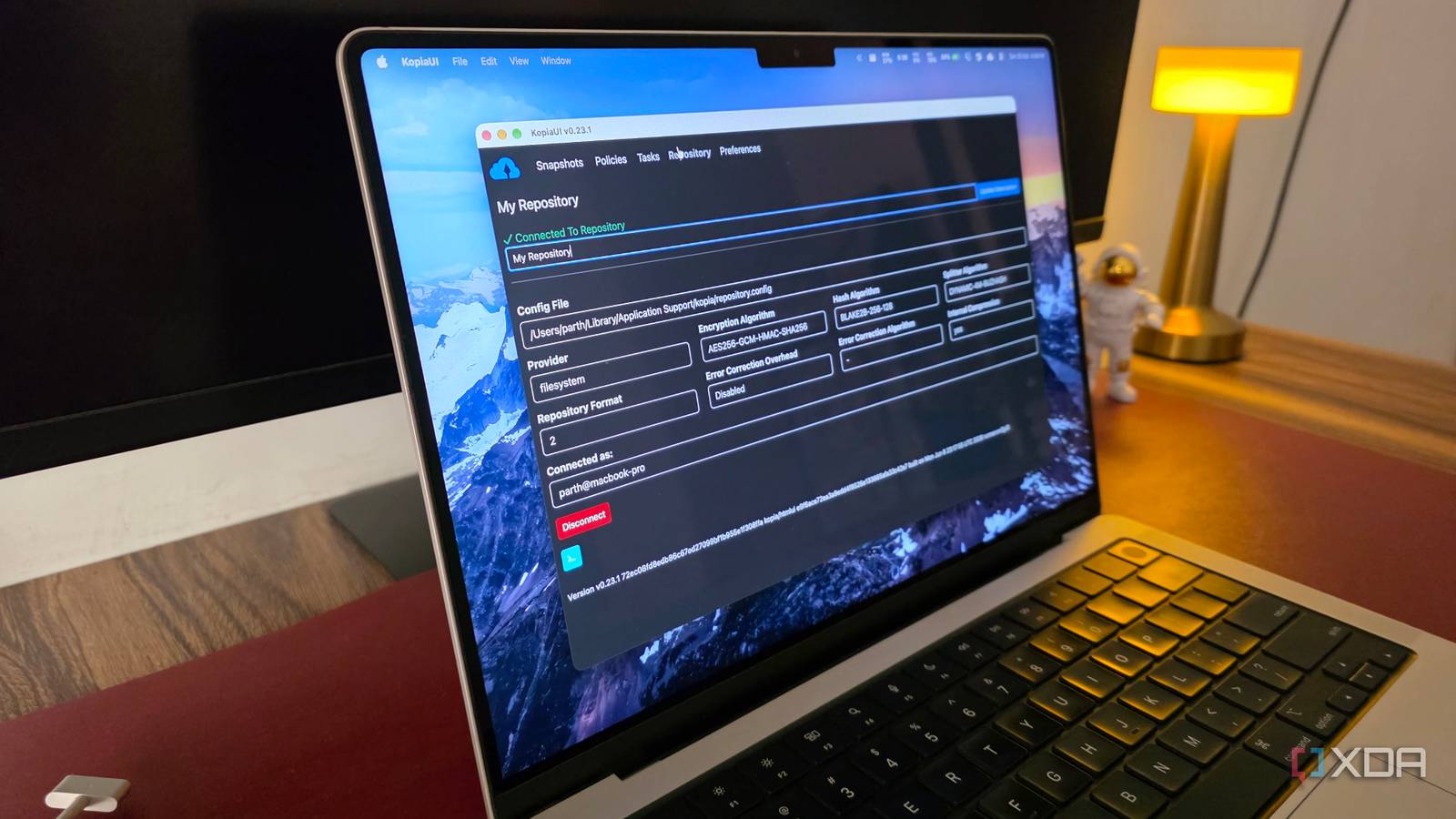
Published Oct 25, 2026, 5:30 PM EDT Parth, a seasoned tech writer, wields the keyboard (or pen) with finesse to unravel the intricacies of both Windows and Mac operating systems. He has covered evergreen content on mobile devices and computers for multiple publications over the last six years. You can find his work on AndroidPolice, GuidingTech and TechWiser. Whether it’s demystifying system updates, deciphering error codes, or exploring hidden features, Parth’s prose guides readers through the binary maze. When not immersed in tech jargon, you’ll find him sipping chai, pondering the next software review, and occasionally indulging in a friendly debate about mechanical keyboards. Between important documents, photos, videos, and work files across my computers, I have tried different backup solutions over the years. But most follow the same old formula. You select your files, choose a destination, and hope everything goes smoothly. Some even lock their best features behind expensive subscriptions. I wanted something smarter, flexible, and preferably open-source. That’s when I came across Kopia. Getting started with Kopia is straightforward Powerful backups without command lines When I first came across Kopia, I expected a complicated setup process involving terminal commands and technical configurations. Thankfully, getting started is much easier than I anticipated. Kopia is available for Windows, macOS, and Linux, and it offers a dedicated graphical interface called KopiaUI. There is also a command-line version for advanced users, but I prefer the graphical interface for managing my everyday backups. Once I launched KopiaUI, the first step was creating a repository. For a simple setup, I could choose a folder on an external drive, specify the storage location, and create a password to encrypt my repository. I appreciate that Kopia doesn’t force me to sign up for an account or subscribe to a cloud service before getting started. One thing worth remembering is that the repository password is essential for recovering encrypted backups, so keeping it somewhere safe is a must. Some of these options may look overwhelming if you are completely new to backup software, but you don’t need to tinker with every advanced setting right away. I like that Kopia lets me start with a basic backup setup and explore its more powerful capabilities as I become familiar with the software. Snapshots make traditional backups feel inefficient Only the changes need saving One of the biggest complaints with traditional file backups is how inefficient they can be. Whenever I make changes to important documents or add a handful of new files, I don’t want to copy an entire folder to my external drive all over again. That’s where Kopia’s snapshot-based approach makes a real difference. Instead of repeatedly copying everything, Kopia creates point-in-time snapshots of my selected files and folders. The first backup stores the necessary data, while subsequent snapshots only upload new or modified content that isn’t already present in the repository. Kopia also has a built-in deduplication technology. It automatically identifies identical data and avoids storing it multiple times. Another advantage is that I don’t have to sacrifice older versions of my files to enjoy these storage savings. Each snapshot shows the state of my selected folders at a particular moment, which allows me to go back and recover an earlier version when needed. This is useful when I am constantly editing documents, reorganizing folders, or experimenting with different versions of a project. I can choose where backups live No more being tied down One of the biggest reasons I prefer Kopia over traditional backup utilities is the freedom it gives me over where my data is stored. Many backup solutions try to push me toward their own cloud storage services or require a subscription to unlock additional destinations. Kopia takes a different approach. I can choose where my backups go, whether that’s an external SSD, a local folder, a NAS, or a remote server. Kopia’s cloud storage support is impressive. It works with popular services like Amazon S3, Backblaze B2, Azure Blob Storage, and Google Cloud Storage. I like having so many choices because I can pick a destination based on my storage requirements, budget, and existing hardware rather than adjusting my workflow around the limitations of a backup application. I can even create one repository on an external SSD for quick local backups and another in the cloud for an additional layer of protection. Smart automation handles the boring work Set your policies and forget backups I have a habit of putting off backups until the last minute. It’s not that I don’t understand their importance, but manually copying files and folders every few days quickly becomes tedious. Thankfully, Kopia takes most of this responsibility off my shoulders with its built-in automation capabilities. It uses something called policies to control how backups are created and managed. For instance, I can schedule snapshots to run every hour, every few hours, or at longer intervals depending on how frequently my files change. The customization doesn’t end here. I can exclude temporary files, cache folders, and other unnecessary data from my backups. Once everything is configured properly, I can spend less time worrying about my backup routine and more time actually getting things done. Powerful backups without the premium price I never thought a backup utility would make me rethink my entire approach to protecting important files, but Kopia managed to do exactly that. It takes everything I expect from a modern backup solution and wraps it into a powerful open-source package. I especially like how it handles incremental snapshots, eliminates redundant data, and lets me fully control where I store my backups. The ability to automate the entire process is another huge bonus. It doesn’t force me to compromise on security, functionality, or flexibility just because it’s free. Kopia Kopia is an open-source backup solution for Windows, Mac, and Linux.
I found a free open-source backup app that makes traditional backups feel outdated
Full Article
Original Source
Read the full article at Xda-developers →KhanList aggregates and links to publicly available news content. We do not host full articles from third-party sources. Always verify important information with original sources.