
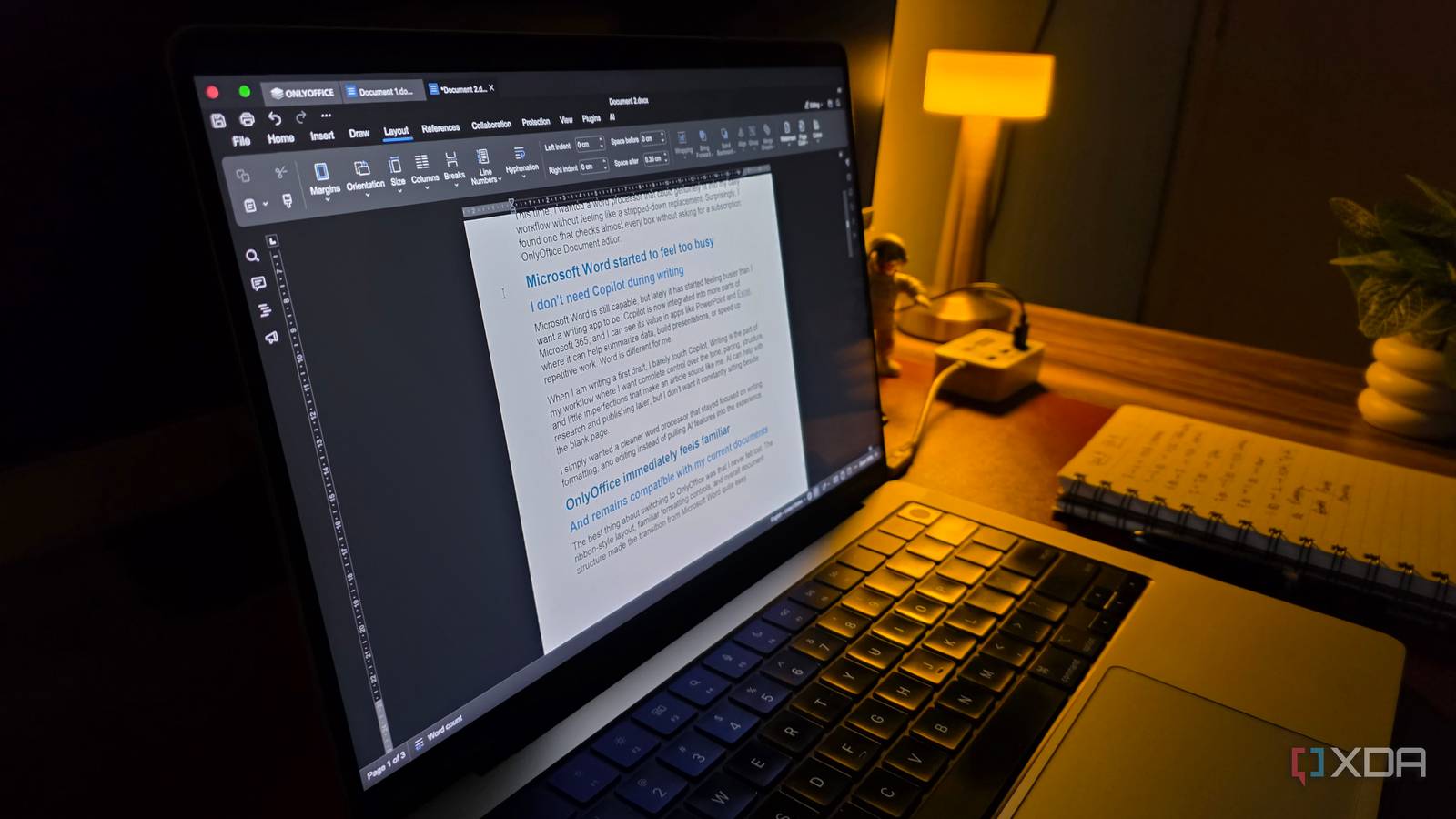
Published Oct 4, 2026, 9:49 AM EDT Parth, a seasoned tech writer, wields the keyboard (or pen) with finesse to unravel the intricacies of both Windows and Mac operating systems. He has covered evergreen content on mobile devices and computers for multiple publications over the last six years. You can find his work on AndroidPolice, GuidingTech and TechWiser. Whether it’s demystifying system updates, deciphering error codes, or exploring hidden features, Parth’s prose guides readers through the binary maze. When not immersed in tech jargon, you’ll find him sipping chai, pondering the next software review, and occasionally indulging in a friendly debate about mechanical keyboards. I have tried plenty of free Microsoft Word alternatives over the years, but most of them eventually make me miss several features. Maybe the interface feels outdated, formatting breaks when I open a DOCX file, or a feature I rely on is locked behind a paid tier. This time, I wanted a word processor that could genuinely fit into my daily workflow without feeling like a stripped-down replacement. Surprisingly, I found one that checks almost every box without asking for a subscription: OnlyOffice Document editor. Microsoft Word started to feel too busy I don’t need Copilot during writing Microsoft Word is still capable, but lately it has started feeling busier than I want a writing app to be. Copilot is now integrated into more parts of Microsoft 365, and I can see its value in apps like PowerPoint and Excel, where it can help summarize data, build presentations, or speed up repetitive work. Word is different for me. When I am writing a first draft, I barely touch Copilot. Writing is the part of my workflow where I want complete control over the tone, pacing, structure, and little imperfections that make an article sound like me. AI can help with research and publishing later, but I don’t want it constantly sitting beside the blank page. I simply wanted a cleaner word processor that stayed focused on writing, formatting, and editing instead of pulling AI features into the experience. And remains compatible with my current documents The best thing about switching to OnlyOffice was that I never felt lost. The ribbon-style layout, familiar formatting controls, and overall document structure made the transition from Microsoft Word quite easy. I started using it properly from day one, and within a few hours, I was already moving around the editor without thinking about where different tools were located. I didn’t have to relearn how to format headings, insert tables, adjust spacing, or compare two documents. DOCX compatibility is another selling point. This mattered even more because most of my existing articles and drafts are saved as DOCX files. I could simply open them in OnlyOffice and continue working without rebuilding layouts or fixing obvious formatting problems first. My headings, hyperlinks, tables, images, and general document structure carried over properly, which made switching seamless. I also quickly started appreciating the tabbed interface. Instead of switching several separate windows, I can keep an article draft, research document, notes, and another reference file inside the same window. When I am working on multiple pieces at once, those tabs make the entire workflow feel much cleaner and easier to manage. It doesn’t compromise on everyday formatting Checks all the right boxes This is where OnlyOffice really started to feel like a proper Word replacement rather than a basic free editor. I can work with all the formatting tools like styles, tables, images, hyperlinks, page numbers, headers and footers, columns, and more. I regularly need these while preparing articles or longer documents. Nothing feels unnecessarily hidden, and I rarely run into a situation where I have to stop and miss my old Word setup. The collaboration side is equally reassuring. And since OnlyOffice offers cross-platform compatibility, I can work with the same set of tools on my Windows desktop, MacBook Pro, and Linux machine in my home lab. The interface remains the same across all, so there is no learning curve for me. OnlyOffice also comes with a decent collection of Word templates to choose from. But since it’s compatible with the DOCX format, I can always download a Word template from the web and use it inside OnlyOffice. The built-in PDF tools sweeten the deal I was also glad to see that OnlyOffice does not cut corners with review tools. I can use Track Changes, leave comments, compare document versions, and accept or reject edits just like I would in Word. That is important for my workflow because drafts often go through multiple rounds of revisions, and I need a clear way to see what changed without manually comparing two files side by side. The PDF tools are another nice bonus. I can open PDFs, annotate them, add comments, highlight text, and handle basic edits without immediately reaching for another app. I would replace a dedicated PDF editor for heavy work, but for reviewing documents, marking up files, or making quick changes, having those tools built into the same suite is convenient. Word-level features without the subscription OnlyOffice has reached the point where I no longer think of it as a ‘good free alternative’ to Microsoft Word. For the kind of work I do, it is simply a capable document editor that happens to be free. And the timing makes it even more interesting. OnlyOffice 10.0 is all set to arrive in the near future with four fully reworked apps, around 50 new features, and more. I am curious to see how the reworked apps affect the interface and overall experience. Since the current version is already this capable, I can’t wait to see what version 10 brings. OnlyOffice OnlyOffice is an open-source alternative to Microsoft 365.
I found a free Microsoft Word alternative that doesn't compromise on features
Full Article
Original Source
Read the full article at Xda-developers →KhanList aggregates and links to publicly available news content. We do not host full articles from third-party sources. Always verify important information with original sources.