
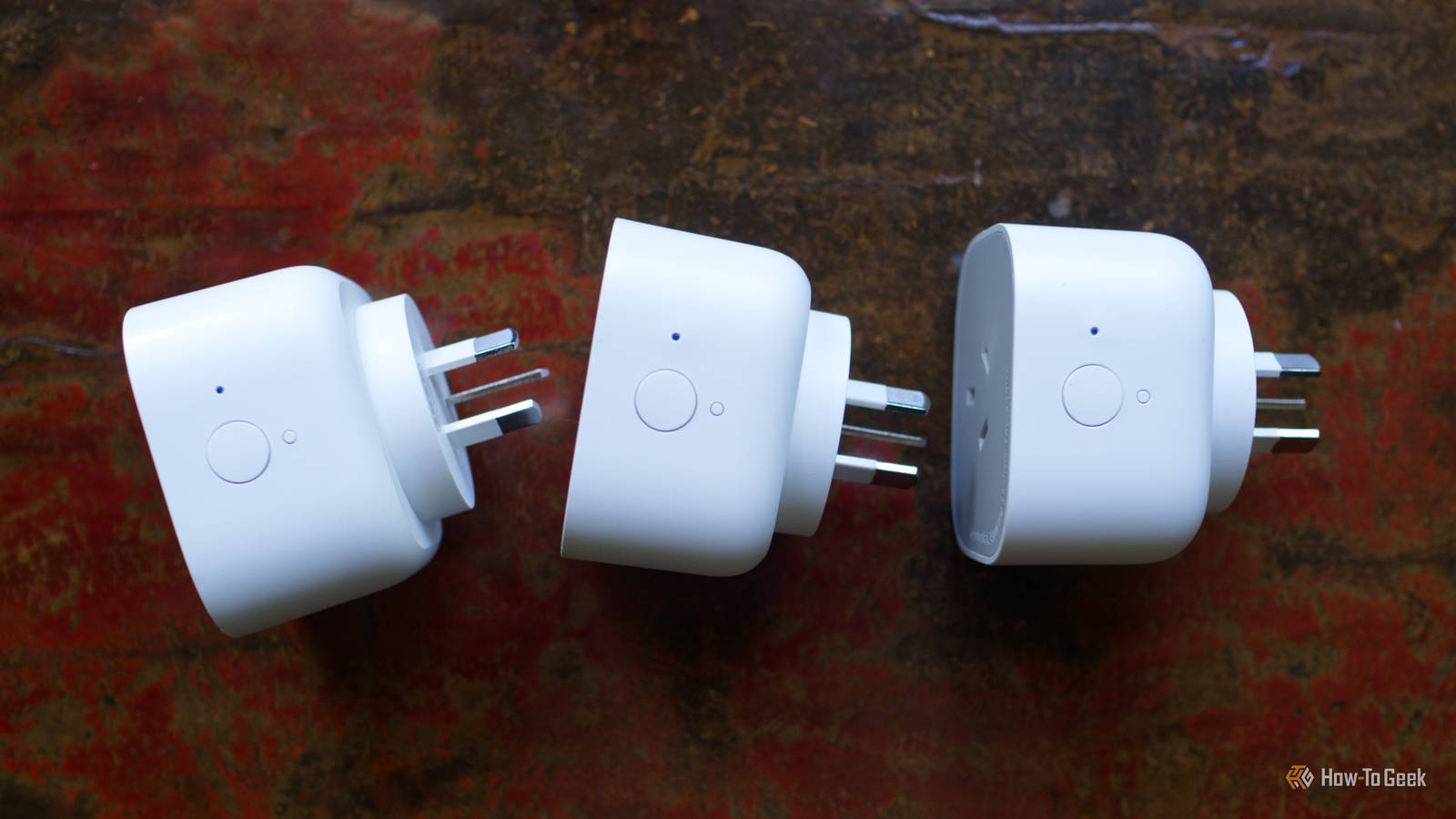
Published Aug 6, 2026, 10:45 AM EDT Monica J. White is a journalist with over a decade of experience in covering technology. She built her first PC nearly 20 years ago, and she has since built and tested dozens of PCs. PC hardware is her main beat, and graphics cards and the GPU market at large are her main area of interest, but she has written thousands of articles covering everything related to PCs, laptops, handhelds, and peripherals. From GPUs and CPUs to headsets and software, Monica's always willing to geek out over all things related to computing. Outside of her work with How-To Geek, Monica contributes to TechRadar, PC Gamer, Tom's Guide, Laptop Mag, SlashGear, Whop, and Digital Trends, among others. Her ultimate goal is to make PC gaming and computing approachable and fun to any audience. Monica spends a lot of time elbow-deep in her PC case, as she's always making upgrades, testing something, or plotting out her next build. She's the go-to tech support person in her immediate circle, so she's never out of things to do. Whenever she has spare time, you'll find her gaming until the early hours and hanging out with her dog. We've all heard that 5GHz Wi-Fi is better, so the logical conclusion would be to just let everything use 5GHz, right? Nope. Not so much. As a test, I removed the slower 2.4GHz band entirely, just to see what happens. What followed was utter chaos. 2.4GHz looked like the obvious band to eliminate After all, 5GHz is way faster A relative of mine mentioned that he was thinking about disabling 2.4GHz on his network and letting everything use 5GHz instead. (The funniest thing is that advice came from none other than his ISP.) It sounded like an interesting experiment, and although I knew it'd end badly, I tried it on my own setup. I knew the two bands served different purposes, but with most of my everyday devices already using 5GHz, I wanted to see whether the older band was still doing anything useful. On paper, removing 2.4GHz makes a bit of sense. The 2.4GHz band is usually slower, has less room for wide channels, and is often crowded by neighboring Wi-Fi networks and other wireless devices. 5GHz can deliver much higher speeds and it has to deal with less interference, which is why the devices you care about deserve that speedy band, provided the signal is strong enough. So, driven by curiosity, I tried this out and disabled the 2.4GHz band entirely, given that the 5GHz is genuinely better (in most ways). At first, I thought I may have been wrong in my beliefs that it'd mess things up, and maybe my relative's ISP was right, as nothing bad seemed to happen. But when I checked the network, I noticed that a whole lot of my smart home devices vanished just like that. Not all your smart home devices will support 5GHz, though So what happens when there's no faster band for them to move to? Credit: Tim Brookes / How-To Geek I wasn't surprised for long. There are several problems with disabling the 2.4GHz band, and the first of them is compatibility. A lot of older smart home gear still only supports 2.4GHz Wi-Fi, so when I got rid of that band entirely, I left those poor plugs/bulbs/etc. lost and confused. These devices barely use any bandwidth, so manufacturers often stick with the cheaper and more widely compatible 2.4GHz radio instead of adding 5GHz support. That meant disabling 2.4GHz didn't encourage those devices to go on and move onto the faster band. Since they had no 5GHz to fall back on, they simply dropped offline entirely. Some disappeared from their apps immediately, while others looked as though they were still available until I tried to control them, at which point they told me that wasn't gonna happen. So, unsurprisingly, the advice my relative received was pretty misleading. It works fine if you only have gadgets that support 5GHz, but it can backfire massively if some devices can't deal with 5GHz. Before you disable the 2.4GHz band, you'd have to check every device individually, and honestly, that's just not worth it. 5GHz also stopped reaching some of the places 2.4GHz could Faster Wi-Fi is useless when you don't have signal Credit: Monica J. White / How-To Geek Compatibility was just the tip of the iceberg; the other problem was signal. Some of my devices could connect to 5GHz, but they couldn't hold onto it reliably once they were a few rooms away from the router. That's all because 5GHz may be faster, but it also (generally) doesn't travel as far or pass through walls as well as 2.4GHz. You may be left with dead zones if 5GHz is all you're counting on. The farther away the device, the more obstacles between it and the router, the less useful that extra speed is, really. And smart home gear doesn't exactly live on top of your router. Doorbells will be behind exterior walls, smart plugs behind furniture, and cameras in garages or even outside. Wi-Fi struggles to get there on a good day, so making it even harder isn't a great idea, simply put. Solution: Keep 2.4GHz The sensible fix, if I can call it a fix, is to just leave well enough alone. Leave 2.4GHz enabled and let each device use the band that suits it best. Keep the important stuff on 5GHz, like your phone, PC, or console, but you can move the less-important smart home gear (or outdated, even) onto 2.4GHz. Creating a separate IoT network is useful, too.
I followed the most common Wi-Fi tip on the internet, and it cost me half my smart home
Full Article
Original Source
Read the full article at Howtogeek →KhanList aggregates and links to publicly available news content. We do not host full articles from third-party sources. Always verify important information with original sources.