
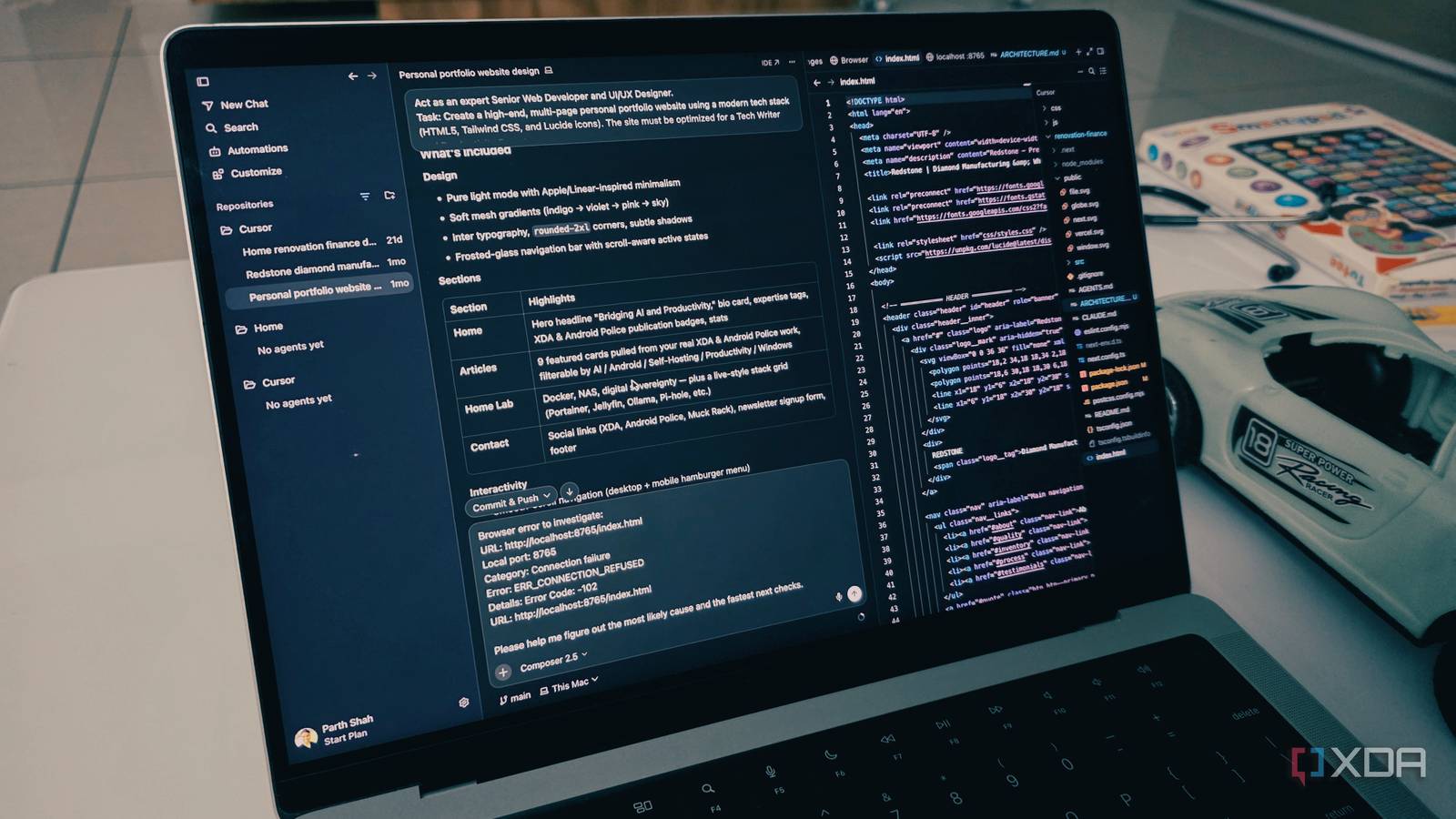
Published Aug 4, 2026, 1:00 PM EDT Parth, a seasoned tech writer, wields the keyboard (or pen) with finesse to unravel the intricacies of both Windows and Mac operating systems. He has covered evergreen content on mobile devices and computers for multiple publications over the last six years. You can find his work on AndroidPolice, GuidingTech and TechWiser. Whether it’s demystifying system updates, deciphering error codes, or exploring hidden features, Parth’s prose guides readers through the binary maze. When not immersed in tech jargon, you’ll find him sipping chai, pondering the next software review, and occasionally indulging in a friendly debate about mechanical keyboards. I have switched between more code editors and IDEs than I can remember. They always claim to deliver the perfect balance of speed, flexibility, and intelligent assistance. Each one impressed me initially, but the disadvantages eventually started to show and sent me back to the same exhausting search. Then I started using Cursor more seriously, and for the first time, I stopped thinking about what I should switch to next. It felt like the IDE I had been searching for all along. My IDE-hopping problem never really ended From VS Code to Claude Code and Zed My IDE-hopping problem never really ended because every tool solved one part of my workflow while making another part more frustrating. I would have moved to VS Code for its speed and extension library, then switched to a more traditional IDE when I needed better debugging or project management. As AI coding tools grew more capable, the cycle worsened. I started testing editors that promised smarter autocomplete, autonomous agents, and deeper codebase awareness, but most of them still felt incomplete after the initial excitement faded. Some tools, like Zed, were excellent for writing code manually, but treated AI like a separate chatbot sitting in the sidebar. Others had impressive agents but lacked the polish, extensions, or flexibility I relied on every day. I kept rebuilding my setup, importing extensions, adjusting shortcuts, and learning new interfaces, only to find another limitation a few weeks later. Cursor already had the right foundation Version 3.0 changed its identity Cursor caught my attention long before version 3.0 because it felt familiar to anyone coming from VS Code. I could bring over my extensions, keyboard shortcuts, themes, and development habits without having to start from scratch. Cursor already offered the balance I had been searching for: the flexibility of VS Code, the intelligence of an AI coding assistant, and enough traditional IDE functionality to handle real projects. But the company took it to the next level with version 3.0. Before the update, I mainly viewed it as a better version of VS Code with deeply integrated AI features. After the upgrade, it started to feel more like an agentic development workspace, where I could delegate entire parts of a project rather than ask for code snippets or minor fixes. I can assign different tasks, monitor their progress, review their changes, and step in whenever necessary without switching between separate tools. The best part is that the change did not remove the traditional IDE experience either. I can still explore files, use the terminal, debug problems, and make precise manual edits whenever an agent missed a detail. Grok 4.5 delivered the AI boost It’s quick and efficient Cursor 3.0 improved the workspace, but Grok 4.5 gave me the AI boost I was waiting for. I had already experimented with Composer 2.5, and although it was fast and inexpensive, I never completely trusted it with larger or more complex tasks. It often handled straightforward edits well, but I found myself stepping in more frequently when a project required careful planning, consistent design choices, or a deeper understanding of how multiple files worked together. Grok 4.5 explores my projects in minute detail, understands broader requirements, and usually produces a usable result without turning every task into a lengthy back-and-forth. I have used it to build features, troubleshoot errors, reorganize code, and make changes across several files. It’s not as good as Fable 5 in every area. Fable 5 still has an edge when I need specific execution or extra attention to small instructions. However, Grok 4.5 consumes fewer tokens in my testing. That efficiency matters when I am working on larger projects or running several agent sessions throughout the day. With Grok 4.6 scheduled to arrive in early August 2026, I can’t wait to see what the company brings to the table. The local-to-cloud handoff feels practical My work no longer stops locally The local-to-cloud handoff is one of those Cursor features that sounded unnecessary until I started using it. I often bring a task locally to inspect the project, define the requirements, and observe how the agent approaches the first few steps. However, some jobs, such as restructuring a large codebase, running tests, or building an entire feature, can take longer than I want to keep my laptop occupied. The process also works in the opposite direction. Once the cloud agent finishes, I can bring the changes back into my local environment, inspect the diff, run the project, and make the final adjustments myself. This IDE ended years of frustration Cursor did not win me over because of one flashy feature. It earned its place by removing the small frustrations that kept pushing me toward other IDEs. Version 3.0 made the entire experience feel more cohesive, while Grok 4.5 gave me another capable and efficient model for real development work. I can still write code manually, inspect every change, or hand a larger task to an agent when needed. For me, that balance matters more than any benchmark. Being a developer and reviewer, I will continue testing new tools, but Cursor is now the IDE I return to by default. Cursor Cursor is a Grok-powered IDE that takes on VS Code.
I finally found the perfect IDE after years of switching back and forth
Full Article
Original Source
Read the full article at Xda-developers →KhanList aggregates and links to publicly available news content. We do not host full articles from third-party sources. Always verify important information with original sources.