
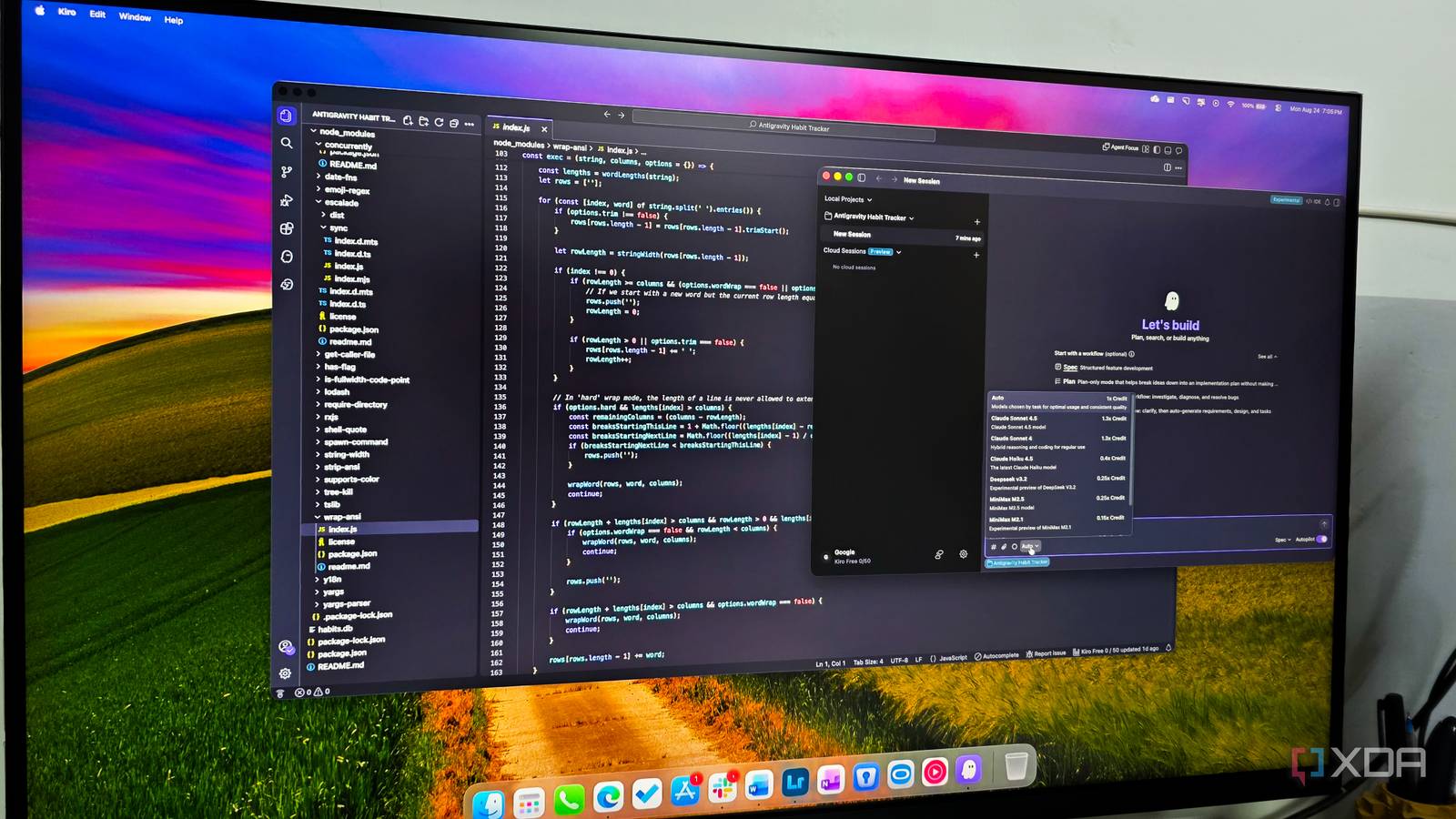
Published Aug 28, 2026, 12:31 PM EDT Parth, a seasoned tech writer, wields the keyboard (or pen) with finesse to unravel the intricacies of both Windows and Mac operating systems. He has covered evergreen content on mobile devices and computers for multiple publications over the last six years. You can find his work on AndroidPolice, GuidingTech and TechWiser. Whether it’s demystifying system updates, deciphering error codes, or exploring hidden features, Parth’s prose guides readers through the binary maze. When not immersed in tech jargon, you’ll find him sipping chai, pondering the next software review, and occasionally indulging in a friendly debate about mechanical keyboards. Microsoft VS Code has been my default recommendation for years because it is fast, flexible, and endlessly customizable. But the more AI became part of my coding workflow, the more traditional VS Code experience started to feel dated. I wanted the same familiar editor without spending half the time juggling extensions, configuring assistants, and stitching different tools together. That search eventually led me to Kiro, and it didn’t take long for me to understand why this VS Code-based editor feels so different. It feels like VS Code from day one No learning curve One of the biggest reasons I settled into Kiro so quickly is that it never made me feel like I was learning a completely new code editor. The layout is familiar, the sidebar is where I expect it to be, the command palette works the way I am used to, and my usual keyboard shortcuts still make sense. I can work with Git, open Terminals, manage files, install extensions, and jump around a project without stopping to figure out where everything has moved. That familiarity matters more than it sounds. Whenever I try a new development tool, I usually spend a short time fighting the interface instead of writing code. I didn’t really have that problem with Kiro. Since it is built on the VS Code foundation, I could bring over much of my existing workflow and get productive almost immediately. It feels less like switching editors and more like upgrading the VS Code setup I already know. Kiro treats AI as part of development Doesn’t feel like an afterthought With Kiro, AI doesn’t feel like something added to the editor. The entire experience seems designed around the idea that an AI agent will be involved throughout development. Specs can help me map out requirements and implementation before touching the code, Steering keeps the agent aware of how I want a project structured, and Hooks can automate repetitive work as the project evolves. These features work together instead of feeling like separate AI tricks hidden across the interface. To Microsoft’s credit, VS Code has moved quickly in the same direction. Its new Agents window lets me start and monitor multiple agent sessions, work across different projects, and even choose between agents such as Copilot, Claude, and Codex. That’s a huge improvement over the old chatbot-in-a-sidebar approach. However, VS Code’s Agents window is still a work in progress, and parts of the experience feel like Microsoft is figuring out how agents should coexist with the classic editor. Specs are the feature that really separates it Hooks automate the boring parts Specs make Kiro feel different from other AI code editors. Instead of relying on one large prompt, I can describe a feature and have Kiro turn it into requirements, a technical design, and an implementation plan. I can review or edit those files before coding begins, then let Kiro complete the tasks sequentially. For a jewelry e-commerce site, I could require a responsive homepage, product catalog, product pages, wishlist, cart, and contact form. Kiro would organize the work before generating components and help me catch architectural problems early. Steering lets me save project-specific instructions, including my technology stack, file structure, libraries, testing approach, and architectural decisions. Kiro can also retain context about the product, technical choices, and overall project structure. For the jewelry site, I could specify React, Tailwind, reusable components, mobile responsiveness, and a clean luxury design. I could also define naming conventions and folder organization. Once these rules are saved, I don’t need to repeat them whenever I request a new product section or checkout change. Hooks let Kiro respond automatically to events such as file changes, tool usage, or completed spec tasks. For example, after Kiro completes the shopping cart, a Hook could run the relevant tests immediately. Specs, Steering, and Hooks work best together: Specs define what I am building, Steering explains how I want it built, and Hooks automate repetitive follow-up work. There are still some rough edges Keep these in minds While Kiro has impressed me, it still has some rough edges. The agent-focused experience can feel more complex than regular VS Code at first. Kiro gives me Specs, Steering, Hooks, agents, and several other concepts to understand, so there is more to learn than simply installing Copilot and opening a chat window. AI agents are not perfect either. I still review diffs, run the website myself, and check important changes instead of blindly accepting everything Kiro produces. None of these issues has pushed me back to regular VS Code, though. The editor Microsoft should have built I didn’t expect another VS Code-based editor to change much about how I work, but Kiro did exactly that. It feels familiar enough that I never had to relearn my environment, yet features like Spaces, Hooks, and agent-driven workflows make it far more capable than a standard VS Code setup. That balance is what won me over. Kiro doesn’t throw away what already works; it builds a smarter development experience on top of it. If you already like VS Code but want something that feels more prepared for the AI era, give Kiro a try. Kiro Kiro is a capable VS Code fork that rivals Cursor and Devin Desktop.
I finally found the best fork of Microsoft VS Code and I can't stop raving about it
Full Article
Original Source
Read the full article at Xda-developers →KhanList aggregates and links to publicly available news content. We do not host full articles from third-party sources. Always verify important information with original sources.