
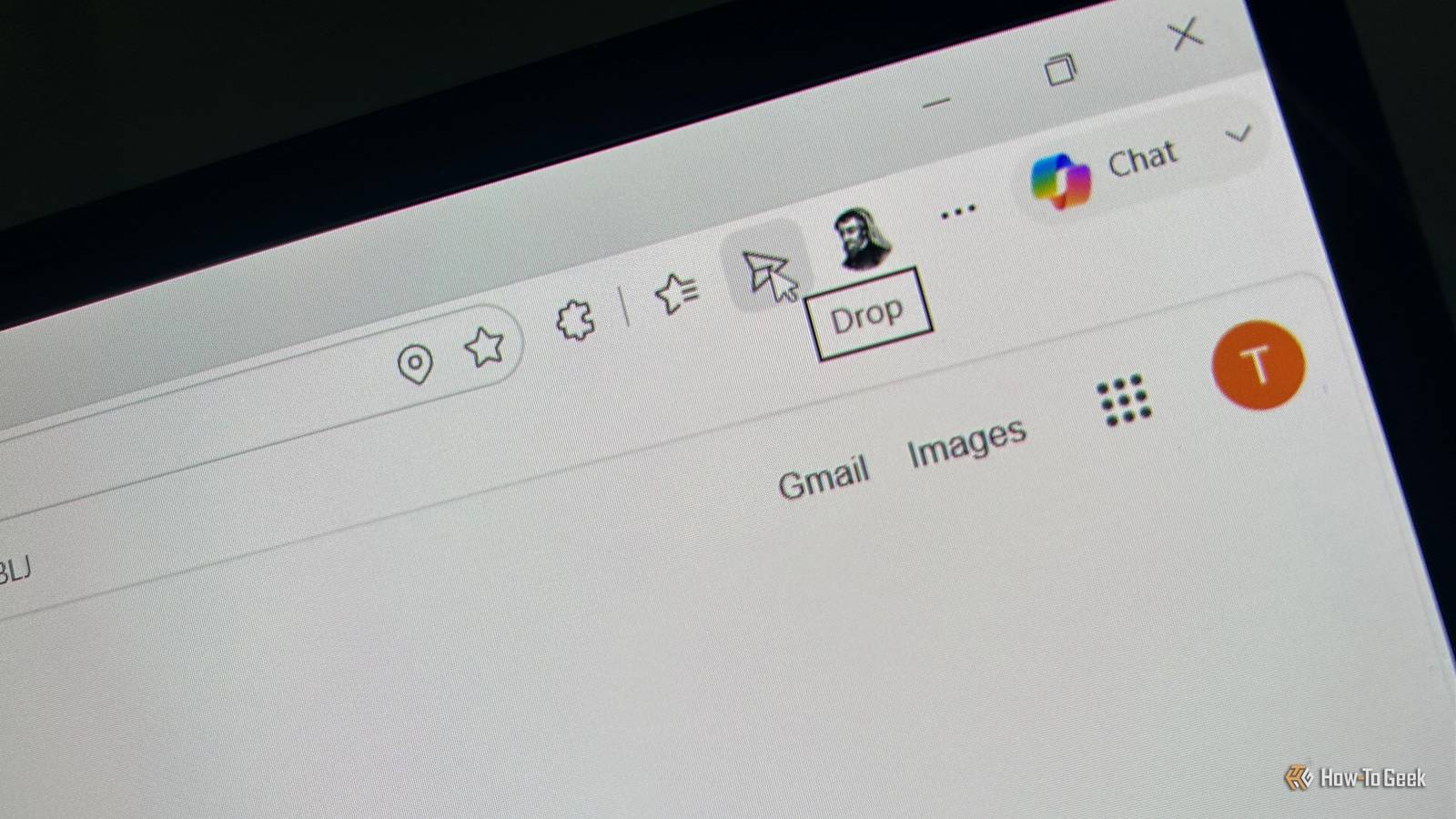
Published Aug 22, 2026, 7:30 AM EDT Tony Phillips is an experienced Microsoft Office user with a dual-honors degree in Linguistics and Hispanic Studies. Prior to starting with How-to Geek in January 2024, he worked as a document producer, data manager, and content creator for over ten years, and loves making spreadsheets and documents in his spare time. Tony is also an academic proofreader, experienced in reading, editing, and formatting over 3 million words of personal statements, resumes, reference letters, research proposals, and dissertations. Before joining How-To Geek, Tony formatted and wrote documents for legal firms, including contracts, Wills, and Powers of Attorney. Tony is obsessed with Microsoft Office! He will find any reason to create a spreadsheet, exploring ways to add complex formulas and discover new ways to make data tick. He also takes pride in producing Word documents that look the part. He has worked as a data manager in a secondary school in the UK and has years of experience in the classroom with Microsoft PowerPoint. He loves to encounter problems in Microsoft Office and use his expertise and legal-level training to find solutions. Outside of the Microsoft world, Tony is a keen dog owner and lover, football fan, astrophotographer, gardener, and golfer. There's a long-standing debate over which web browser you should use. Chrome, Edge, Firefox, Safari, and plenty of others all have their fans, and most of us eventually settle on whichever one fits our particular needs. For me, Edge Drop makes Microsoft's browser considerably more useful—but now that's being taken away. Edge Drop solves a really annoying problem It removes a surprising amount of friction Drop isn't revolutionary, but that's exactly why I like it. It gives me a simple place in Edge to move files, photos, links, and text between my devices. If I need a photo from my phone on my PC, I can put it in Drop. If I have a PDF on my PC that I want on my phone, I can do the same thing in reverse. I also use it for links and snippets of text that I want to pick up on another device. The alternative is usually more annoying than the task itself. I could email something to myself, upload it to OneDrive, open another messaging app, grab a cable, or save it somewhere and hope I remember where I put it. Drop removes most of that thinking. I don't have to decide which OneDrive folder something belongs in, send myself an email to find it again later, or worry about where I'd temporarily saved something. I can just put it in Drop. As a tech writer, I use it daily. I take a photo on my phone and send it to my PC immediately without interrupting what I'm doing or thinking about where to save it first. Over time, it's become one of those tiny parts of my workflow that I rely on without really noticing. In fact, I even used it for the screenshots in this article. Because Drop is built into Edge, I don't need to think about using another service. I'm already at my PC, already using a browser, and the tool is right there. That kind of integration is what makes it so useful. Drop survived the first cut, but not for long Back in May, I noticed a message in Edge saying the sidebar app list was being retired. New apps couldn't be added to the sidebar, and apps that were already pinned there were to be removed. By June, it was gone. Microsoft explained that this move was part of its effort toward "simplifying Microsoft Edge." Being able to launch my most-used apps with a single click was a useful, time-saving productivity feature that just made things a bit easier. It was also really handy for things like playing YouTube music while I worked, joining or managing calls, checking email or WhatsApp, and quickly accessing AI tools without changing tabs. This is what bothers me about Microsoft's idea of "simplifying" Edge. It doesn't simplify my workflow if Microsoft removing the things I actually use and replacing them with things I don't. Drop survived that change, though. Even after the sidebar disappeared, I could still go to Settings > Appearance and enable it in the toolbar. For a while, at least, I still had the one Edge feature I genuinely cared about. Now Drop is next to go And Microsoft isn't being very helpful Last week, I opened Drop and saw yet another deprecation message: Drop is being retired. Files you shared are saved in your OneDrive. Text notes need to be downloaded separately. In one sense, it's reassuring that I'm not losing the files I've already shared through Drop. But what actually makes Drop so useful to me is how easy it is to get something from one device to another. I can throw a file into Drop, pick up my other device, and carry on with whatever I'm doing. OneDrive is a storage service; Drop is a convenient transfer point. That's an important distinction. If I want to properly organize and store a file, I might use OneDrive. If I just need to get something from my phone to my PC without thinking, Drop is perfect. And as an aside, in my experience, OneDrive doesn't always sync instantly, whereas Drop does. Microsoft does at least provide a way to download the text notes, but the result is messy. In my exported file, all of my notes are bundled together into a single continuous block of text, with dates and timestamps separating them. So while the information is technically preserved, it isn't preserved in a particularly useful or tidy way. This adds another level of friction to something that previously required virtually none. I suspect part of the reason Microsoft is retiring Drop is that not enough people use it. But I also think that's partly because Microsoft did so little to advertise the feature. If more people had known about it, I genuinely believe usage would have been much higher. And then there's Copilot. Microsoft hasn't explicitly said that Drop is being removed to make room for it, but given how much space Copilot is increasingly taking up across Microsoft's apps, I find it difficult not to think it's part of the reason. I can find another way, but that's not the point I can obviously find other ways to move things between my devices. Microsoft Teams lets me send messages to myself containing text, images, and files, while tools such as LocalSend and KDE Connect are specifically designed for moving files and clipboard content between devices. But that's not really the point. None of them gives me quite the same combination of simplicity and integration that makes Drop so useful. It's a small convenience that saves me time and makes using my devices a little easier. Now that Microsoft is taking it away, I'm left wondering what reason I have to keep Edge around.
I finally found a reason to use Edge. Now Microsoft is taking it away
Full Article
Original Source
Read the full article at Howtogeek →KhanList aggregates and links to publicly available news content. We do not host full articles from third-party sources. Always verify important information with original sources.