
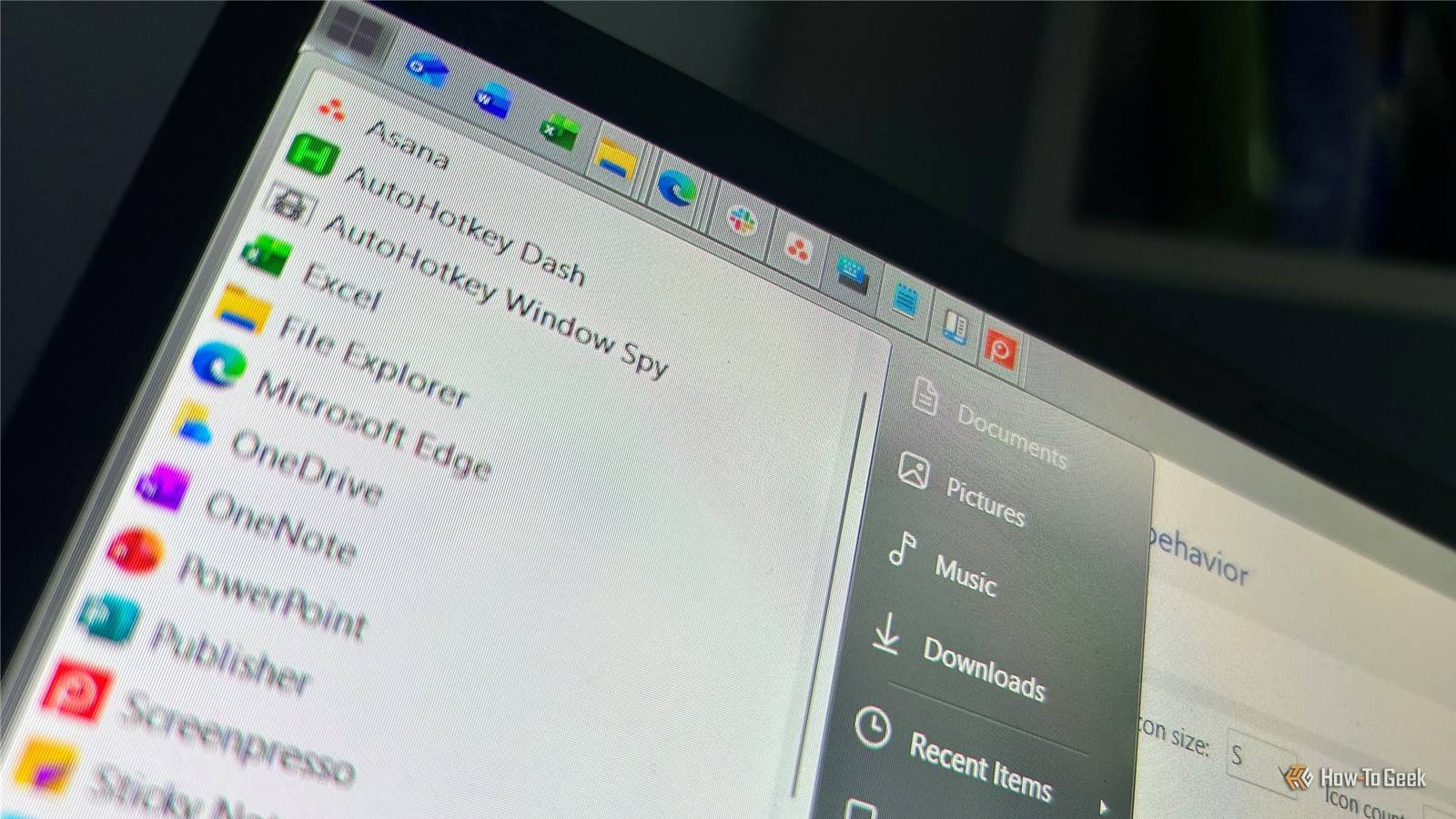
Published Aug 25, 2026, 9:30 AM EDT Tony Phillips is an experienced Microsoft Office user with a dual-honors degree in Linguistics and Hispanic Studies. Prior to starting with How-to Geek in January 2024, he worked as a document producer, data manager, and content creator for over ten years, and loves making spreadsheets and documents in his spare time. Tony is also an academic proofreader, experienced in reading, editing, and formatting over 3 million words of personal statements, resumes, reference letters, research proposals, and dissertations. Before joining How-To Geek, Tony formatted and wrote documents for legal firms, including contracts, Wills, and Powers of Attorney. Tony is obsessed with Microsoft Office! He will find any reason to create a spreadsheet, exploring ways to add complex formulas and discover new ways to make data tick. He also takes pride in producing Word documents that look the part. He has worked as a data manager in a secondary school in the UK and has years of experience in the classroom with Microsoft PowerPoint. He loves to encounter problems in Microsoft Office and use his expertise and legal-level training to find solutions. Outside of the Microsoft world, Tony is a keen dog owner and lover, football fan, astrophotographer, gardener, and golfer. Windows 11 does most of what I need it to do, but I've never been completely happy with some of its interface decisions. The taskbar feels too big and prominent, the Start menu shows me things I don't want, and I've grown tired of Windows putting familiar controls behind extra clicks. I could spend my time finding registry tweaks, PowerShell commands, and scattered Windows settings, or I could pay five bucks for StartAllBack, which brings the changes I want together. I chose the latter. StartAllBack modifies parts of the Windows shell, so there's always some potential for compatibility problems when Microsoft releases a major Windows update. I've tested the current version on my Windows 11 installation, and it has worked seamlessly for me. Just make sure you keep StartAllBack updated and check compatibility after major Windows releases. Windows 11's taskbar takes up too much space I wanted it smaller and at the top The Windows 11 taskbar has always felt too prominent. The icons are large, the spacing is—shall we say—generous, and the whole thing takes up more room than I think a taskbar needs. I also don't like having it at the bottom of my screen. I spend a lot of time in web browsers and File Explorer, where the controls I use are at the top. Putting the taskbar there feels more natural to me because I can move to one area of the screen to access my tabs, menus, taskbar icons, and system tray. StartAllBack lets me fix all of this. I can move the taskbar to the top, make it much more compact, reduce the margins around the icons, hide the labels, and make it transparent. Those might sound like cosmetic changes, and maybe they're not for you, but for me, they make a surprisingly big difference in how the taskbar feels. I think the taskbar should be an unobtrusive assistant that's there when I need it, and this setup achieves exactly that. Microsoft says it's testing some of the taskbar changes I've wanted in Windows 11, including moving it to the top of the screen and making it smaller. But StartAllBack gives me much more control over the finer details, from icon spacing and labels to the taskbar's appearance and other legacy-style options. StartAllBack OS Windows Free Trial 100 days StartAllBack is a Windows 11 customization tool that lets you change the taskbar, Start menu, system tray, and other parts of the Windows interface. I don't need Windows choosing for me The Windows 11 Start menu is another part of the interface I've never really warmed to. I prefer it the old way. It's smaller and more compact, and it feels more appropriate sitting in a corner of the screen than appearing as a large panel in the center. That's similar to how I feel about the taskbar. I don't want to move my attention toward the middle of the screen every time I want to open Start. StartAllBack gives me a classic Start menu, removes recommendations by default, and uses a much tidier layout. I also like having all my programs available in a traditional list, rather than Windows grouping them into categories. I also made a few smaller changes Nice little touches Not every StartAllBack change I made was about fixing something that annoyed me. Some are tiny tweaks that just make things feel better—they're hardly essential, but I like having that extra control over how Windows looks. For example, I can change the Start menu icon and choose whether the highlight around icons has rounded or square corners. StartAllBack also gives me the full context menu when I right-click a file in Explorer, rather than making me click Show more options. It's a small change, but it saves an extra click every time I need one of those less common commands. None of these changes will transform how I use Windows, but I like having the choice. That's probably my favorite thing about StartAllBack. Once I've fixed the things that genuinely bothered me, I can tweak the smaller details. I also like that it doesn't force me to revert Windows 11 to an older version. I can keep parts of Windows 11 I like and change the parts I don't. You have 100 days to decide You can use StartAllBack for the first 100 days without entering a license key, giving you plenty of time to see whether it actually improves your Windows experience. Check how many days you have left from the About section in StartAllBack's settings. Once you're happy and ready to commit, it costs $4.99 for a one-time license. For me, paying for the license was an easy decision. Windows 11 lets you change some of these things already, but StartAllBack puts the controls I actually want in one place, so I can fix the things that annoy me and leave everything else alone.
I finally fixed Windows 11's annoyances thanks to this $5 app
Full Article
Original Source
Read the full article at Howtogeek →KhanList aggregates and links to publicly available news content. We do not host full articles from third-party sources. Always verify important information with original sources.