
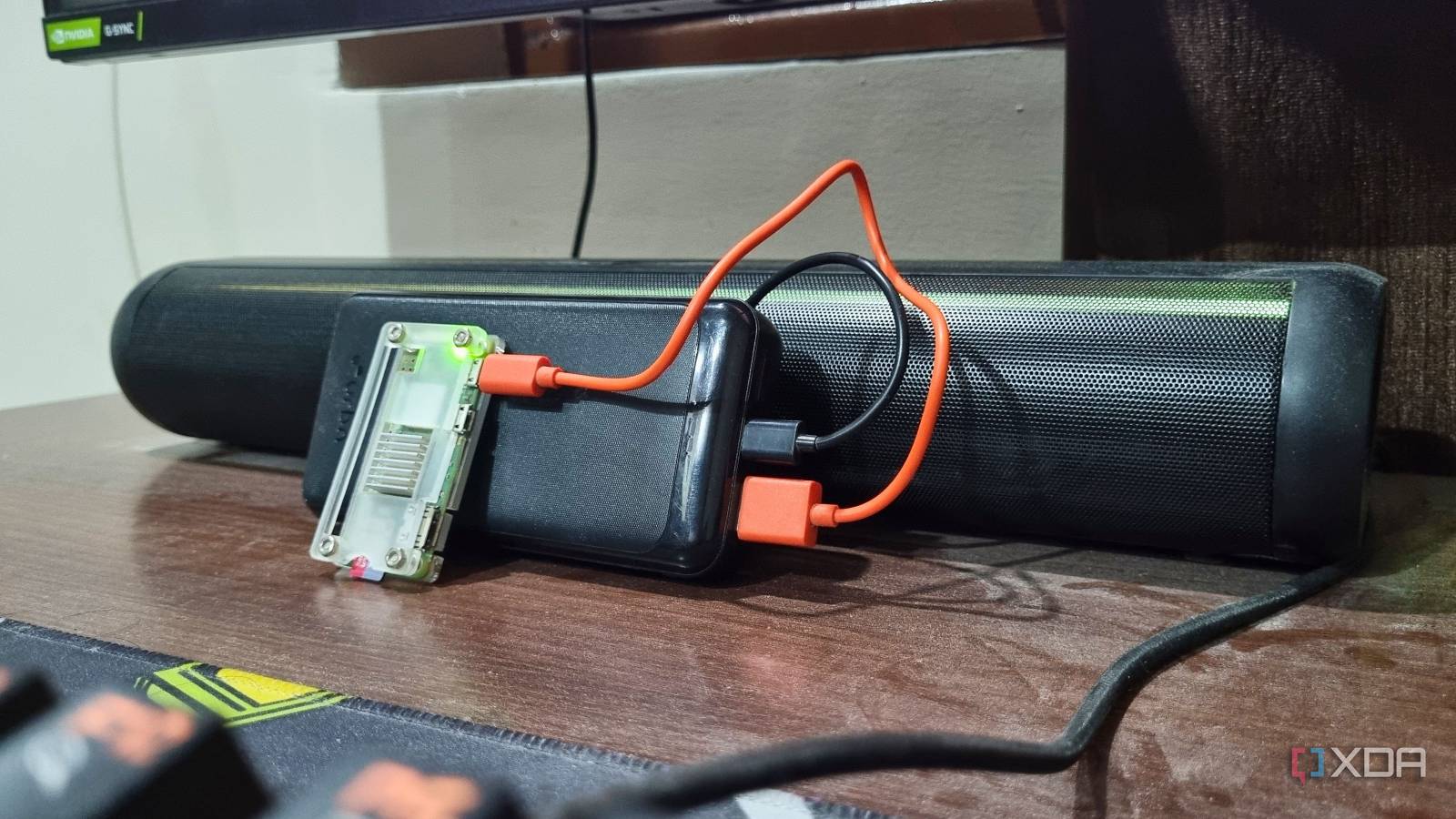
Published Aug 19, 2026, 3:30 PM EDT Abhishek is an author at XDA who covers computing. He has loved computers since he got the Lenovo G570 in 2012. Abhishek holds a master's degree in computer applications and began his writing career in 2018. He loves writing how-to articles, listicles, and informational posts on popular operating systems and web services. He closely follows the Windows Insider program and tests new Insider builds to discover upcoming experimental features and upgrades. His past work includes long-term collaborations with reputed publications like Tom's Hardware, and Windows Latest. When not writing anything, he is busy watching new episodes of One Piece or searching for something binge-worthy. The Raspberry Pi Zero 2W is the last thing you think of when you want to host something useful. I can relate to that thought process as I own a couple of Raspberry Pi Zero 2Ws. The low-end hardware on one of the cheapest SBCs isn't a lucrative proposition while building home servers. You aren't completely wrong because the device struggles with almost every popular tool you've heard of. Try deploying a media server like Jellyfin, or a local cloud server tool like NextCloud, and it absolutely chokes the Raspberry Pi Zero 2W. Still, plenty of tools fit the limited computing power of the Raspberry Pi Zero 2W. After several experiments, I've found three self-hosted tools that serve a necessary purpose in my daily life, without putting undue pressure on the puny, $15 device. Thoughtful picks matter Avoiding the common tools A newbie will likely pick up a relatively common use-case tool. I mentioned NextCloud in the beginning, and it's a perfect example of such a tool. You might want to ditch the expensive cloud storage subscription service and build a local one with Nextcloud. Despite being an excellent pick, the Raspberry Pi Zero 2W can't run it well. This is from experience, as I conducted a test to try using Nextcloud on it and sync files from my PC and phone. It took a few attempts to get everything working, but anything beyond the file backup was too much for the SBC. The Nextcloud web interface immediately crashed when I tried to view images or browse nested folders. So, it's understandable that heavy tools aren't its cup of tea. But if you expand your horizon, you'll find some absolutely useful yet lightweight tools beyond the usual tropes of media servers, file backup, or similar tools. I went with slightly less obvious choices: a password manager, a multipurpose toolkit, and a PDF editor. All of these work like a charm on the Raspberry Pi Zero 2W, without ever feeling too resource-intensive and crashing the device. A few other choices also helped build a tiny but reliable server on this extremely affordable SBC. DietPi and Docker form the base Pairing a lightweight OS with a container management tool Any Raspberry Pi operating system with a desktop environment is a no-go for the device I'm trying to build a server on. So, I have minimal choices, and most of you'll make the mistake of picking the official Raspberry Pi OS with no desktop environment. Unless you have a certain level of experience, going with the official OS can be tricky. In the beginning, each command that you'll run, be it installing a tool, updating the device, changing boot options, or adding external storage, will feel confusing. I would choose DietPi instead of the official option because it's much more interactive than any CLI OS. It's got a huge assortment of CLI tools with whiptail menus, and you can use them to access the OS features and behavior. I found it incredibly simple to mount an external HDD as a backup strategy, modify user groups and assign permissions, and even manage active services. One more reason to pick DietPi is that it uses the least amount of memory. In my setup, the OS uses around 70MB of memory, which is much lower than the official Raspberry Pi OS or Armbian. Docker needs an additional 30–60MB, bringing the total to about 110–130MB for the base setup. The tools will run on top of it, which brings the total to 150–170 MB, still leaving more than 50% memory free (415MB total) for adding other tools, deploying dashboards like Glance, or setting up a GUI interface for Docker. Tailscale is also a necessary addition, but its memory footprint is barely noticeable, so you don’t need to worry about it. The trio saves money on multiple subscriptions No more recurring monthly charges Paying for a password manager or a PDF editor didn’t make sense to me anymore. I was fed up with the abrupt price changes and the feature restrictions in cheaper plans. I migrated from LastPass to Vaultwarden a while ago and did the same for Adobe Acrobat. BentoPDF became my lean yet effective alternative to a PDF editor with the features that I need the most, and without spending $180 every year on Adobe. The additional benefit of going the self-hosted route with these two tools is privacy. LastPass suffered a massive breach a few years back, and my trust in it wavered. The same goes for Adobe, where I didn’t really want to upload my personal invoices or other documents. Now, my data is stored on the 32GB SD card, and the whole system backs up to an external USB SSD. The Dietpi-backup utility makes it easy to create and automate backup schedules. These mechanisms ensure that I can access my password even if the SD card fails, apart from the occasional vault exports I store on my other external hard disks. OmniTools is another lightweight tool like BentoPDF, and both of these share a similarity. They are different from Vaultwarden in design, as the password manager uses a database to store my credentials and runs on the SBC. However, the other two tools do not burden the device with data processing and offload everything to the client side. So even if I’m compressing PDFs in BentoPDF or batch-watermarking images in OmniTools, those tasks don’t put the same heavy load on the Raspberry Pi Zero 2W server. My $15 savior I’m always amazed at the kind of stuff I can do with the Raspberry Pi Zero 2W. I’ve used it to host RetroPie, a game emulator, and even use it to add Bluetooth connectivity to my old Hi-Fi speakers with a USB DAC and a custom OS. It doesn’t have huge memory capacity or the fastest CPU, but once you figure out a role that suits its capabilities, it never disappoints. Even with the current setup, I have room for a couple more lightweight services, but I intend to deploy a dashboard before I set up another useful tool. Raspberry Pi Zero 2 W The Raspberry Pi Zero 2 W is a small SBC with Wi-Fi and Bluetooth connectivity.
I ditched three subscription services with a $15 Raspberry Pi Zero 2W, and my setup is bulletproof
Full Article
Original Source
Read the full article at Xda-developers →KhanList aggregates and links to publicly available news content. We do not host full articles from third-party sources. Always verify important information with original sources.