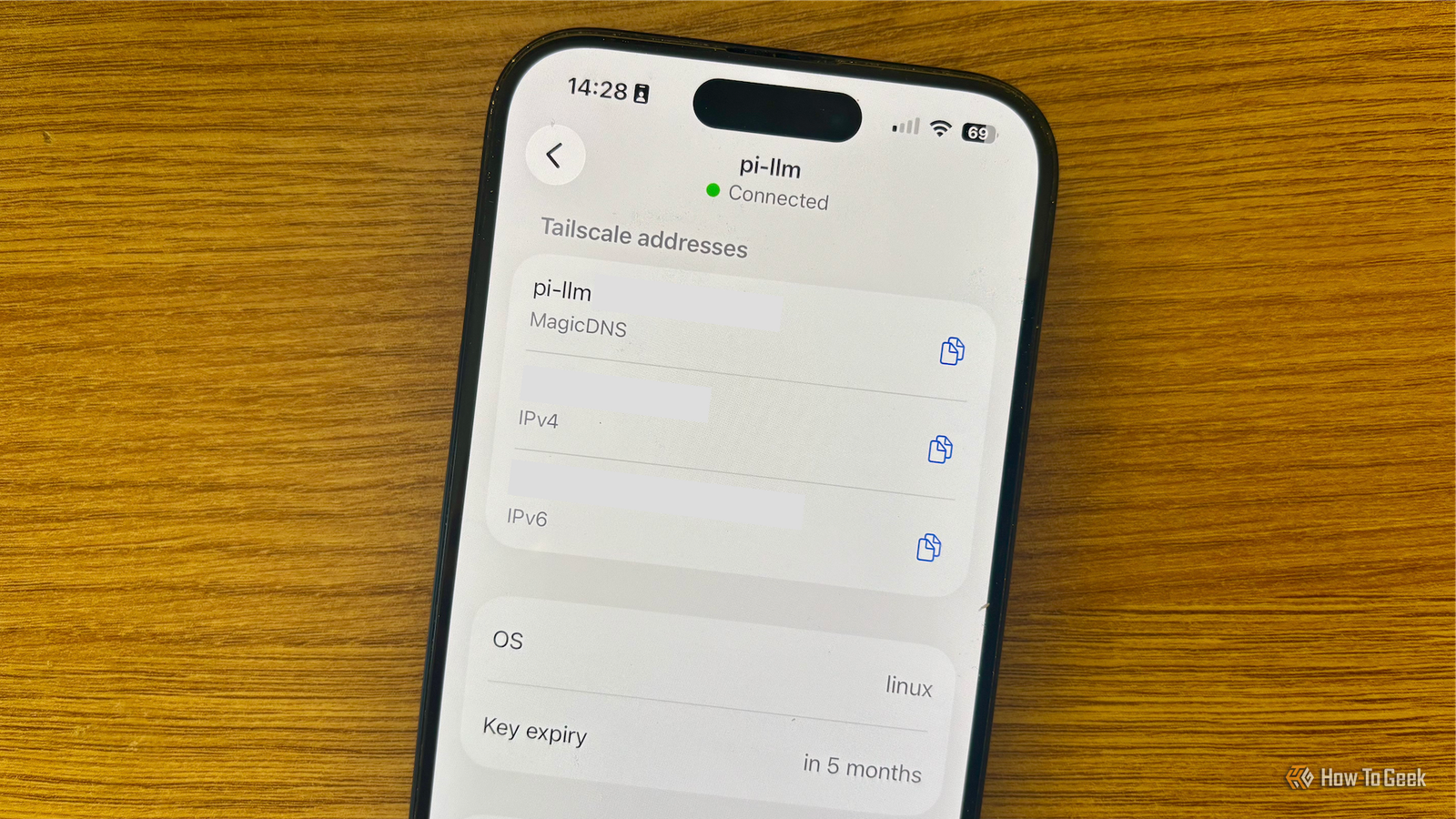
Published Aug 2, 2026, 6:30 AM EDT Adam has a degree in Engineering and has a life-long interest in technology. He has been writing for over a decade for various print and online publications, with a focus on consumer tech. He joined How-To Geek in 2024 while working at Pocket-lint. As well as being a long-term fan of Apple products, he also has a strong interest in smart home tech, running a Home Assistant server at home to automate all his smart home devices. He believes that the ideal smart home should work with minimal interaction from the user, with automations running as if by magic rather than requiring you to push buttons on a control panel. You can find more of his work on Muck Rack. You can self-host a lot of services on a Raspberry Pi, but the downside is that these services are often only reachable from your home network, making them less convenient than cloud-based alternatives. Tailscale creates a secure, encrypted mesh VPN that lets you access your Raspberry Pi from anywhere without exposing ports, and there are plenty of self-hosted services that can benefit from this access. A password manager you can actually trust Vaultwarden keeps your passwords safe and local We're always encouraged to create strong passwords for our accounts. It's a recommendation for a reason; a long password with a random mix of letters, numbers, and special characters is far harder to crack than "P455W0RD." The problem is that trying to remember these complicated passwords is almost impossible. A password manager can help by storing all your strong passwords for you so that you can access them whenever you need them. Cloud-based password managers allow you to access your passwords from anywhere, but the downside is that all your precious passwords end up on third-party servers. Vaultwarden is a lightweight, open-source implementation of the Bitwarden server that can run well on a Raspberry Pi. Using Tailscale, you can access your passwords even when you're away from home. If this is the only place you're storing your passwords, you'll need to ensure you have a robust backup system in place. Raspberry Pi 5 Brand Raspberry Pi Storage 8GB It's only recommended for tech-savvy users, but the Raspberry Pi 5 is a tinkerer's dream. Cheap, highly customizable, and with great onboard specs, it's a solid base for your next mini PC. CPU Cortex A7 Memory 8GB Operating System Raspbian Ports 4 USB-A A private Google Photos alternative Save your phone photos to your own local storage Smartphones have made it incredibly easy to capture a good photo. You can fire off five or ten shots of the same scene in the knowledge that one of them is bound to turn out well. The problem is that you end up with thousands of photos on your phone. Apps such as Google Photos allow you to upload your photos to the cloud so that you can free up storage on your phone. Since Google Photos is cloud-based, you can upload or access your photos from anywhere with an internet connection. If you'd rather not give a major corporation access to your entire photo collection, you can set up a self-hosted alternative using Immich. It's a highly popular photo management application that can automatically back up photos and videos from your phone and save them to storage connected to a Raspberry Pi. By default, these images are only accessible from your home network, but by setting up Tailscale, you can access them from anywhere, just like Google Photos or iCloud. If you're completely replacing a cloud-based service with Immich, you must ensure you have a solid backup system in place, or you may be at risk of losing some of your photos and videos forever. A self-hosted alternative to Dropbox or Google Drive With Tailscale and Nextcloud, you can access your files from anywhere Credit: Jorge Aguilar / How To Geek Immich is specifically designed for storing photos and videos on local storage, but you don't have to be limited to these types of files. With an option such as Nextcloud, you can use your Raspberry Pi to save any type of file to a connected storage device. This effectively gives you a self-hosted alternative to cloud-based services such as Dropbox or Google Drive. These apps let you upload files and store them in the cloud, freeing up space on your devices. You can then download the files whenever you need them from anywhere that you can get an internet connection. Running Nextcloud lets you upload and access files on your local network, but if you want to be able to do so outside your home, Tailscale can help. With Tailscale installed on your Raspberry Pi and your phone, you can sign in to the same Tailscale account on each device, and Tailscale will create an encrypted VPN tunnel between them. This allows the devices to communicate over the internet while keeping your data protected. Your own custom Netflix replacement Tailscale lets you stream Jellyfin outside your home Credit: Patrick Campanale / How-To Geek Plex and Jellyfin are two of the most popular self-hosted media streaming services, and the Plex vs. Jellyfin debate has die-hard fans on each side. One of the biggest differences is that Jellyfin is completely free to use, while some Plex features require a subscription. However, with Plex Pass, you can stream movies and TV shows from your Plex server at home no matter where you are, while with Jellyfin, you can only watch them on your home network. Tailscale solves this problem. By setting up an encrypted connection between your device and your Jellyfin server, you can securely stream shows and movies from a hard drive connected to your Raspberry Pi even if you're on the other side of the planet. Tailscale lets you take your self-hosted apps outside your home Self-hosting is a great way to escape the privacy issues that come with using cloud-based services. The problem is that your services are only accessible from your home network. Tailscale is a simple and effective way to access your self-hosted services outside your home while still keeping your data safe.
I ditched the cloud by running these 5 apps on a Raspberry Pi with Tailscale
Full Article
Original Source
Read the full article at Howtogeek →KhanList aggregates and links to publicly available news content. We do not host full articles from third-party sources. Always verify important information with original sources.