
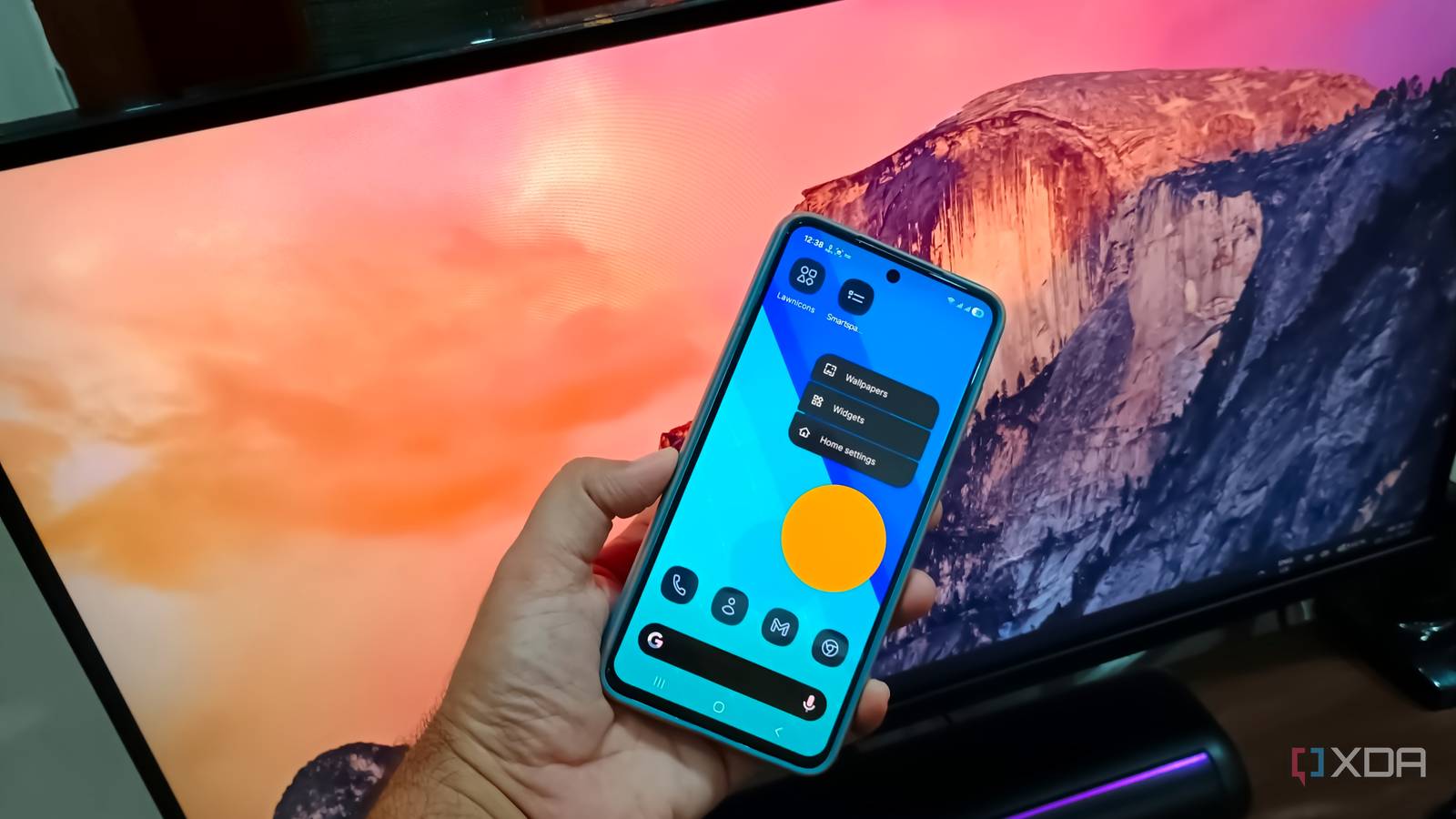
Published Nov 5, 2026, 7:30 AM EST Abhishek is an author at XDA who covers computing. He has loved computers since he got the Lenovo G570 in 2012. Abhishek holds a master's degree in computer applications and began his writing career in 2018. He loves writing how-to articles, listicles, and informational posts on popular operating systems and web services. He closely follows the Windows Insider program and tests new Insider builds to discover upcoming experimental features and upgrades. His past work includes long-term collaborations with reputed publications like Tom's Hardware, and Windows Latest. When not writing anything, he is busy watching new episodes of One Piece or searching for something binge-worthy. I have a Samsung Galaxy S21 FE as a primary phone. Before that, I used my mum's phone, an entry-level Samsung Galaxy with One UI. It was slightly different from what other Chinese OEMs were doing, and had a simplicity to it. Modern Samsung phones still use the same One UI, with incremental updates that keep it feeling modern and usable. I've been using the default launcher for a long time and stuck to what it had to offer. The default launcher offers minimal customization, which makes it feel bland compared to a third-party app. I've used Nova Launcher in the past, and that was an exceptional app. But I wanted to try an open-source one to modify my home screen. I picked the Lawnchair launcher for this project, and let's discuss why you should consider it. Setting up Lawnchair launcher App installation and additional resources The beauty of Android OS is its ability to run a diverse range of apps that add features the OEMs skip. The iPhone never had this kind of app variety in the customization scene, and it's one of the reasons why I'm still on Android. Lawnchair launcher is available on the Play Store, and you can download it from the official site. The downloads and Play Store page also list additional resources, including a feed and icon pack file. Google Play Protect will try to block the installation if you try to install the APK from the official website. You might have to turn it off temporarily. After the app installs, you don't need to add the feed or icon pack immediately. I tapped its icon to force-load the home screen without setting it as the default. At first glance, it looked pretty good: slightly bigger icons and a clean Material You design that reminded me of the stock Android experience. The search bar is anchored at the bottom, something I'm not used to. I then began customizing it. Embracing the Pixel style A more customizable home screen Switching to another launcher means you are looking for something extra. Before I describe what Lawnchair brings to the table, let me round up Samsung’s One UI launcher’s features first. It doesn’t lock you out of any customization options. You can adjust the icon size, show/hide app and widget labels, define grid sizes, and hide apps on both home screens and the app drawer. It’s pretty good for a default phone launcher, which is why most users stick with it. However, what if you want to change the default icon pack on your home screen? Or what if you want to apply an accent color to the icons? What about adjusting folder size or customizing the locations used when searching for something? Lawnchair launcher solves these niche problems without adding complexity. You can customize and turn on or off almost every element on your home screen, giving you a sense of complete control. It is possible to adjust the size, color, theme, and background of all the elements. You don’t need to stick with the default icon packs and can define custom labels for apps that are missing from Samsung's default launcher settings. I can hide apps from the app drawer and choose whether they appear on the search list. There are multiple options to do so, and if you don’t want someone messing with your personal apps, it's a great feature. You can first change the app’s name to something unique, and then hide it while allowing it to appear in the search when you type the complete new name. Samsung One UI only permits hiding the app from the home screen and app drawer. The stock version has no granular settings or label-edit option. Another useful thing for me is the gestures. The default launcher only offers the “double tap to sleep” gesture, but Lawnchair has a few more. I can modify more swiping actions and even configure what the back button does. It’s also possible to adjust the folder size, edit the dock, swap the search bar widget, and even change search providers. If you prefer a different search engine, there are ample choices listed in the settings. Using add-ons in Lawnchair launcher Smartspacer is actually good Samsung's launcher has the default “At a Glance” widget that can show data from the Google service you use. Imagine maps, emails, and other relevant data that updates dynamically. But it doesn’t cover other apps, and you can build one using Smartspacer. It’s a separate app that adds “At a Glance” functionality that extends beyond the built-in Google widget. You can add other apps like WhatsApp or Telegram and show unread message counters. There’s a wide plugin store that can tackle all your needs and actually display useful data and stats on your home screen and lock screen. It arranges widgets in stacks, and you can scroll to view information from multiple sources. There are even plugins for Home Assistant data, Tasker settings, and a few more sources. Some are very niche, like a YouTube plugin to display subscriber count or show Uber ride stats. I highly recommend exploring the plugin store and building your version of “At a Glance”. Lawnchair gives you enough reasons to switch The default launcher becomes boring after a while, and an open-source launcher like Lawnchair can actually change your phone experience. It can make everything look better, work smarter, and add features that are missing in the default launcher. I love the ability to assign new labels, add gestures, and use the Smartspacer add-on. It’s the icing on the cake that makes your home screen show useful data without any confusing setup. There are ample plugins to keep you busy, and Lawnchair doesn’t try to sneak ads in between. Nova Launcher has been doing it for some time now, which is why going open source seems wise. Lawnchair Lawnchair is a free, open-source Android home screen replacement app that brings the clean look and feel of Google's Pixel Launcher to general Android devices while adding deep customization options.
I ditched Samsung's One UI launcher for an open-source alternative, and I wish I'd done it sooner
Full Article
Original Source
Read the full article at Xda-developers →KhanList aggregates and links to publicly available news content. We do not host full articles from third-party sources. Always verify important information with original sources.