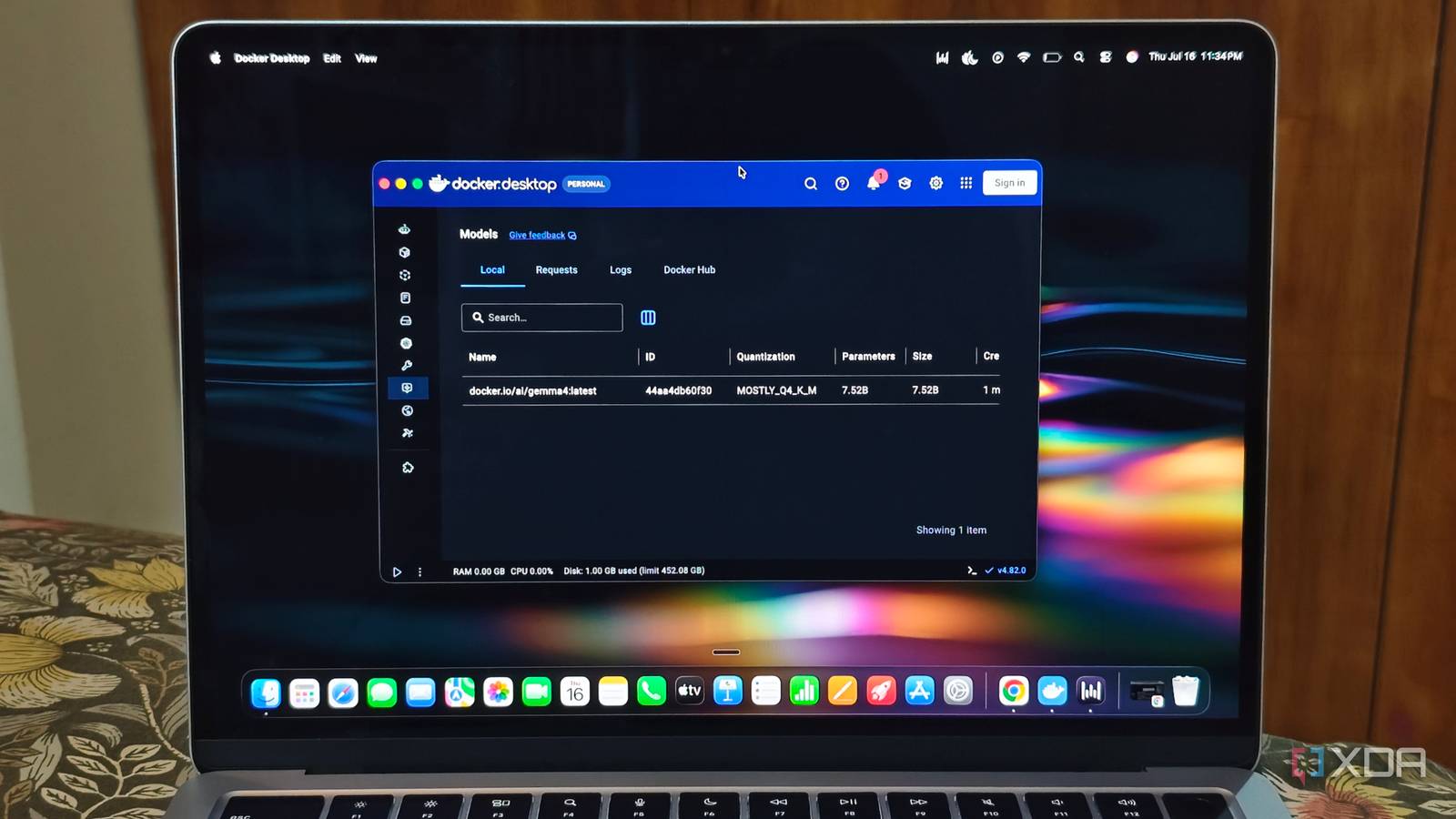
Published Jul 28, 2026, 7:30 AM EDT Anurag is an experienced journalist and author who’s been covering tech for the past 5 years, with a focus on Windows, Android, and Apple. He’s written for sites like Android Police, Neowin, Dexerto, and MakeTechEasier. Anurag’s always pumped about tech and loves getting his hands on the latest gadgets. When he's not procrastinating, you’ll probably find him catching the newest movies in theaters or scrolling through Twitter from his bed. I’ve been using Ollama to run all my local LLMs, but when Docker recently announced Model Runner, I decided to move my models there. The reason is simple — I don’t need another app to run my local LLMs because I already use Docker for several other services, and adding an LLM feels like a natural extension of that setup. The second reason is its seamless integration with Docker Compose, which is something I really appreciate. Docker Model Runner is also better suited when the model is part of a larger Docker-based application. It also offers a more complete development and distribution workflow. I wouldn’t say performance is better with Docker, but it is more convenient to run and manage your models from the same platform. Docker Model Runner is far more convenient Models fit directly into existing workflows I've been using Ollama for some time now, but I find Docker to be more convenient. Ollama uses a Modelfile to bundle a base model with its system prompt, template, context size, and generation parameters. It can create models from existing Ollama models, GGUF files, and supported Safetensors architectures. Docker Model Runner treats models more like Docker artifacts. You can package a GGUF or Safetensors model, assign it a versioned tag, and push it to Docker Hub or another OCI-compatible registry. That gives it a big advantage when multiple developers need the same model, quantization, and configuration. The most important difference is Docker Compose integration. A Compose file can declare the model alongside the application. Docker then pulls the model, starts the appropriate inference engine, and gives the application the model endpoint through environment variables. The model becomes a reproducible application dependency instead of something you installed separately and told the application to find at localhost:11434. You can still connect a containerized application to Ollama, but you must manage Ollama and its endpoint separately. That is perfectly adequate for one machine. Docker Model Runner becomes more valuable when you want the model configuration checked into the project and started with the rest of the stack. Moving my existing setup took almost no work Switching required only a few changes Docker includes Model Runner in recent versions of Docker Desktop. You can enable it from the settings and start pulling models using the docker model pull command. Docker Hub has a dedicated collection of models, but Model Runner can also pull models from Hugging Face and other OCI-compatible registries. You can also package locally stored GGUF files and add them manually. The commands are similar to those used by Ollama. You can run a model using docker model run, followed by the model name. Docker automatically selects the appropriate inference engine based on the model format. It uses llama.cpp for GGUF models and supports hardware acceleration through Metal on Apple Silicon. I also did not have to change much in the applications connected to my local models. Docker Model Runner supports OpenAI and Ollama-compatible APIs, so most applications only require a different base URL. Ollama serves its API on port 11434, while Docker Model Runner uses port 12434. Any application that lets you configure a custom endpoint should work with it. Docker stores its models separately, so I had to pull them again instead of using the files already managed by Ollama. Once the downloads finished, I could use the same models with my existing applications. The migration mostly involved enabling Model Runner, downloading the models, and updating the API endpoint. Docker Model Runner supports different inference engines Different backends support different local workloads I currently use Docker Model Runner to run quantized GGUF models on my Mac. Docker uses llama.cpp for these models and accelerates inference through Metal on Apple Silicon. This covers my current use case, but Model Runner can also work with other inference engines. Docker supports vLLM for models stored in the Safetensors format. vLLM focuses on serving multiple requests efficiently and provides higher throughput through batching. It requires an NVIDIA GPU and currently works on Linux x86-64 or Windows through WSL2, so I cannot use it on my Mac. However, it becomes useful if I move the model server to a Linux machine with a dedicated GPU. Model Runner also supports Diffusers for image-generation models. This backend uses models such as Stable Diffusion and exposes a separate image-generation API. Diffusers also require an Nvidia GPU on Linux, which limits where it can run. Docker can run multiple inference engines at the same time and route requests to the correct engine based on the model. You can also select an engine explicitly when running a model or calling its API. The application can continue using Docker Model Runner as its endpoint while Docker handles the inference backend. I do not use vLLM or Diffusers in my current setup, but their inclusion makes Model Runner useful beyond running small GGUF models on a laptop. I can keep the same model-management workflow if I later move inference to more powerful hardware or add image generation to an application. Ollama is good for most of us If you don’t already use Docker to run other services, there is almost no reason to switch. Ollama already offers nearly everything you get with Docker, and you can continue using it to run your local LLMs without missing out on much.
I ditched Ollama for Docker, and my local LLM setup finally stopped being a hassle
Full Article
Original Source
Read the full article at Xda-developers →KhanList aggregates and links to publicly available news content. We do not host full articles from third-party sources. Always verify important information with original sources.