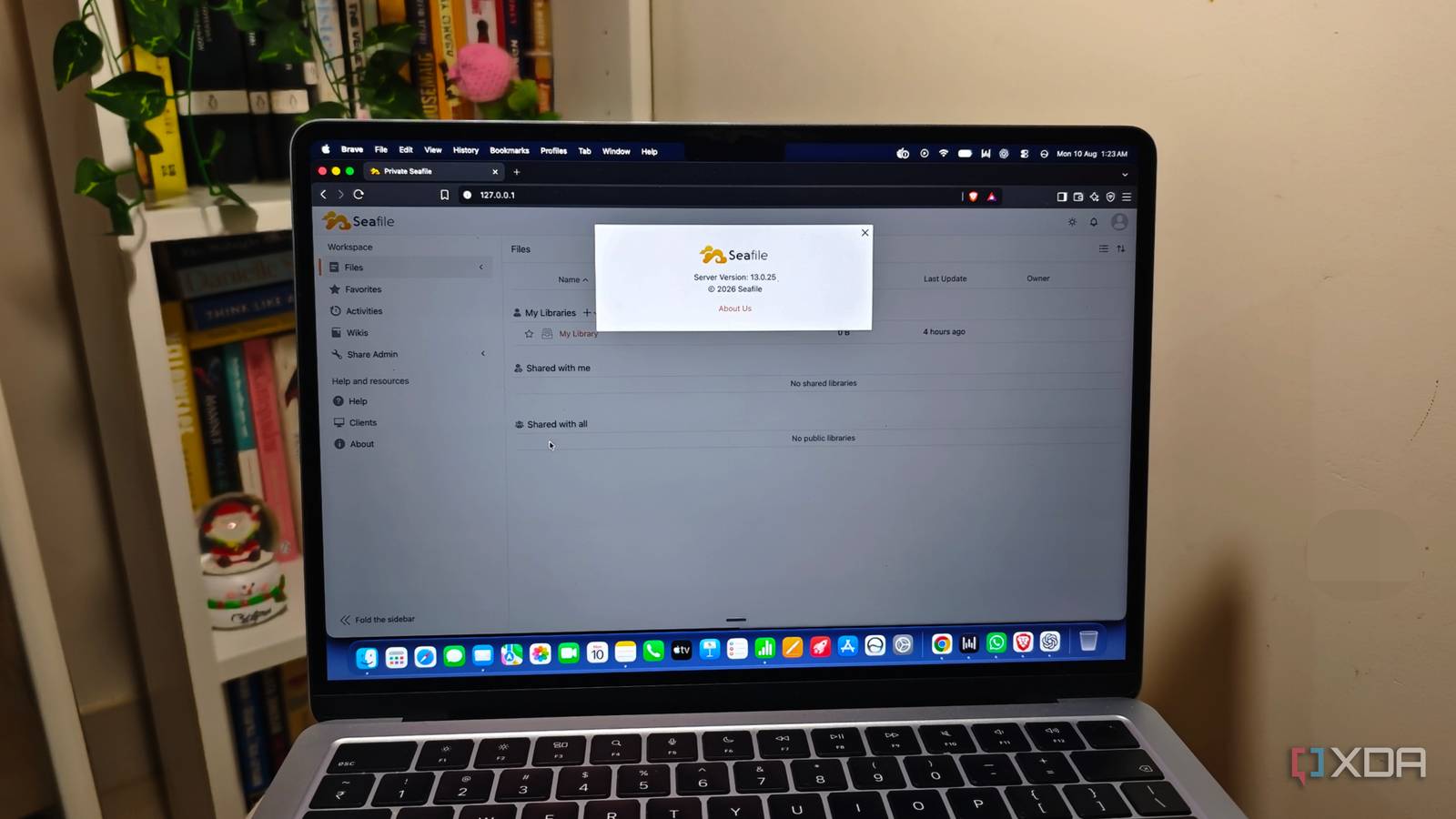
Published Aug 14, 2026, 10:30 AM EDT Anurag is an experienced journalist and author who’s been covering tech for the past 5 years, with a focus on Windows, Android, and Apple. He’s written for sites like Android Police, Neowin, Dexerto, and MakeTechEasier. Anurag’s always pumped about tech and loves getting his hands on the latest gadgets. When he's not procrastinating, you’ll probably find him catching the newest movies in theaters or scrolling through Twitter from his bed. I started using Nextcloud because I wanted a private alternative to Google Drive that I could run on my own server. It did that job well, but Nextcloud has grown into a much larger platform over the years. It can manage your calendar, contacts, email, video calls, notes, office documents, and plenty more. I was using almost none of that. Most days, I open the Files app and ignore everything around it. After some time, running an entire productivity platform just to sync files between my computer and phone started looking excessive. I replaced it with Seafile, which focuses mainly on storing, syncing, and sharing files. I still have remote access, mobile and desktop apps, sharing links, and version history. The features I left behind were the ones I never opened in the first place, so I haven't missed Nextcloud since moving away from it. Nextcloud is bloated It tries to be everything Nextcloud stopped being a simple self-hosted file cloud a long time ago. It now wants to replace a large part of Google Workspace or Microsoft 365, with apps for email, calendars, contacts, video calls, office documents, notes, task management, and plenty more. That makes it an incredibly capable platform, although my use of it never grew beyond the Files app. I would upload documents, sync them across my devices, and occasionally create a sharing link. Everything else was just sitting there. Even the official Nextcloud All-in-One installation gives you an idea of how large the platform has become. A regular deployment uses Nextcloud alongside PostgreSQL, Redis, and its high-performance file backend. You can then add separate containers for Nextcloud Office, Talk, full-text search, antivirus scanning, image previews, and backups. The AIO installer manages much of this for you, but there is still a considerable amount of software running behind what appears to be a fairly simple cloud drive. You can disable the apps you don't use, of course. That doesn't change the fact that Nextcloud is designed as a complete collaboration platform, and files are now just one part of it. Updates still involve the main server and installed apps, while the administration panel regularly has something to say about background jobs, caching, database indexes, PHP settings, or security headers. Seafile is a leaner alternative with as many features It's much closer to what I've always wanted from Nextcloud Seafile is much closer to what I originally wanted from Nextcloud. Its web interface is built around files, with everything organized into libraries that can be synced and shared separately. There is no dashboard trying to show my calendar, emails, tasks, weather, and whatever else I installed six months ago and promptly forgot about. I log in and see my files, which is exactly how a file server should work. Moving to Seafile also didn't require me to change how I access those files. It has regular desktop clients for Windows, macOS, and Linux that keep selected libraries synced locally. SeaDrive gives you a files-on-demand experience, where everything appears inside Finder or File Explorer without occupying space until you open it. You also get Android and iOS apps that cover remote access and photo uploads. The features I regularly depend on in Nextcloud are all here. I can generate public links, add passwords and expiration dates, and create upload links so I can receive a file without seeing the rest of the folder. Seafile keeps previous versions and library snapshots, and deleted files remain recoverable from the trash. I never used Nextcloud Talk or connected my email and calendar, so their absence hasn’t affected me. It's worth mentioning that Seafile handles synchronization differently. It divides files into content-defined blocks averaging around 8MB and reuses blocks that haven't changed. When you edit part of a large file, Seafile can transfer the changed blocks instead of uploading the complete file again. Nextcloud supports chunked uploads, although its desktop client still doesn't have delta syncing. Setting up Seafile takes some effort Setup is not as simple as Nextcloud The setup is more involved than I expected from a supposedly leaner application. Most of that effort happens at the beginning, though, and I would still take a slightly annoying installation over carrying Nextcloud’s clutter every day. The current Community Edition expects you to use Docker, and the official setup involves separate configuration files for Seafile, SeaDoc, and Caddy. You also need MariaDB and Redis, so this is still a multi-container application despite being considerably more focused than Nextcloud. The installation process starts with downloading the supplied Compose and environment files. You then have to configure the storage locations, database passwords, server hostname, protocol, administrator account, and a JWT key before starting the containers. Moving existing data across requires more patience. Seafile stores files as blocks rather than as normal files and folders on the server, so you cannot provide the location of your Nextcloud data and expect everything to appear. You have to create libraries in Seafile and import your files through its desktop client or command-line client. There's no shortage of alternatives If you are not a fan of Nextcloud, like myself, and you also don't like Seafile, there are still plenty of options you can use. OpenCloud is one of them, and you also have NextExplorer.
I ditched Nextcloud for something far lighter, and I don't miss a single feature
Full Article
Original Source
Read the full article at Xda-developers →KhanList aggregates and links to publicly available news content. We do not host full articles from third-party sources. Always verify important information with original sources.