
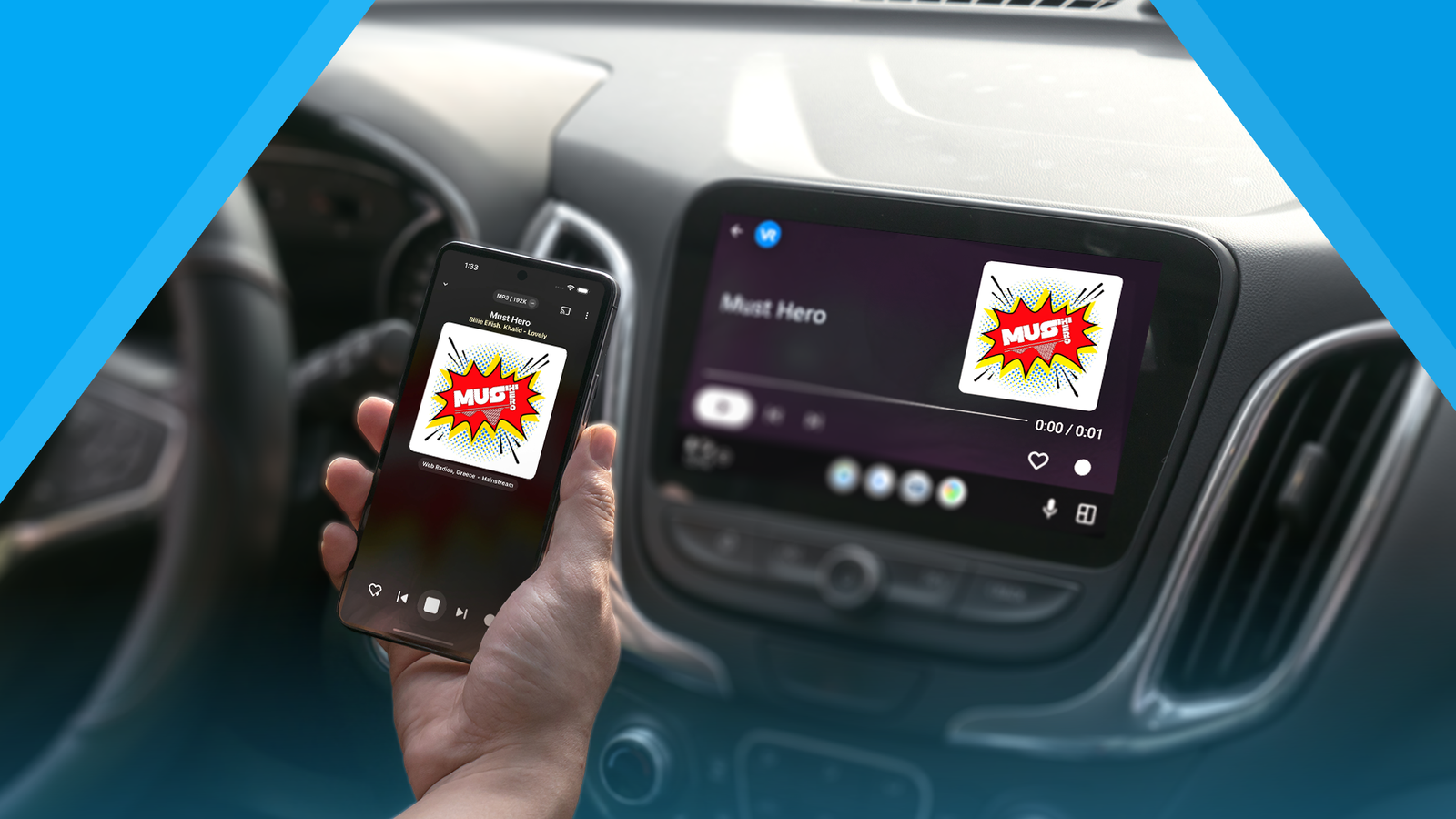
Published Sep 11, 2026, 6:00 AM EDT Akshay Bhalla was the former game guides editor for Screen Rant and the technology editor at MensXP. He has previously written about smartphones, apps, streaming, gadgets, and games for print, digital, and TV media outlets. When he isn’t writing about tech, he can often be found playing JRPGs, listening to music, or playing with his three dogs. You can reach Akshay at bhallanator @ proton dot me. I spend a lot of time in my car, and Android Auto makes my daily commute tolerable. I'm constantly streaming music from YouTube Music, but some days I'd rather listen to local radio than a random song the algorithm picks. But in recent years, the number of radio stations in my area has declined, and the ones that remain play the same kind of music. Until I came across an app that lets me stream thousands of radio stations from across the world and experience different types of music. Radio no longer needs to be local If you've become frustrated with local radio stations as I did, there is an app that answers all our problems. In my city, radio stations play music, but most of them repeat the same songs or are riddled with ads that spoil the experience. While I listen to most of my music via streaming apps like YouTube Music, there are days when I want to hear music curated by humans rather than an algorithm. But since my local radio stations are worse than the algorithms, I installed vRadio, which lets me stream radio stations from other regions. I lived in the UK for about five years in the early 2000s and loved local radio stations like BBC Radio 1 and Heart Wales South, which played new electronic music and underserved genres. I wanted to listen to other indie radio stations, such as NPR or a country station from Texas. But since I couldn't tune in to them on my car's stereo, I decided to take a gamble on vRadio. To my surprise, the app is robust and offers radio stations from almost every country. Suddenly, I had access to thousands of radio stations that weren't possible before. What's neat is that vRadio works with Android Auto and has a user-friendly interface. Since the app offered stations from my city, I didn't need to use the FM mode on my car's infotainment system. Another bonus: Since vRadio streams radio stations from the source, the difference in sound quality compared to the FM tuner was massive. After setting up the app, I never touched the FM mode in my car again. How to use the vRadio app for streaming thousands of radio stations How the vRadio app works Using the vRadio app is straightforward and doesn't require any settings tweaks to get started. On the Explore page, you can favorite radio stations from specific regions, genres, or networks you like. If you aren't sure which radio station you want to start with, you can try stations from the Popular Stations category. Fair warning, though: you might be overwhelmed by all the radio stations you can pick from. I recommend setting up your favorite stations before using the app with Android Auto, since it's easier. I also like to tweak the Equalizer from its dedicated tab to suit my car's speakers or the IEMs (in-ear monitors) I use when listening on the phone. You aren't limited to the radio stations featured in the app. I like a station called SomaFM, a community-funded indie station based in Seattle. Since I had the radio station's stream link, I could add SomaFM to vRadio and my favorites. You can do this for obscure radio stations, as long as they have an active streaming link. I prefer to listen to new music, and I'm often not aware of the track's name. Thankfully, vRadio displays song information if the radio station supports it. I also like to listen to talk shows I don't get to hear live. However, vRadio lets me record any show as an MP3 file and play it later. Many features, such as recording shows, alarm clock schedules, and access to Android TV, are only available in the app's premium tier, which costs $13 as a one-time purchase. The vRadio app is no slouch, though, with plenty of customization options you would find in other music player apps. Since there are many options, here are some that I use: Auto-Play on Startup Stop on Headset Unplug Auto-Play on Bluetooth Device Connection Remotely control UPnP/DLNA devices Alarm Clocks Sleep Timer Schedules Chromecast streaming The app has ads, but they aren't particularly intrusive. But the main reason I unlocked the Premium tier was to record audio. I also appreciate other Premium features, such as Schedules, Alarm Clocks, and different audio settings for certain stations. I absolutely love this app, and I recommend trying it if you're also looking to discover new content from different regions. Access to global stations made me love radio again My local radio stations were the reason I started looking for alternatives, and I can't thank them enough. The stations played the same songs and countless ads, which started to annoy me, and I was desperate for a solution. But when I came across vRadio, I started listening to more content from around the world, and its Android Auto support was a massive plus. I recommend giving it a try, and if you like the experience, upgrade to the premium tier to get more out of the app.
I ditched local radio for an Android Auto app with thousands of stations from around the world
Full Article
Original Source
Read the full article at Androidpolice →KhanList aggregates and links to publicly available news content. We do not host full articles from third-party sources. Always verify important information with original sources.