
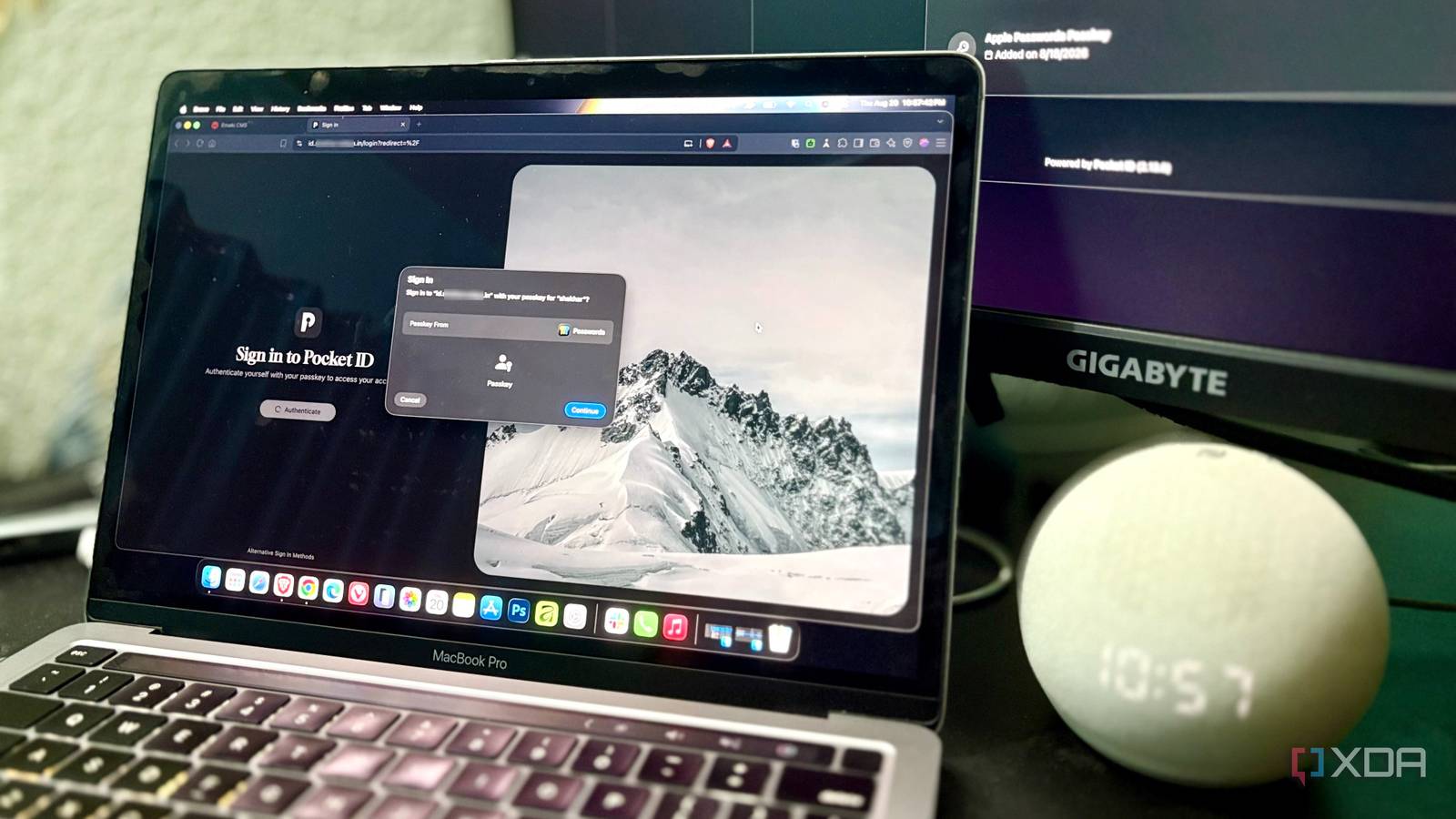
Published Aug 21, 2026, 1:01 PM EDT Shekhar Vaidya is a veteran technology journalist and computer science engineer. He is the founder of TechLatest, where he has spent years providing technical analysis on hardware and Windows ecosystems. Now a Computing Writer at XDA, Shekhar leverages his deep background in NAS, storage solutions, and PC internals to help readers master their tech. I reached a point in my homelab journey where it started to feel like I was logging in with similar credentials for separate services. I always liked the idea of one centralized authentication. I was familiar with SSO too, but I was hesitant to implement it because almost every self-hosted SSO guide seemed to begin with Keycloak. Keycloak always felt like a heavyweight identity service, and I didn’t want to manage another piece of heavy infrastructure. The equation flipped when I came across Pocket ID. It was a one-container Keycloak alternative. Installing Pocket ID on my homelab was easy. Getting my services to talk to it was another story. A passkey instead of a realm As an owner of a self-hosted homelab with more than 20 services and 15+ logins, I always felt a single login method for all those services would be so much better. I knew SSO, or Single Sign-On, was the solution, but whenever I opened any self-hosting thread on Reddit, the most common suggestions were Keycloak and Authentik. And when I actually looked at them to install, it felt like another infrastructure to maintain — clients, databases, configurations, and much more, so most of the time, I’d just look, sigh, and move on. My homelab was already simple: all the compute on my home Debian server, storage on the NAS, and private/public access via a disposable VPS. A few weeks ago, in my free time, I scrolled through Reddit and saw someone mention Pocket ID as a simple SSO provider based on a single Docker container. That single Docker container grabbed my attention. I took a look at its GitHub repo: OpenID Connect (OIDC)-certified, passkeys-first, no LDAP, and no realm/client ceremony. It felt like exactly what I was looking for. I decided to give it a try. I had one real dilemma before installing it. Should I keep it public via Pangolin or private via NetBird? I really wanted to keep it private, but my use case didn’t allow me to host it via NetBird. I didn’t want to ask my friends and family to install another VPN client on their devices just to watch Jellyfin. I tried to deploy it via the Portainer stack. The first deploy wasn't smooth because of the missing ENCRYPTION_KEY variable. Once that was fixed, the installation was clean. Then, I added it to Pangolin and could access the domain immediately. But getting Jellyfin to actually trust it was where the fun part began. Pocket ID A lightweight, self-hosted OIDC identity provider built around passkey authentication. Runs as a single Docker container — no LDAP, no realms, no Keycloak-style setup. The redirect that wasn't broken, just lying about itself A login that refused to start For any self-hosting service, setup and initial configuration are tedious, but with SSO, the latter is more tedious than the installation. Installing an SSO provider is one thing; integrating it with each supported service is a whole separate fight. The installation took merely 5 minutes, but integrating it with my actual services took hours. I started with Jellyfin. The first wall: Jellyfin doesn’t support OIDC out of the box. I had to install a third-party plugin to get it running. I configured the OIDC client on Pocket ID and added those details to Jellyfin. Everything looked simple enough, but as soon as I tried to log in to Jellyfin via Pocket ID, it denied access with aninvalid_request - Failed to push authorization parameters error. Pocket ID expected Pushed Authorization Requests (PAR), but Jellyfin’s SSO didn’t implement them by default. After looking around a bit, I found it was just a checkbox away inside Jellyfin SSO settings. Once that was fixed, a second issue showed up. On the Pocket ID auth page, the redirect URI came back as http://, whereas everywhere else it was HTTPS, so again, access was denied. I had to manually add "https" in the scheme override column. The fix doesn’t matter much here; the real lesson is that when you are working with a reverse proxy, you need to define each service’s handshake protocol explicitly. The Jellyfin-Pangolin architecture was simple: Browser -> HTTPS -> Pangolin/Traefik -> HTTP internally -> Jellyfin. In the whole process, TLS was terminated at the proxy, so the request was forwarded to Jellyfin over HTTP. It was fine before I implemented SSO, but once SSO was in the picture, Pocket ID expected an HTTPS redirect URI but got HTTP instead. These are small details to handle when working with OIDC and reverse proxy setups. At this point, Pocket ID and Jellyfin were working seamlessly. But I didn’t do all this just for one application. The next two applications proved that “supports SSO” meant something different for each. Three apps, three definitions of "supports SSO" One login, one stranger's account After the Jellyfin troubleshooting journey, I assumed other apps would behave the same. But the stories are different for Nextcloud and Immich. I started with Nextcloud, and it was the smoothest of all. Nextcloud has native OIDC support through the OpenID Connect user backend (user_oidc) app, so I used occ to match the username. It worked without any additional overhead. What happened with Immich is an interesting story. Immich also had native OIDC support, but unlike Nextcloud, it matches the OIDC identity using email rather than username. I didn’t know that while logging in for the first time. I authenticated Immich via Pocket ID and logged in. But the account was empty — no images, nothing; it even took me through the onboarding process again. For a moment, I got worried. But once I navigated to the profile, I discovered that it was a completely separate account. It was a silent failure because neither Pocket ID nor Immich showed any errors, but it created a new account and logged me into it. The good thing was that my old account was safe and had all the media. I took an important lesson from it: always verify the identity claim before logging in or even before enabling OIDC on an existing service. All looked good when the integrations were done, but that wasn’t the case for me. The service — Jellyfin — that took the most effort turned out not to work on its mobile apps at all. Since Jellyfin doesn’t have official OIDC support, SSO only works in the browser. So, while using apps, Quick Connect is the only real workaround. In the end, all three services made me learn different lessons. Nextcloud showed what an ideal implementation looks like. Immich showed why account matching and identity claims matter. And finally, Jellyfin proved why native client support matters. A lighter provider, heavier homework SSO as a concept was never the issue. I was just not ready to lift Keycloak’s weight. But Pocket ID showed me that an identity provider doesn’t need to be as complicated as Keycloak. The passkey-only, single-container approach is what made me try and stick with SSO this time. Each service has different working philosophies. Before enabling OIDC, you need to check how the service matches identities, how it handles existing accounts, and whether it behaves normally behind a reverse proxy. The whole journey gave me a better takeaway — ‘Supports SSO’ doesn’t mean it’s going to work the way you expected. The real lesson is figuring out what each application actually means when it says it supports OIDC.
I ditched Keycloak for a single-container SSO, and the integration headaches explained everything
Full Article
Original Source
Read the full article at Xda-developers →KhanList aggregates and links to publicly available news content. We do not host full articles from third-party sources. Always verify important information with original sources.