
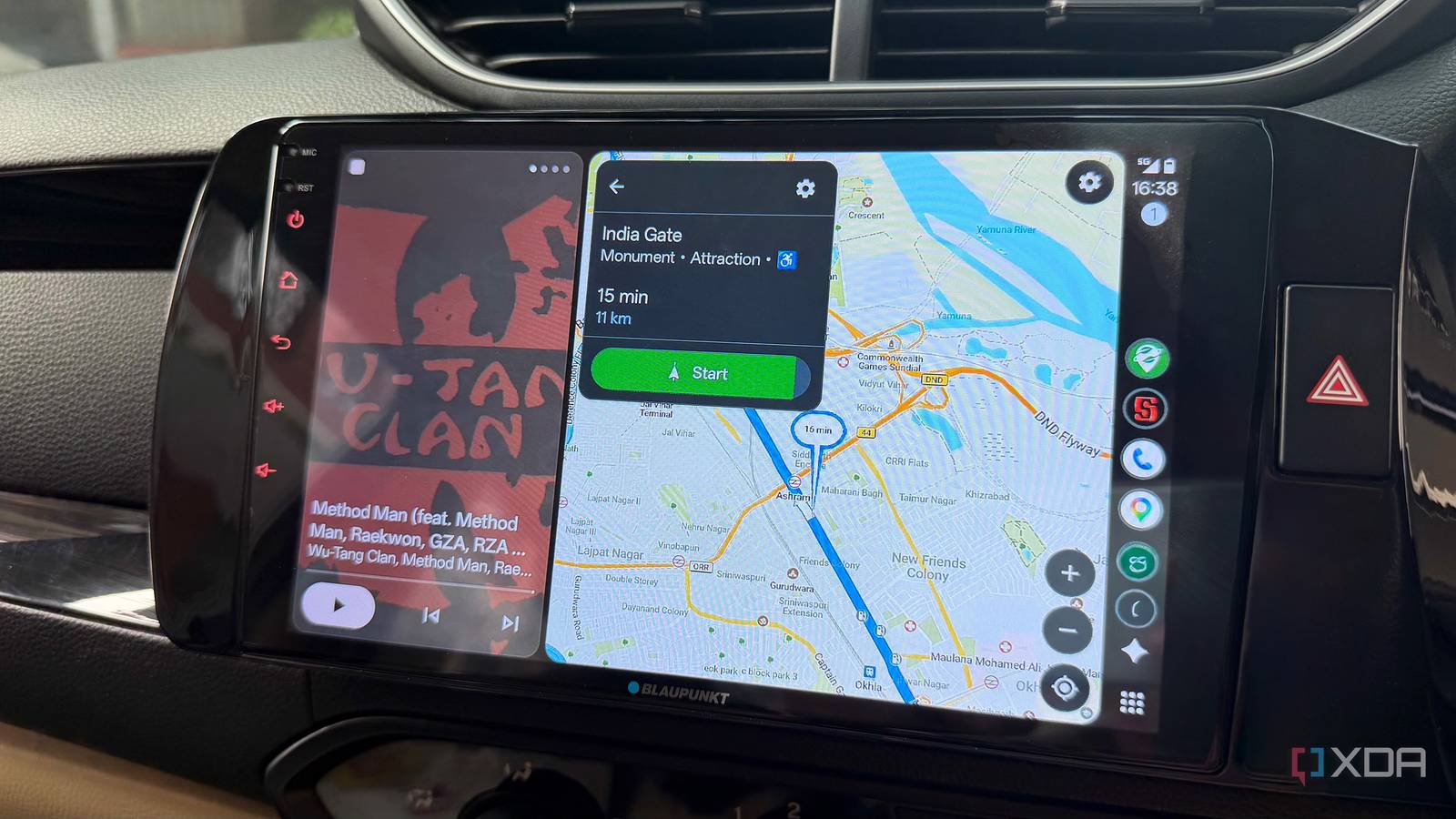
Published Aug 17, 2026, 11:30 AM EDT Dhruv Bhutani has been writing about consumer technology since 2008, offering deep insights into the personal technology landscape through features and opinion pieces. He writes for XDA-Developers, where he focuses on topics like productivity, networking, self-hosting, and more. Over the years, his work has also appeared in leading publications such as Android Police, Android Authority, CNET, PCMag, and more. Outside of his professional work, Dhruv is an avid fan of horror media spanning films and literature, enjoys fitness activities, collects vinyl records, and plays the guitar. It's impossible to eliminate Google Maps from our lives completely. Between checking store timings and sharing location information with contacts, it's borderline essential. But when it comes to navigation, I've moved away from it for a few good reasons. Organic Maps has become my new go-to for everyday driving because it solves two serious problems I kept running into. For one, it works without needing mobile data. But more importantly, it does not track my movements at all. Built around OpenStreetMap, Organic Maps allows you to download map data straight to your phone so you can plan a route, search for places, and navigate using Android Auto without any dependency on Google's servers. Organic Maps makes offline navigation much easier Download entire regions instead of drawing rectangles I'm aware that Google Maps on Android Auto supports offline navigation, but the way it works isn't something I'm a big fan of. You shouldn't need to draw rectangles on a map to decide what to keep offline. Organic Maps works differently. It lets you download entire regions and keep everything from the terrain information to search data and routing information securely offline. Lately, most of my driving has been long road trips with spotty connectivity. While Google Maps does support offline maps, when you're navigating a country as large as India, it's impossible to fit the entire route into a rectangle. Organic Maps, on the other hand, lets you download states or regions covering your entire route. This means I no longer have to worry about a stretch of bad coverage interrupting navigation or having to download a large area at the last minute. Of course, it's non-negotiable that my navigation app of choice needs to support Android Auto. Organic Maps does, which makes it a shoo-in replacement for Google Maps in my books. As far as features go, it has all the essentials like turn-by-turn navigation and voice guidance. Elsewhere, you'll even find the latest Google Maps additions, like on-screen speed limits. One of the features I judge offline mapping solutions on is search. Because the map is stored locally, there's no reasonable way for the app to have access to every single nav point. However, I expect all the major map pointers to be covered. That's something I tested before committing fully to Organic Maps, and I was delighted to discover it was delivered. It makes sense too. OpenStreetMap has come a long way and continues to improve its database. With smaller roads, trails, and points of interest, I can easily find places without relying on a data connection. This OpenStreetMap backend is what makes Organic Maps truly special. The app is continuously updated by volunteers rather than relying on a single company's proprietary map database. While coverage and accuracy aren't quite as good as Google's, they aren't as far off as I'd have thought. More than just offline maps Privacy without giving up essentials While offline navigation is obviously a big reason I switched to Organic Maps, the app also offers a range of quality-of-life features that make it worth exploring. The built-in bookmarks functionality is excellent for saving important locations. Organic Maps lets you organize saved locations and import or export them in popular formats such as GPX, KML, KMZ, and more. If you've ever bothered with trying to export your Google Maps saved places, you'd know how convoluted the company makes it. This feature is a godsend when you're trying to navigate to a trailhead off major roads. Popular hikes are often shared via GPX files, and Organic Maps makes it a cinch to import them. Route planning is straightforward too. I can choose from a variety of route options, including obvious ones like the fastest and shortest. You'll also find standard settings to help you avoid things like toll roads, ferries, and unpaved roads. Recent updates have also added in public transportation support, but that's not something I've had an opportunity to test out yet. Credit: In all of this, the most important thing to note is that the app is designed to be as close to fully functional as possible without depending on internet connectivity. That makes a huge difference compared to something that can technically work offline but isn't really designed for it. While we're at it, privacy is another reason why I have made the switch. With Google Maps, it is understood that all your data is being shared back. It's the trade we make for Google's services. But it doesn't have to be that way. Organic Maps has no advertising, tracking, or information collection whatsoever. Nor do you need an account. Yes, this means that you won't get restaurant reviews and up-to-date traffic information. But if all you care about is efficient navigation, it'll do the trick. Why I prefer Organic Maps for everyday navigation Whether you should switch depends on how you use navigation apps. If current traffic information is critical to your daily needs, Organic Maps won't cut it. Similarly, if you need a vast database of businesses, opening hours, and more, Google Maps still comes out on top. But if you need reliable navigation with offline maps and a guarantee of privacy, you could do worse than switching to Organic Maps. I have, and I don't think I'm missing out on much. Organic Maps Organic Maps is a free, open-source offline navigation app for Android and iPhone, offering privacy-focused, ad-free maps, hiking trails, driving directions, bookmarks, and maps without tracking users or collecting data.
I ditched Google Maps' offline mode for this app, and now I never worry about connectivity again
Full Article
Original Source
Read the full article at Xda-developers →KhanList aggregates and links to publicly available news content. We do not host full articles from third-party sources. Always verify important information with original sources.