
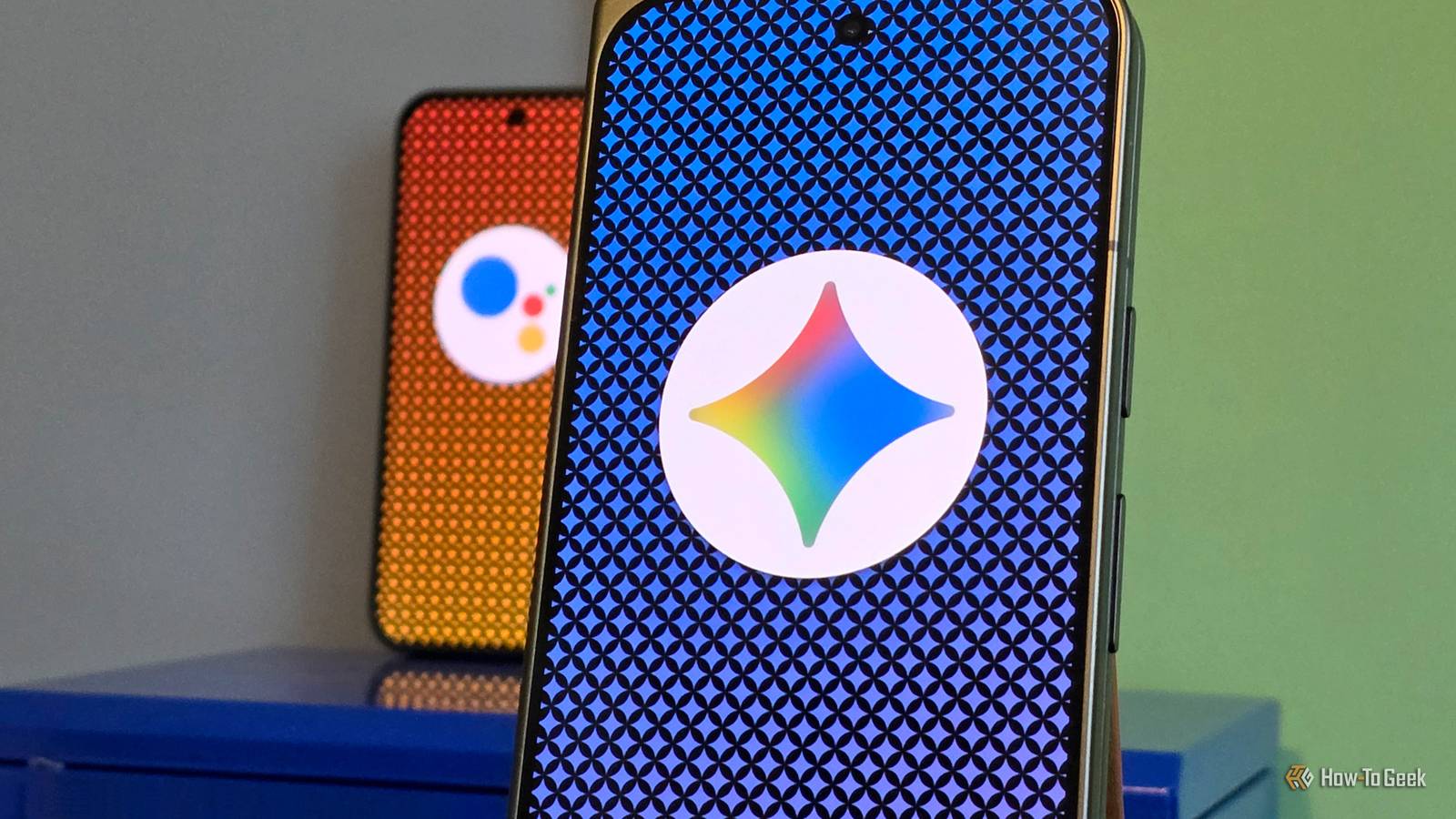
Published Oct 26, 2026, 9:00 AM EDT A Computer Engineer turned tech-savvy. Sanya is part of the How to Geek team, and she covers Android, Samsung, Google, apps, and everyday technology, combining hands-on experience with thorough research. She helps readers understand technology without getting lost in technical jargon. I use Google Assistant when I’m driving, planning my day, or trying to remember something before it slips my mind. I can ask it to message someone, find an answer, or remind me about a task without breaking my flow. So when Google started pushing Gemini as its replacement, I was curious but a little hesitant. The Assistant and I had a good thing going, and I wasn’t sure I needed a change. Still, I decided to ditch Assistant and give Gemini a proper try. I expected smarter answers. What I didn’t expect was how differently I’d end up using my phone’s assistant — and the few things that made me miss the old one. I stopped giving robotic commands Gemini actually lets me talk things through Google Assistant has always been good at following commands, but I had to be pretty specific. I’d ask it to play a song, call someone, or set an alarm. If I wanted to do multiple tasks at once, I would’ve had to think twice. Gemini feels different because I can explain what I mean instead of sticking to short commands. I can describe a dish I tried at a restaurant and ask Gemini to help me make it at home. If I ask for weekend outing ideas, I can narrow them down by asking for kid-friendly places or options that don’t require a long drive. It feels more natural than treating every request as a separate task. Another thing I appreciate is being able to ask Gemini to explain something in simpler terms. If I come across a technical topic while researching an article, I can ask for an explanation, then request an example to help me understand it better. The biggest change is that I no longer think only in terms of commands. I can start with a half-formed idea and work through it with Gemini, which makes using a voice assistant feel much more useful than I expected. Gemini goes beyond voice commands My apps are part of the conversation Using Gemini in Google Maps The biggest surprise was discovering that Gemini can do more than answer questions. When I connect with supported Google apps, Gemini can help me work with information I already have instead of making me jump between apps. I use Google Keep to save article ideas and grocery lists. With Keep connected, I can ask Gemini to add an item to an existing list without opening the app myself. It’s also useful when I’m planning a trip. I can ask Gemini to suggest places to visit, group them by area, and build a day-by-day itinerary, so I’m not driving across town between every stop. I can then open the suggested locations in Google Maps to check distances and plan my route. I noticed this difference in Android Auto, too. Google Assistant could already play music, navigate to places, make calls, and send messages. But Gemini lets me make more detailed requests, ask for coffee spots along my route, and follow up on a message without starting over. I can even ask it to search Gmail for my hotel’s address and navigate there, all through voice commands. That’s what makes Gemini feel like a bigger upgrade to me. But there’s a catch Being smarter doesn’t always mean being better As much as I enjoy Gemini, I understand why some people aren’t ready to give up Google Assistant. The Assistant was great at handling quick commands, and I knew exactly what to expect from it. I also miss how easily I could rely on familiar voice commands. When you’ve used the same assistant for years, you don’t want to relearn simple tasks just to get similar results. Then there’s the smart-home side of things. With Google Assistant, I could say “Hey Google, good morning” and trigger a routine that turns on my lights, gives me the weather and calendar updates, and plays the news. Gemini supports many smart-home controls, but some familiar routine actions aren’t supported, so I’d need to check which parts of my setup still work. Gemini shines when I want to brainstorm, ask follow-up questions, or explore an idea. But not every request needs an AI conversation. That’s the trade-off: Gemini feels more capable, but Google Assistant’s simplicity still has its place. Why should I have to choose? After switching to Gemini, I can see why Google wants it to replace Assistant. I enjoy having a smarter assistant that can help me think through things, but I don’t want to lose the convenience I’ve come to expect from my phone. I don’t think one assistant has to win at everything. I want Gemini when I’m exploring ideas and solving problems, and I want the simplicity of Google Assistant for everyday tasks that don’t need much thought. Ditching Assistant was easy. Replacing it wasn’t.
I ditched Google Assistant for Gemini, and the change caught me off guard
Full Article
Original Source
Read the full article at Howtogeek →KhanList aggregates and links to publicly available news content. We do not host full articles from third-party sources. Always verify important information with original sources.