
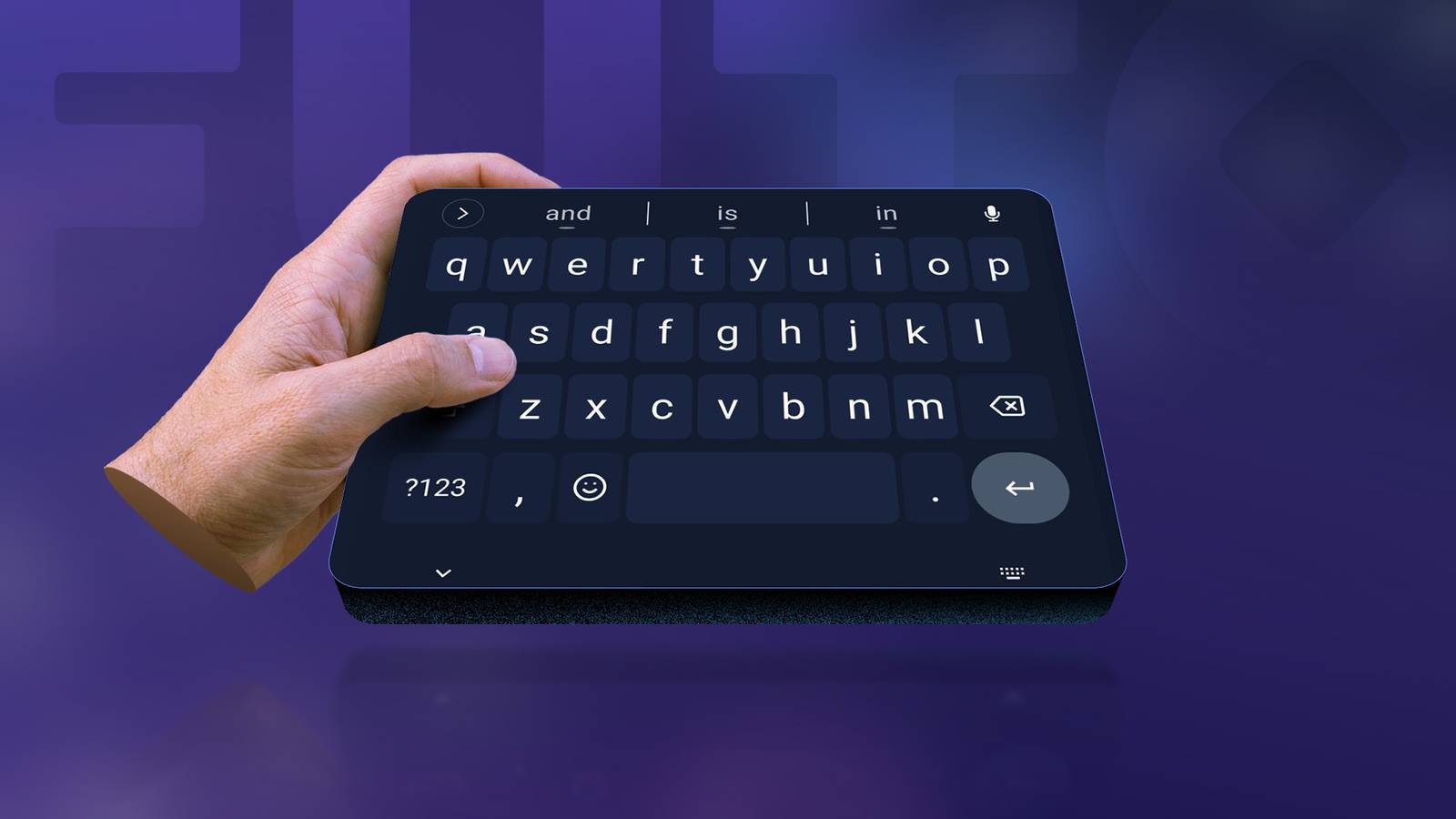
Published Sep 2, 2026, 11:15 AM EDT I cover Android with a focus on productivity, automation, and Google’s ecosystem, including Gemini and everyday apps. With a background in engineering and software development, I tend to go beyond surface-level tips and focus on how features fit into real workflows. Before joining AP, I wrote for tech publications such as Gizbot in 2023 and iJunkie (formerly known as iPhoneHacks) from 2021 to 2022. I've used Gboard for years without stopping to think about what it means for my keyboard to have internet access. I type passwords, private messages, emails, searches, and all kinds of random thoughts into it every day. Somehow, I accepted that it was normal. FUTO Keyboard made me question that. It works without a network connection, and its voice typing happens on my phone rather than in the cloud. I didn't expect switching keyboards would make me think twice about something I use constantly, but after using FUTO for a while, I wondered why I assumed my keyboard needed to be online. I didn't realize how much I trusted my keyboard A keyboard isn't like most apps If I install a weather app, I expect it to need the internet. Same with YouTube, Google Maps, or most anything that depends on online content. But a keyboard? Its basic job is simple. Gboard turned that simple job into much more. It can translate text, find GIFs, and support voice typing. But none of that changes what I need a keyboard to do most of the time: let me type. That's why FUTO Keyboard's approach caught my attention. It doesn't request network permission, yet offers features I'd expect from a modern keyboard, including predictive text, autocorrect, swipe typing, and offline voice input. When I type something into FUTO, it is clear that the text stays on my phone and is processed there. After switching from Gboard, I found that reassuring. I like the idea of having a keyboard that doesn't send what I type anywhere. Privacy isn't the only thing FUTO gets right There was more to the app than keeping my typing offline I expected FUTO to feel like one of those privacy-first apps where I would have to accept some compromises. However, the basic typing experience felt closer to Gboard than I expected. I get swipe typing, autocorrect, predictive text, emoji suggestions, voice input, and themes. FUTO also lets me adjust the keyboard's size, turn on a dedicated number row, and add a row of four arrow keys. I can decide how long I need to hold a key before it registers as a long press, change the order of characters that appear when I hold a key, and choose whether holding or swiping the backspace key deletes one character or an entire word. I can also change what swiping or holding the spacebar does, including using it to switch languages. FUTO gives me more control over autocorrect than I expected. I can adjust how aggressively it corrects my mistakes, turn personalized suggestions on or off, and block words I never want to see suggested again. There's also a personal dictionary for words I use regularly. Multilingual typing is another useful touch. Instead of switching between keyboard layouts, I can enable multiple languages and have FUTO predict and autocorrect words from them at the same time. FUTO isn't a complete Gboard replacement This is where Gboard still has the edge FUTO does a good job of getting the basics right, but switching from Gboard also made me notice how many extras I had gotten used to. Gboard lets me search for a GIF without leaving the keyboard, while FUTO doesn't have that option. My messaging apps have their own GIF pickers, so I use those. Then there are some things I don't use every day, but still notice are missing. Gboard supports handwriting input, for example, while FUTO doesn't offer the same handwriting keyboard. Gboard also has built-in translation, so I can translate something as I type instead of copying it into another app. On supported devices, its writing tools can proofread text, rephrase it, shorten it, or add emojis. I ended up keeping both keyboards I found myself switching between the two I didn't completely replace Gboard. I ended up keeping both keyboards on my phone and switching between them depending on what I'm doing. FUTO is the one I reach for when I want to type my messages, emails, notes, and searches. It provides the typing features I need while keeping the keyboard completely offline, which is the reason I wanted to try it. However, I still prefer Gboard for more advanced capabilities, such as translating text as I write or accessing Gboard's latest writing tools. Switching between the two keyboards is simple. After enabling both, I can open any app where I can type and bring up the keyboard I want to use. I then tap the keyboard icon in the lower-right corner of the screen and select FUTO or Gboard from the input-method menu. On some phones, the icon may look slightly different or appear in a different spot, but it's generally in that lower-right area. I don't think I'll give up FUTO anytime soon I started using FUTO because I liked the idea of a keyboard that couldn't send my typing over the internet. However, it isn't a perfect replacement for Gboard. I still prefer certain Gboard features, and having Google's additional tools integrated into the keyboard can be useful at times. But for ordinary typing, FUTO does everything I need while keeping the keyboard completely offline.
I ditched Gboard for an offline keyboard; I'm shocked by how little I miss it
Full Article
Original Source
Read the full article at Androidpolice →KhanList aggregates and links to publicly available news content. We do not host full articles from third-party sources. Always verify important information with original sources.